
Hotel Lobby AI Video
Only upload photos of yourself or of people who agreed to take part.
Two photos in, one baroque rap duet out.
Hotel Lobby AI Video Generator: Your Rap Duo, Center Stage
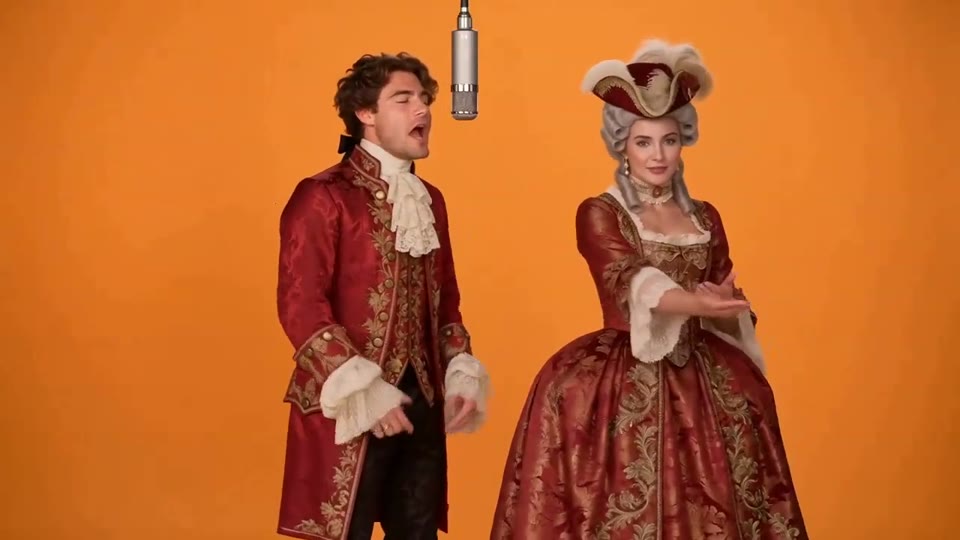
The Hotel Lobby AI video generator turns two ordinary portraits into a costumed rap duo on a blazing orange stage. Inspired by the Hotel Lobby trend, it creates a new video starring the people in your photos, dressed in baroque court costumes and trading rap lines under one silver microphone. Upload one photo per person; the template handles costumes, staging and sound, and your finished clip arrives as an MP4 with an original beat.
The template generates picture and audio together, so the verses match the performers' lips and never come from an existing song. Clips are usually ready in one to three minutes. Searching for Hotel Lobby AI free? Browsing templates and samples costs nothing, and new accounts get a few starter credits. Generating uses credits, from 19 for a five-second 480p clip, and the template shows the exact cost first.
- Two photos, two performers
- Baroque costumes, orange stage
- Original beat and rap vocals
- 16:9, 9:16 or 1:1
How to Use the Hotel Lobby AI Video Generator
The template already knows the scene, costumes and performance. You bring two faces.
Upload the left performer
Put a sharp, well-lit photo of the first person in the left slot of the template. One person per photo, face fully visible. This photo becomes the performer on the left, so decide who stands where.
Upload the right performer
Add the second person in the right slot. The two people need not be photographed together: the template stages them side by side in one shot, even from photos taken years apart. Two photos to video, nothing more.
Choose format and length
Keep 16:9 for the classic two-shot or choose 9:16 or 1:1, then 480p or 720p and 5, 10 or 15 seconds. Wondering about Hotel Lobby AI free options? The cost beside the Generate button updates as you go, from 19 credits.
Generate and share
The template usually finishes in one to three minutes. Watch the clip, download the MP4 and post it labeled as an AI remix. Not quite right? Generate again for a new take, which uses credits again.
Hotel Lobby Video Generator: Costumes, Staging and Sound
The template follows a fixed recipe; your pair brings the faces.
Two Photos, One Hotel Lobby AI Rap Duo
The template needs exactly two photos, each showing one person. The first becomes the performer on the left, the second the performer on the right, and each face stays tied to its own side for the whole clip. Because nobody has to stand in the same room, a friend overseas, a sibling at college or a partner on a work trip can join the same shot. That is two photos to video at its most useful: the template builds the shared moment, and viewers get to recognize both faces in costume. Sharp, evenly lit portraits give the clearest, most recognizable the rap-duet video.
The Hotel Lobby Trend Look, Detail by Detail
The costumes are what viewers recognize first, so the template fixes every detail. Both performers wear lavish 18th-century baroque court costumes: crimson and gold brocade, embroidered frock coats or gowns, lace jabots, ruffled cuffs and a feathered tricorn hat. They stand side by side before a seamless, saturated orange studio backdrop, with one vintage silver studio microphone hanging between them. The camera holds a steady eye-level two-shot with no cuts, keeping attention on faces and gestures. You cannot change the wardrobe or the set, and that is deliberate: every clip from the template reads as the Hotel Lobby trend within a second.
Original Sound in Every Hotel Lobby AI Video
Sound is generated with the picture. The template produces an original hip-hop beat and short original rap vocals timed to the performers' lip movements. The pair trade lines with rhythmic hand gestures, shoulder bounces and deadpan comic timing, so the result plays like a real AI rap video, not a slideshow with music on top. Nothing comes from an existing song: no lyrics, no recording, no real artist's voice. Each new clip gets its own verses, so two takes with the same photos sound different, and regenerating gives a fresh performance for another round of credits.
Formats, Prices and Hotel Lobby AI Free Questions
The template offers 16:9 by default for YouTube and group chats, 9:16 for Reels, Shorts and TikTok, and 1:1 for square feeds. Resolution is 480p or 720p (the default), and length is 5, 10 (the default) or 15 seconds. At 480p a clip costs 19, 38 or 57 credits for those lengths; at 720p it costs 41, 82 or 123 credits. Anyone searching Hotel Lobby AI free should know that browsing and samples cost nothing, new accounts get a few starter credits, and more credits can be bought or come with a subscription on the pricing page. A five-second 480p the rap-duet video is the cheapest test.
Rap Duo Videos for Friends, Couples and Teams
Each new clip lives or dies by its pairing. Four combinations that work well:
Best-Friend Rap Duo
Cast the friend who raps along to everything in the car and let the template put you both in brocade. The more serious your photos, the funnier the baroque swagger. Friends who live apart work just as well, since two separate portraits become one shot for the group chat.
Couples in the Hotel Lobby AI Spotlight
Turn two portraits into a playful anniversary post, a birthday surprise or a long-distance hello. The template dresses both partners in lace and crimson brocade and has them trade verses under a silver microphone. Choose photos that show each expression clearly, so the deadpan delivery lands with both faces easy to read.
Creator Collabs as a Hotel Lobby AI Video
Two creators planning a joint project can tease it with a rap-duet clip before the collaboration goes live. Upload one portrait of each, choose 9:16 for vertical feeds and explain the partnership in the caption. Matching costumes show the two accounts belong together, and the template adds an original beat.
Team Farewells With the Hotel Lobby AI Video Generator
Pair two colleagues for a farewell message, a launch-day post or the office channel. The template keeps things lighthearted without anyone performing on camera. Ask both people before uploading their photos and choose 1:1 or 16:9 depending on where the team will watch. Ten seconds is plenty for a laugh.
Two Photos to Video: Ideas for Your Next Rap Duet
Concepts for the template, each with a way to caption or post the result.
The Unlikely Rap Duo Reveal
Pair two people nobody expects to rap together, such as a grandparent and a grandchild, with both agreeing. Post the finished video in 9:16 captioned "We started a rap duo. Nobody asked." The court costumes do the rest.
Hotel Lobby AI Birthday Tribute
Cast the birthday person beside their closest friend and send the finished video to the group chat that morning. Caption it "Happy birthday from your hype squad" and pick 15 seconds so the verses have room.
Before-and-After Hotel Lobby Trend Post
Open a vertical post with the two plain portraits you uploaded, then cut to the finished video. The jump to crimson brocade is the joke. Caption it "Two photos to video, Hotel Lobby trend edition" and tag it as an AI remix.
Long-Distance Hotel Lobby AI Duet
Pair your photo with one of a friend who lives far away. The template does not need you photographed together, so the clip becomes a small reunion. Caption it with both cities: "Lisbon and Toronto, finally on one stage."
A Weekly Hotel Lobby AI Video Series
Generate one the rap-duet video per pair of friends and post them across a week as a bracket, asking followers to pick a favorite duo. Matching aspect ratio and length keep the series consistent in a grid.
Two Takes From the Hotel Lobby AI Video Generator
Run the same pairing through the template twice and post both takes, asking which verse wins. Each take gets its own original beat and lines. The second generation uses credits too; a 480p test keeps the cost down.
Photo Tips for Clear Faces and Lip-Synced Rap
The template keeps both people recognizable only when it sees each face clearly.
Works best
- One person per photo, face fully visible
- Front-facing or slightly angled portraits
- Even light with no harsh shadows on the face
- Similar framing and sharpness in both photos
Avoid
- Group photos or two faces in one image
- Sunglasses, masks or hands covering the face
- Heavy filters, blur or tiny faces far from the camera
- Photos of people who have not agreed to take part
What Creators Say About EveryGen’s AI Video Workflow
Feedback from the existing EveryGen image-to-video workflow behind photo-based creative effects.
We now produce campaign videos from existing image assets in a fraction of the time.
Sophie L., Content Marketer
Sophie L.
Content Marketer
Image-to-video helped us upgrade product pages without expensive shoots.
Ryan T., E-commerce Operator
Ryan T.
E-commerce Operator
The prompt controls are practical and outputs are strong for rapid iteration.
Mia W., Creative Producer
Mia W.
Creative Producer
More AI Video Templates Like Hotel Lobby AI Video
Try another trending effect with the same photos.
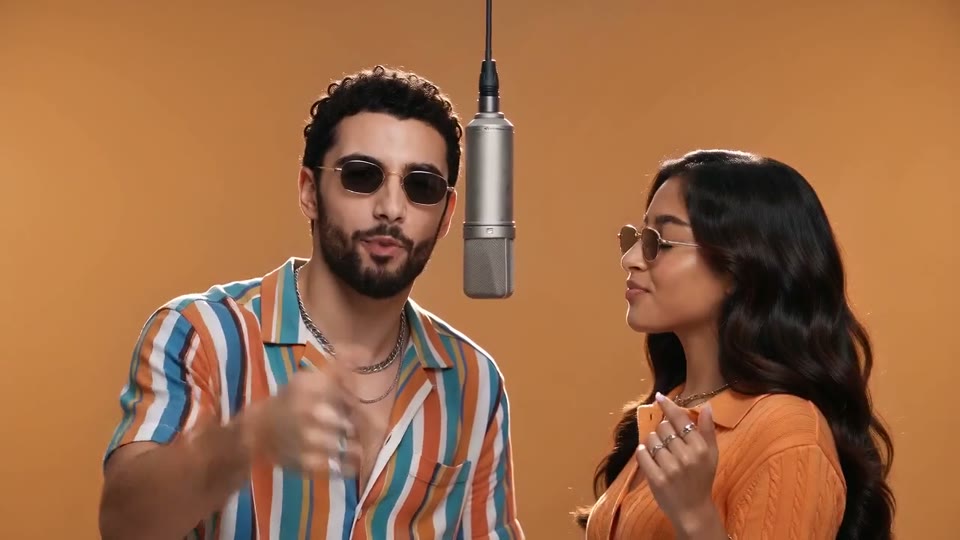
AI Rap Duo Video
You and a friend trade verses in bold streetwear.
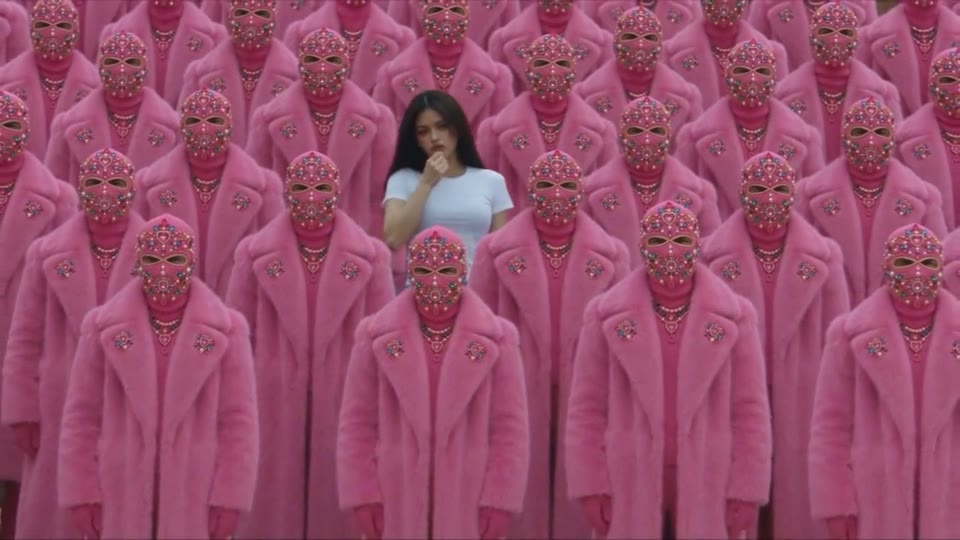
STORM II AI Video
Your character leads a surreal pink-crowd dance.
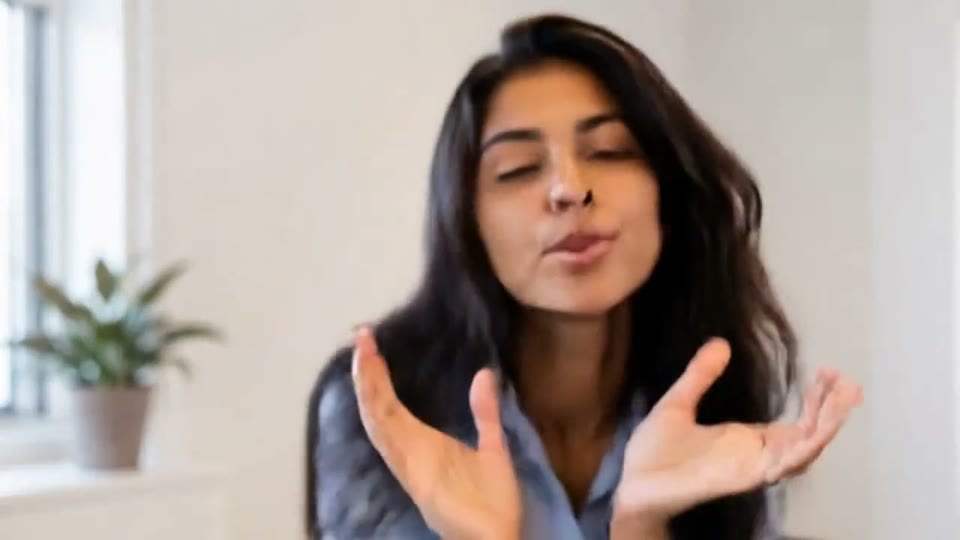
AI Face Dance Generator
A portrait comes alive with a playful face-and-hands dance.
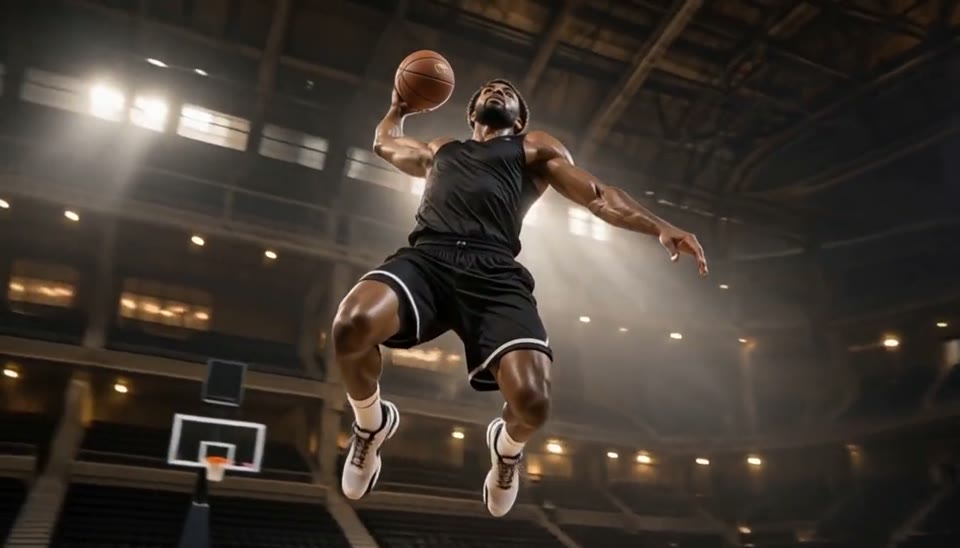
Bullet Time Video
Freeze an action pose while the camera orbits around it.
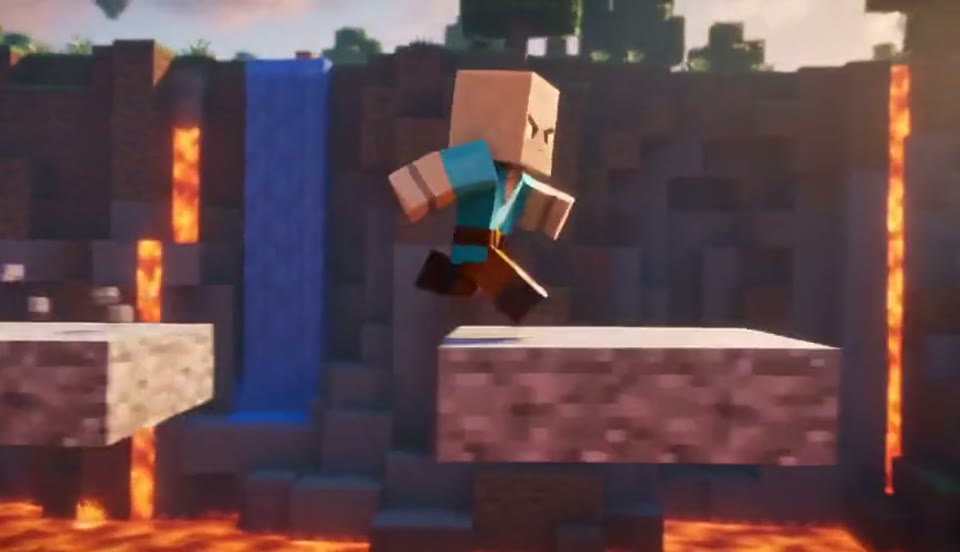
AI Minecraft Video Maker
Create a Minecraft-style AI video from one photo. Make voxel characters, block-world parkour and adventure clips with original sound on EveryGen.
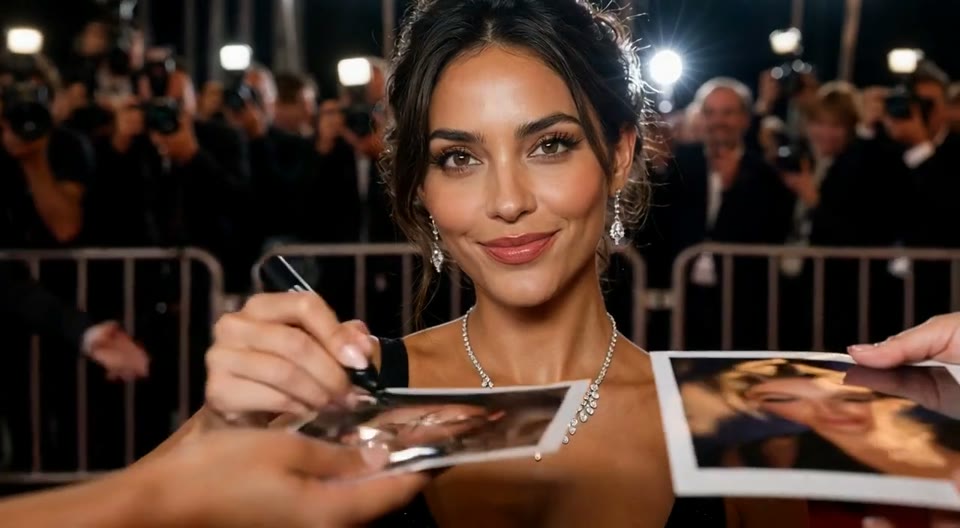
AI Red Carpet Video
Create an AI red carpet video from one portrait. Add elegant eveningwear, paparazzi flashes and a gala entrance with the EveryGen video template.
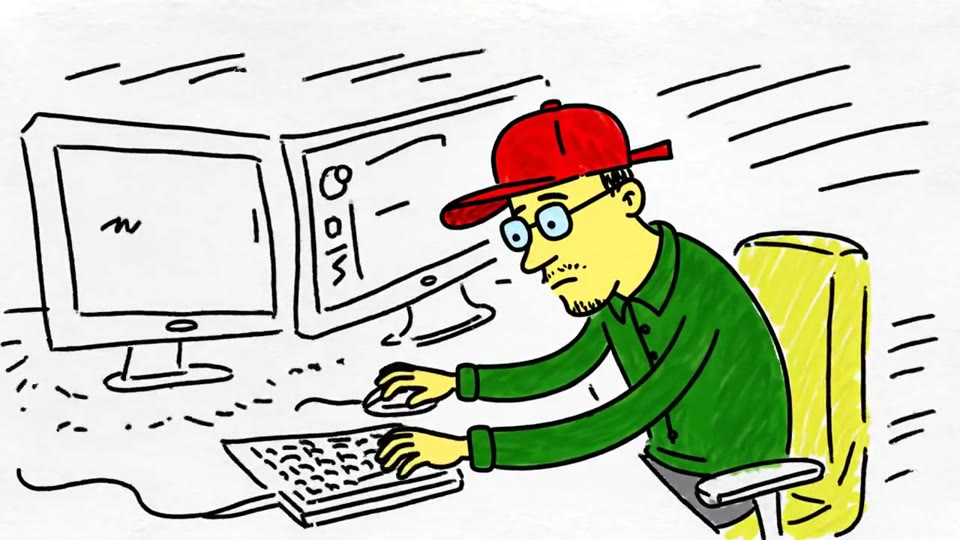
Sketch to Video AI
Turn a sketch, drawing or line-art image into an animated video with EveryGen. Preserve the composition and art style with gentle motion and original sound.
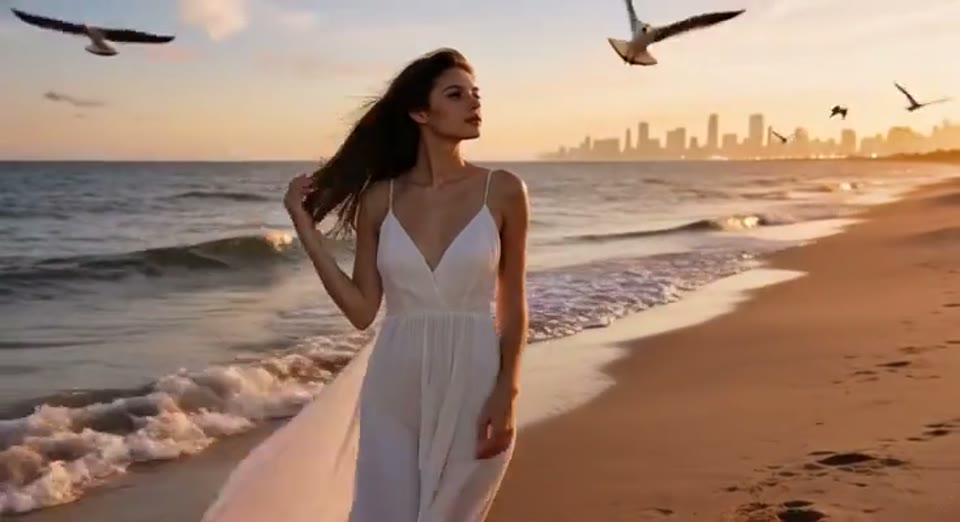
Day to Night Effect
Create a day to night effect video from one photo on EveryGen. Animate golden hour, sunset and night lights while keeping the scene and framing consistent.
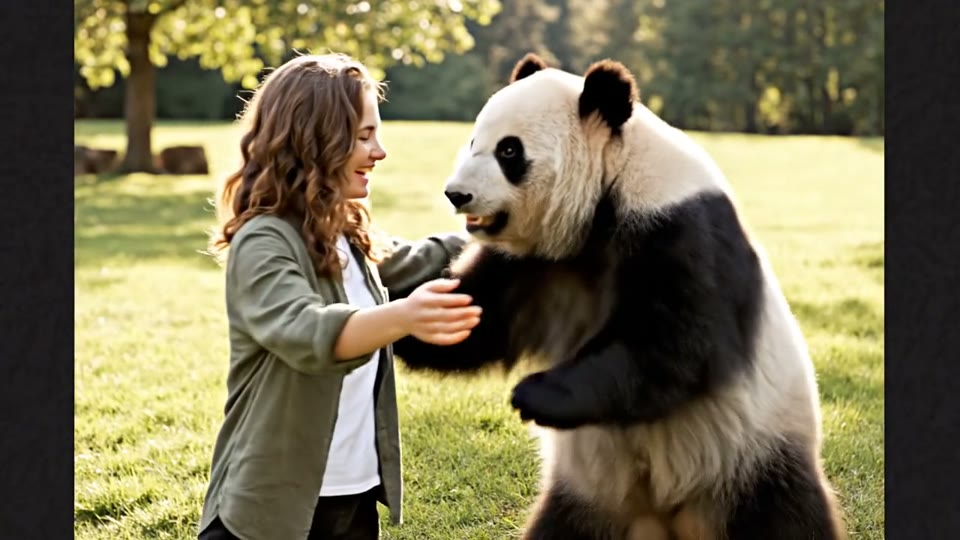
AI Panda Hug Video
Create a heartwarming AI panda hug video from one photo on EveryGen. Add a gentle panda embrace, bamboo scenery and original sound in your chosen format.
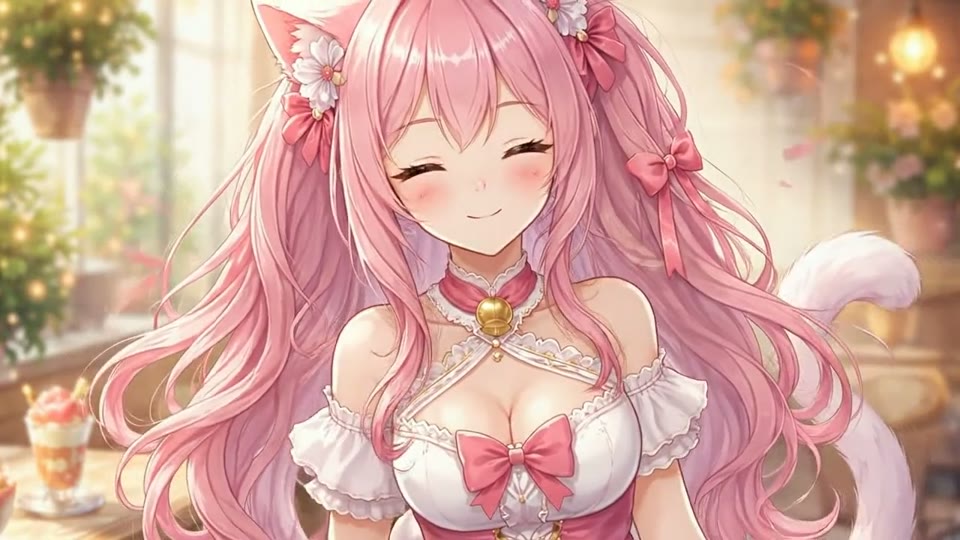
Live 2D Animations
Create Live 2D-style animation from a portrait or character image with EveryGen. Add blinking, breathing and gentle head motion while preserving the visual style.
Hotel Lobby AI Video Generator: Questions Answered
What to upload, what the template makes and what it costs.
Put Your Rap Duo in a Hotel Lobby AI Video
Pick two people, upload two photos and let the template stage the duet. Searching for Hotel Lobby AI free? Watch the samples first, then check the credit price.
Start with two photos