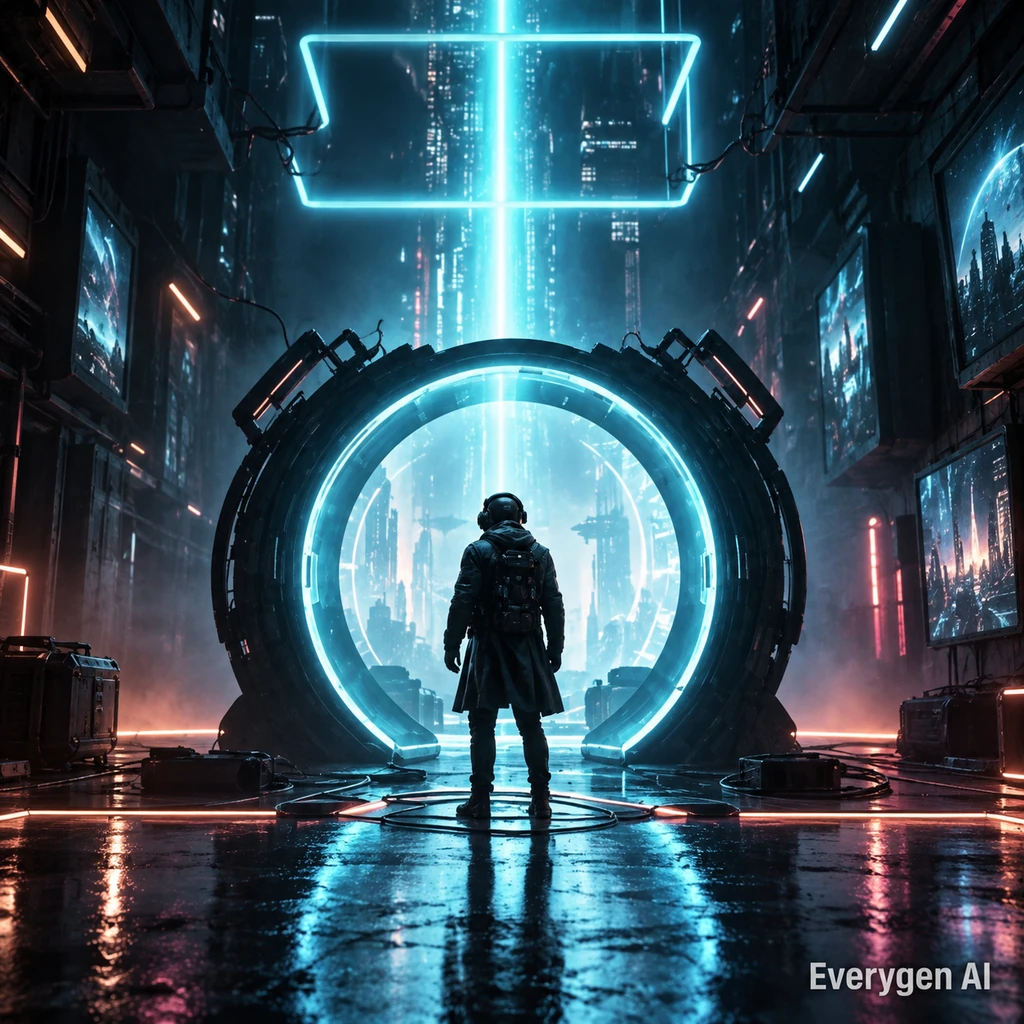
AI Video Templates
11 templates
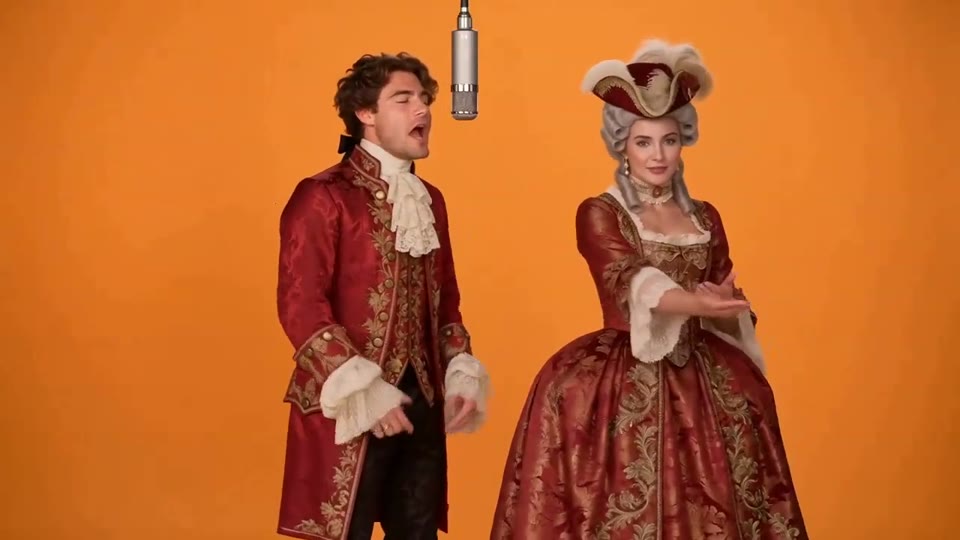
Hotel Lobby AI Video
Two photos become a baroque rap duet on an orange stage.
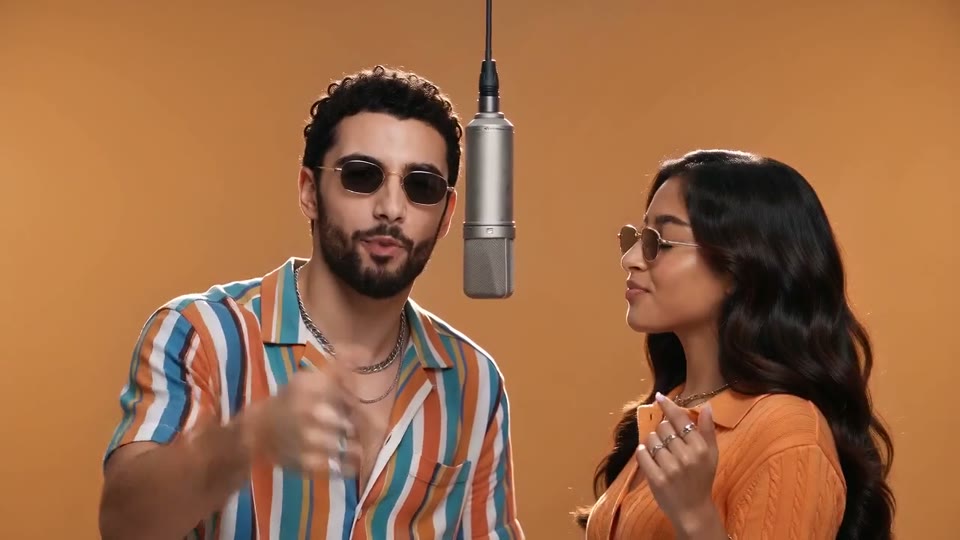
AI Rap Duo Video
You and a friend trade verses in bold streetwear.
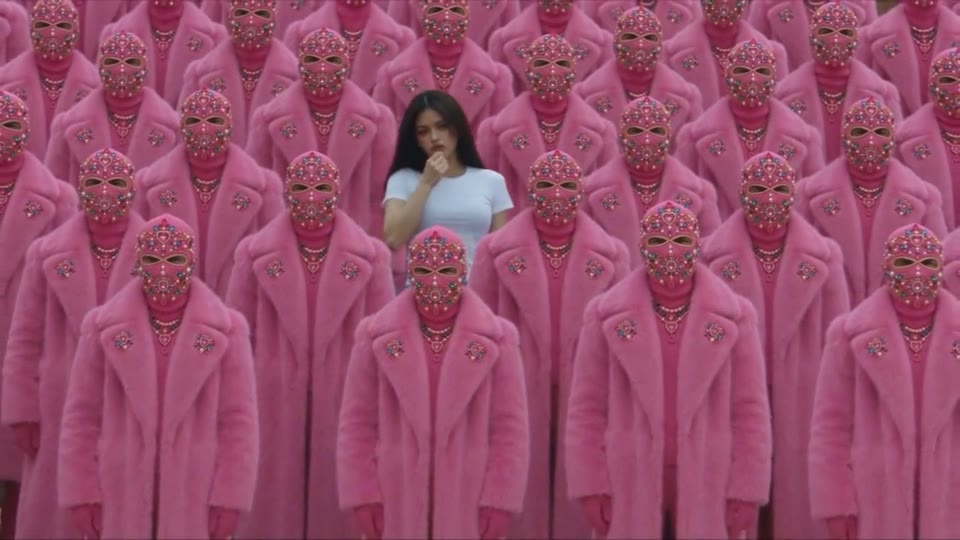
STORM II AI Video
Your character leads a surreal pink-crowd dance.
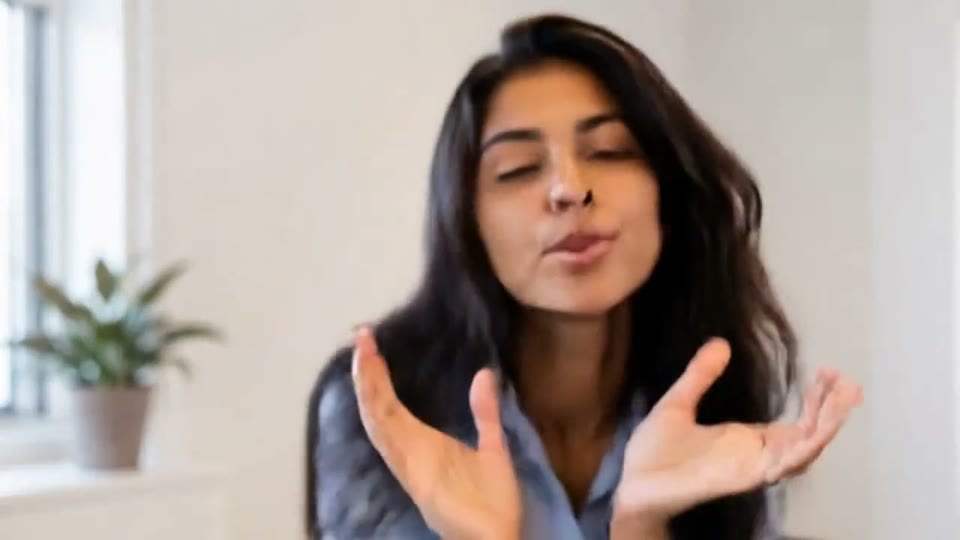
AI Face Dance Generator
A portrait comes alive with a playful face-and-hands dance.
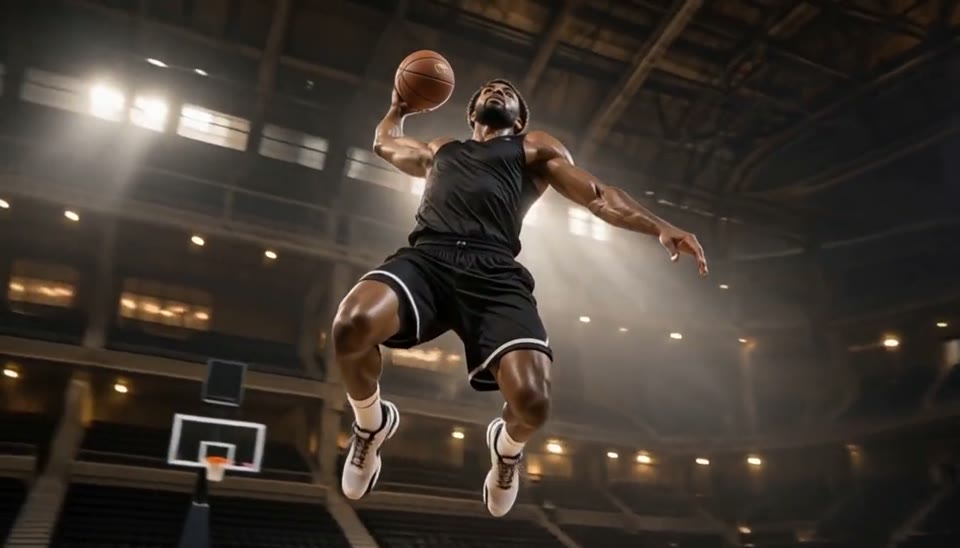
Bullet Time Video
Freeze an action pose while the camera orbits around it.
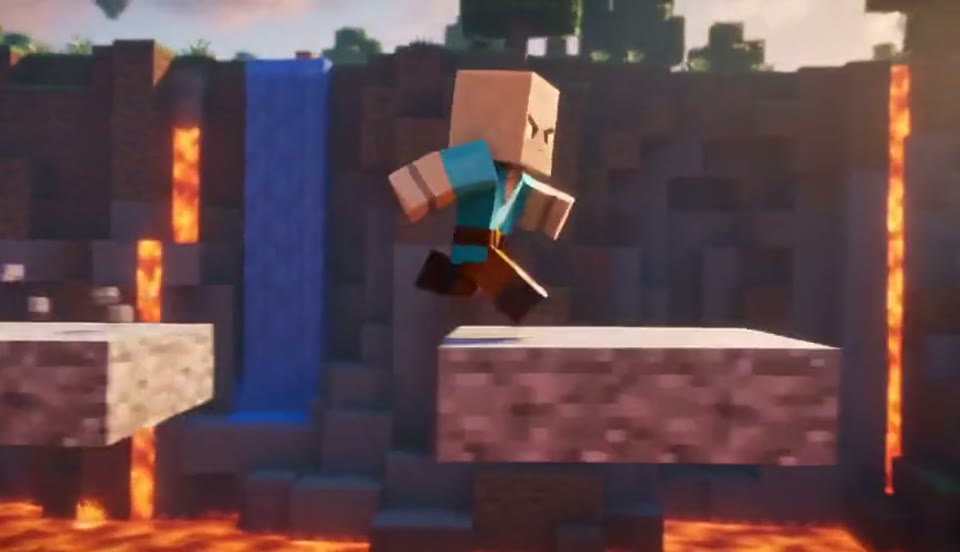
AI Minecraft Video Maker
Create a Minecraft-style AI video from one photo. Make voxel characters, block-world parkour and adventure clips with original sound on EveryGen.
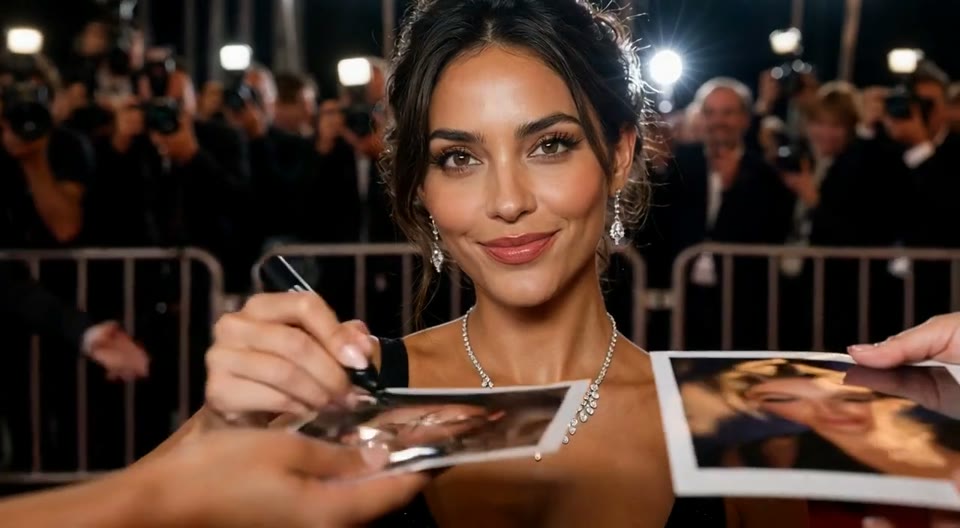
AI Red Carpet Video
Create an AI red carpet video from one portrait. Add elegant eveningwear, paparazzi flashes and a gala entrance with the EveryGen video template.
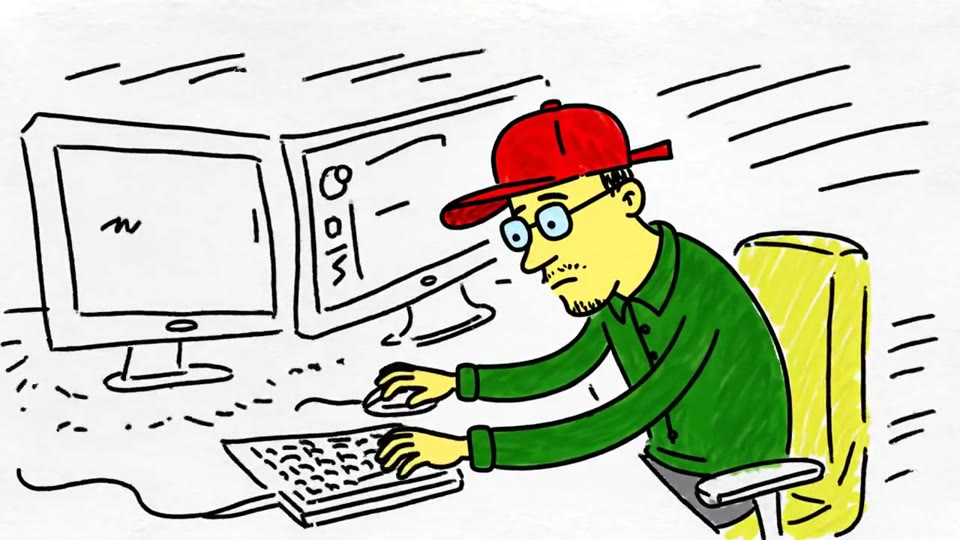
Sketch to Video AI
Turn a sketch, drawing or line-art image into an animated video with EveryGen. Preserve the composition and art style with gentle motion and original sound.
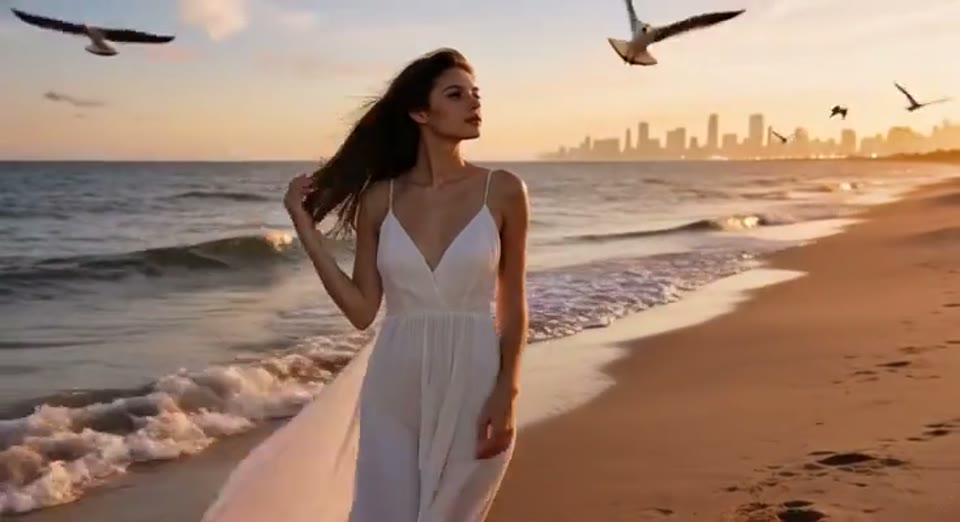
Day to Night Effect
Create a day to night effect video from one photo on EveryGen. Animate golden hour, sunset and night lights while keeping the scene and framing consistent.
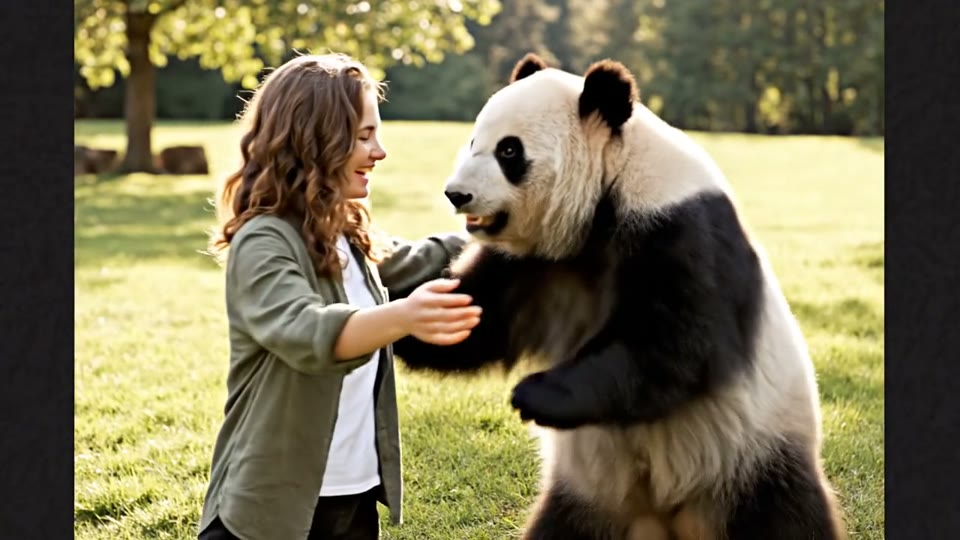
AI Panda Hug Video
Create a heartwarming AI panda hug video from one photo on EveryGen. Add a gentle panda embrace, bamboo scenery and original sound in your chosen format.
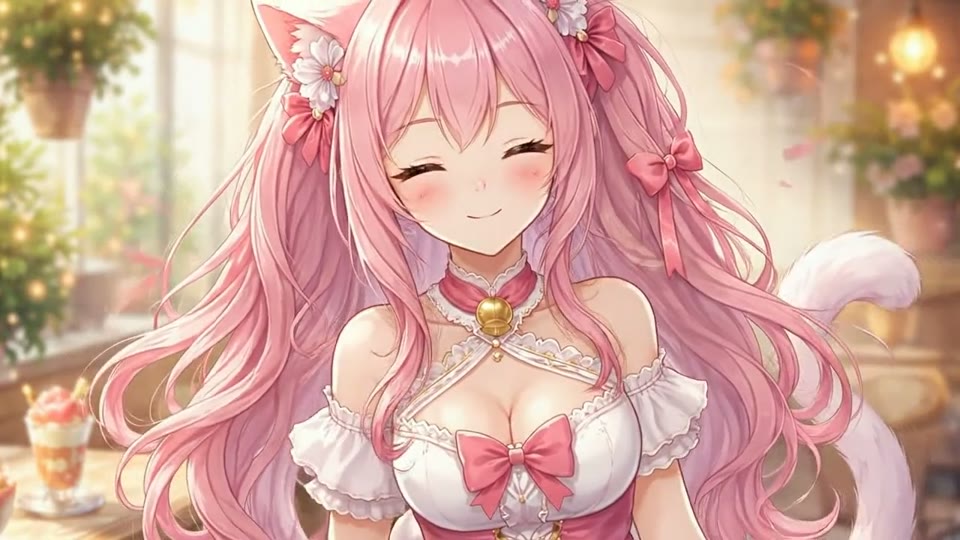
Live 2D Animations
Create Live 2D-style animation from a portrait or character image with EveryGen. Add blinking, breathing and gentle head motion while preserving the visual style.
Explore, preview and create
AI Effects Library: Video Templates & Photo Animation
Discover AI video effects that turn your photos into cinematic moments, character animations and playful trend clips. Preview the samples, explore each template’s creative possibilities and upload a clear image to make your own version. From a red carpet entrance to a block-world adventure, every template already includes its scene, motion and sound direction.
Browse the entire collection for free, then choose a template for your next social post, campaign concept or personal story. Generation uses credits, with the exact cost shown in the workbench. EveryGen brings previews, photo uploads, video settings and your finished creations into one familiar workflow.
- Free sample previews
- No prompt writing
- Original sound
- Clear credit pricing
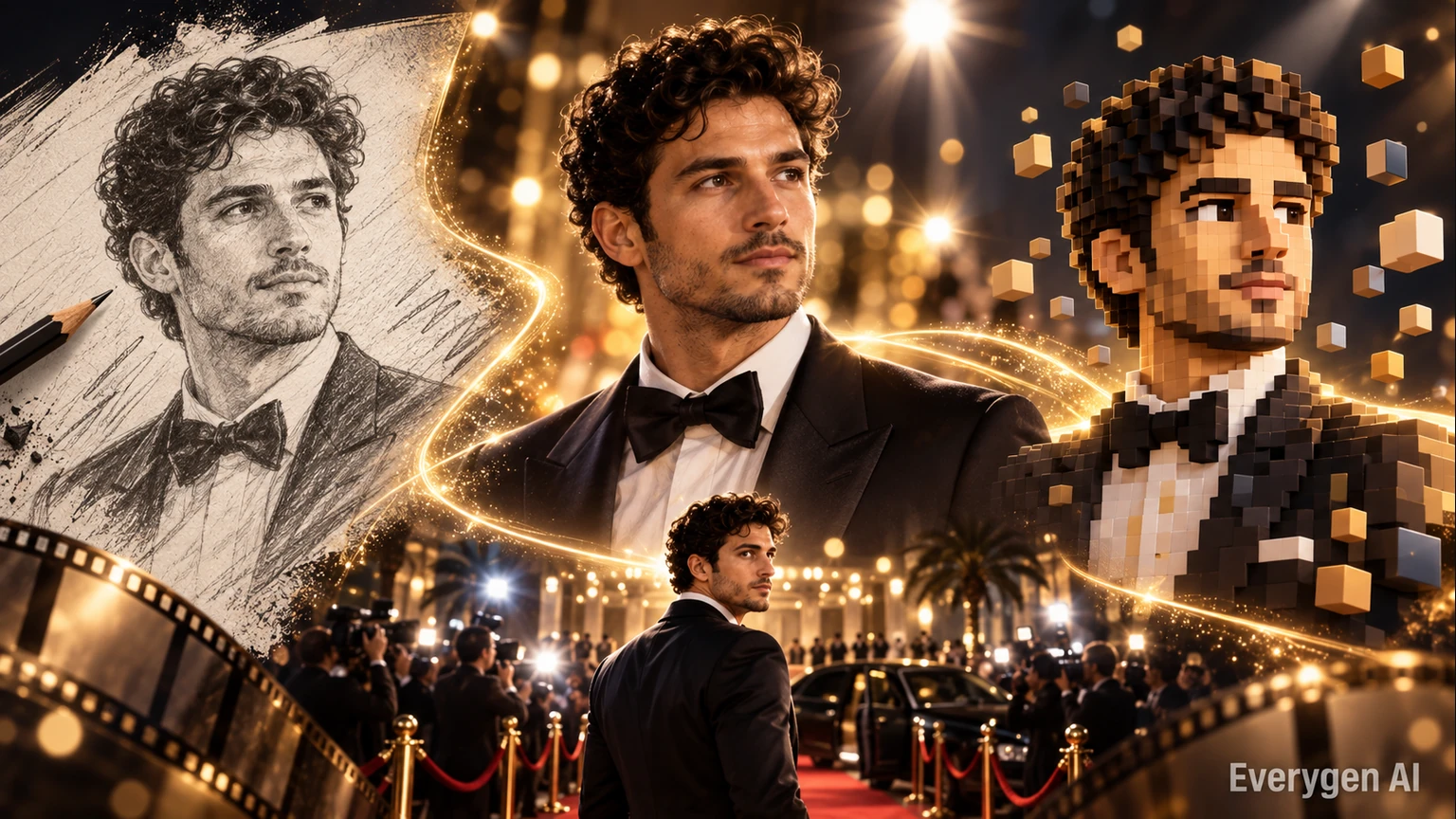
Comprehensive AI Video Effects Suite
Explore the visual tools behind EveryGen’s templates, from cinematic camera movement to expressive illustrated characters.
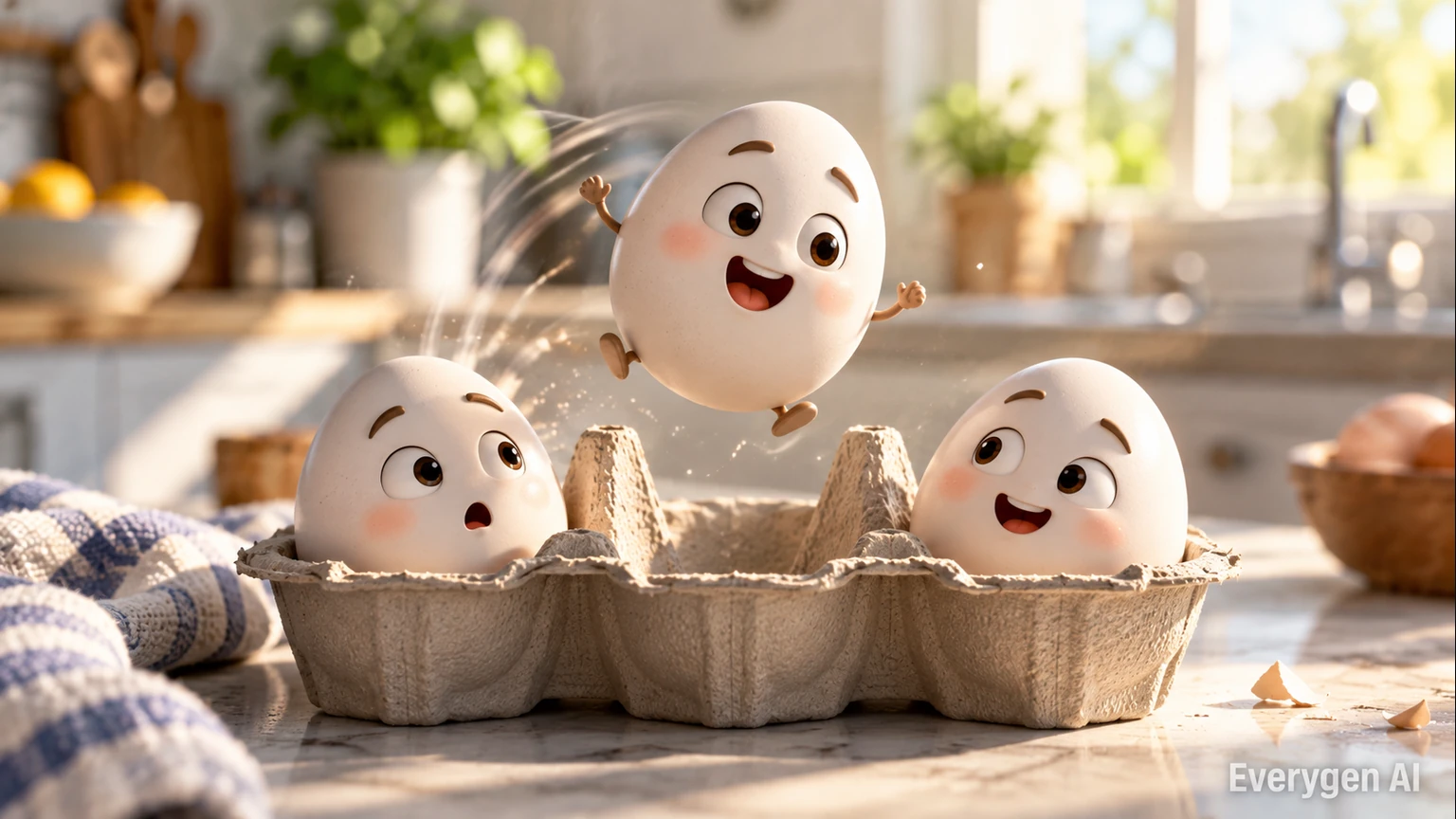
Advanced AI Video Effect Processing
Give a photo cinematic movement with a red carpet entrance, a frozen bullet-time orbit or a day-to-night transition. Each template directs the subject, camera, atmosphere and sound, so you can focus on choosing a strong source image.
- Directed scenes and camera motion
- Single-photo and two-photo templates
- Sample videos on every detail page
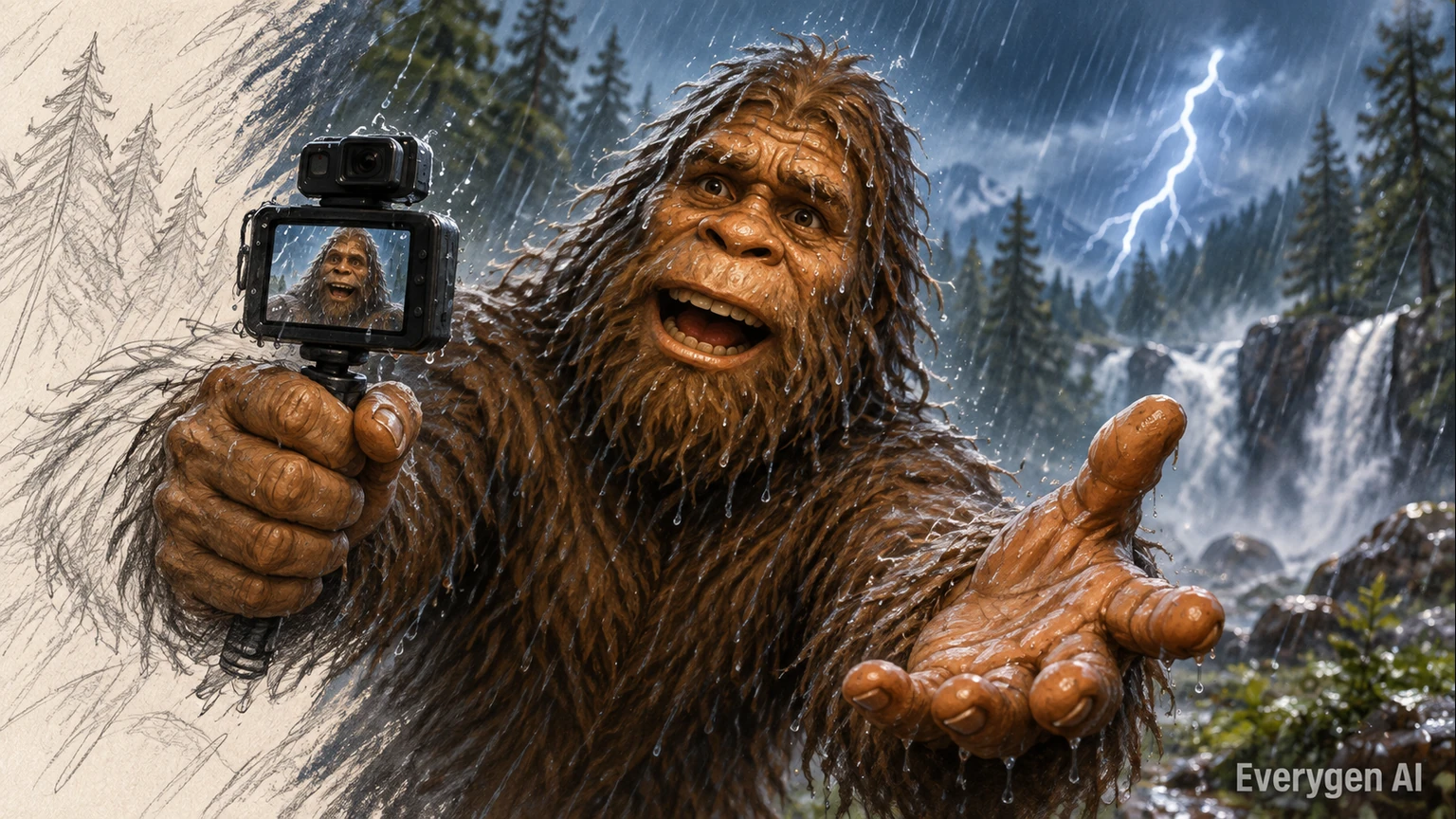
Creative Image-to-Video Animation
Turn drawings, portraits and character art into moving scenes. Sketch to Video preserves an illustrated look, Live 2D adds soft portrait motion, and the Minecraft-style template explores voxel characters in an original block world.
- Animate sketches and original artwork
- Explore different visual styles
- Keep one image as a creative reference
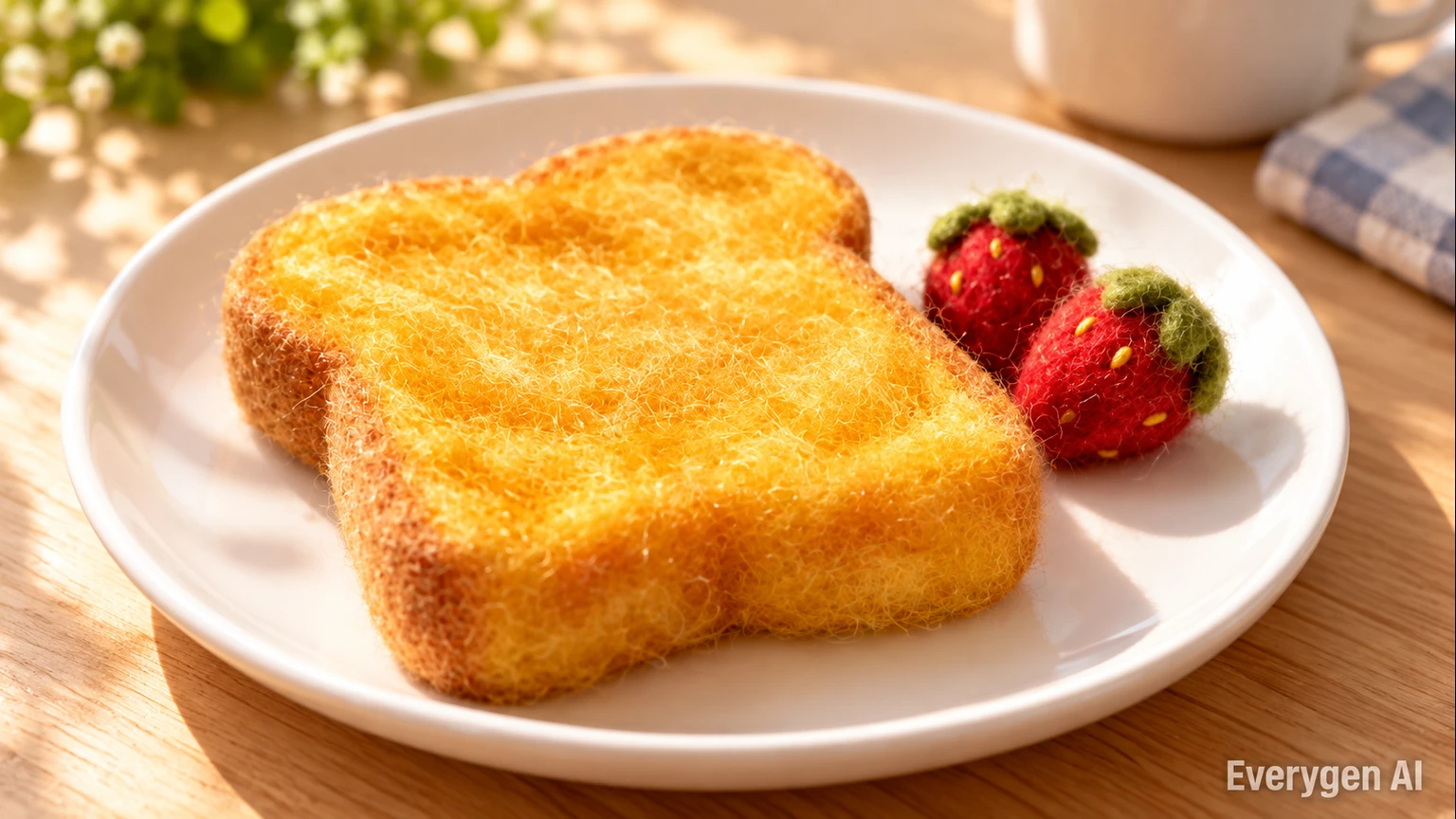
Video Output for Real Creative Projects
Choose the supported resolution and duration for your idea, then download the finished video as an MP4. Templates offer 480p and 720p output; selected effects also offer vertical, landscape and square formats, while first-frame effects follow your photo.
- 480p and 720p generation options
- Short clips for posts and edits
- Review details before sharing
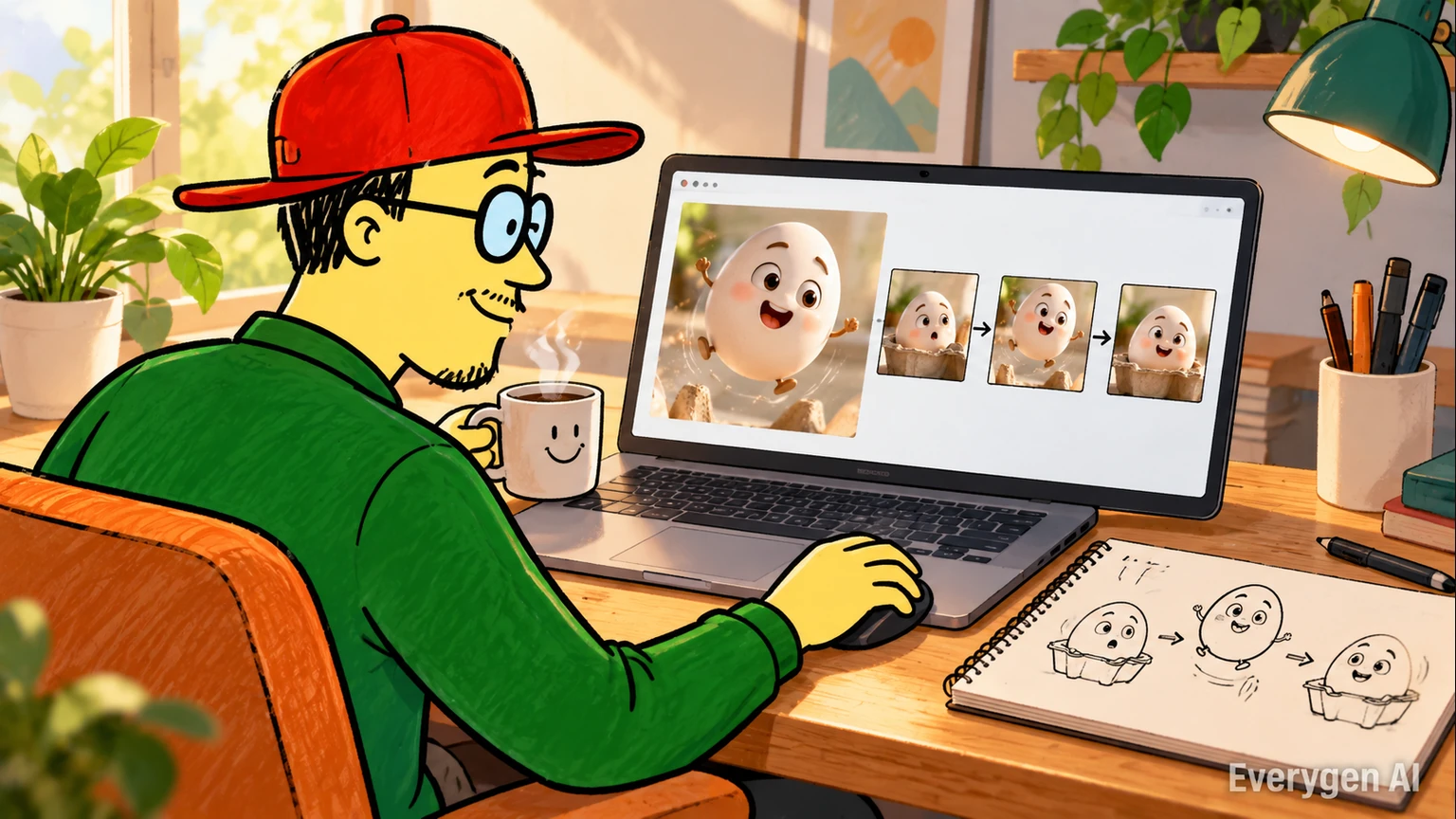
A Familiar, Easy-to-Use Workbench
Preview the effect beside the upload and generation controls. Change a setting, review the updated credit quote and follow progress without moving between tools. A searchable template switcher lets you explore the next effect from the same workbench.
- Uploads, settings and preview together
- Exact quote before generation
- Finished videos in My Creations
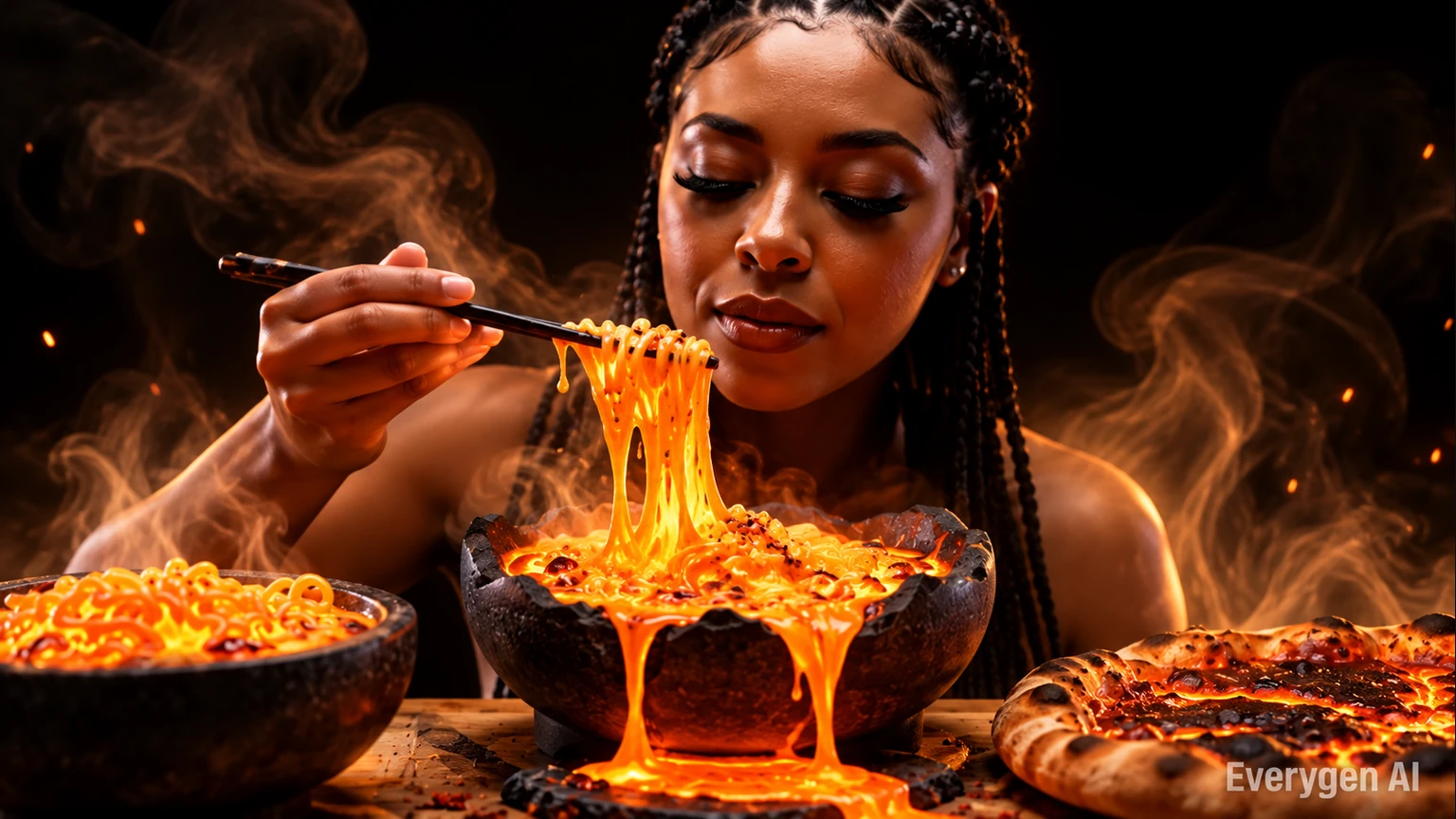
Original Audio for Every AI Effect
Templates generate music or atmosphere with the picture, from camera shutters to soft nature sounds. The built-in direction asks for original sound instead of an existing song. Use your own images or material you have permission to remix when you share a creation.
- Sound designed for the chosen effect
- No existing song requested by the preset
- Photo consent remains part of the workflow
Why Choose EveryGen’s AI Effects Platform?
Explore a different part of the template workflow with each tab.
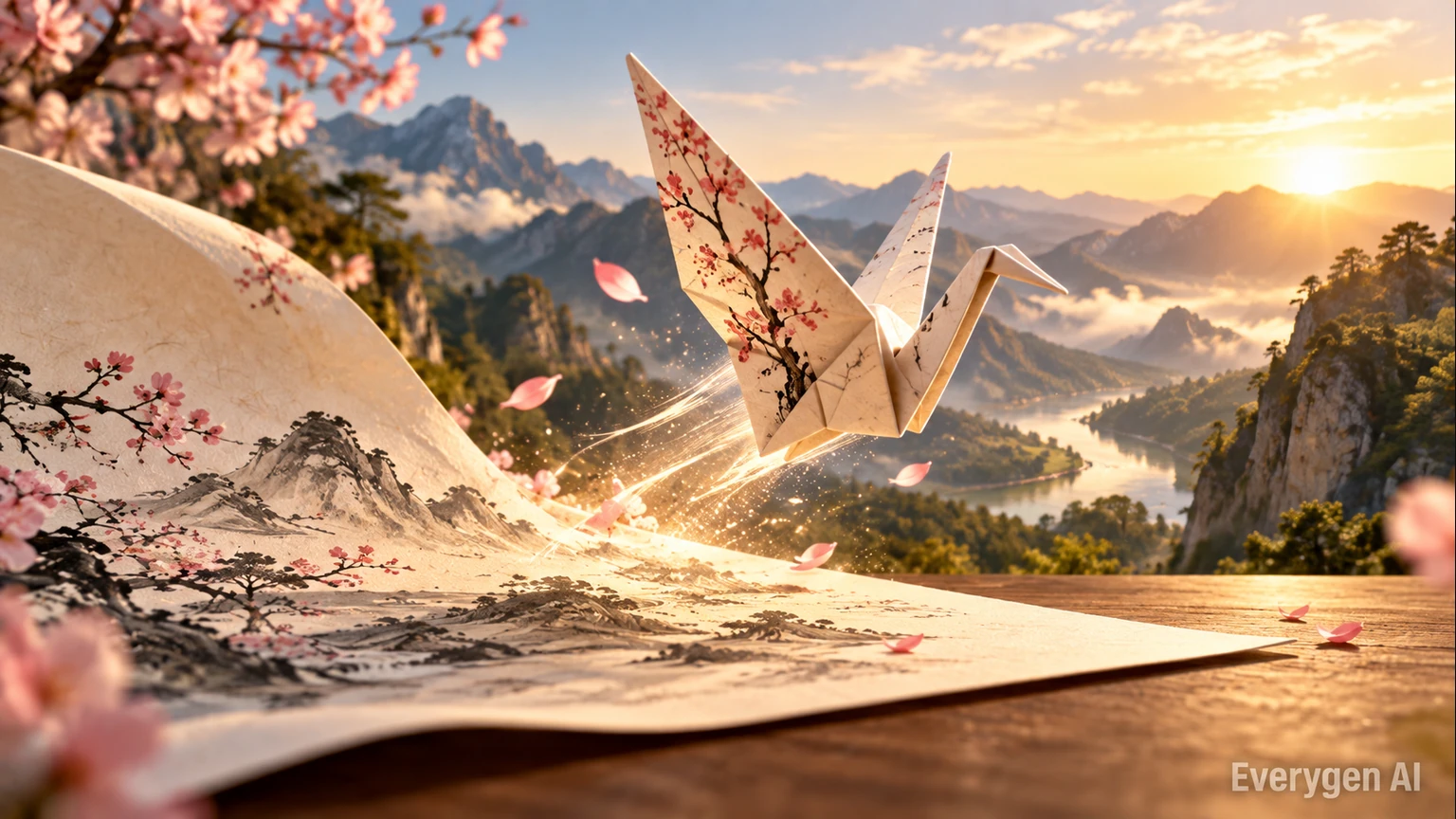
Cinematic and Trending Video Templates
Explore duo performances, dance routines and cinematic effects through a catalogue with real sample previews. Open a template to see its inputs, output options and photo tips before generating.
- Browse by creative category
- Preview each effect first
- Explore related templates
How to Use AI Effects in Four Simple Steps
Move from browsing an AI effect to downloading a finished video in one familiar workflow.
Browse the AI effects library
Explore categories and hover a card to preview the sample. Open the template that matches your idea.
Upload your image
Add one clear photo or drawing, or two photos for a duo template. Follow the photo tips on the detail page.
Customize and generate
Choose supported settings and review the credit quote. Generate the scene, motion and original sound together.
Download and share
Review the finished take, download the MP4 and use it in your next post, presentation or edit.
AI Effects Use Cases: Ideas for Your Next Project
Find a practical place for a template in your creative workflow.
Social Media Content
Make short AI clips for Reels, Shorts and TikTok with a recognizable subject and one clear visual idea.
Marketing and Brand Concepts
Explore a campaign mood, character look or reveal sequence before developing a longer production.
Education and Training
Animate an illustration or show a lighting transition to support an explanation and keep a visual example readable.
Creative Projects and Art
Bring original sketches and character designs to life, or try the same reference in a different visual style.
Business Presentations
Add a short motion concept to a treatment, storyboard discussion or creative presentation.
Personal Projects and Memories
Create a playful greeting, panda encounter or travel transition from photos used with permission.
What Creators Say About EveryGen’s AI Video Workflow
Feedback from the existing EveryGen image-to-video workflow behind photo-based creative effects.
We now produce campaign videos from existing image assets in a fraction of the time.
Sophie L., Content Marketer
Sophie L.
Content Marketer
Image-to-video helped us upgrade product pages without expensive shoots.
Ryan T., E-commerce Operator
Ryan T.
E-commerce Operator
The prompt controls are practical and outputs are strong for rapid iteration.
Mia W., Creative Producer
Mia W.
Creative Producer
AI Effects and Video Templates FAQ: Your Questions Answered
Common questions about EveryGen AI video templates and AI video effects.
Transform Your Photos with Creative AI Video Effects Today
Find the effect for your next idea, preview its sample and make a short video with original sound. Browsing is free, and the exact generation cost appears in the workbench.
Explore AI video templates