Kling 4.0 · 18-second generation · 720p · 270 credits. Finished edit: about 17.7 seconds with the template soundtrack. One lead photo is required; the other four roles are optional.
Upload only photos you have permission to use. By generating, you confirm you have the necessary rights and consent for the people, pets and reference material in your video.
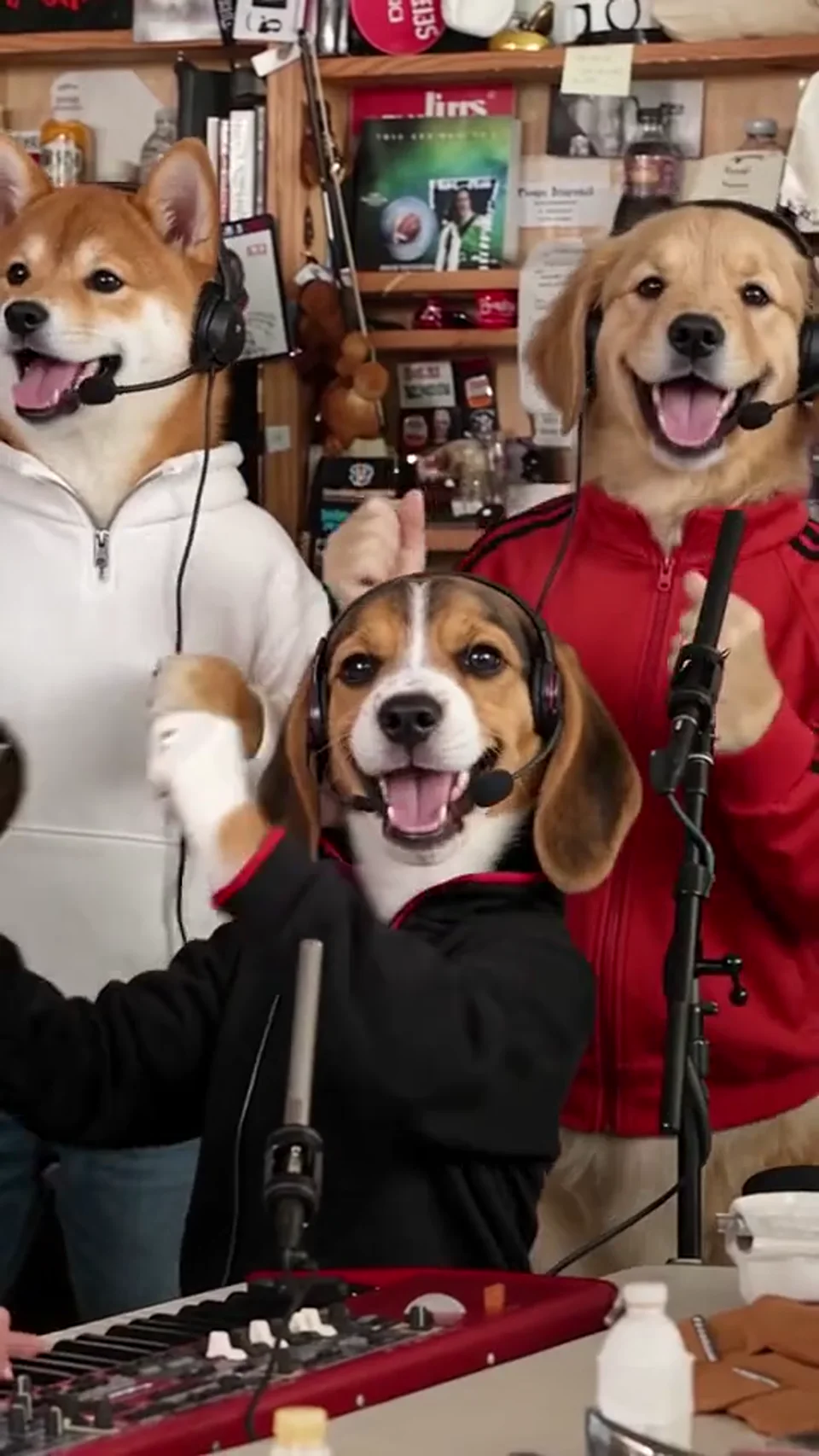
The dog band is a fully cast example, not a preview of your own result. Empty optional slots retain the people in the original performance, not the dogs shown here. AI identity, paws, hands, lip movements and shot timing can vary. The 18-second, 720p generation is edited to about 17.7 seconds, with the template’s original soundtrack restored before delivery.
Your Photos, a Personal Band Performance
The Tiny Desk AI trend turns familiar faces or pets into the cast of a short vertical band performance. Upload a lead performer photo, optionally add four bandmates, and EveryGen uses Kling 4.0 to create a new version guided by the supplied performance clip.
The template asks the model to retain the reference room, instruments, gestures, singing timing and sequence of shots while changing the selected performers. It uses a fixed 18-second, 720p generation setting and costs 270 credits for one to five photos. Before delivery, the result is aligned to the approximately 17.7-second reference and its original soundtrack is restored. Review the full video before you download or share it; identity and fine motion details can vary.
Create in Three Steps
Choose your cast, review the fixed settings and create your own performance clip.
Add one clear photo to the required lead slot. Use a person or a pet with an unobstructed face. Add optional photos for saxophone, keyboard and the two backing singers.
Check each uploaded preview and replace or remove a photo if needed. The template uses Kling 4.0, an 18-second 720p vertical setting and a 270-credit quote, independent of the number of filled slots.
Wait for the result, then watch the full clip of about 17.7 seconds with the template’s original soundtrack restored. Check the face, hands or paws, instrument contact and each camera cut before downloading. If a generation fails, you can review your photos and try again.
A fixed reference performance provides the stage. Your uploaded photos define which identities change.
The lead photo supplies the identity and clothing for the singer shot. Use a sharp, evenly lit portrait so the model has clear facial features to follow.
Fill saxophone, keyboard and backing-vocal slots individually. Unfilled roles keep their original reference performers, so you can start with one subject or create a whole band.
The prepared direction asks Kling 4.0 to follow the room, instruments, camera cuts, gestures and mouth movements in the reference. Before delivery, the edit is aligned to the reference and the original template soundtrack is restored. Facial expression, lip sync and fine motion details can still vary.
Every generation uses the same 18-second 720p setting and costs 270 credits for one to five photos. The finished edit follows the approximately 17.7-second reference. A new attempt is a new generation; review your uploads before starting.
Use a generated clip as part of your own edit or a lighthearted moment to share.
Cast a dog or another pet as the singer or a bandmate. Clear face and fur details help, while paws and instrument contact need careful review.
Use photos from people who have agreed to appear and build a fictional band around familiar faces.
Download the portrait clip and include it in your own short-form video, reaction or creative montage.
Begin with a single lead photo or use the optional slots to tell a different story.
Start with one pet photo and keep the original supporting band.
Assign five clear pet photos to the five performer slots.
Reuse one authorized photo in multiple slots for a playful one-subject band.
Replace the lead and one supporting performer while leaving the other roles unchanged.
Use consenting family members as a fictional band cast.
Try an original character image and review whether its style remains consistent across the clip.
Clear source images help the model. Small details still need a full playback check.
Try another trending effect with the same photos.
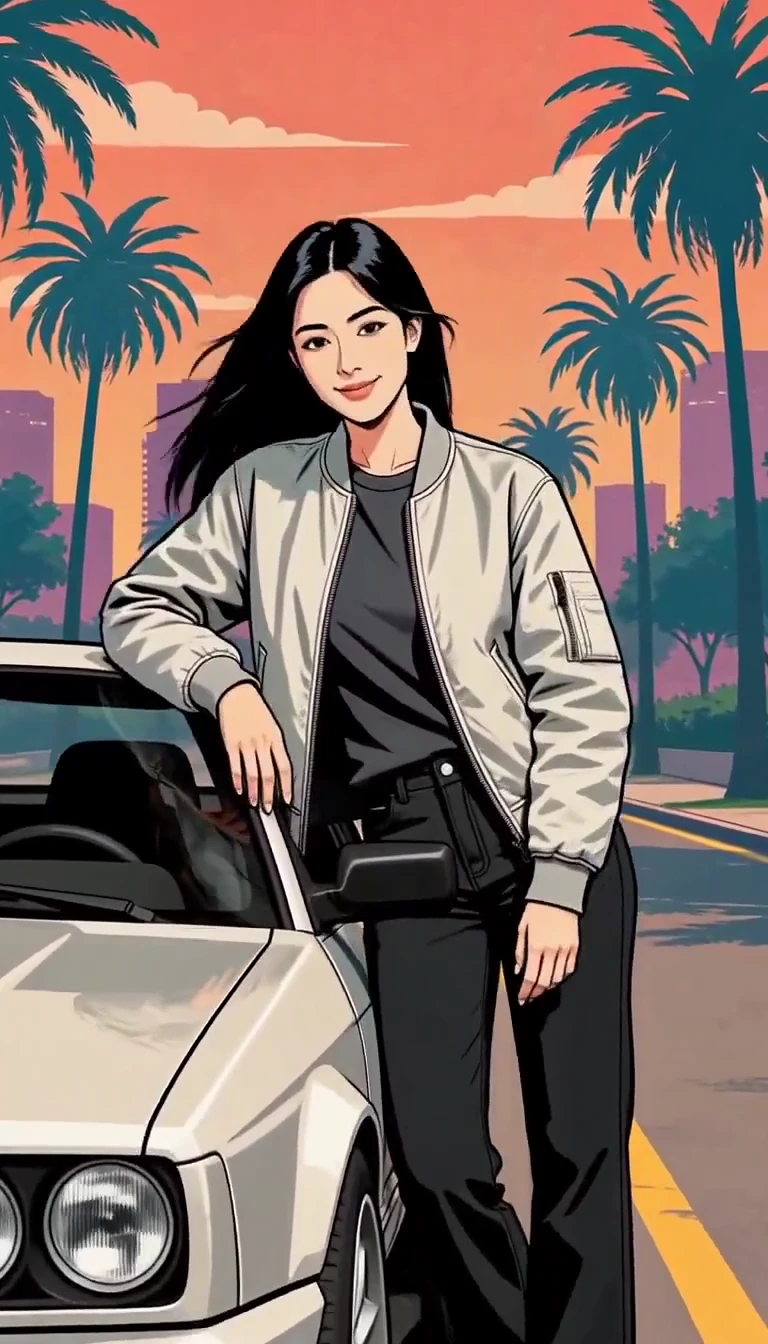
Turn one photo into an illustrated city character reveal.
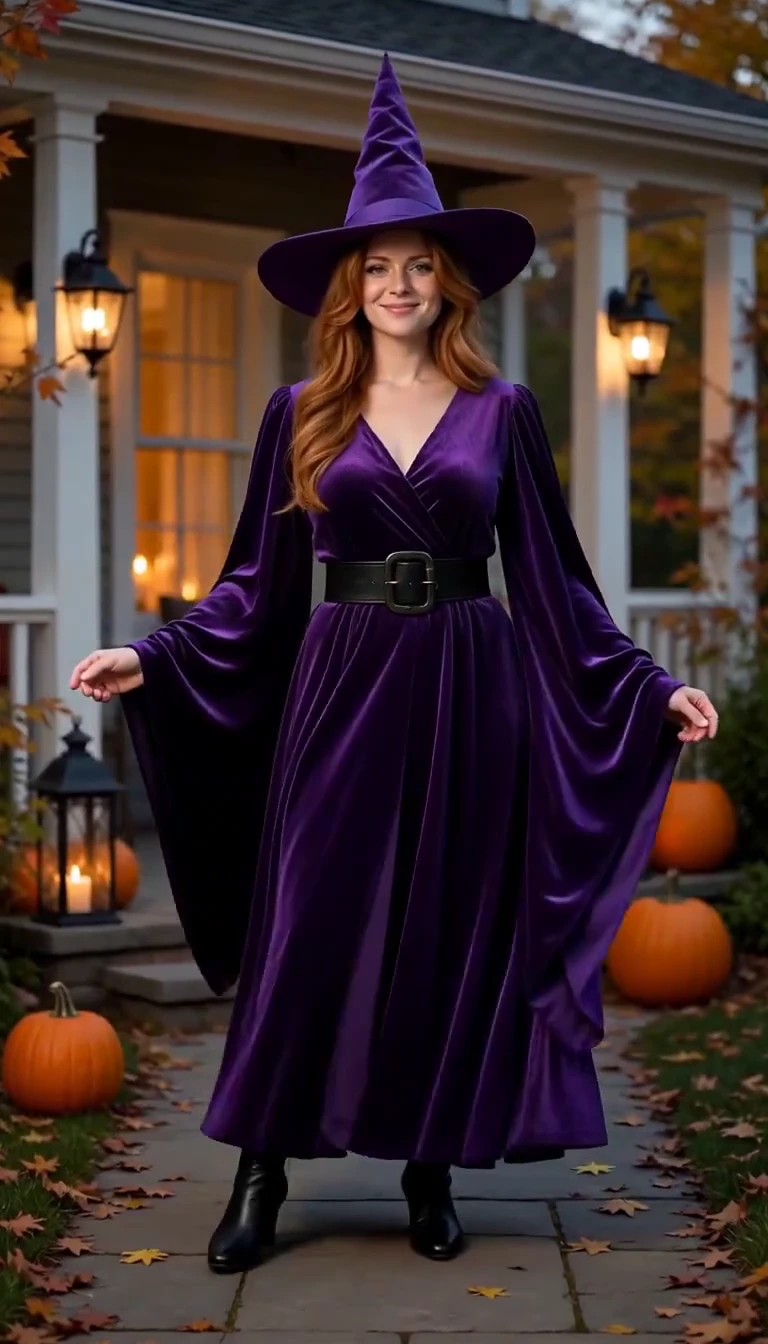
Reveal a witch costume with a turn, violet smoke and a final pose.
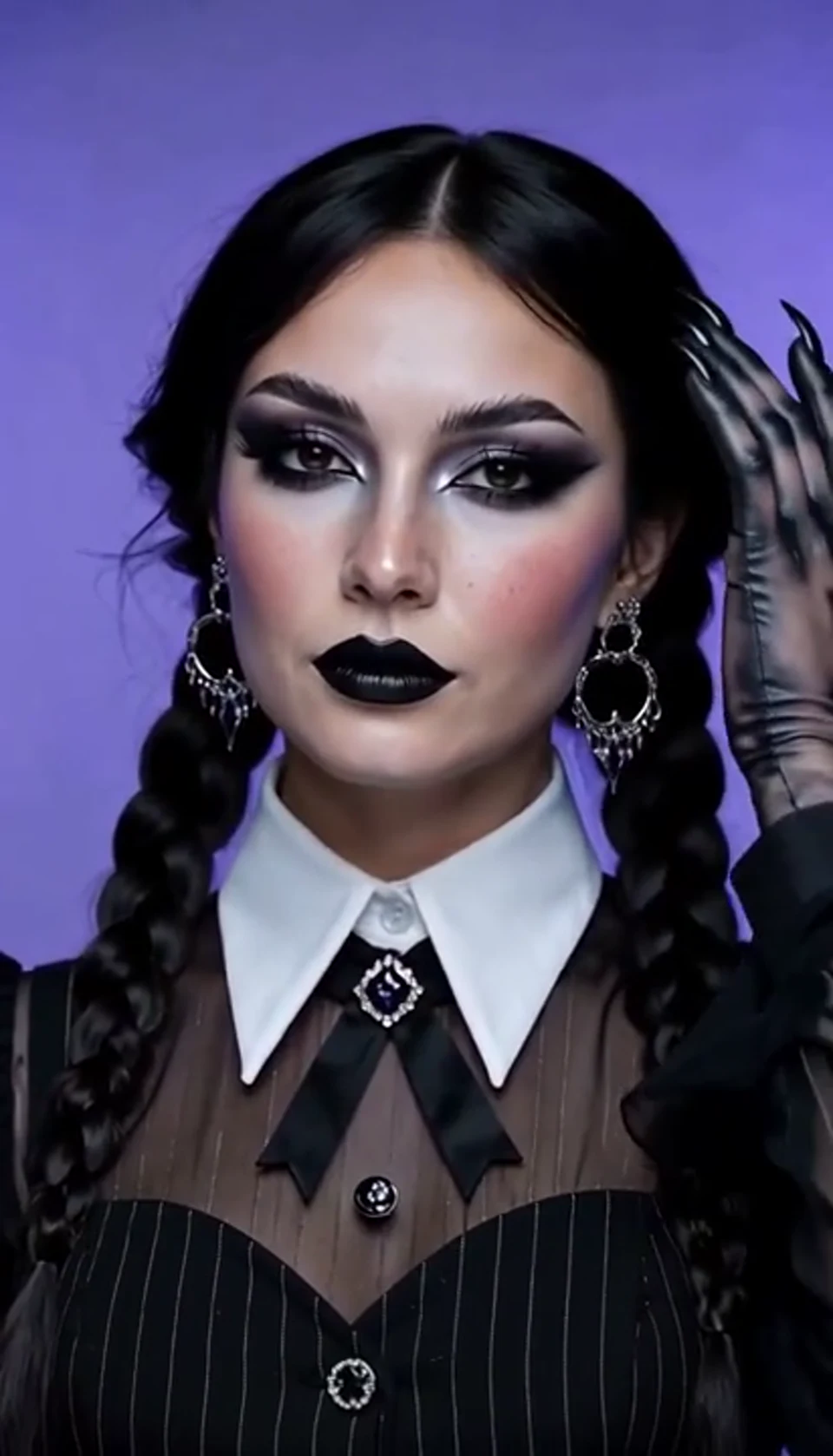
A theatrical hand swipe reveals a gothic costume.
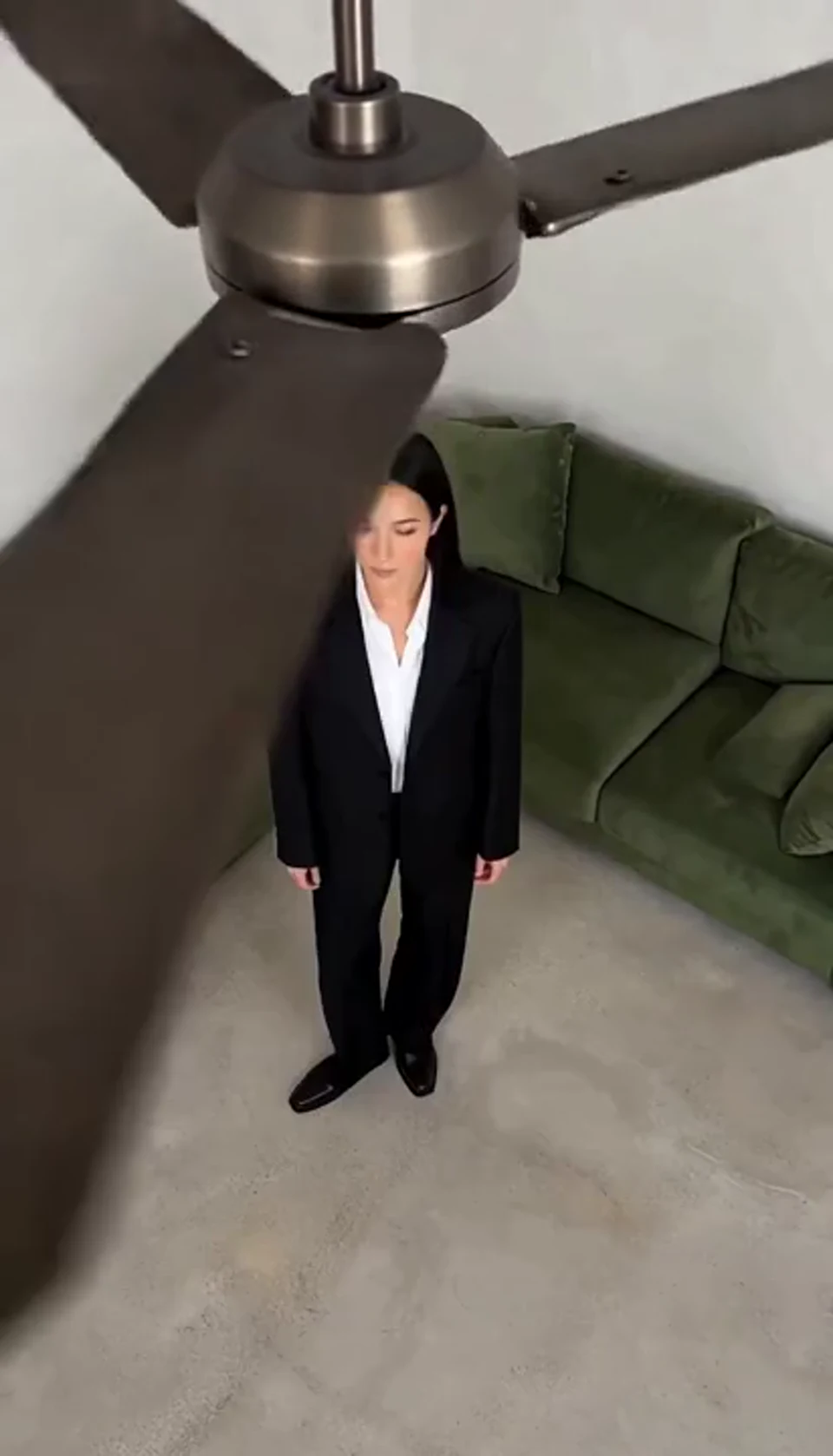
One fan-blade wipe reveals your next outfit.

Create a Minecraft-style AI video from one photo. Make voxel characters, block-world parkour and adventure clips with original sound on EveryGen.
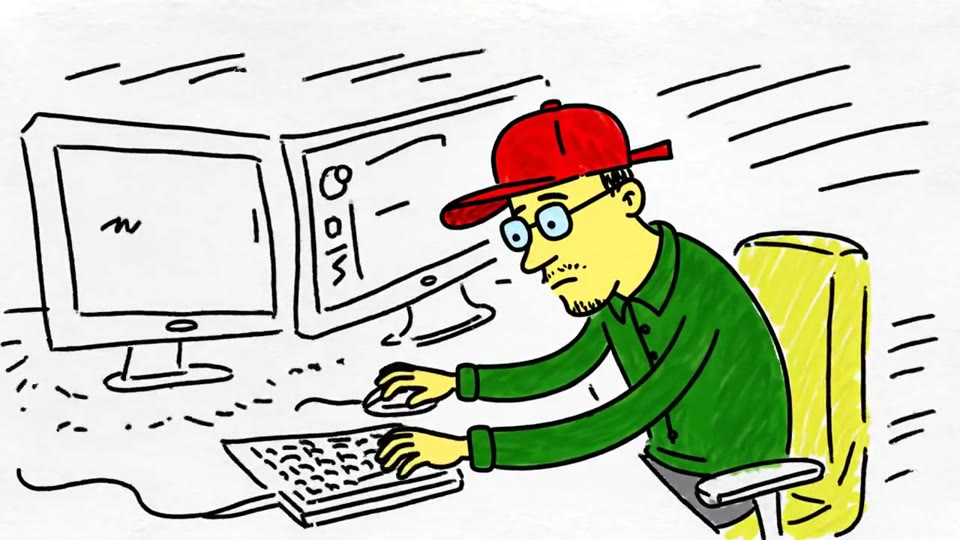
Turn a sketch, drawing or line-art image into an animated video with EveryGen. Preserve the composition and art style with gentle motion and original sound.

Create Live 2D-style animation from a portrait or character image with EveryGen. Add blinking, breathing and gentle head motion while preserving the visual style.
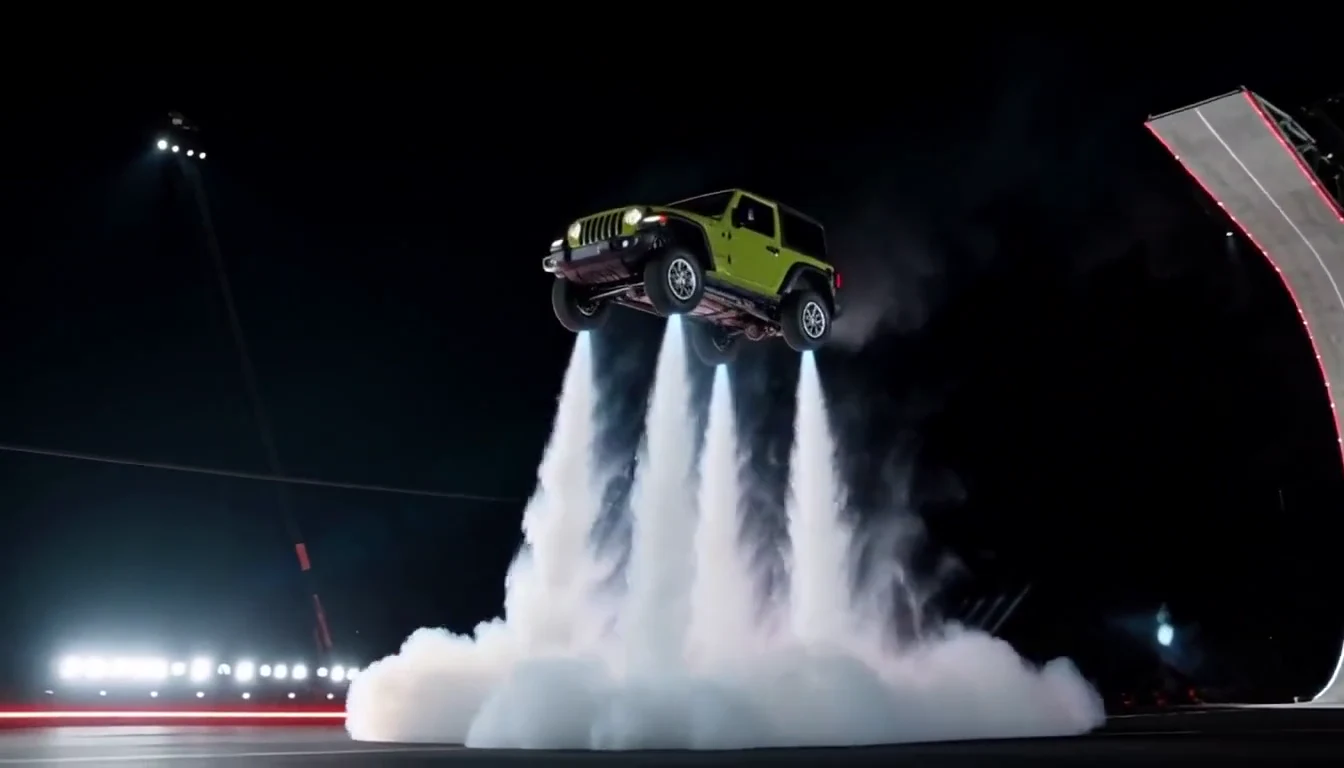
Turn your car photo into a Tesla Roadster-inspired ramp launch, kickflip or thruster landing. Explore nine flying car scenes, including traffic escape and tunnel walls.
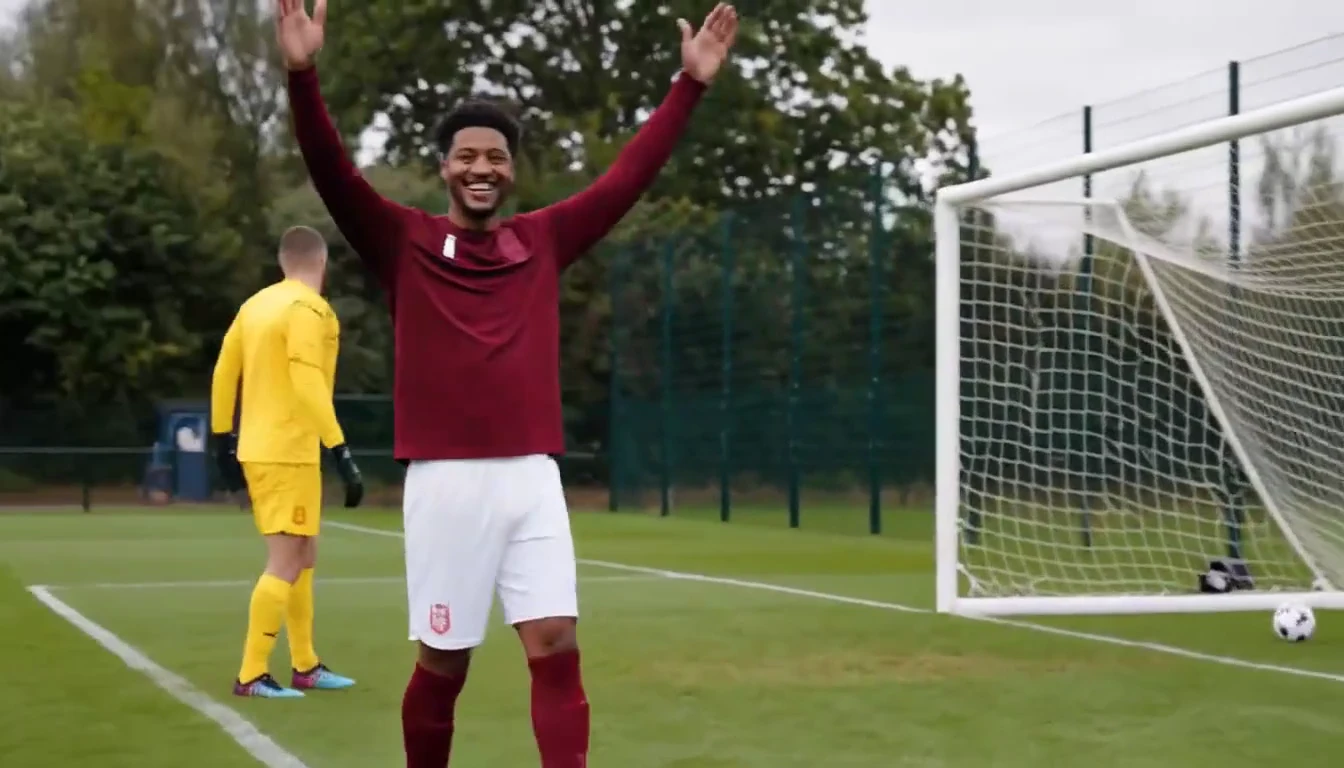
Put a new hero into a chip, dribble and empty-goal finish.
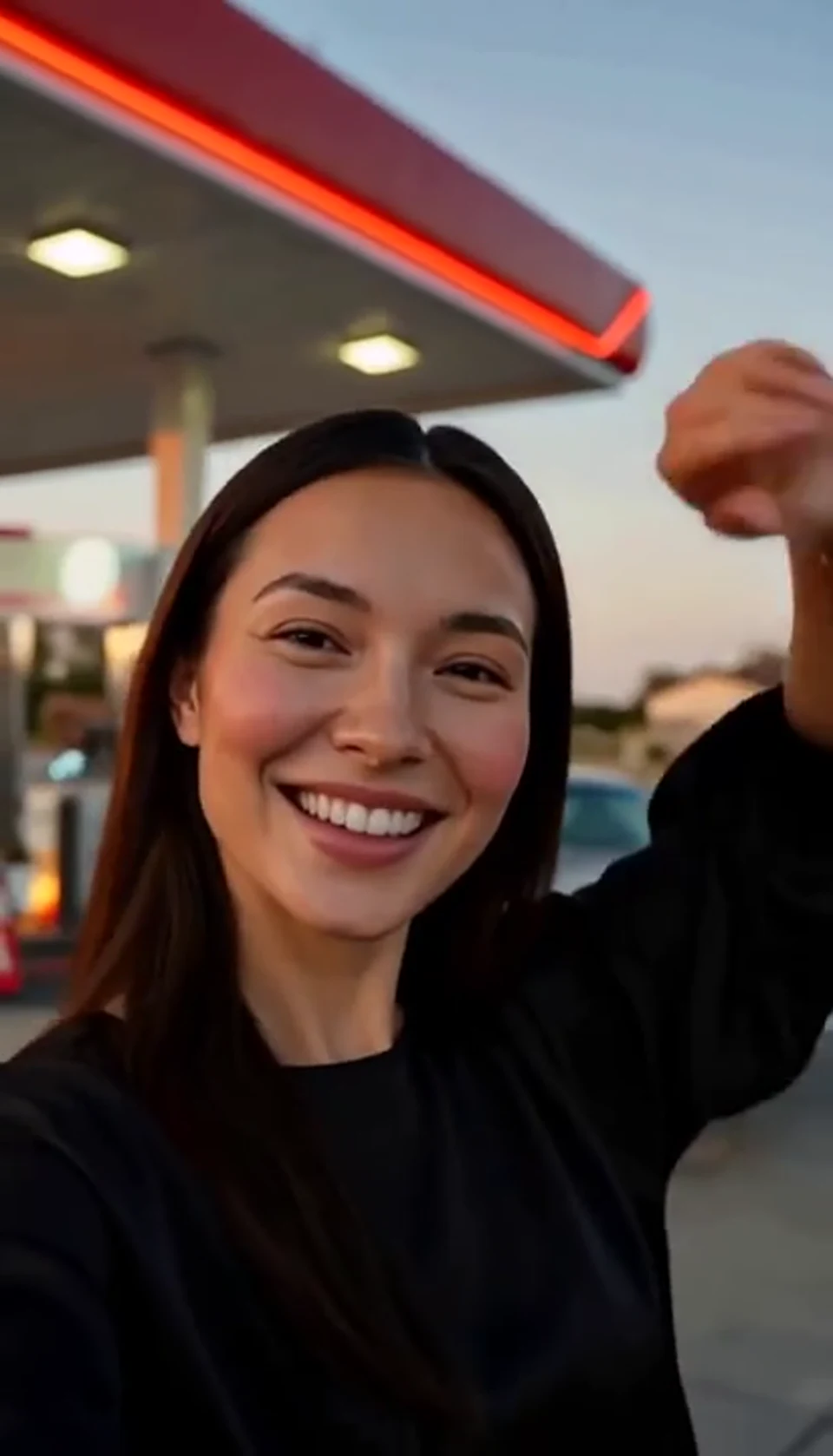
A sunset dance, a selfie and a cinematic car exit.
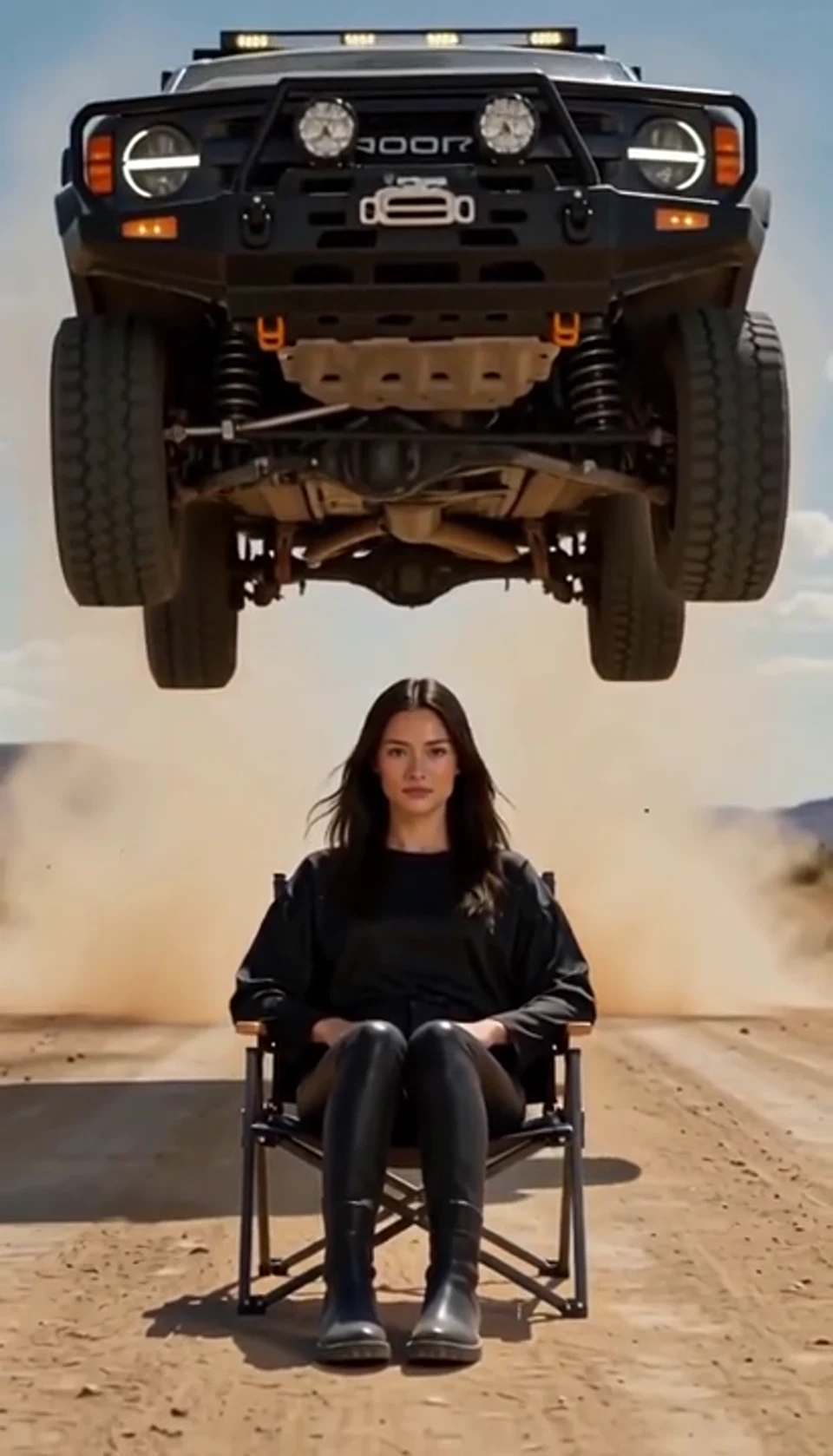
A calm portrait becomes a dramatic desert stunt.
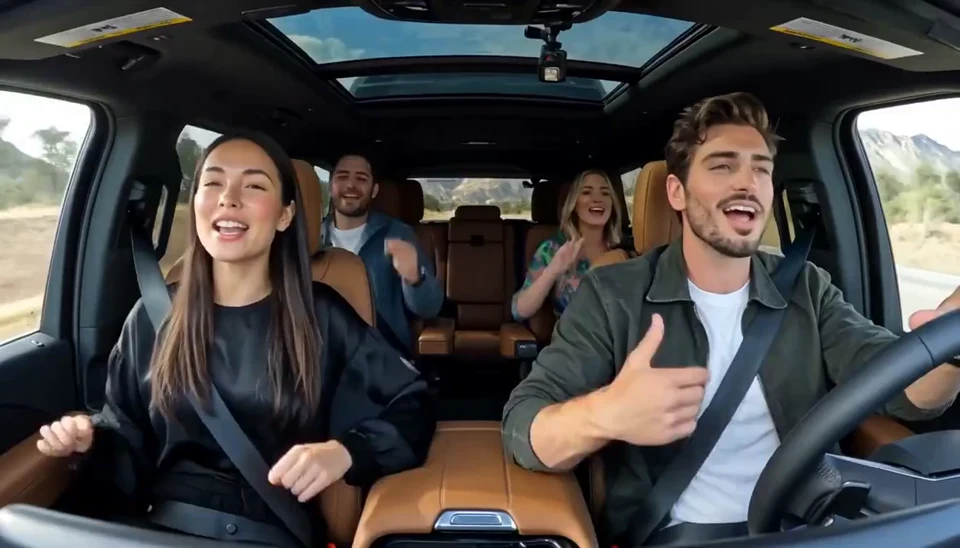
Two photos become one lively dashboard singalong.
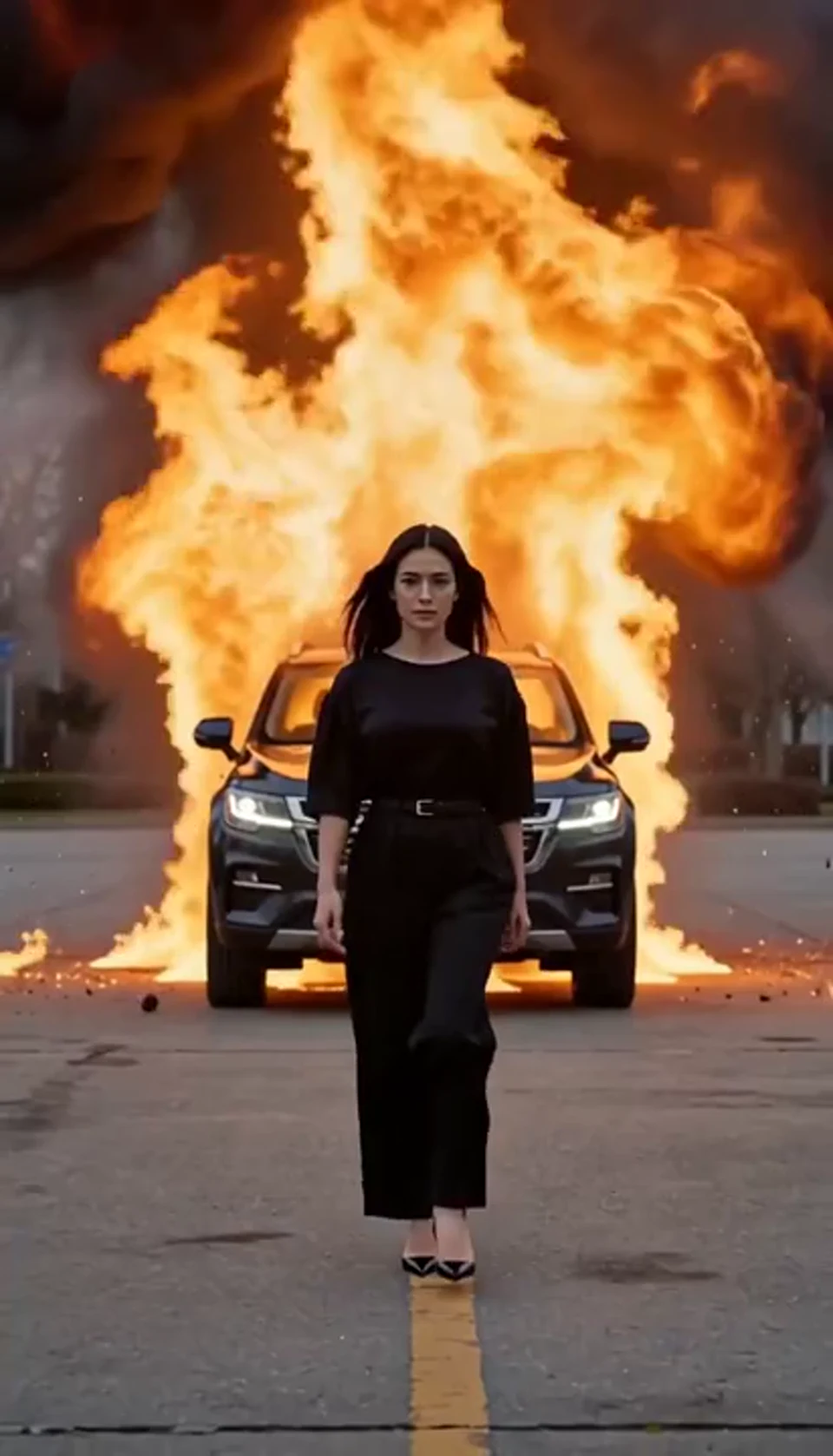
Walk toward the camera as the SUV erupts behind you.
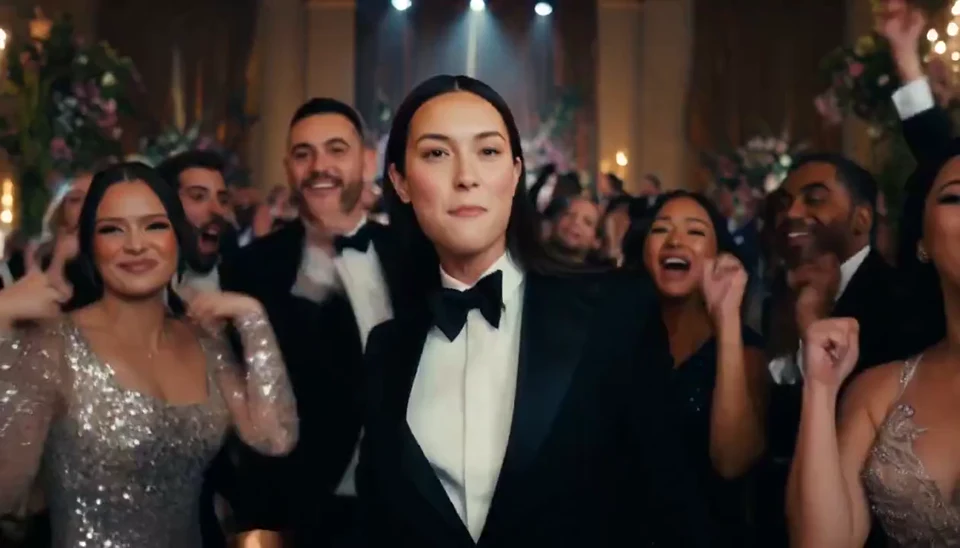
A portrait joins a lively ballroom party.
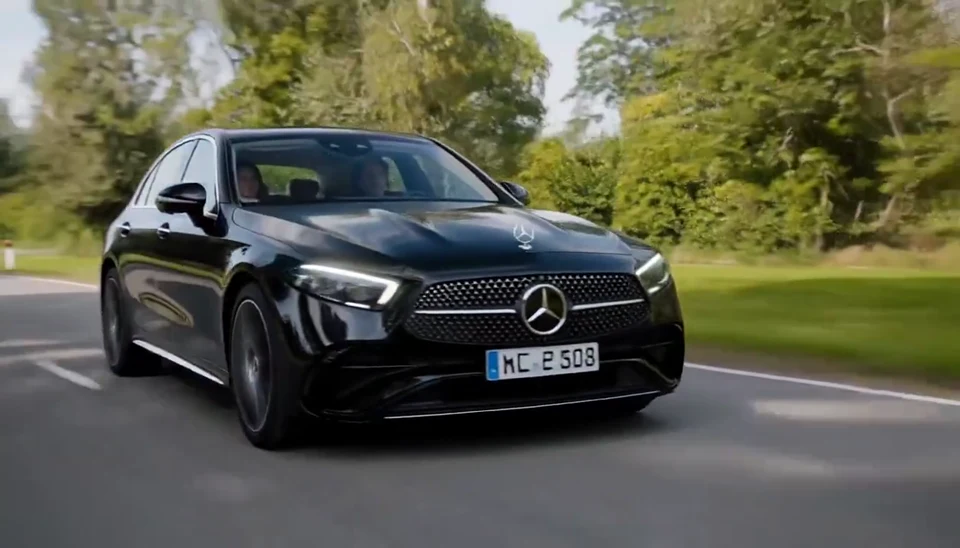
Your car photo becomes a cinematic driving shot.
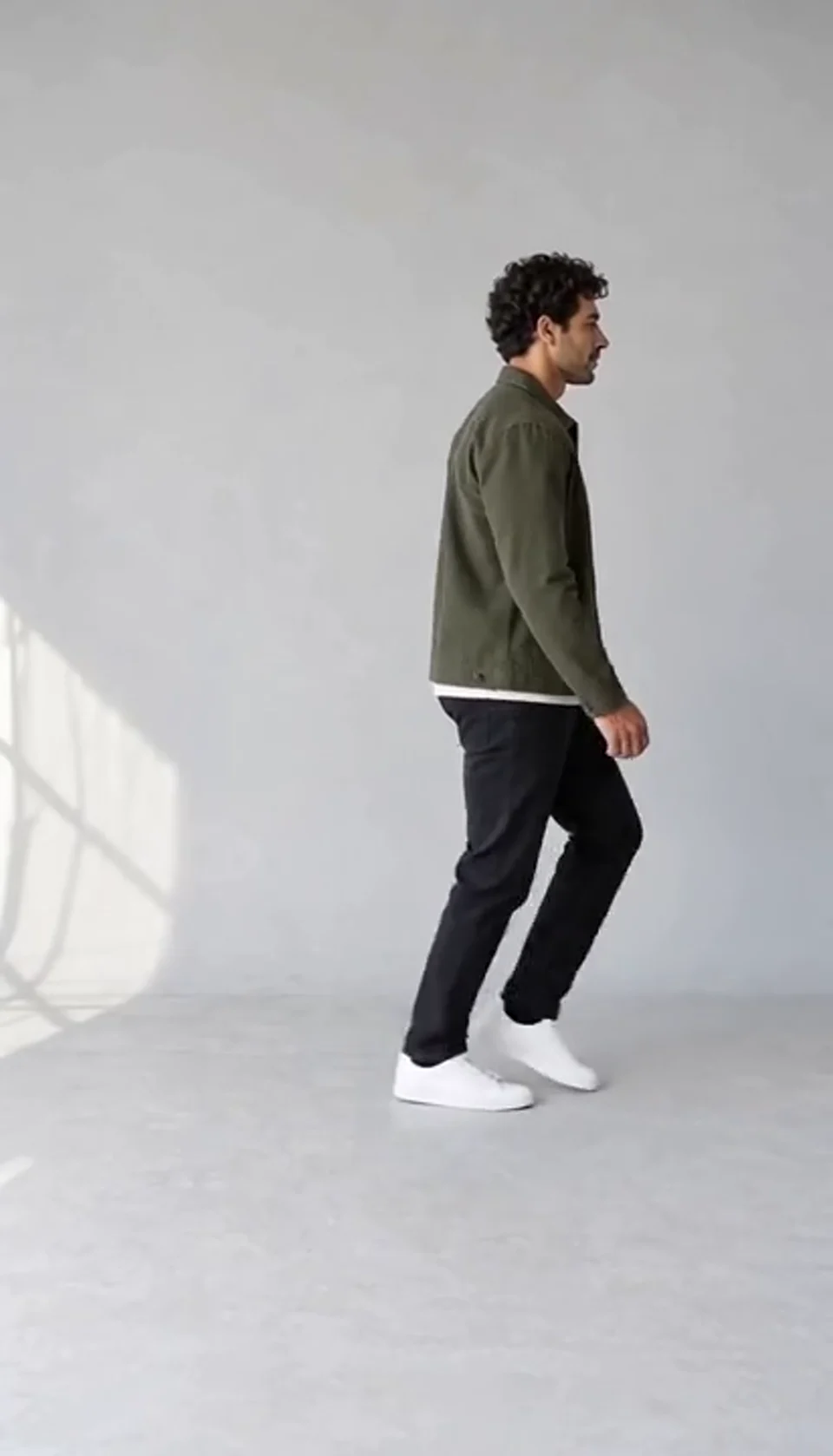
Turn one full-body photo into a short moonwalk dance. A steady side view keeps the sliding steps and your recognizable outfit in focus.
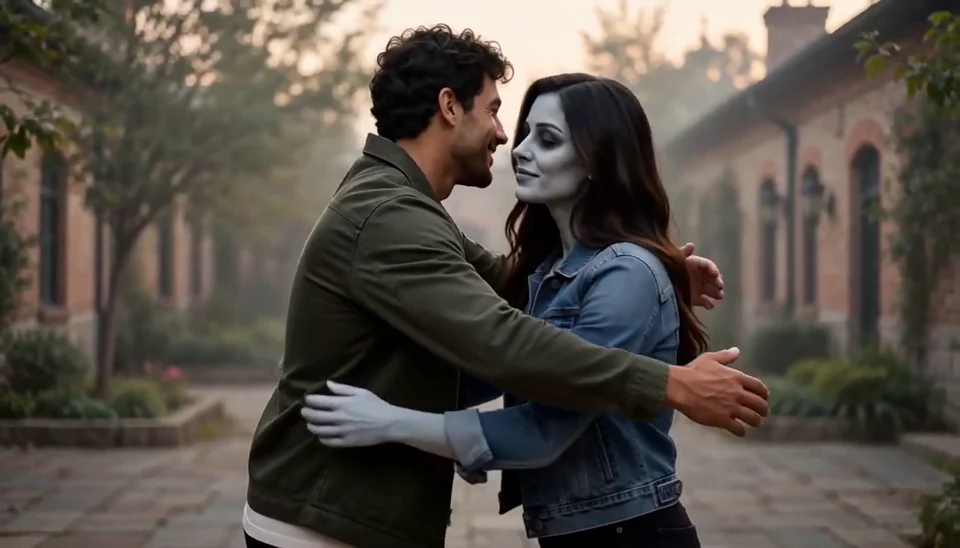
Bring two portraits into a tender fictional reunion: a human survivor recognizes their zombie partner, embraces them and remembers a warmer moment together.
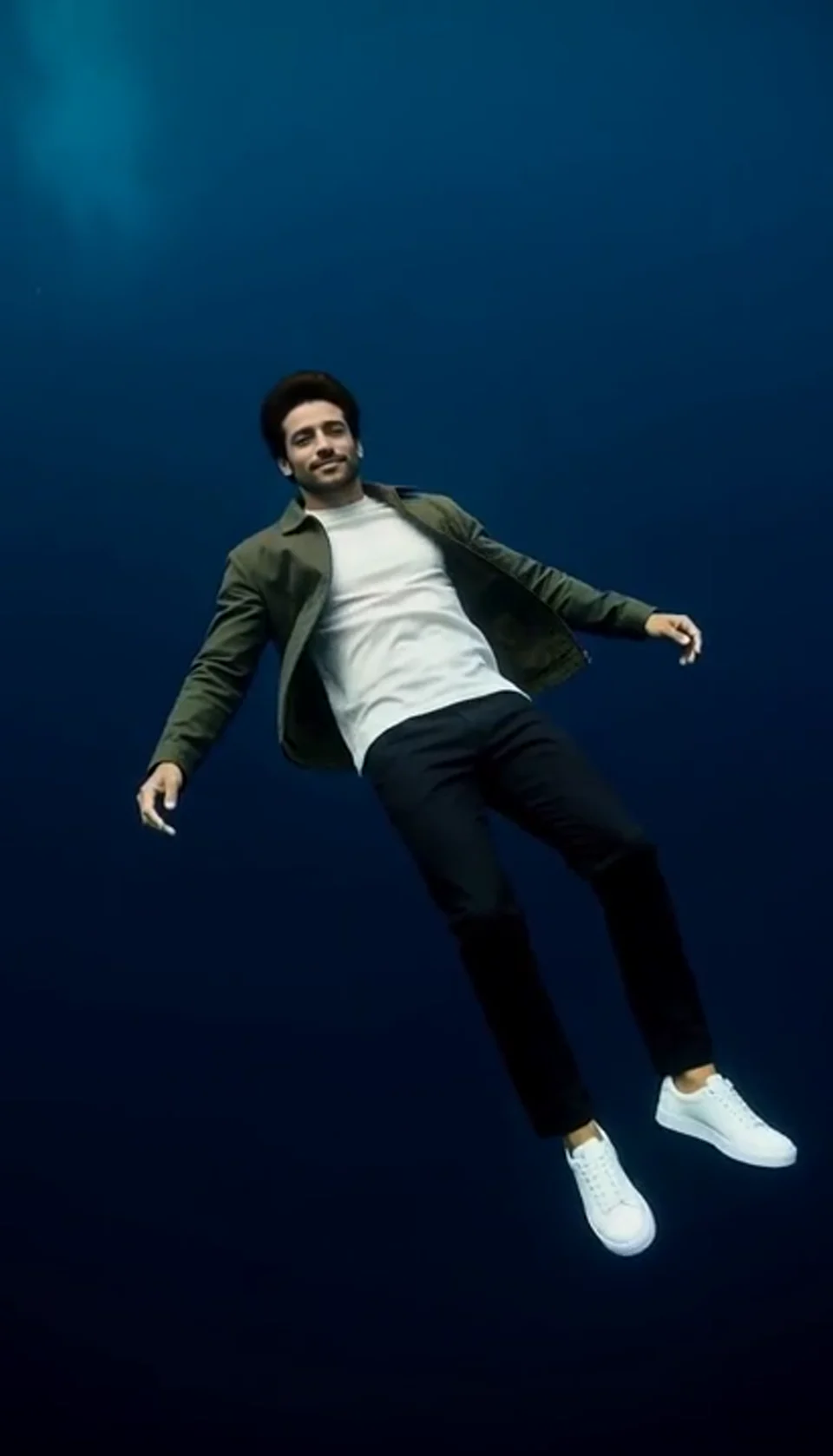
Turn one portrait into a dreamlike underwater scene. Drift through dark blue water with gently moving clothing, soft light and one calm camera move.
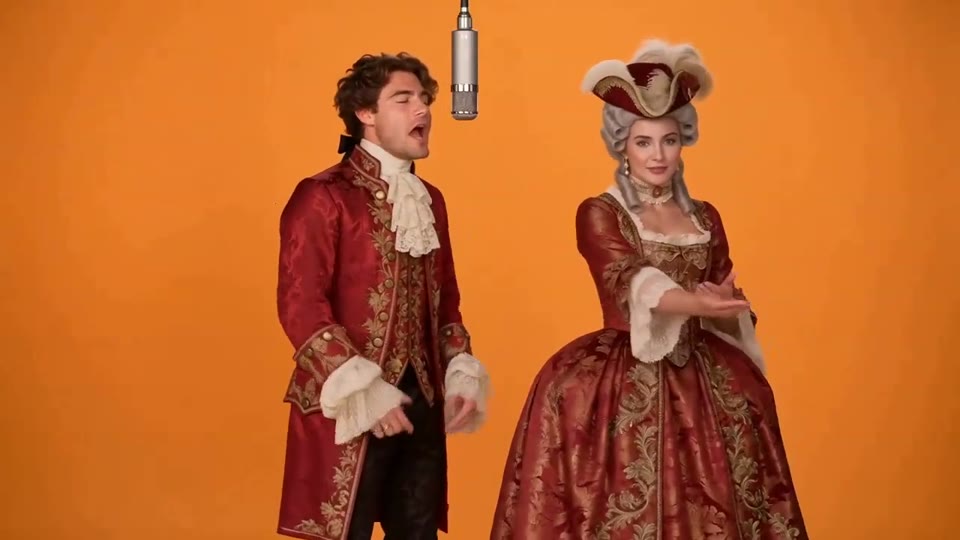
Two photos become a baroque rap duet on an orange stage.
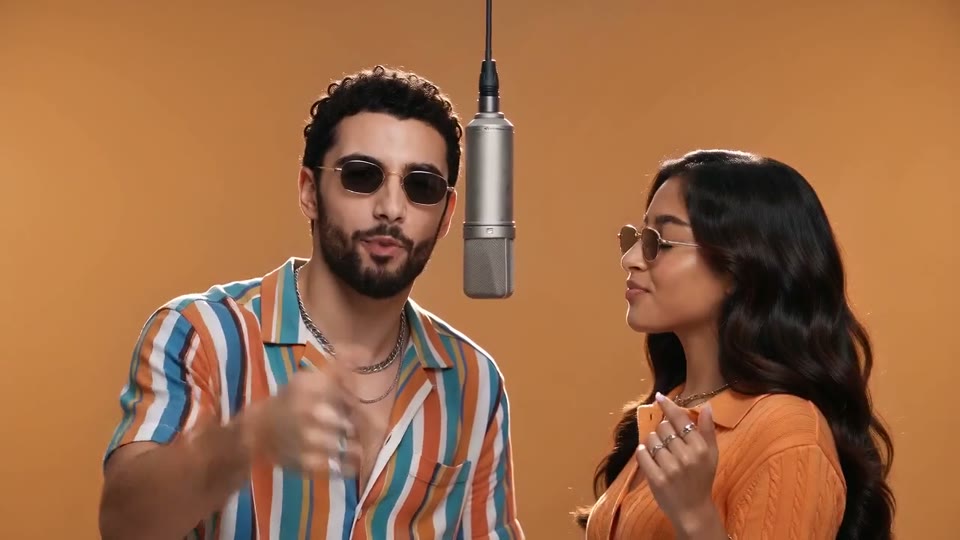
You and a friend trade verses in bold streetwear.
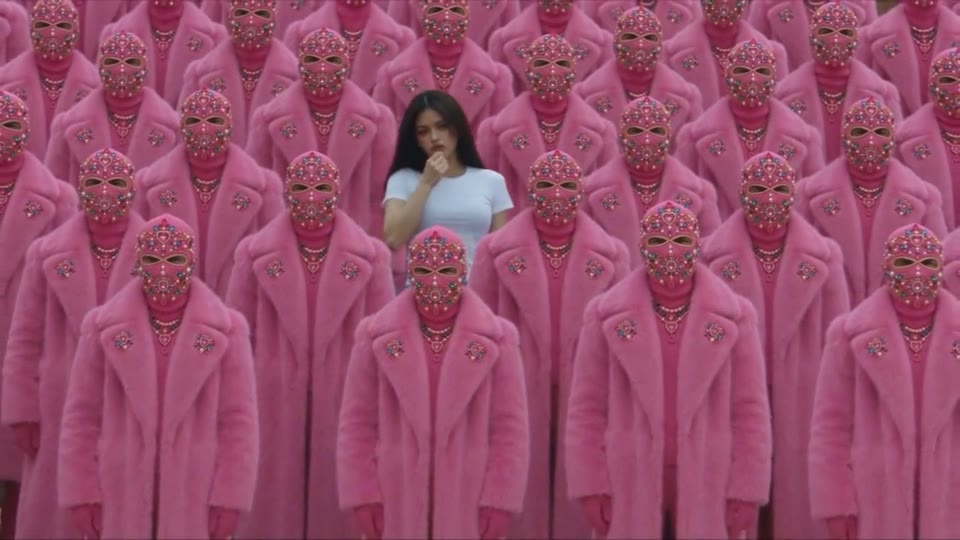
Your character leads a surreal pink-crowd dance.
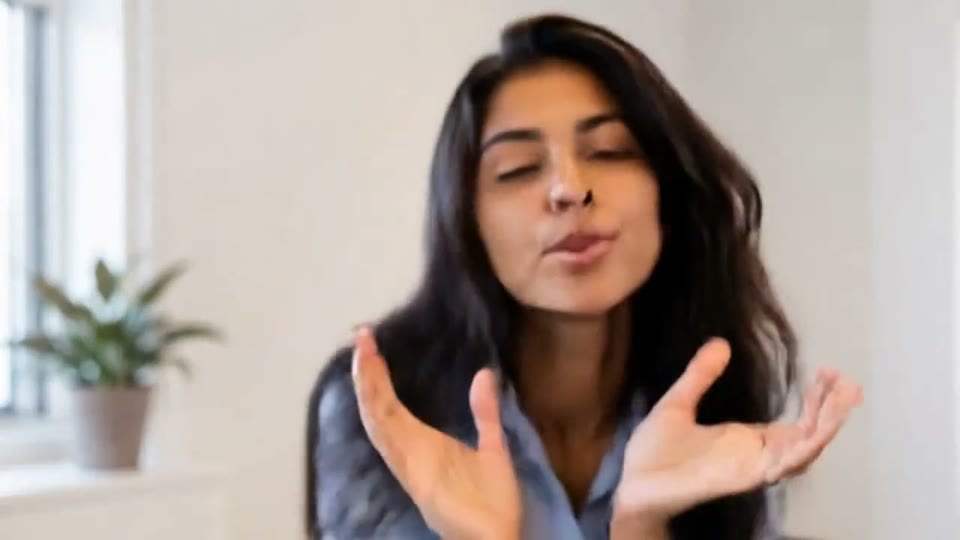
A portrait comes alive with a playful face-and-hands dance.
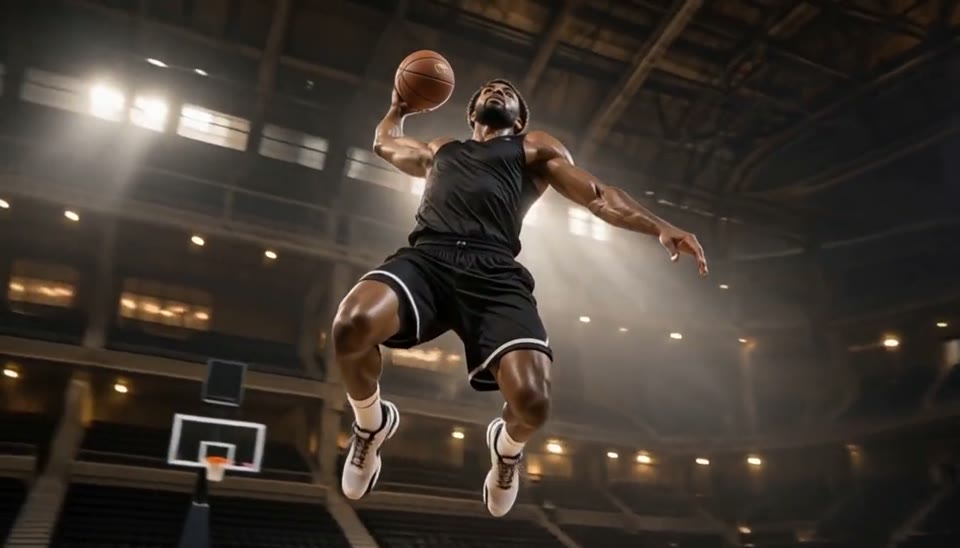
Freeze an action pose while the camera orbits around it.
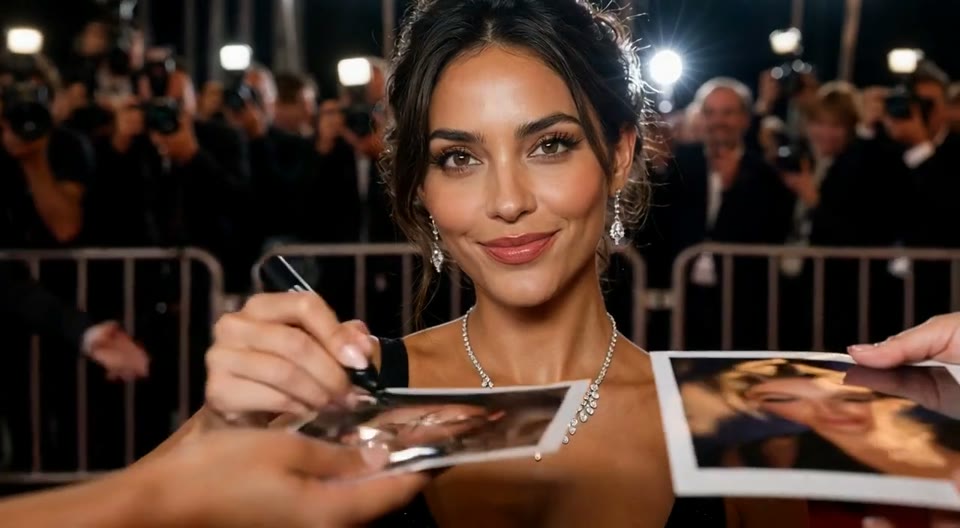
Create an AI red carpet video from one portrait. Add elegant eveningwear, paparazzi flashes and a gala entrance with the EveryGen video template.
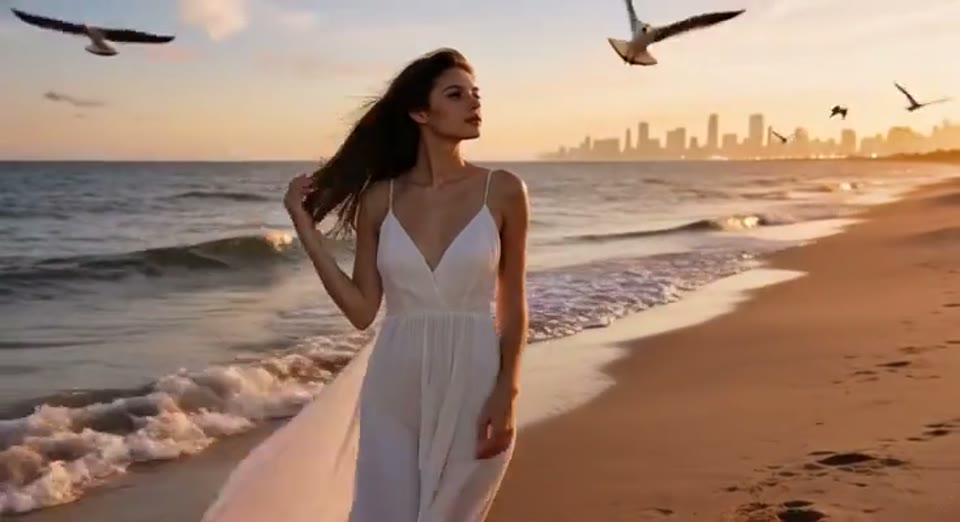
Create a day to night effect video from one photo on EveryGen. Animate golden hour, sunset and night lights while keeping the scene and framing consistent.
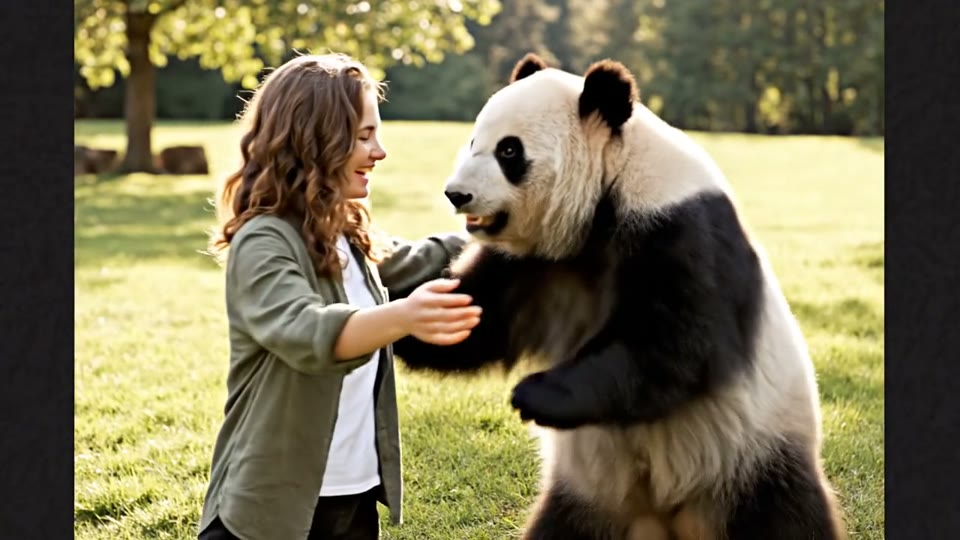
Create a heartwarming AI panda hug video from one photo on EveryGen. Add a gentle panda embrace, bamboo scenery and original sound in your chosen format.
Understand the inputs, fixed settings and practical limits before you generate.
It is a short band-performance edit that replaces selected performers with people or animals from photos. This EveryGen template uses a supplied vertical reference performance and Kling 4.0 to generate a personal version.
One lead performer photo is required. You may add up to four optional photos for saxophone, keyboard and the left and right backing singers. Each slot has its own upload preview so you can replace or remove a photo before generating.
Yes. You can upload a clear pet photo for a performer. The template asks for a complete animal identity, including fur and paws, but anatomy and instrument contact can vary. Mixing people and pets in the same generation is less predictable.
The prepared direction asks the model to keep the people from the original reference performance in those roles. The dog band shown in the sample is a fully cast example; empty slots do not retain its dogs. Optional slots do not change the 270-credit generation price.
One generation costs 270 EveryGen credits for one to five photos. The fixed generation settings are 18 seconds, 720p resolution and a vertical 9:16 aspect ratio. The delivered edit is about 17.7 seconds to follow the reference performance. Review the current quote in the editor before starting.
The template asks Kling 4.0 to retain the reference gestures, lip movements, room and camera cuts. Before delivery, the result is aligned to the reference and the template’s original soundtrack is restored. AI expressions, exact lip sync, identity and fine motion details can still vary, so play through the full result before using it.
Completion time depends on the generation queue. The editor allows up to 30 minutes and prevents repeated submissions while your job is active. If a request fails, review the displayed message and your uploaded photos before trying again; each new generation has its own quote.
No. This is an independent EveryGen AI template for creating fictional personal performance edits. Use only photos and other material for which you have the necessary rights and consent.
Add your lead photo, choose optional bandmates and review the 270-credit quote before you generate.
Start with Your Photo