
Sketch to Video AI
Only upload photos of yourself or of people who agreed to take part.
Keep the drawing. Bring its story to life.
Sketch to Video AI: Turn Your Drawing into an Animated Video
Sketch to video AI gives a still drawing a small moment of life. Upload hand-drawn line art, a digital illustration or a character sketch, and the template adds gentle breathing, a blink, a head turn or movement in the scenery. The opening frame follows your artwork, while the direction asks for the same outlines, palette and composition throughout.
No prompt writing or animation setup is required. The video follows your image’s shape. Choose 480p or 720p and 5, 10 or 15 seconds. Preview the sample, check the exact credit cost in the workbench and generate your own take with original sound. Browsing is free; each generation uses credits, and the finished video is available as an MP4 in My Creations.
- Hand-drawn or digital artwork
- Original composition and line work
- Gentle character motion
- Downloadable animation
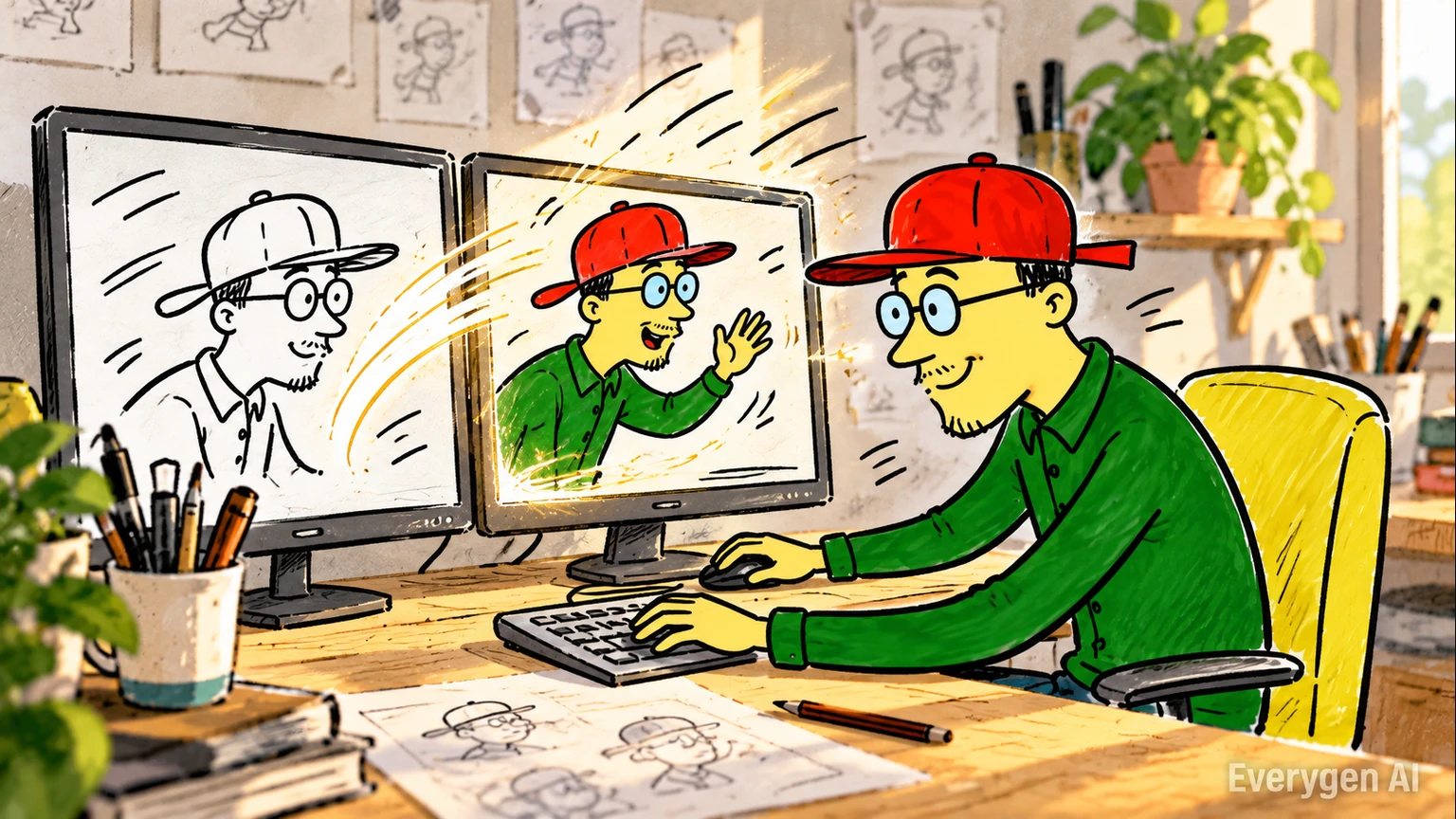
How to Use the Sketch to Video AI Template
Go from a still image to an AI video in four simple steps.
Upload your image
Upload a clear scan or digital drawing with clean outlines and one readable subject.
Choose your settings
The video follows your image’s shape. Choose 480p or 720p and 5, 10 or 15 seconds.
Check the cost and generate
Review the credit quote next to Generate. The preset directs the scene, motion, camera and original audio; you can follow progress in the workbench.
Preview, download and share
Review the subject and motion, then download the finished MP4. Regenerating creates another take and uses credits again.
Sketch Animation Generator: Preserve Your Drawing Style
Explore the visual details and workflow behind the Sketch to Video AI template.
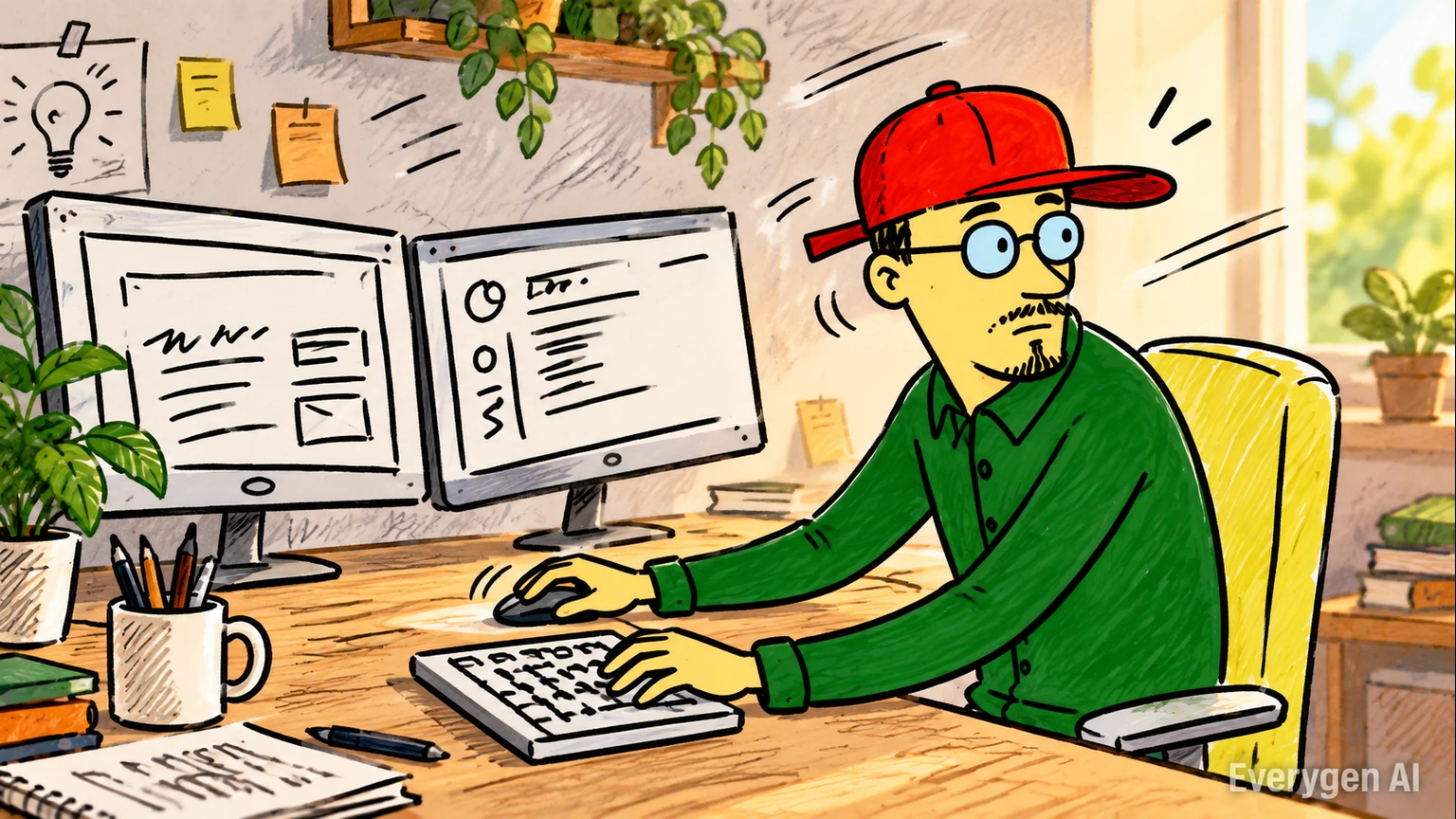
Turn Sketches, Drawings and Line Art into Motion
A clean drawing becomes the starting frame for a short animation. Character gestures and subtle environmental movement give an illustration a scene without requiring a timeline or frame-by-frame animation.
For a paper drawing, use an even scan or a well-lit photograph with the page facing the camera. Clear lines and a readable subject give the template a stronger starting point than a tilted page with heavy shadows or distracting objects around it.
The motion is designed to suit the artwork. A character can blink or shift its head; an environment can gain a small atmospheric movement. Keeping one subject and one simple action makes the resulting animation easier to review and use in a short story or art presentation.
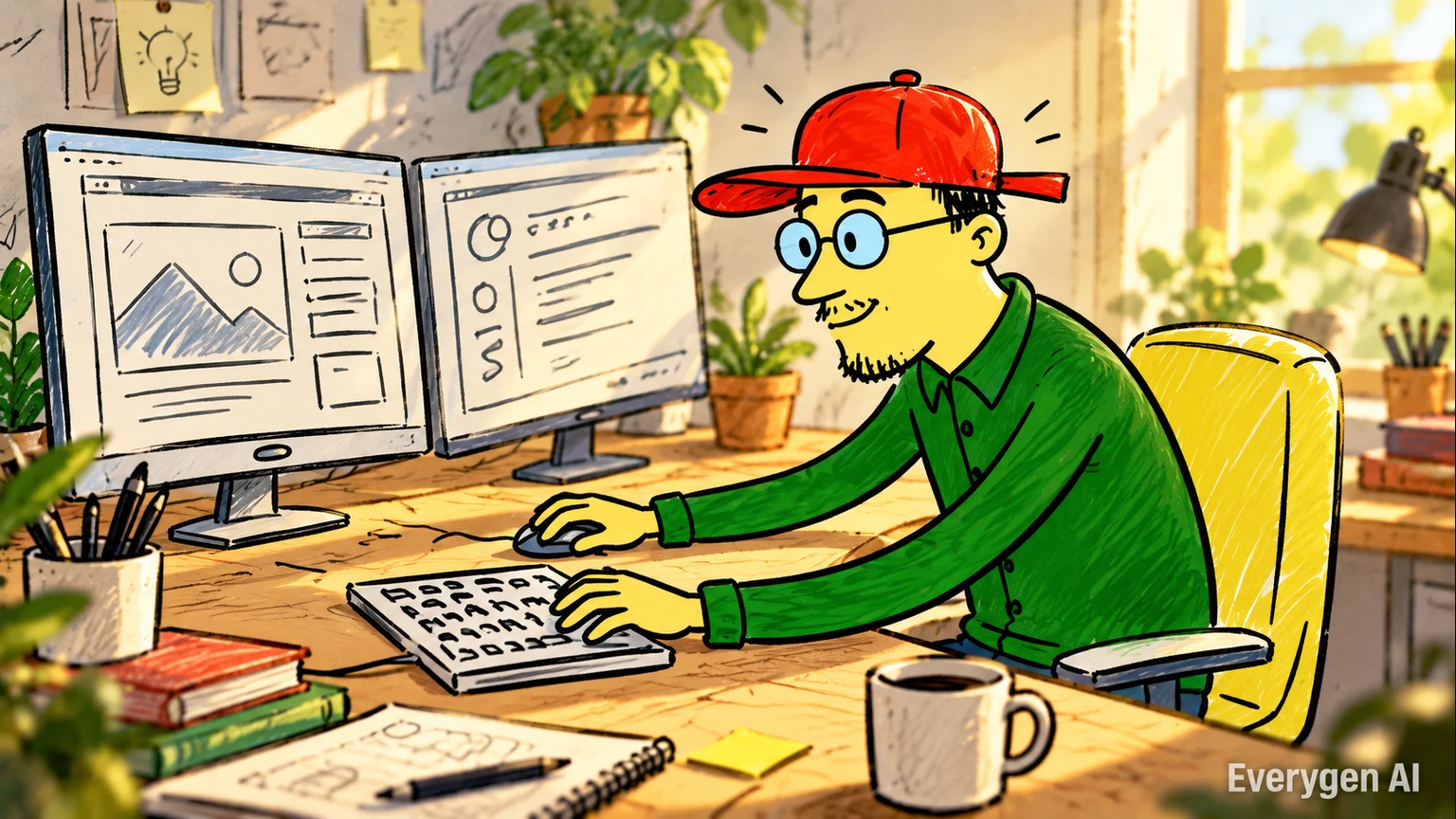
Preserve Composition and Character Shape
The preset emphasizes the same outlines, proportions, palette and background. Simple poses and clear silhouettes work best when the template needs to infer movement from a single drawing.
A consistent image layout helps the movement feel like an extension of your drawing. Leave important edges, clothing shapes and background cues visible, and avoid cropping the features that give the character its identity.
The preset favors a steady camera and restrained motion. This reduces the need to invent large areas outside the drawing and keeps attention on the original design. Simple color blocks, clear facial features and well-separated foreground and background can make a useful visual reference even when the artwork is deliberately loose or unfinished.
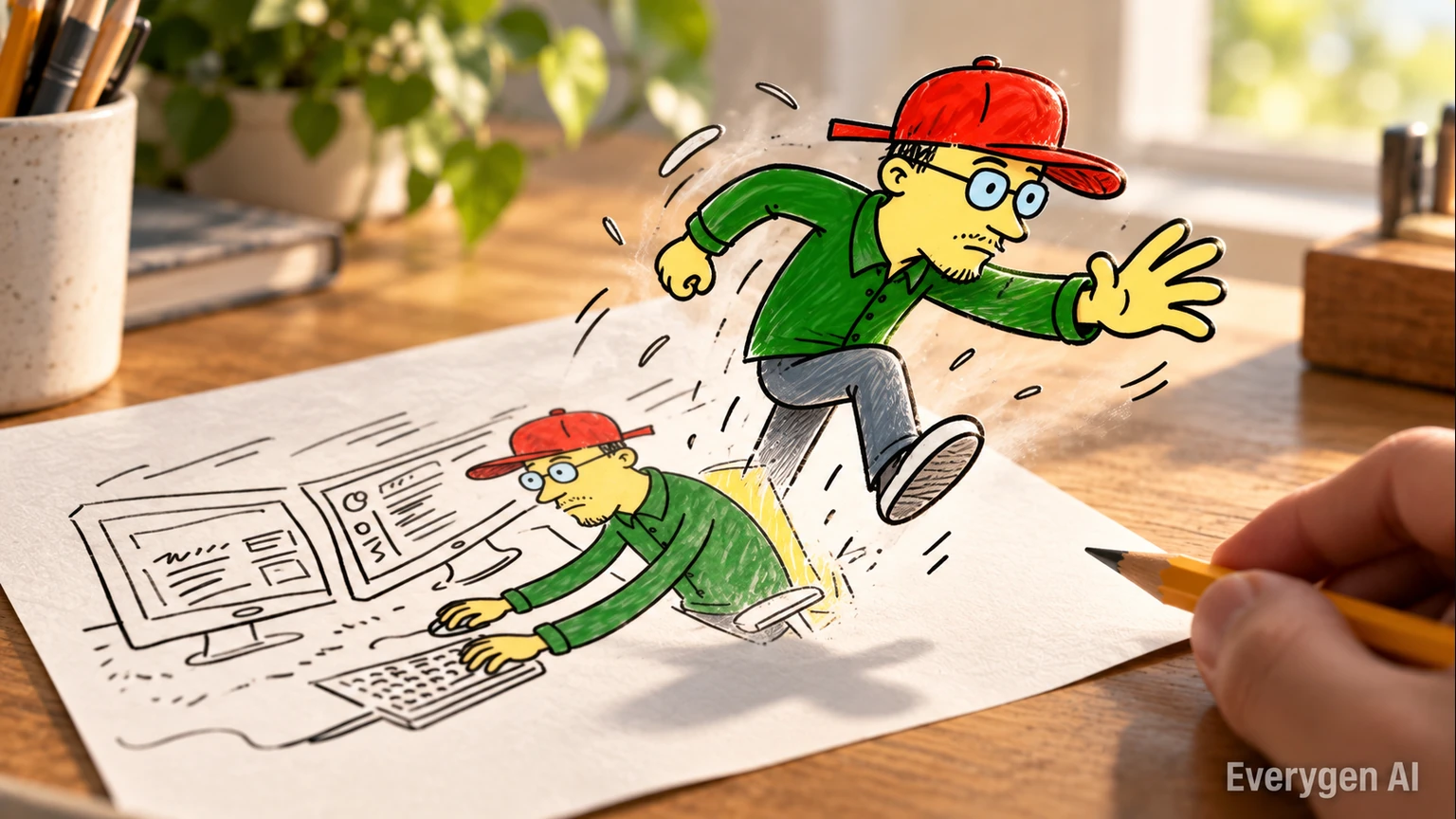
Clean Motion without Animation Setup
The template directs restrained breathing, blinking, head movement and scenery details. It keeps the camera steady and asks for an illustrated look, so the drawing remains the visual reference.
Instead of arranging keyframes, you choose the image and the supported video settings. The template handles the motion direction, including small details that give a drawing a sense of life without demanding a dramatic new pose.
A short take is useful for testing a character expression or an atmosphere. Once you have a version you like, it can become a reference for a more detailed animation project or a finished piece in its own right. Preview the sample to understand the amount of movement, then select an image whose design suits that gentle pace.
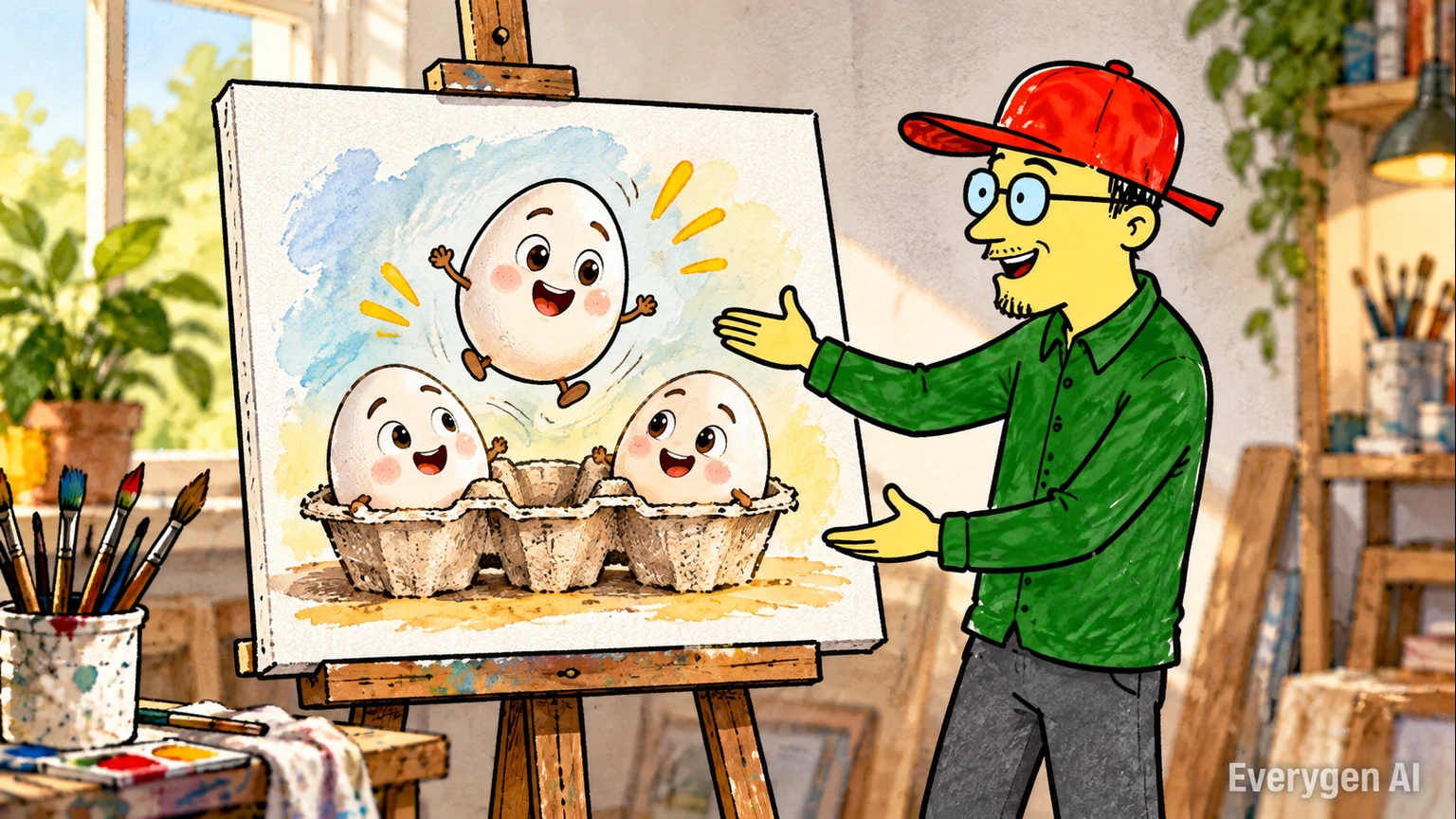
Download-Ready Videos for Creative Sharing
Export the finished MP4 for an art post, storyboard review or short story edit. Original soft music and atmosphere are generated with the picture. Review outlines and small details before using a take.
Use the animation as a moving art reveal, a storyboard reference or an insert in a larger story. Placing the original drawing beside the generated clip can also make the creative process easier for viewers to understand.
The output is a video file, so you can trim it, combine it with other clips and add your own captions in an editor. The preset includes original soft music and atmospheric sound, providing a starting audio treatment when the animation needs to stand on its own. Select the take whose line continuity and pacing suit the intended presentation.
Turn Drawings into Videos for Art Reveals and Stories
Find a setting for the effect in your next post, story or creative project.
Storyboards and Character Animation
Preview a character moment from one storyboard panel or expression drawing.
Product and Fashion Visualization
Explore subtle movement in an original design sketch before developing a full presentation.
Architecture and Concept Art
Add restrained atmosphere to a clear architectural or environment illustration.
Education and Social Storytelling
Use moving illustrations to support a short explanation or share an art process.
Six Ideas for Your Next Sketch to Video AI
Start with a clear source image and give each take one simple purpose.
Character Blink Study
Try this direction with your own image and the Sketch to Video AI preset. Compare the source and generated motion in a short post or edit.
Hand-Drawn Story Opener
Try this direction with your own image and the Sketch to Video AI preset. Compare the source and generated motion in a short post or edit.
Fashion Sketch Motion
Try this direction with your own image and the Sketch to Video AI preset. Compare the source and generated motion in a short post or edit.
Landscape Atmosphere
Try this direction with your own image and the Sketch to Video AI preset. Compare the source and generated motion in a short post or edit.
Storyboard Moment
Try this direction with your own image and the Sketch to Video AI preset. Compare the source and generated motion in a short post or edit.
Sketch-and-Animation Reveal
Try this direction with your own image and the Sketch to Video AI preset. Compare the source and generated motion in a short post or edit.
Image Tips for a Better Sketch to Video AI
A readable subject and a clean image give the template better visual guidance.
Works best
- Clean outlines, a simple pose and a plain paper background
- Sharp detail and balanced lighting
- One main subject with room for movement
- Images you own or have permission to use
Avoid
- Blurred, dark or heavily filtered images
- Cropped faces, hands or important outlines
- Crowded scenes with overlapping subjects
- Photos used without the person’s permission
What Creators Say About EveryGen
Feedback from EveryGen’s existing image-to-video workflow, which also powers photo-based creative effects.
We now produce campaign videos from existing image assets in a fraction of the time.
Sophie L., Content Marketer
Sophie L.
Content Marketer
Image-to-video helped us upgrade product pages without expensive shoots.
Ryan T., E-commerce Operator
Ryan T.
E-commerce Operator
The prompt controls are practical and outputs are strong for rapid iteration.
Mia W., Creative Producer
Mia W.
Creative Producer
More AI Video Templates Like Sketch to Video AI
Try another trending effect with the same photos.
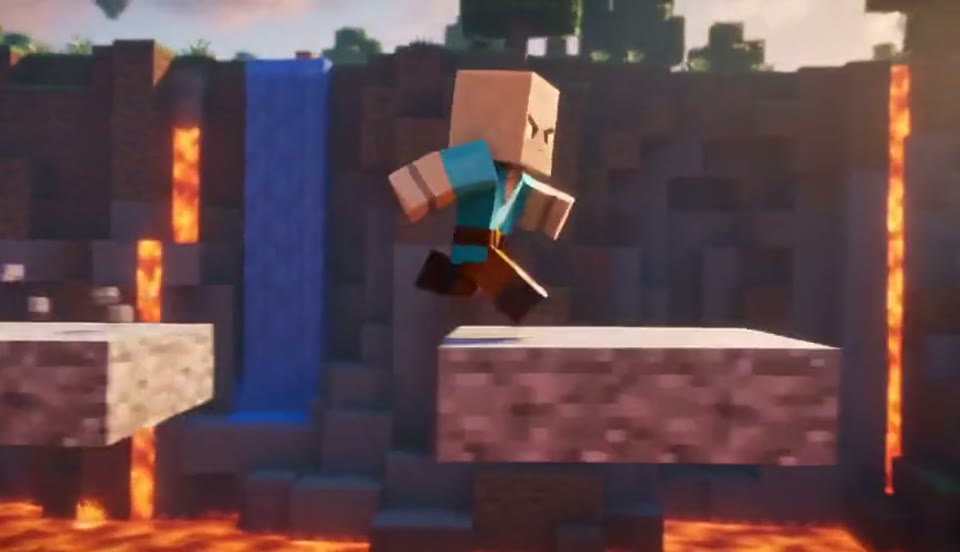
AI Minecraft Video Maker
Create a Minecraft-style AI video from one photo. Make voxel characters, block-world parkour and adventure clips with original sound on EveryGen.
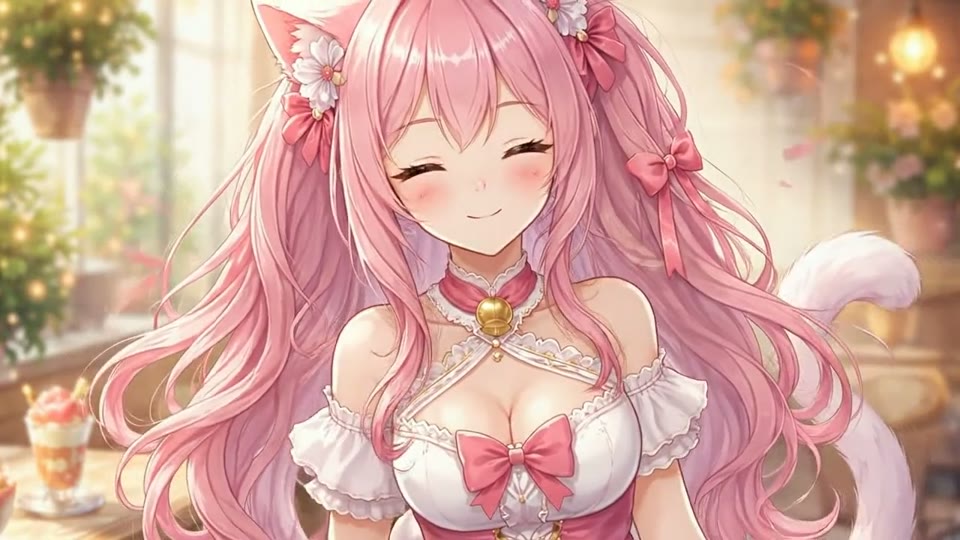
Live 2D Animations
Create Live 2D-style animation from a portrait or character image with EveryGen. Add blinking, breathing and gentle head motion while preserving the visual style.
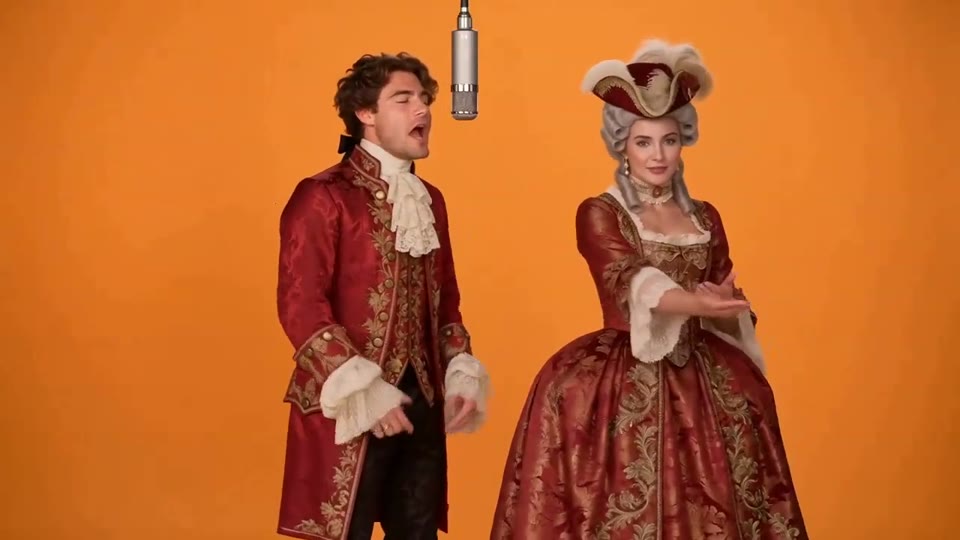
Hotel Lobby AI Video
Two photos become a baroque rap duet on an orange stage.
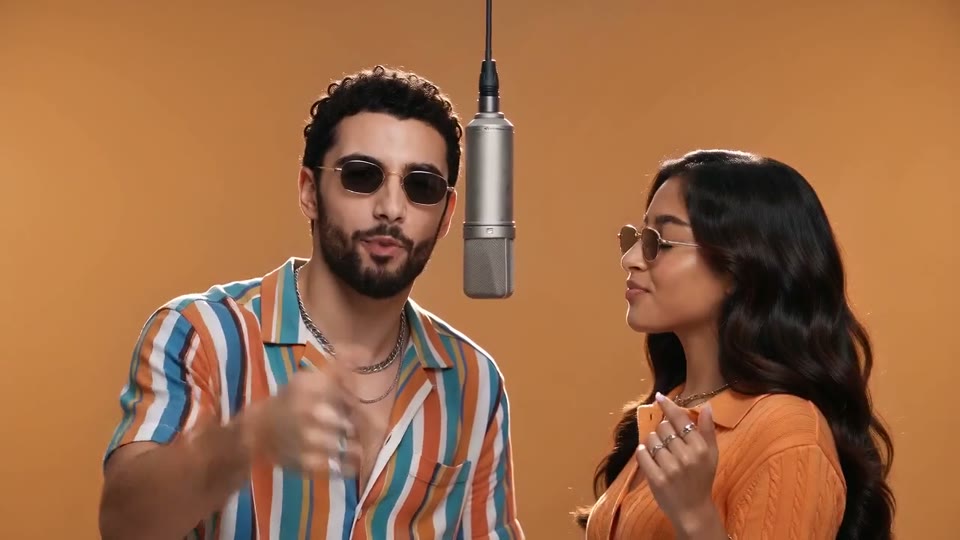
AI Rap Duo Video
You and a friend trade verses in bold streetwear.
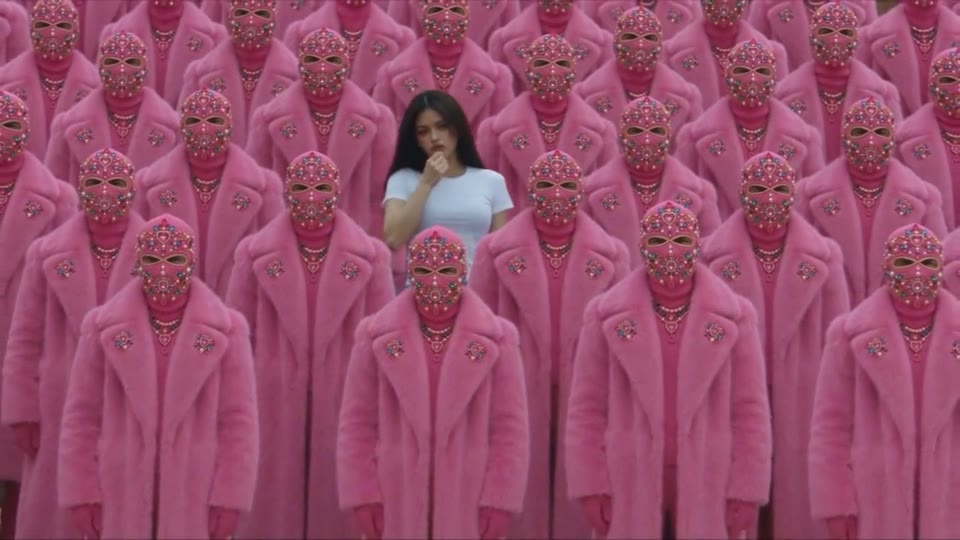
STORM II AI Video
Your character leads a surreal pink-crowd dance.
AI Face Dance Generator
A portrait comes alive with a playful face-and-hands dance.
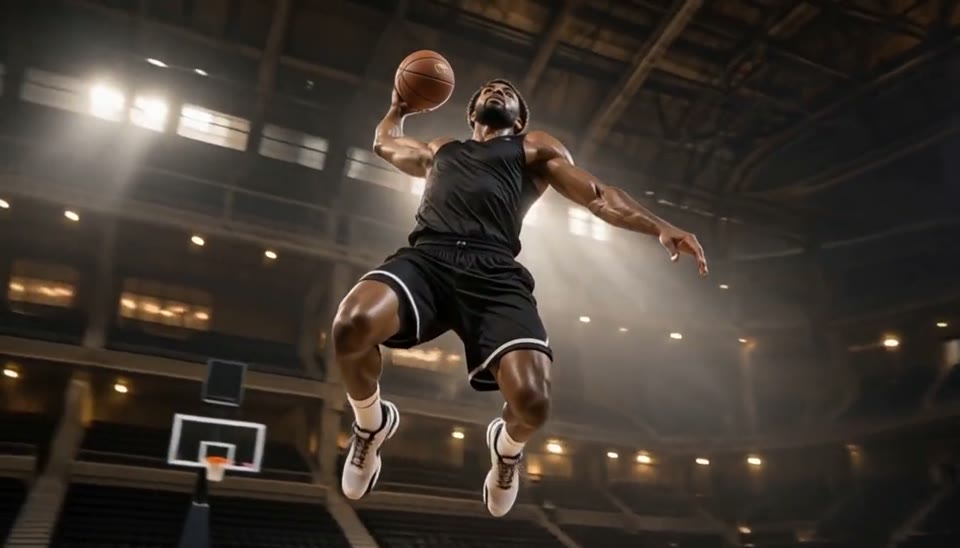
Bullet Time Video
Freeze an action pose while the camera orbits around it.
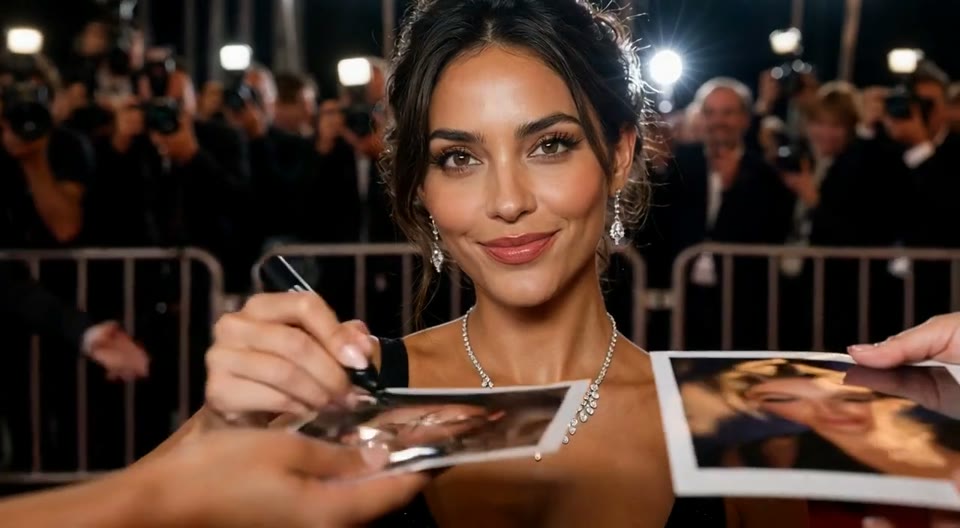
AI Red Carpet Video
Create an AI red carpet video from one portrait. Add elegant eveningwear, paparazzi flashes and a gala entrance with the EveryGen video template.
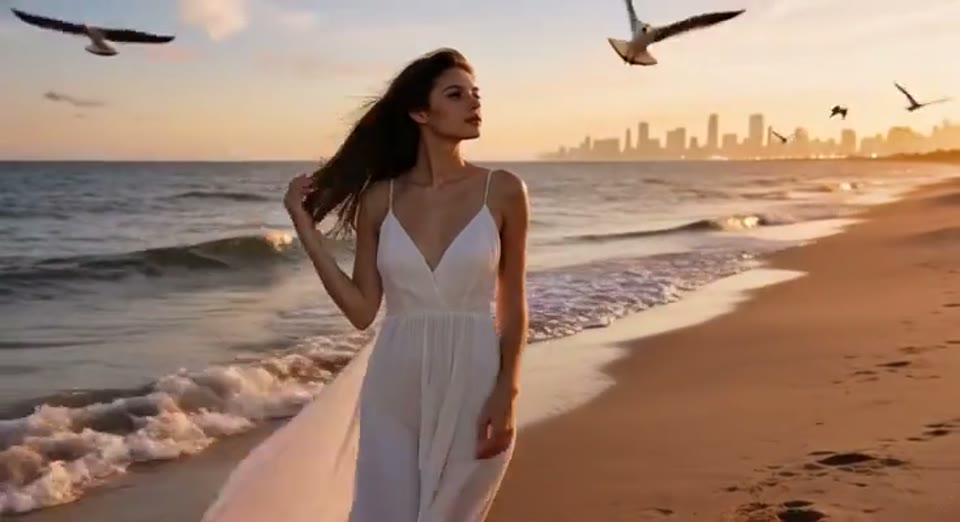
Day to Night Effect
Create a day to night effect video from one photo on EveryGen. Animate golden hour, sunset and night lights while keeping the scene and framing consistent.
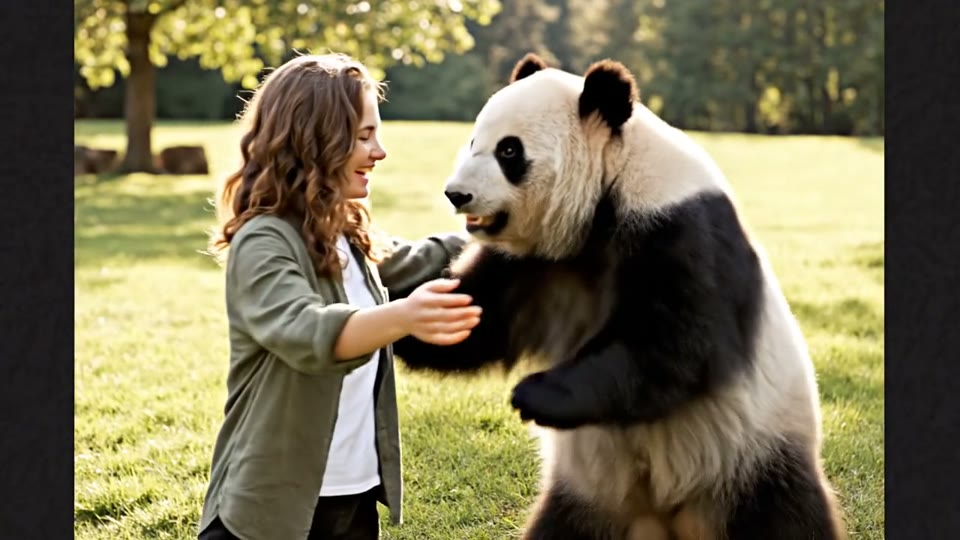
AI Panda Hug Video
Create a heartwarming AI panda hug video from one photo on EveryGen. Add a gentle panda embrace, bamboo scenery and original sound in your chosen format.
Sketch to Video AI FAQ: Your Questions Answered
Learn about source images, output settings, credits and sharing.
Create Your Sketch to Video AI Today
Choose a clear image, preview the effect and make a short video with original sound. The workbench shows the exact credit cost before you generate.
Create Sketch to Video AI