

Turn Scripts into Spoken Audio
Paste the words you want the voice to say. Punctuation and sentence breaks help shape pauses and make longer passages easier to follow.
- Narrate written scripts
- Test spoken drafts
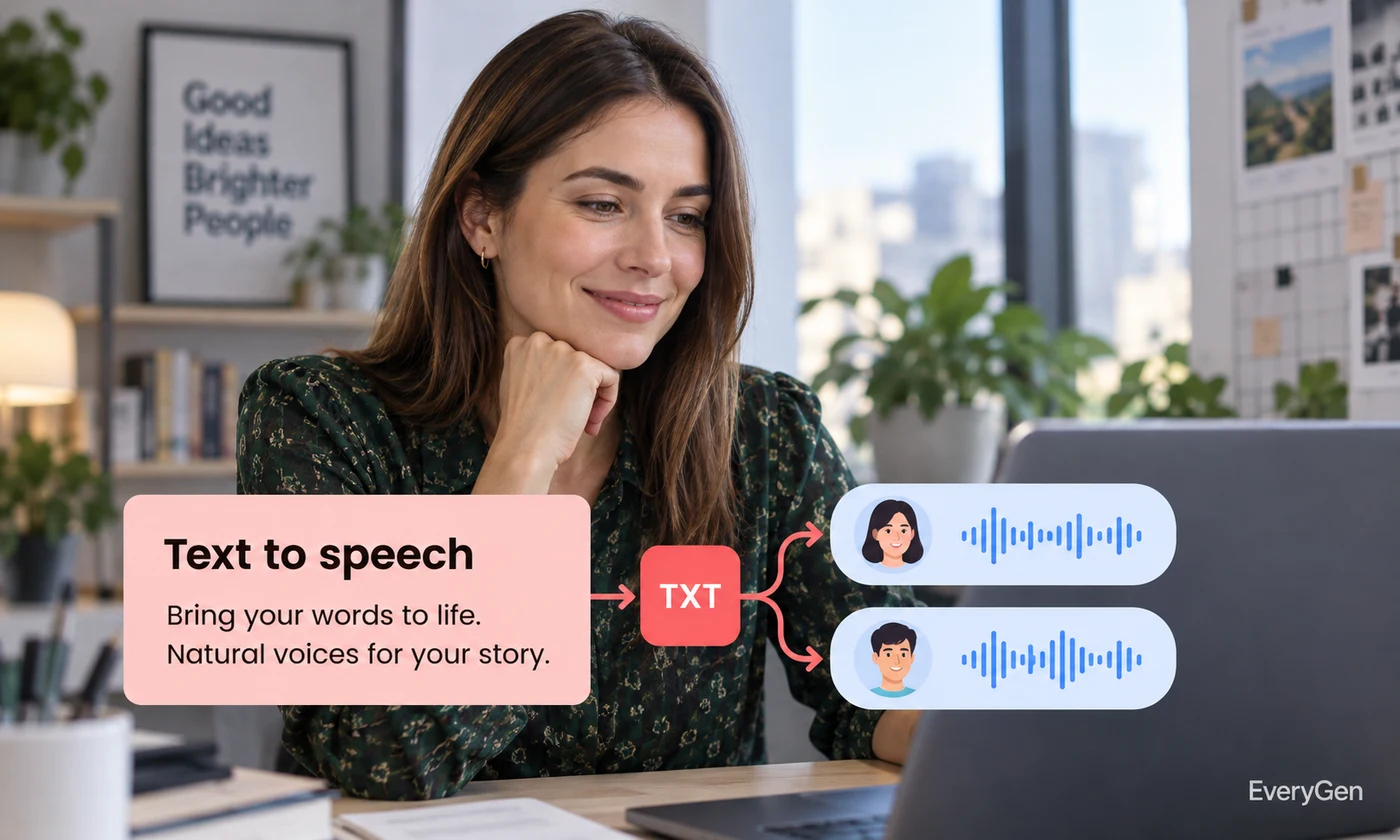
Give your script a voice with AI text to speech. Choose a speaker and tune stability to create narration you can listen to before placing it in your project.

See what the tool changes and how to get a useful result.
Paste the words you want the voice to say. Punctuation and sentence breaks help shape pauses and make longer passages easier to follow.

Select a voice that suits the audience and topic. Use the same choice across related clips for a more consistent listening experience.
Adjust stability to influence how steady or varied the delivery sounds. Listen for names and numbers before saving your narration.
Work through these three steps in the editor above.
Write the final spoken script.
Choose a voice and adjust stability.
Generate speech and listen before saving.
Choose a starting point that matches the work you want to finish.
Create a spoken track for explainers and product demonstrations.
Turn lesson notes into audio that learners can replay.
Hear pacing problems before recording a final performance.
Practical answers about inputs, results and limitations.
It turns your written script into an audio result you can preview and download.
Yes. Choose from the voices available in the editor before generating.
It influences vocal consistency and variation; the best setting depends on your script.
Spell out abbreviations, add punctuation and test difficult names in a short passage.
No. This editor uses selectable voices; voice cloning is a separate workflow.
Bring your own source and review the result in the editor above.