Upgrade your plan and unlock more creative benefitsView plans
Only upload photos of yourself or of people who agreed to take part.
Saved AI-generated example. Upload your photo to create a personal result; your result will vary.
Make Your Subject the Featured Player
Cast a familiar face in a fictional football highlight. The photo defines the attacker, while the prepared scene follows the idea of a chip over a goalkeeper, a composed dribble and a finish into the open net.
EveryGen creates a new staged sequence instead of returning a match replay. Look through the footwork, ball contacts and final celebration, then choose how the clip fits into your own football story.
Create in Three Steps
Upload a photo, review the prepared effect and generate a new clip.
Use one clear portrait of the person who should be the featured attacker. Keep the face visible and avoid heavy filters.
Check the prepared template, available settings and current credit quote. Start generation when you are ready.
Watch the complete result, check the details that matter to you and download the finished video.
Build a focused scene around your subject and review the details before using the clip.
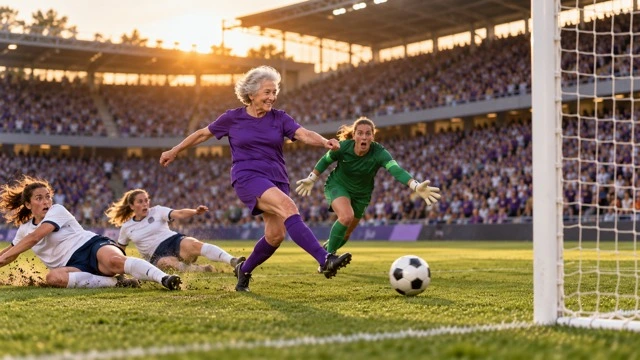
One portrait gives the scene a specific lead. The preset supplies a football kit, a training pitch and supporting players, letting the uploaded subject remain the focus of the story.
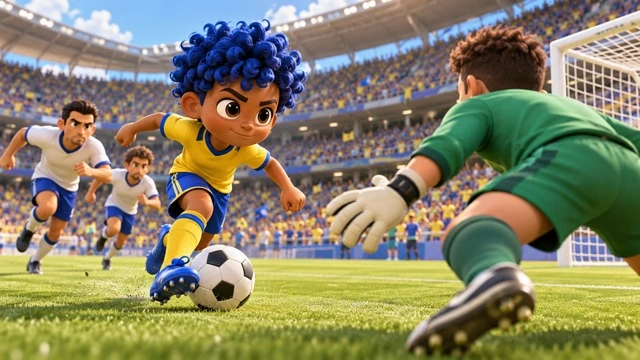
The prepared direction asks for the key story beats: approach, goalkeeper chip, close control, a feint and the finish. Check how those beats connect in your generated result; AI timing and ball physics can vary.
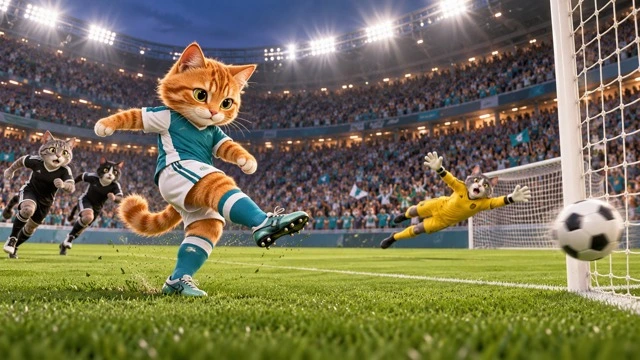
The camera returns attention to the scorer after the finish. Use that final reaction to close a fan video, introduce a football character or lead into your own commentary.
A finished template video can become one scene in a larger creative edit.
Place a familiar subject into a fictional goal-scoring scene.
Use the generated moment within your own reaction, narration or football montage.
A useful source photo gives the effect a stronger starting point.
Try another trending effect with the same photos.
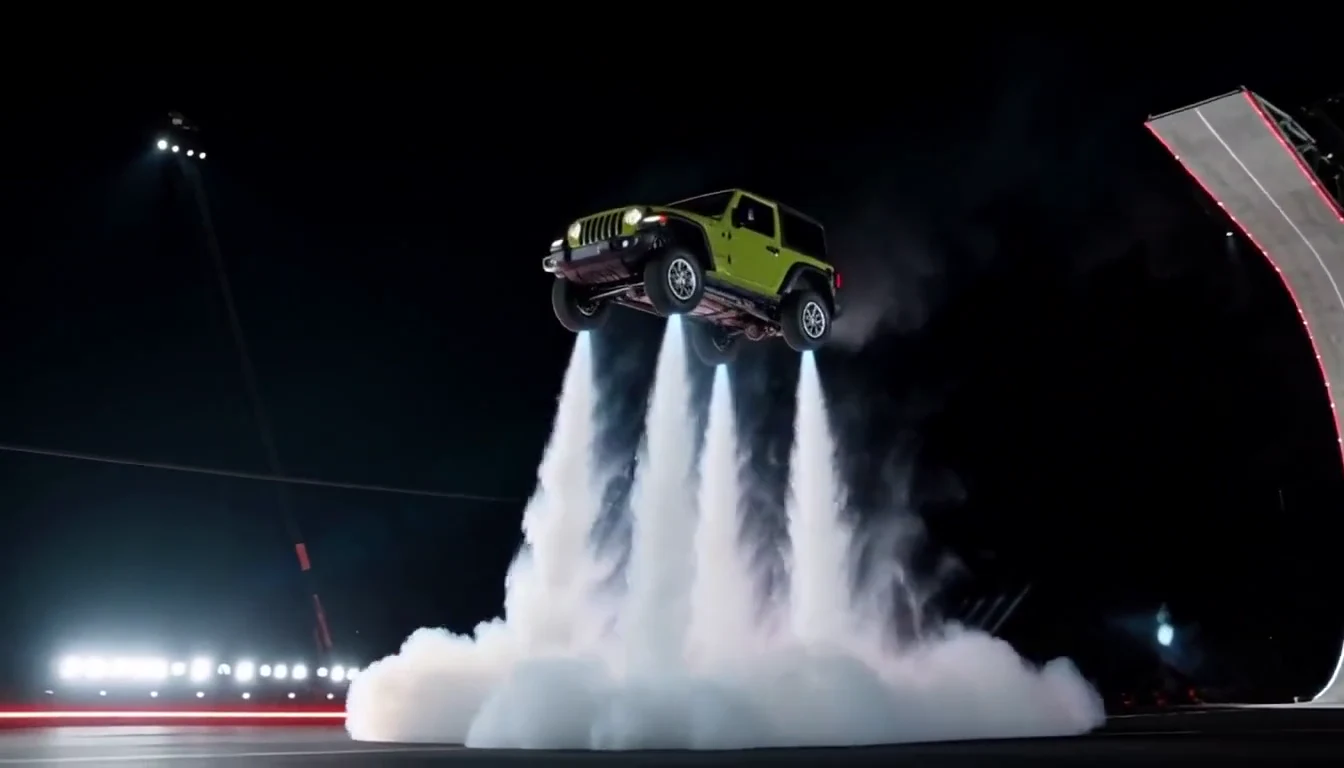
Turn your car photo into a Tesla Roadster-inspired ramp launch, kickflip or thruster landing. Explore nine flying car scenes, including traffic escape and tunnel walls.
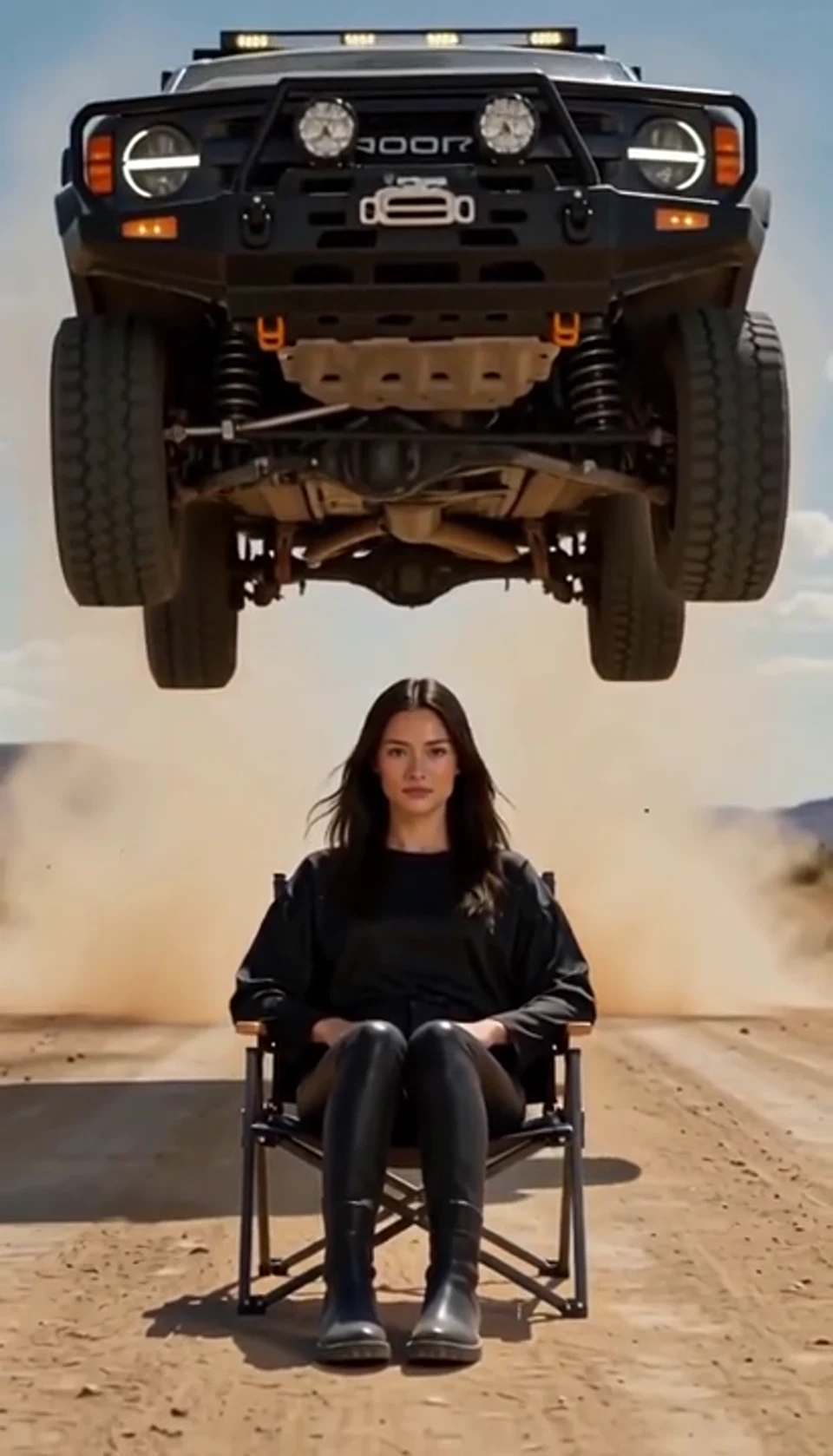
A calm portrait becomes a dramatic desert stunt.
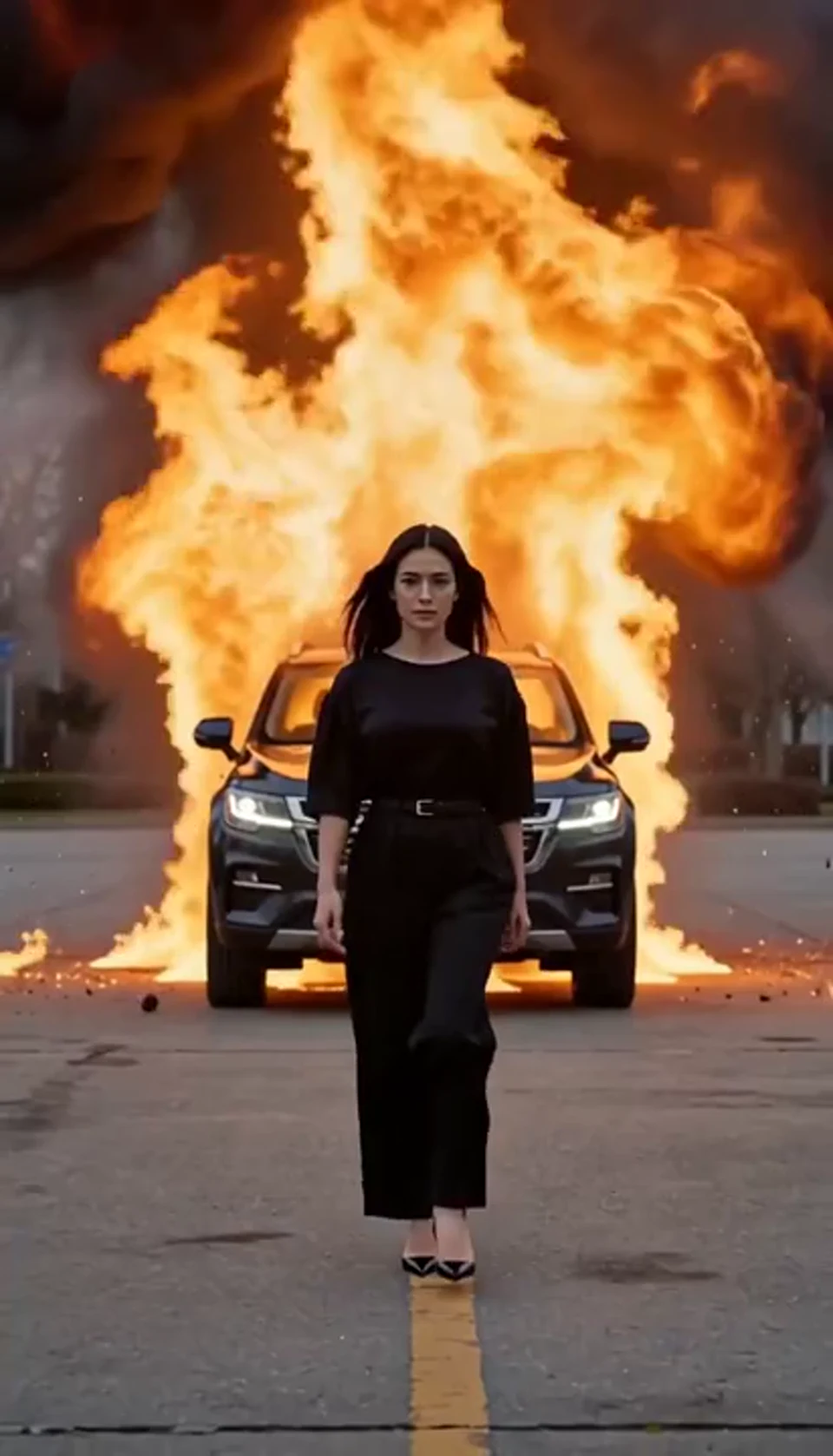
Walk toward the camera as the SUV erupts behind you.
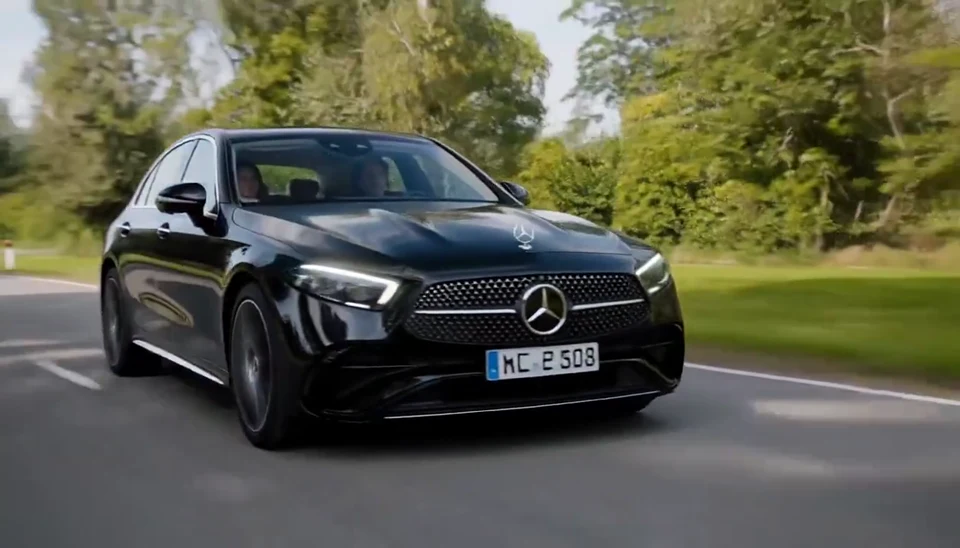
Your car photo becomes a cinematic driving shot.
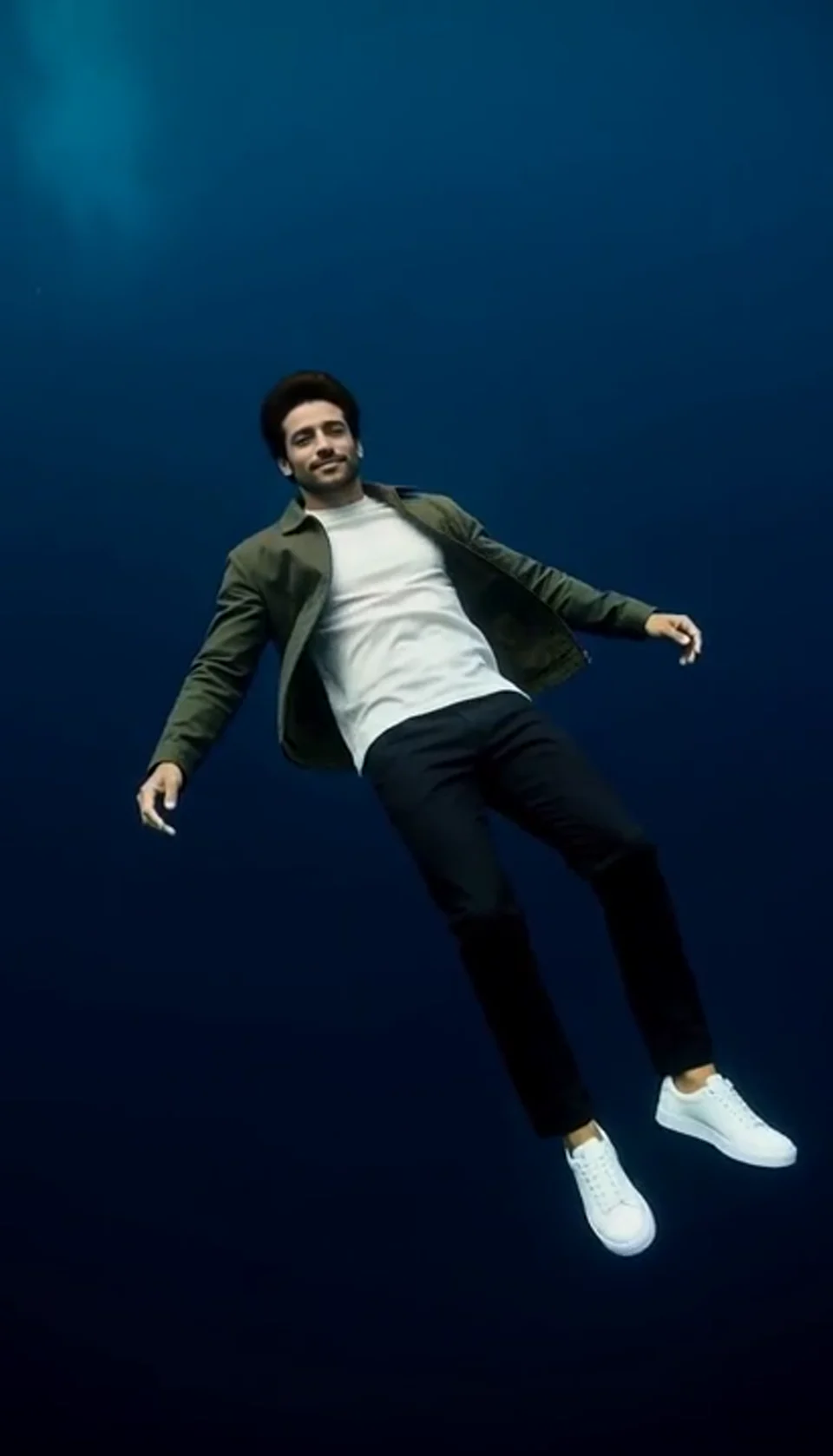
Turn one portrait into a dreamlike underwater scene. Drift through dark blue water with gently moving clothing, soft light and one calm camera move.
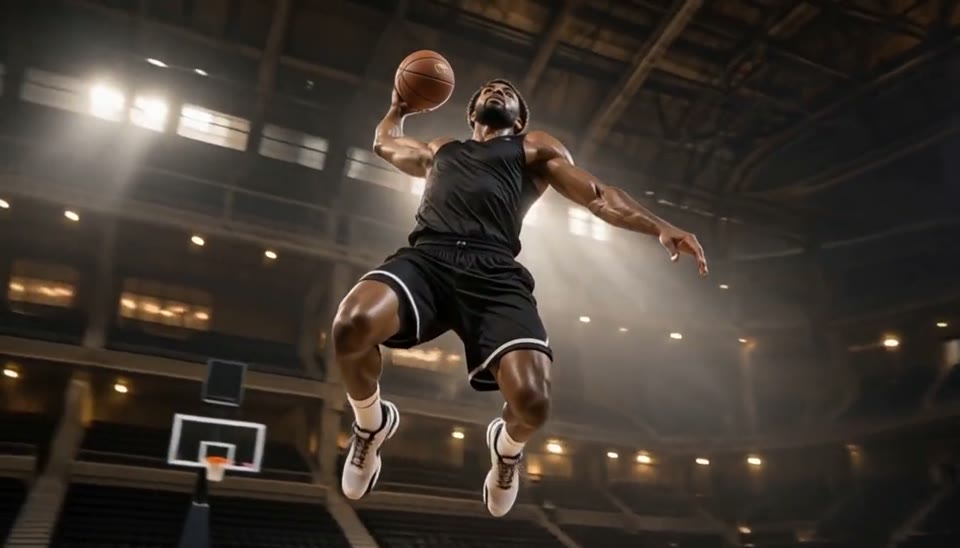
Freeze an action pose while the camera orbits around it.
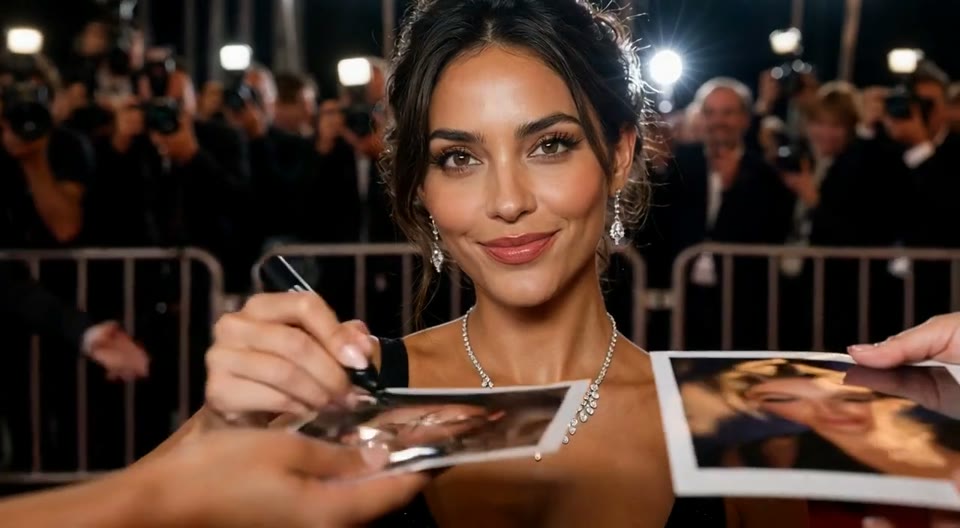
Create an AI red carpet video from one portrait. Add elegant eveningwear, paparazzi flashes and a gala entrance with the EveryGen video template.
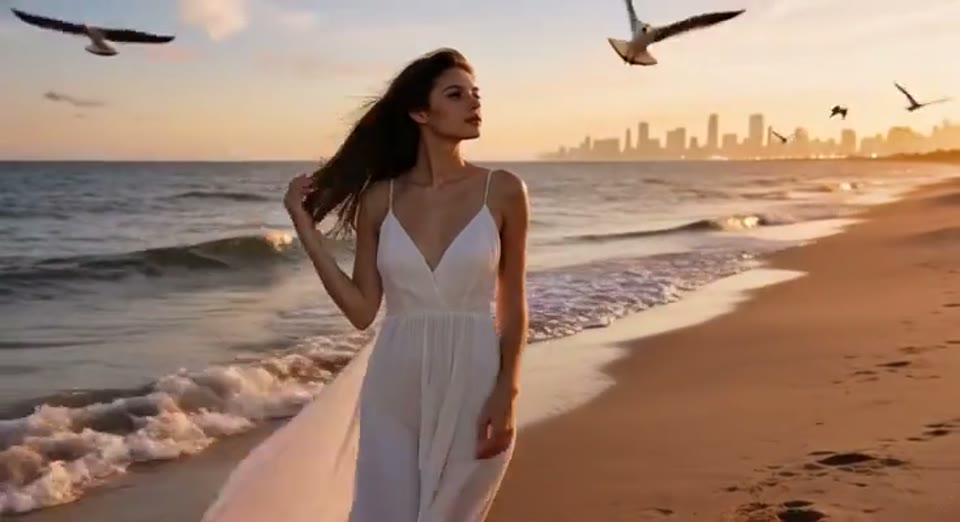
Create a day to night effect video from one photo on EveryGen. Animate golden hour, sunset and night lights while keeping the scene and framing consistent.
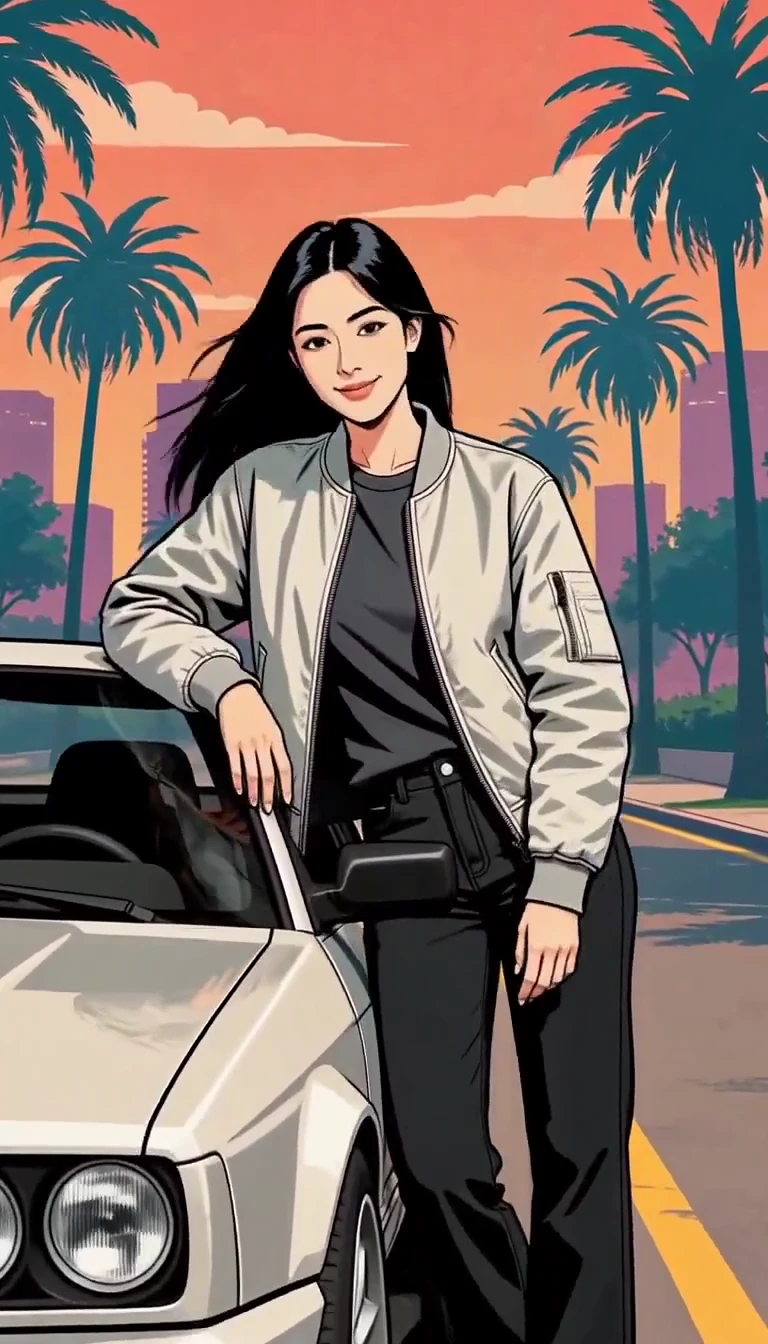
Turn one photo into an illustrated city character reveal.
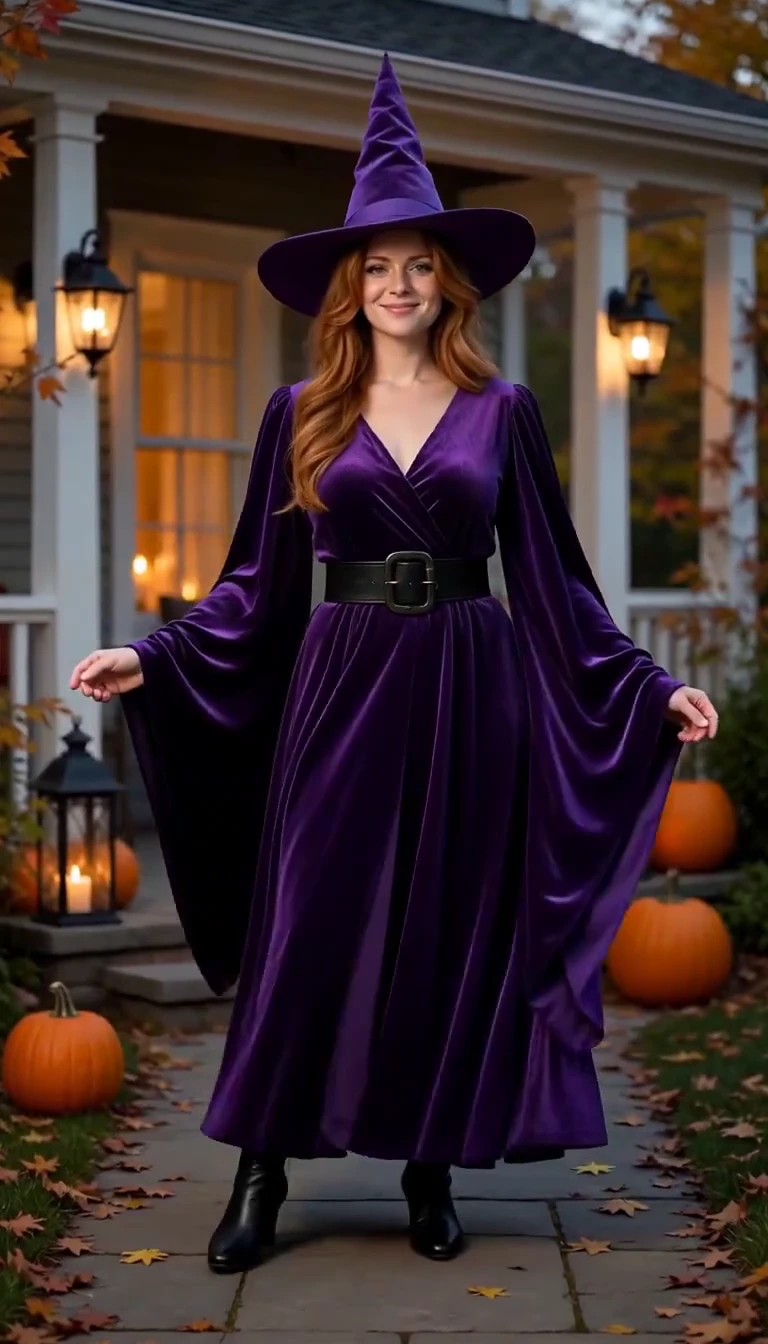
Reveal a witch costume with a turn, violet smoke and a final pose.
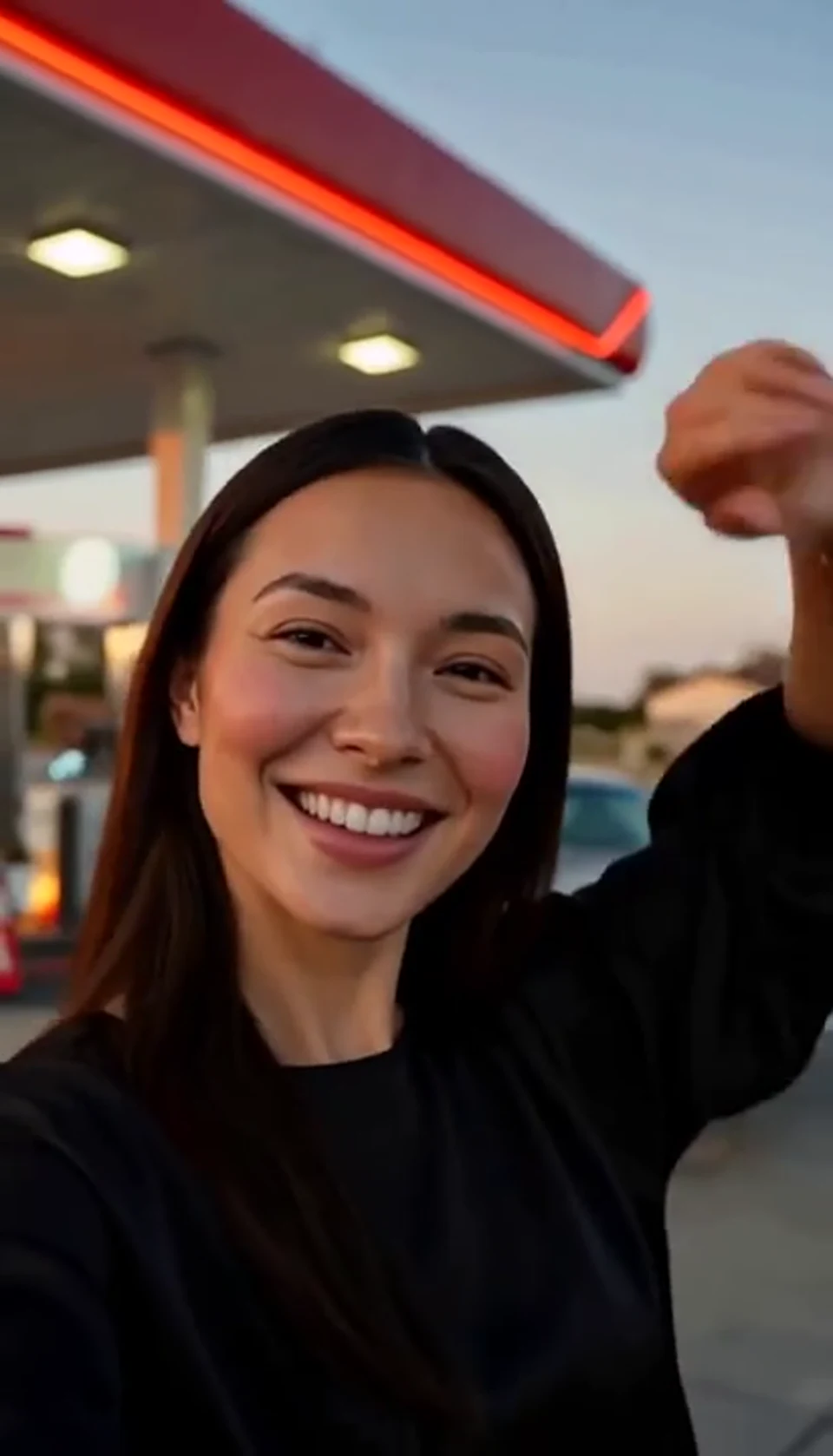
A sunset dance, a selfie and a cinematic car exit.
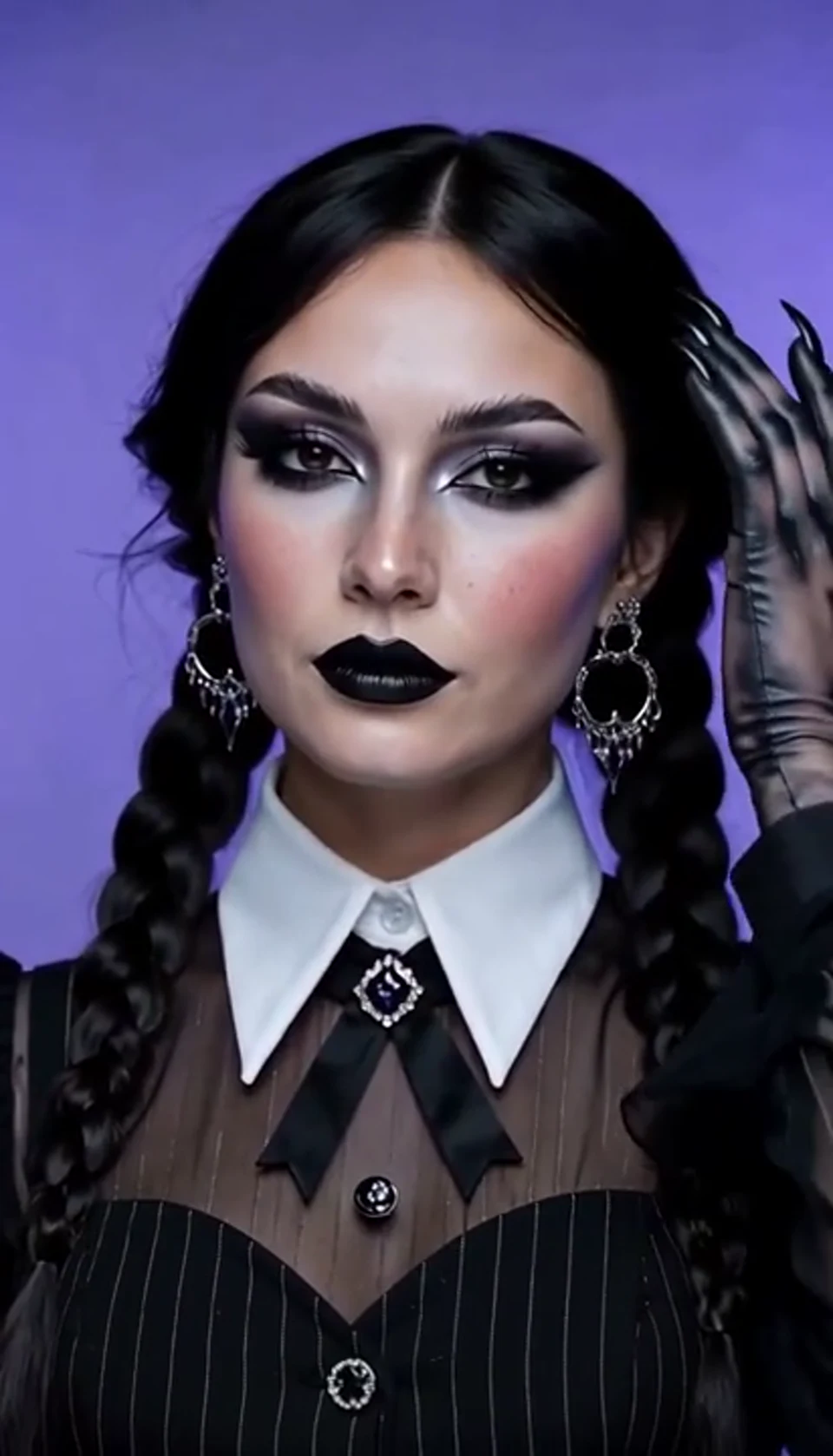
A theatrical hand swipe reveals a gothic costume.
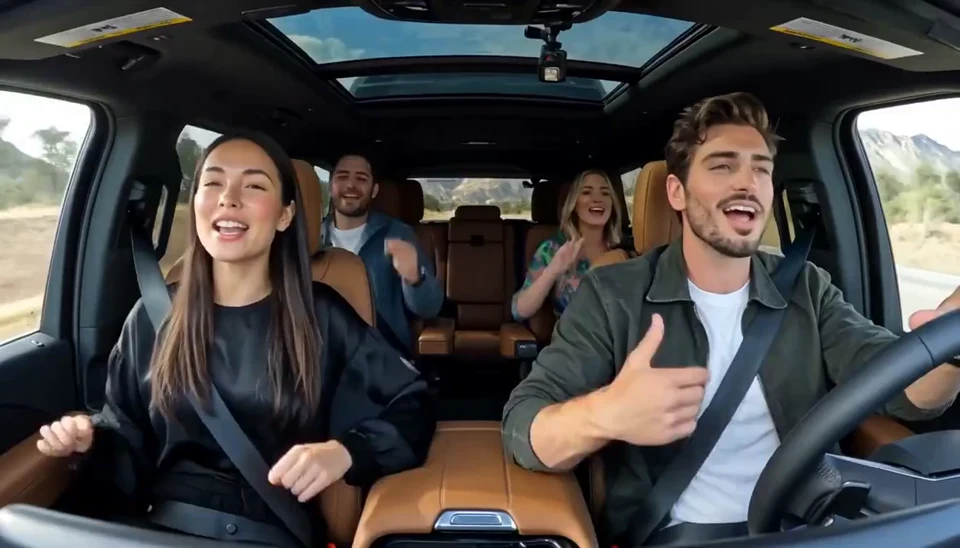
Two photos become one lively dashboard singalong.
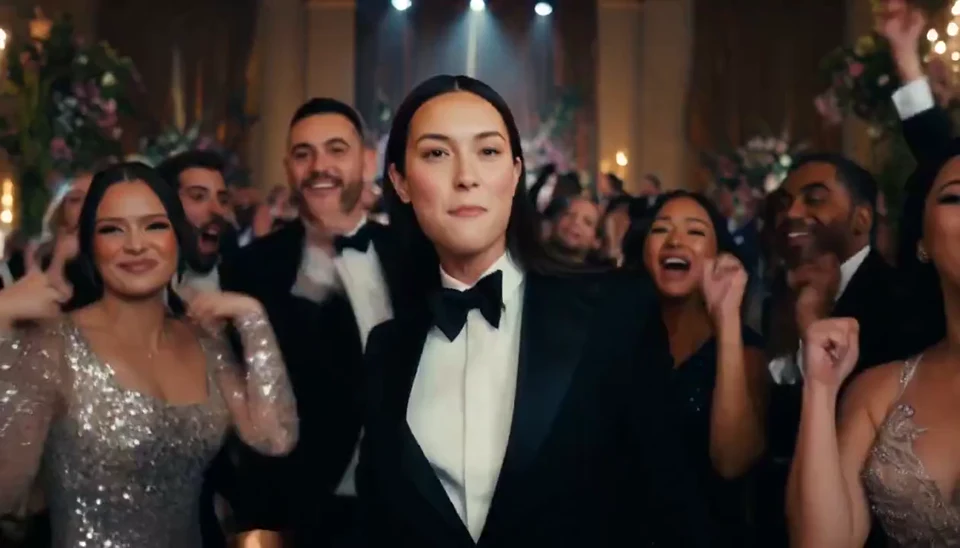
A portrait joins a lively ballroom party.
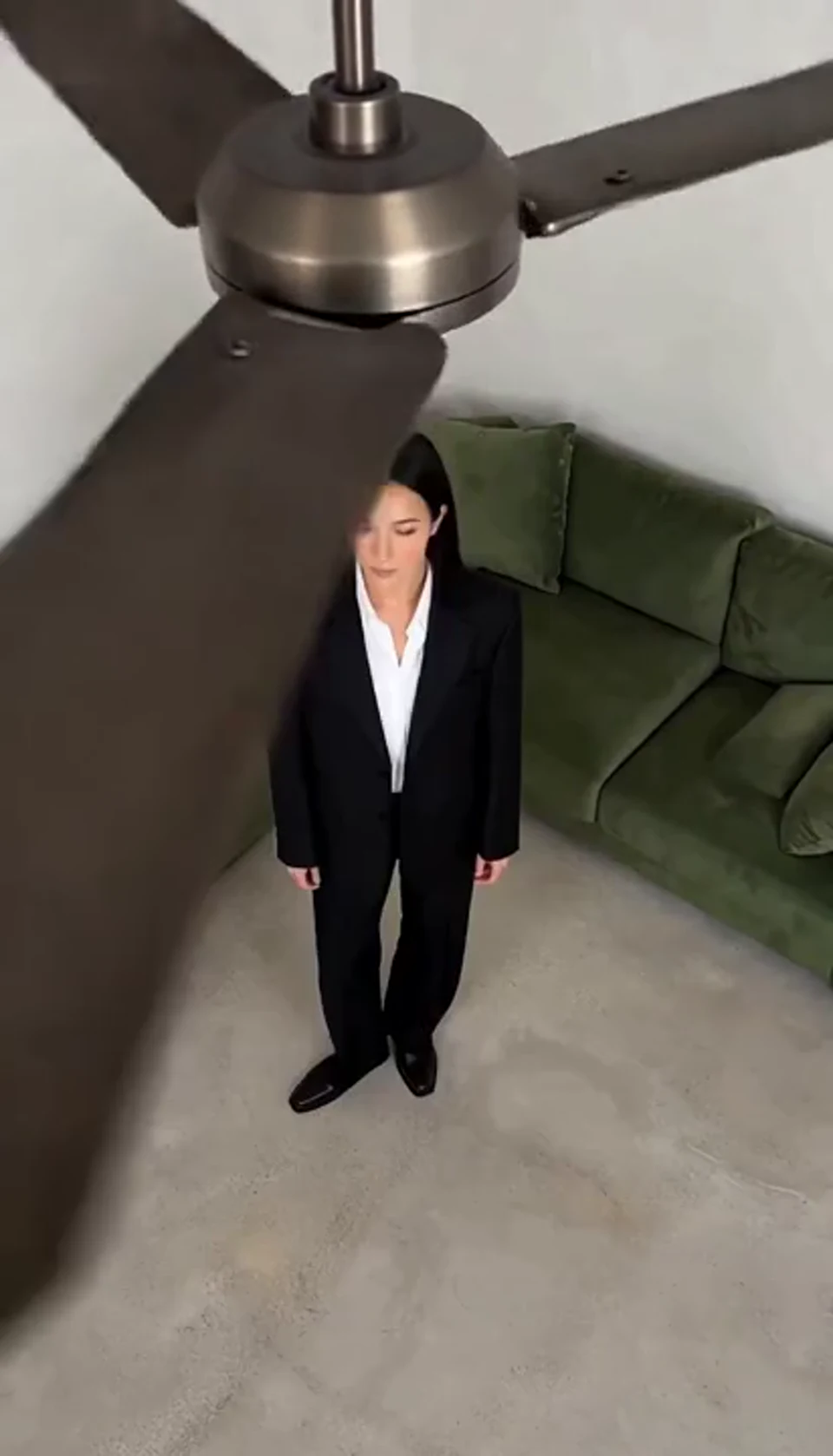
One fan-blade wipe reveals your next outfit.
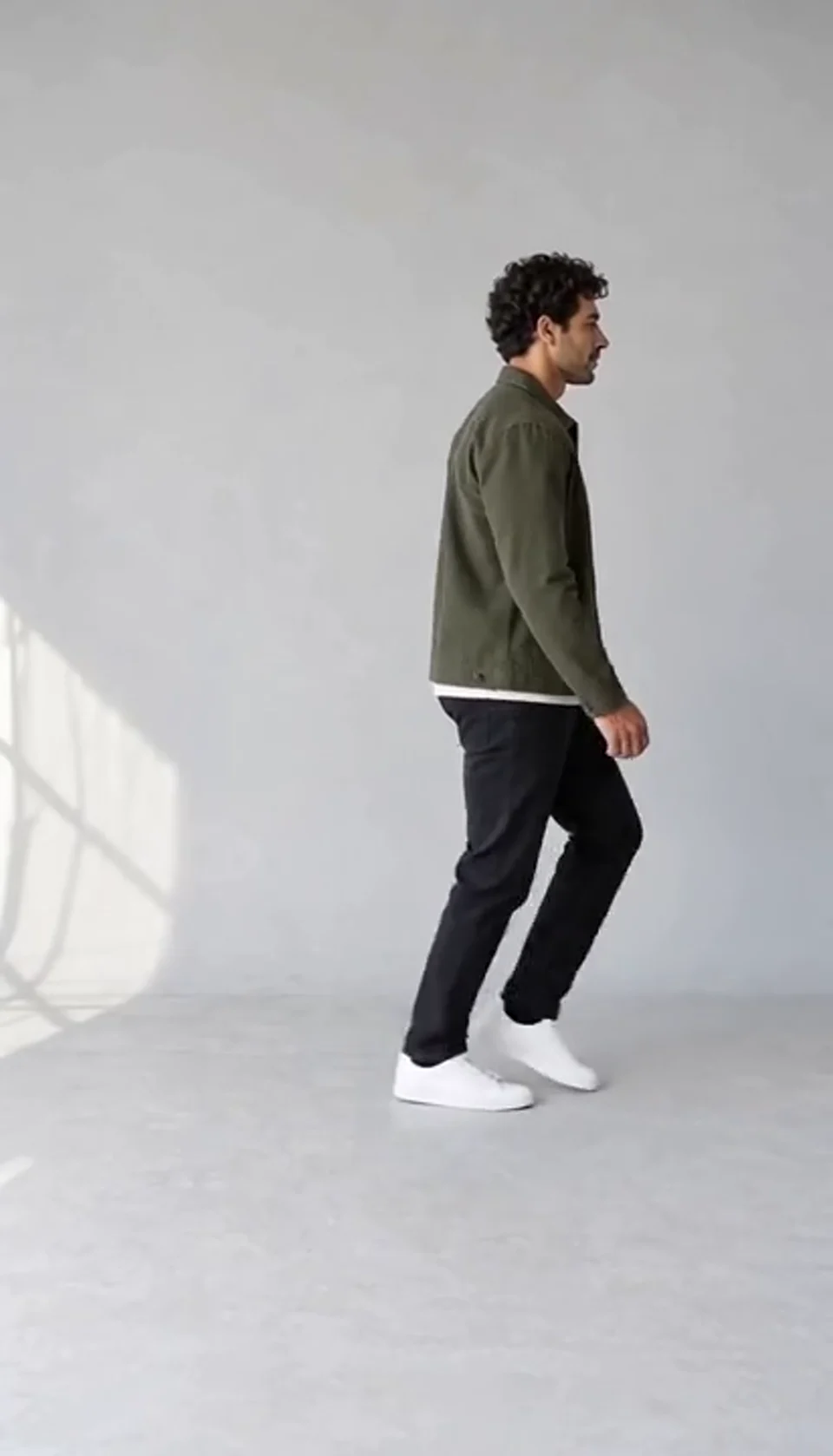
Turn one full-body photo into a short moonwalk dance. A steady side view keeps the sliding steps and your recognizable outfit in focus.
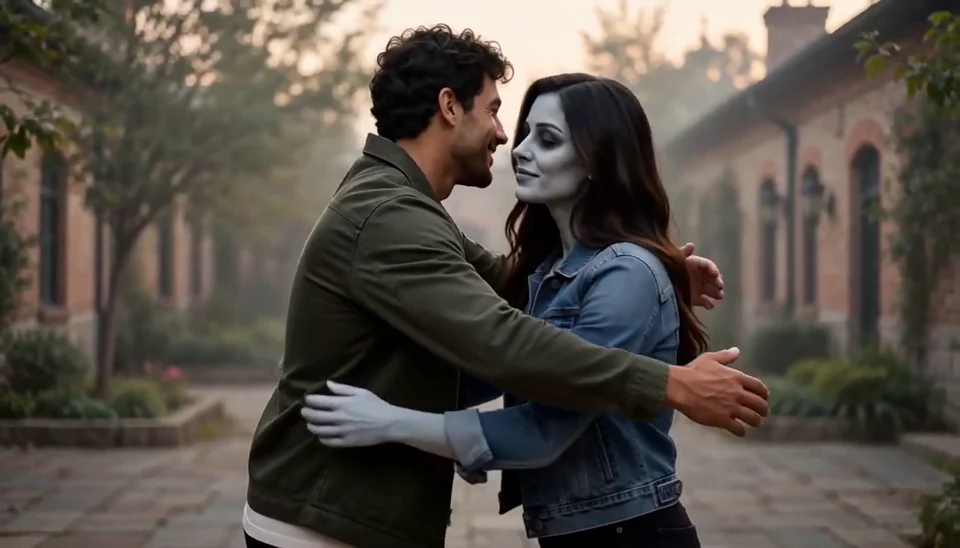
Bring two portraits into a tender fictional reunion: a human survivor recognizes their zombie partner, embraces them and remembers a warmer moment together.
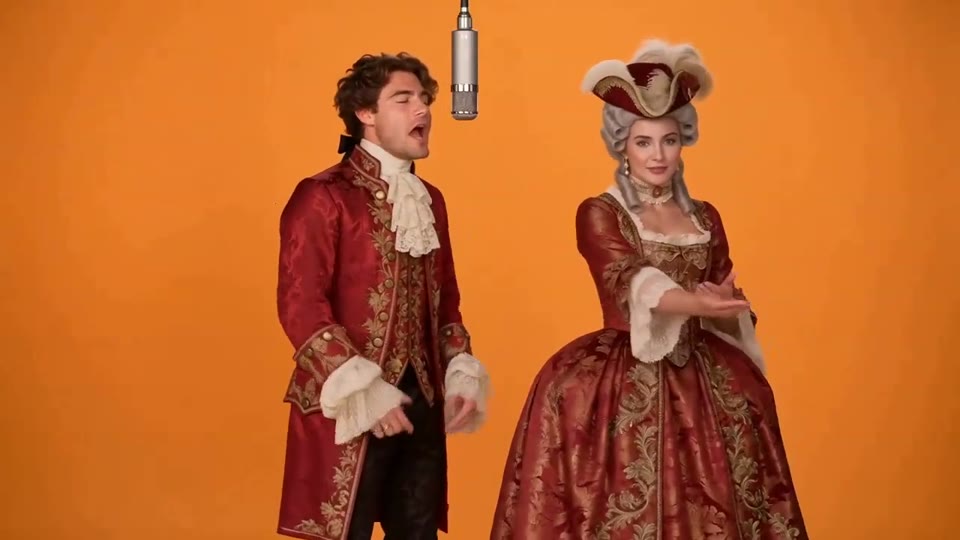
Two photos become a baroque rap duet on an orange stage.
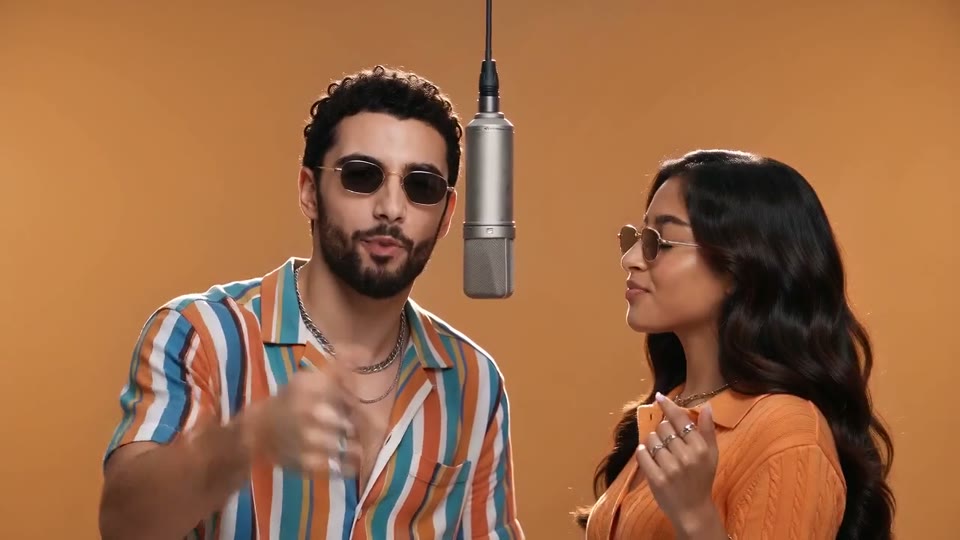
You and a friend trade verses in bold streetwear.
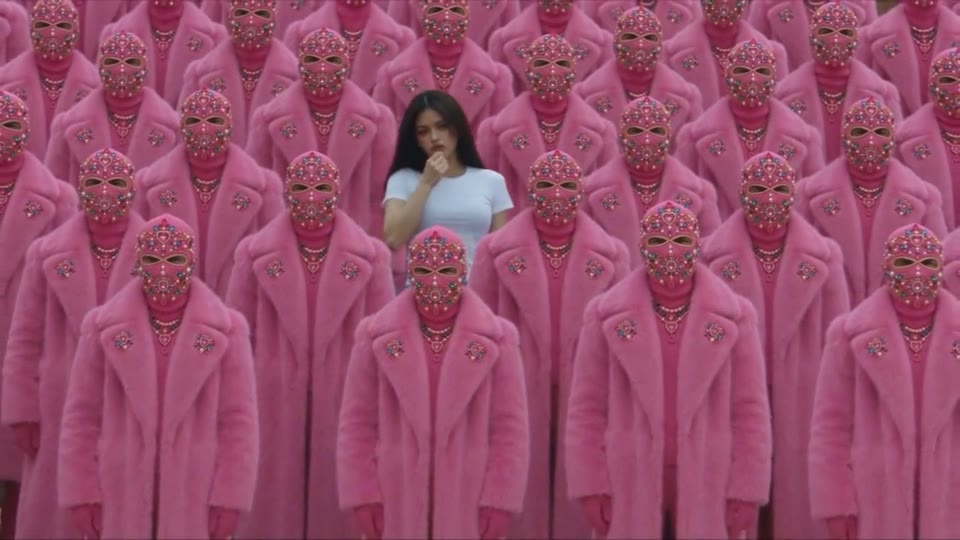
Your character leads a surreal pink-crowd dance.
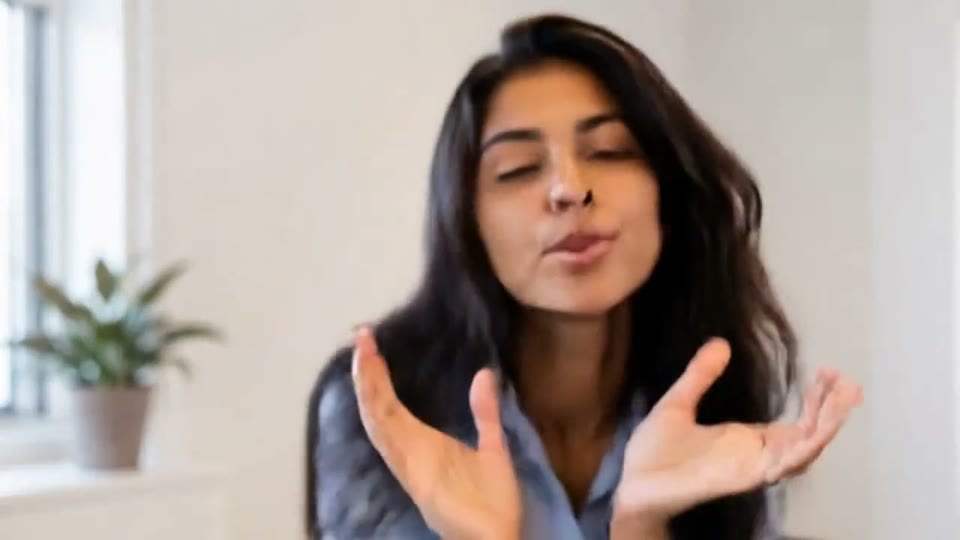
A portrait comes alive with a playful face-and-hands dance.
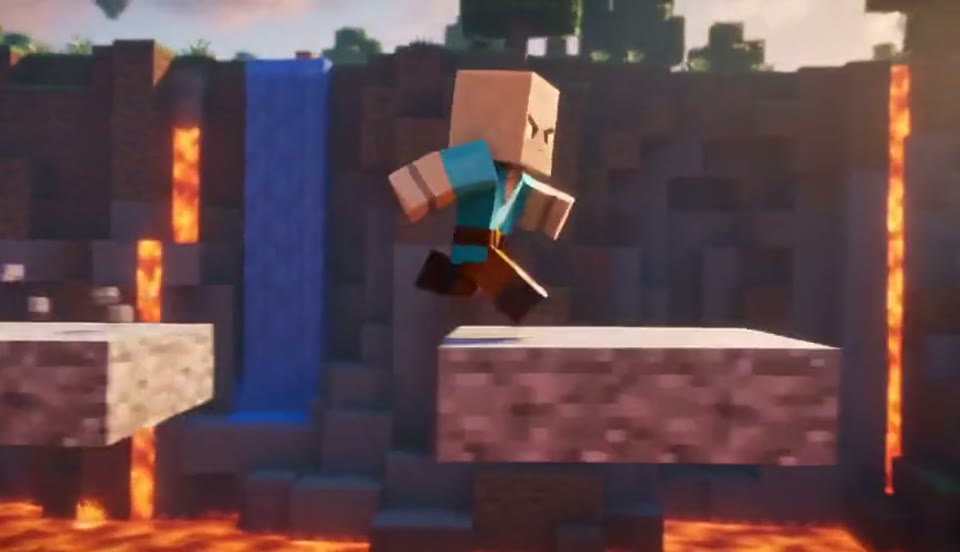
Create a Minecraft-style AI video from one photo. Make voxel characters, block-world parkour and adventure clips with original sound on EveryGen.
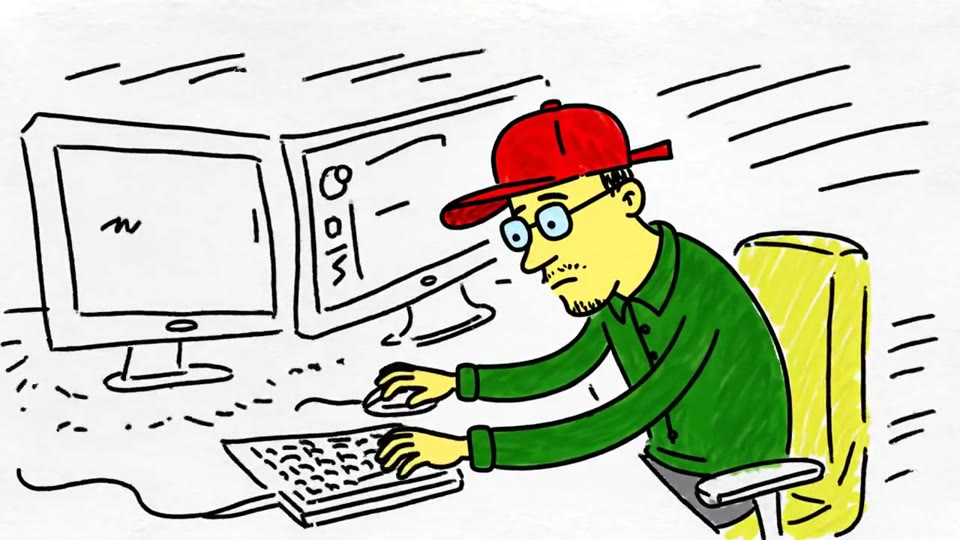
Turn a sketch, drawing or line-art image into an animated video with EveryGen. Preserve the composition and art style with gentle motion and original sound.
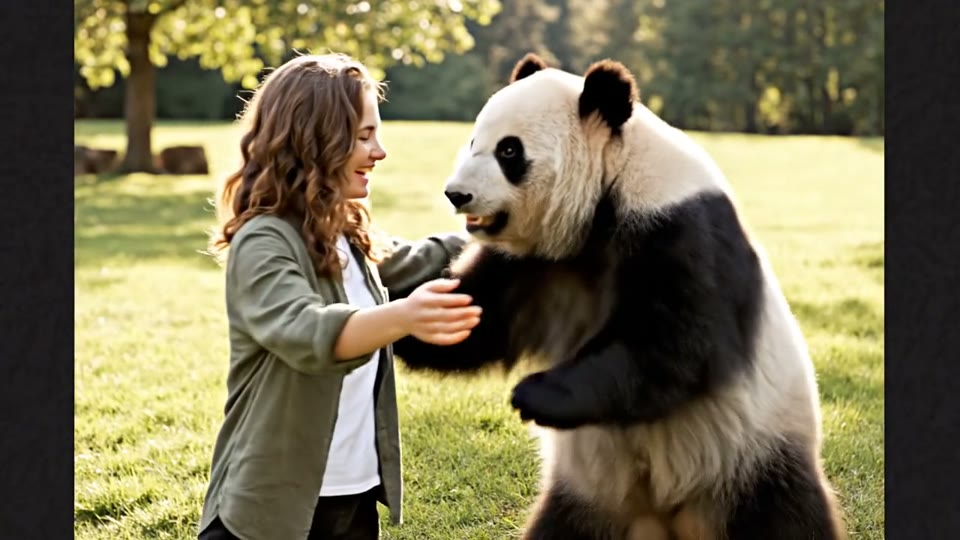
Create a heartwarming AI panda hug video from one photo on EveryGen. Add a gentle panda embrace, bamboo scenery and original sound in your chosen format.
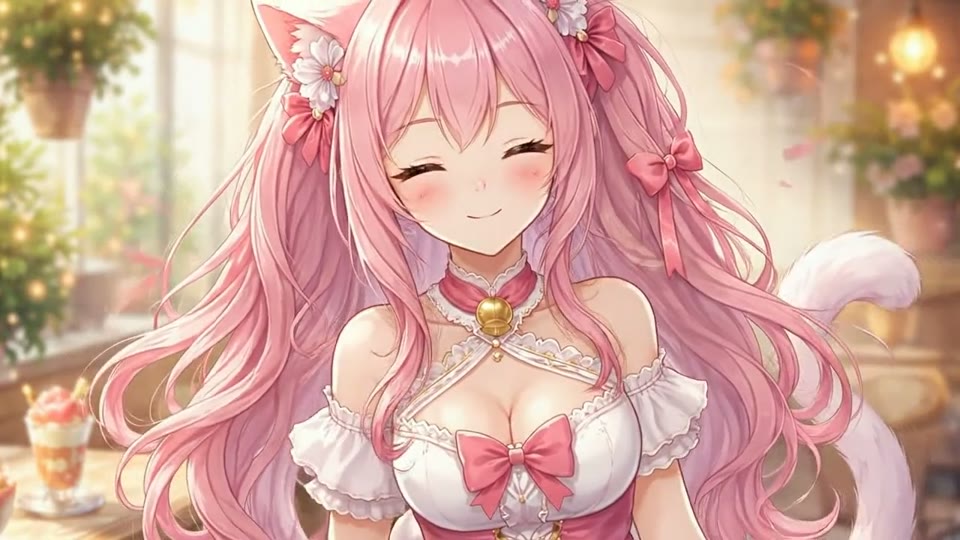
Create Live 2D-style animation from a portrait or character image with EveryGen. Add blinking, breathing and gentle head motion while preserving the visual style.
Check what this template creates before you generate.
It is a creative football scene inspired by a chip over a goalkeeper, close control past defenders and a composed finish into an empty goal. The template aims for that sequence, rather than reproducing broadcast footage.
No exact match is promised. Complex ball contact, defending players and camera timing can vary in AI video. Watch the generated sample for the actual look and review your full result before sharing.
This prepared template requires one portrait photo. Its direction is supplied for you. It does not provide frame-accurate motion transfer from an uploaded match clip.
The template supplies its own scene and action direction. Upload the required photo, review the settings and credit quote in the workbench, then generate.
The video in the workbench is a saved AI-generated demonstration. The separate captioned artwork illustrates visual ideas and styling; it is not a matched before-and-after result of your upload.
Yes. When your generation succeeds, watch the full clip in the result panel and use the download action. Watching the public sample does not start a generation.
Bring one clear portrait and turn it into a new character moment.
Create Your Video