
Bullet Time Video
Only upload photos of yourself or of people who agreed to take part.
Time stops. The camera keeps moving.
Bullet Time Video From a Single Action Photo
A bullet time video stops the action at its peak and sends the camera around it. Upload one sharp photo of a jump, kick, spin or splash, and this AI bullet time video generator holds your subject in that exact pose while a virtual camera sweeps around them. The bullet time effect once needed a ring of synchronized cameras; here your photo becomes the first frame, so the generated clip keeps its shape.
No prompt is needed: the template already describes the freeze, the orbit, the rim light and the floating dust, and adds an original cinematic whoosh. Pick 480p or 720p and 5, 8 or 10 seconds; a frozen-action clip is usually ready in one to three minutes. Searching for free generation? Browsing templates and samples costs nothing, while generating uses credits, from 19 for a 5-second 480p clip.
- Bullet time effect from one photo
- Frozen subject, orbiting camera
- 360-degree camera orbit effect
- Original cinematic sound
How to Use the AI Bullet Time Video Generator
No camera rig, no 3D scan, no prompt: create bullet time video from photos in four steps.
Upload one action photo
Choose a sharp shot of one person, pet, vehicle or product caught mid-action, whole pose in frame, with space around it. The photo becomes the first frame, so your finished clip keeps its shape.
Pick resolution and length
Select 480p or 720p (default) and 5, 8 or 10 seconds (8 by default); the exact cost shows next to Generate. It is not free generation, but the cheapest bullet time video is 19 credits.
Generate the orbit
Press Generate: the bullet time effect freezes the pose and aims for a 360-degree camera orbit effect with parallax, particles and rim light. The generated clip, sound included, is usually ready in one to three minutes.
Review and download
Check the face, hands and edges from each angle. If the bullet time effect looks off, try a cleaner frame or regenerate (new takes cost credits again), then download the MP4 bullet time video for your edit.
Bullet Time Effect: Frozen Subject, Moving Camera
A convincing bullet time video balances a still subject, a readable camera path and consistent detail.
The Bullet Time Effect: Freeze the Subject, Move the Viewpoint
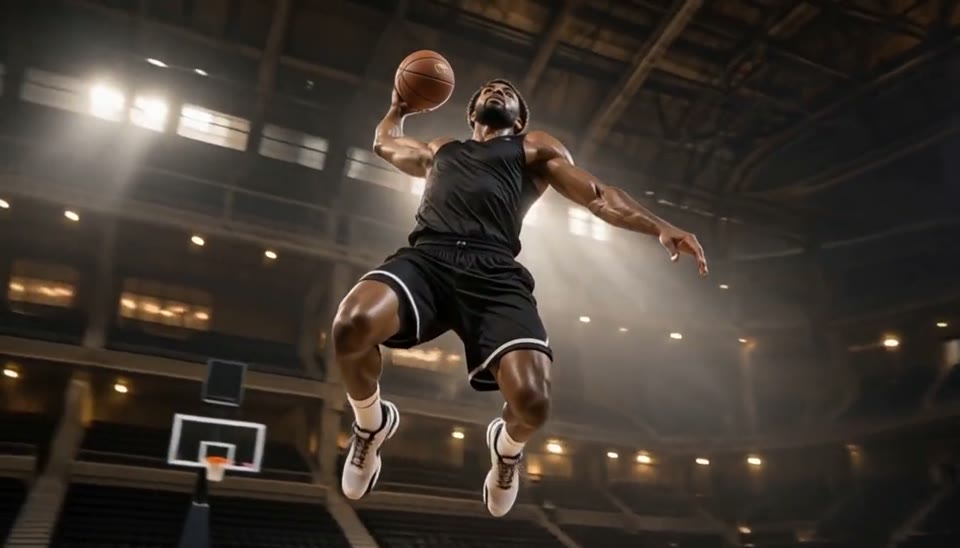
The bullet time effect rests on one contrast: total stillness against smooth motion. Your person, pet, vehicle or product stays locked in the exact pose from the photo, suspended mid-action as if time had stopped, while the viewpoint keeps travelling. Hair holds its shape, a ball hangs above the hand, water stays split into droplets. Because the photo is the first frame, the generated clip opens on the moment you captured and then pulls into the orbit, with a slight slow-motion feel throughout. Pick a pose that reads as a clear silhouette: the easier the action is to understand from one angle, the stronger the generated clip looks from the next.
A Smooth 360-Degree Camera Orbit Effect
A real 360-degree camera orbit effect is more than a pan or a zoom: the camera travels around a focal point on a steady path while background layers slide past at different speeds. The template aims for one continuous move with no cuts, strong parallax and believable depth, so the bullet time effect reveals a real space, not a flat picture on a card. The template reads depth cues in your upload to separate foreground, subject and background. Because AI generates the orbit, some takes travel far around the subject and others trace a shorter arc. Each new clip differs, and regenerating gives a new path.
Bullet Time Video Detail That Holds From Every Angle
Continuity separates a clean bullet time video from a warped one. The template aims to keep the face, body proportions, clothing, held objects and scene layout consistent as the view changes, so a skateboard stays the same board and a jacket keeps its print. Subtle particles such as dust, droplets or specks of light hang in the air to sell the frozen moment, and dramatic rim lighting outlines the subject. Fingers, hair, spokes and glass are the hardest details in any bullet time video, so check them first. When you create bullet time video from photo uploads with clean edges and clear separation, the bullet time effect has firmer boundaries to work with.
Bullet Time Sound, Resolution and Price
Each new clip combines generated picture and audio in one finished clip. The sound under the bullet time effect is an original deep cinematic whoosh and a low swelling tone, with no vocals and no existing song. Choose 480p or 720p and 5, 8 or 10 seconds; 720p at 8 seconds is the default. Prices are 19, 31 or 38 credits at 480p and 41, 66 or 82 at 720p, shown next to the Generate button. Looking for free generation? Browsing templates and samples is free; generating uses credits. Each new clip downloads as an MP4.
Camera Orbit Effects for Sports, Pets and Products
A frozen-action clip earns its place when one moment deserves a pause. Here is where the bullet time effect works best.
Bullet Time for Sports and Action
Use the bullet time effect to freeze a dunk, a kick, a skate trick or a dive at its highest point. A sports bullet time video puts the body line and the ball at the center, and the template lets athletes test the idea without a camera rig.
Bullet Time Transitions for Short-Form Edits
Drop a short bullet time video at the beat drop, the reveal or the gap between two fast clips. Editors can create bullet time video from photos taken on the same shoot, so the orbit matches the footage around it. Try a few frames and keep the bullet time effect that fits your cut.
Previsualize a Bullet Time Shot for Film
Directors and storyboard artists can create bullet time video from photographs of a rehearsal and preview a bullet time effect before booking a multi-camera rig. The 360-degree camera orbit effect is easier to discuss than a storyboard panel, and the generated clip can sit in a treatment or review.
Product Reveals With a Bullet Time Effect
Hold a sneaker mid-kick, a bottle mid-splash or a phone mid-toss at the center while the scene orbits it. A product bullet time video helps a team explore hero angles and reveal timing for a launch teaser. Run the template on a clean, well-lit product photo.
Frozen-Moment Video Ideas for Your Next Action Shot
Each idea shows how to create bullet time video from photos you can take this week, and how to post it.
Bullet Time Jump Shot
Shoot a friend at the top of a jump against a layered background such as a beach. Post the generated clip with the caption "hang time, extended" right after your normal clip of the jump.
Pet Mid-Leap Frozen Moment Video
Catch your dog snapping at a frisbee or your cat mid-pounce; the frozen moment video turns a small leap into a movie stunt. Add a mock film tagline and label the generated clip as an AI remix.
Water Splash With a Bullet Time Effect
A cannonball into a pool or a glass tipped mid-pour gives the bullet time effect plenty of droplets to suspend. Post the generated clip with a caption asking viewers to count the frozen drops.
Martial Arts Kick Bullet Time Video
Photograph a high kick or board break at full extension, whole leg in frame. The 360-degree camera orbit effect shows the kick's line from new angles; caption the generated clip with the technique name.
Product Toss Bullet Time Video
Toss a sneaker, a can or headphones and shoot the moment it hangs in the air. Use the generated clip as a launch teaser with a caption that names the release date and nothing else.
Celebration Confetti Bullet Time Video
Freeze confetti, petals or bubbles around friends who agreed to take part; floating particles suit the bullet time effect. Share the generated clip in your event recap and mention that the orbit was made with AI.
Photo Tips for a Clean 360-Degree Camera Orbit
Habits that keep the bullet time effect clean when you create bullet time video from photo uploads.
Works best
- One clear subject at the peak of the action
- The full pose in frame, with space around it
- A layered background with visible depth
- Sharp focus and strong, directional light
Avoid
- A plain wall directly behind the subject
- Several subjects or heavily overlapping limbs
- Motion-blurred, dark or low-resolution photos
- Photos of people who have not agreed to take part
What Creators Say About EveryGen’s AI Video Workflow
Feedback from the existing EveryGen image-to-video workflow behind photo-based creative effects.
We now produce campaign videos from existing image assets in a fraction of the time.
Sophie L., Content Marketer
Sophie L.
Content Marketer
Image-to-video helped us upgrade product pages without expensive shoots.
Ryan T., E-commerce Operator
Ryan T.
E-commerce Operator
The prompt controls are practical and outputs are strong for rapid iteration.
Mia W., Creative Producer
Mia W.
Creative Producer
More AI Video Templates Like Bullet Time Video
Try another trending effect with the same photos.
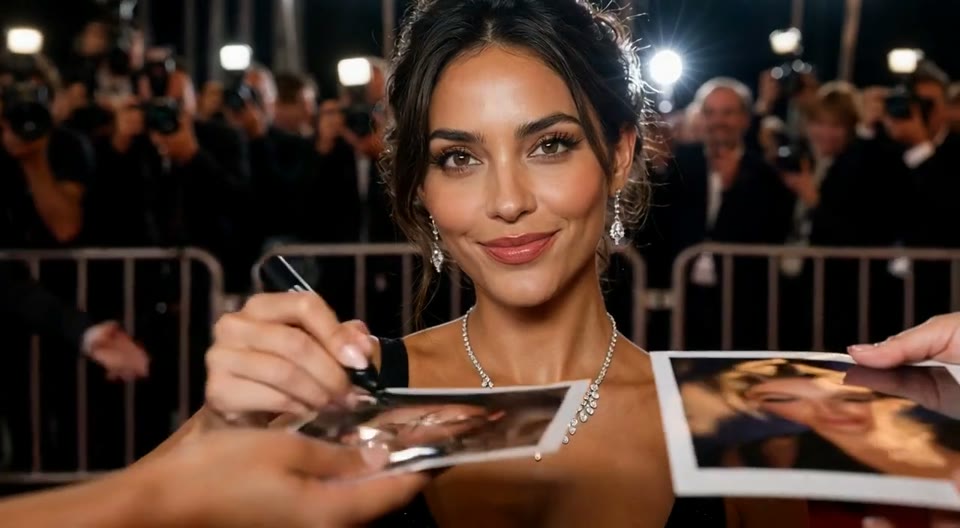
AI Red Carpet Video
Create an AI red carpet video from one portrait. Add elegant eveningwear, paparazzi flashes and a gala entrance with the EveryGen video template.
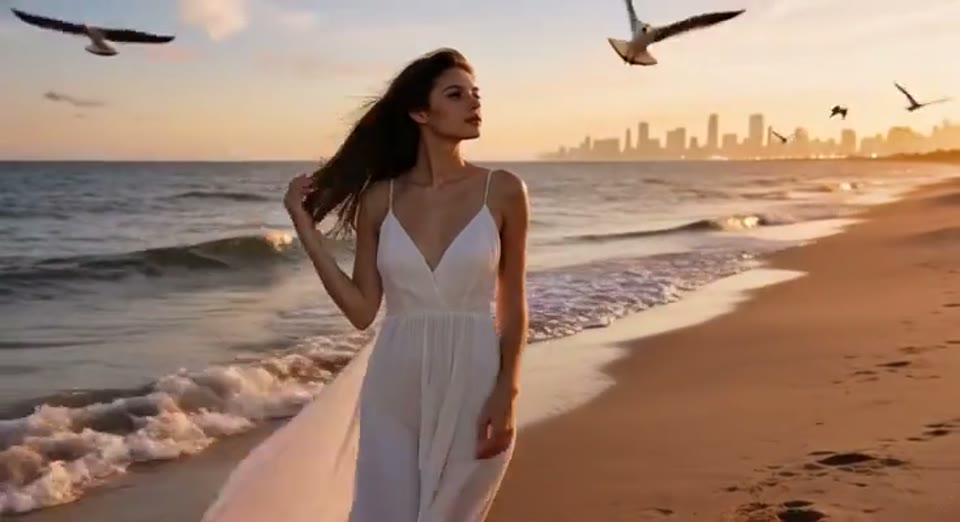
Day to Night Effect
Create a day to night effect video from one photo on EveryGen. Animate golden hour, sunset and night lights while keeping the scene and framing consistent.
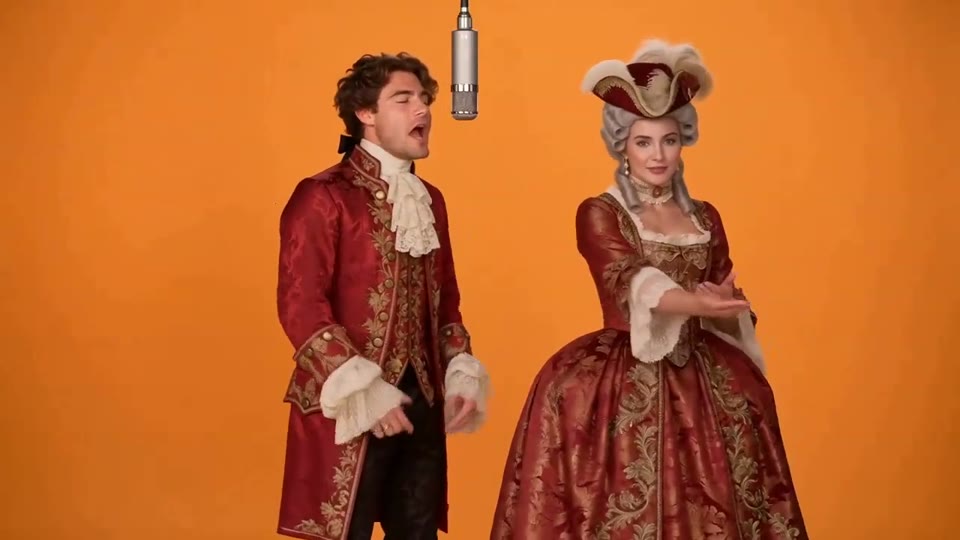
Hotel Lobby AI Video
Two photos become a baroque rap duet on an orange stage.
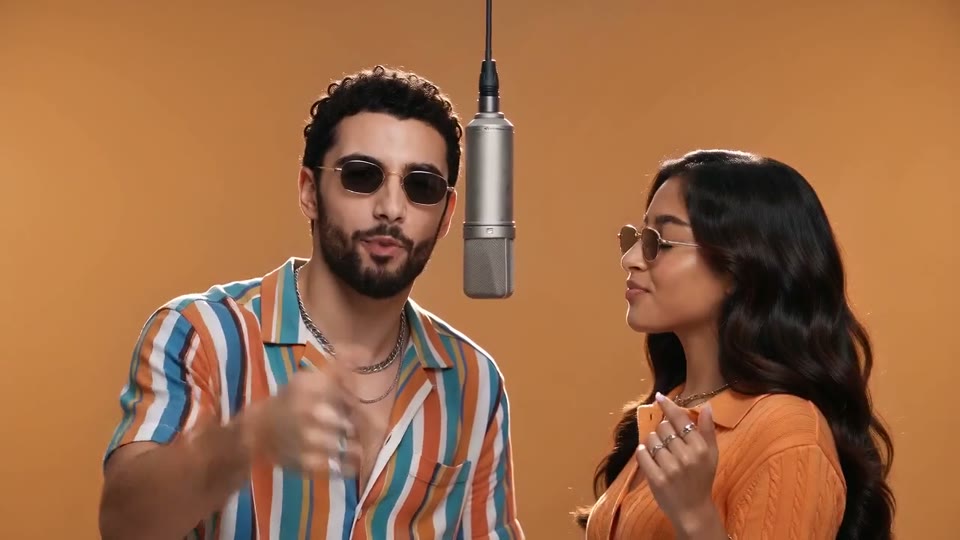
AI Rap Duo Video
You and a friend trade verses in bold streetwear.
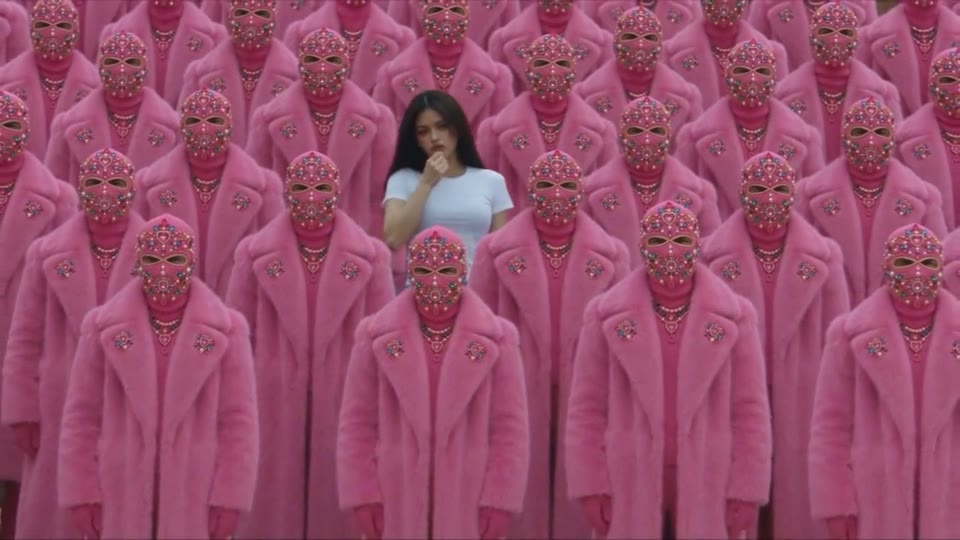
STORM II AI Video
Your character leads a surreal pink-crowd dance.
AI Face Dance Generator
A portrait comes alive with a playful face-and-hands dance.
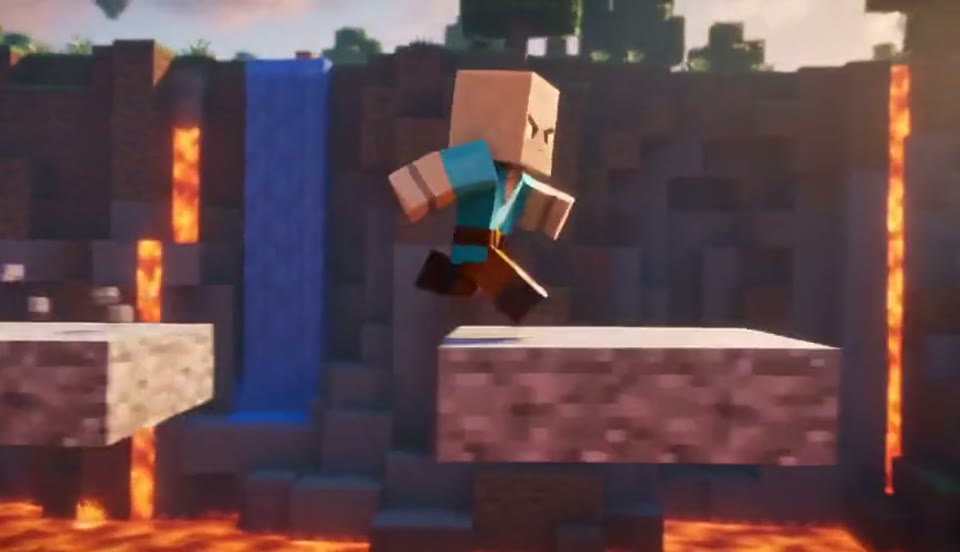
AI Minecraft Video Maker
Create a Minecraft-style AI video from one photo. Make voxel characters, block-world parkour and adventure clips with original sound on EveryGen.
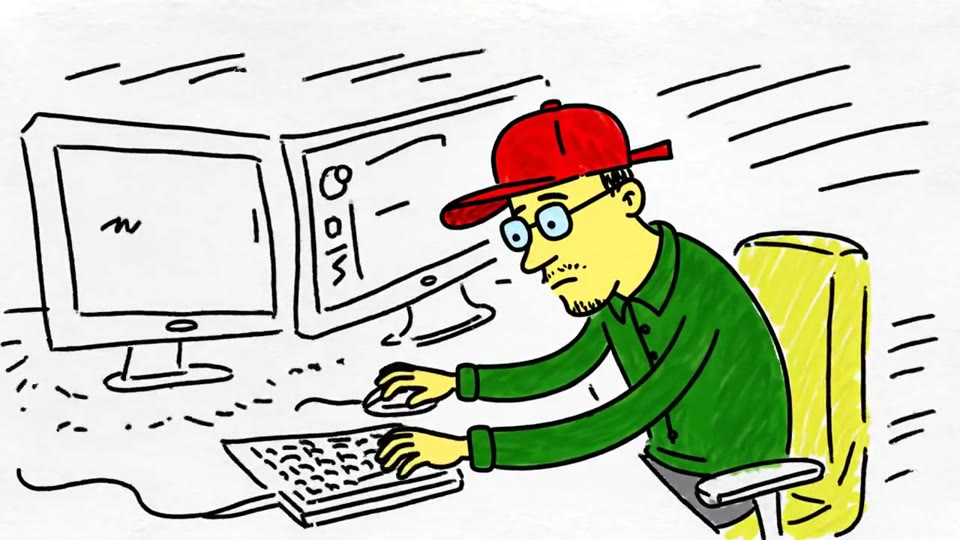
Sketch to Video AI
Turn a sketch, drawing or line-art image into an animated video with EveryGen. Preserve the composition and art style with gentle motion and original sound.
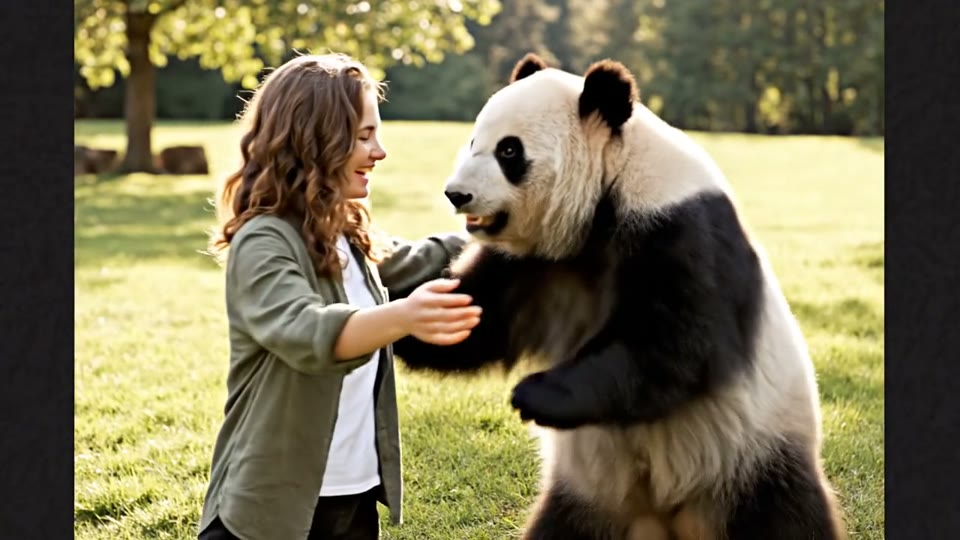
AI Panda Hug Video
Create a heartwarming AI panda hug video from one photo on EveryGen. Add a gentle panda embrace, bamboo scenery and original sound in your chosen format.

Live 2D Animations
Create Live 2D-style animation from a portrait or character image with EveryGen. Add blinking, breathing and gentle head motion while preserving the visual style.
Bullet Time Video: Questions Answered
The bullet time effect explained: what a frozen-action clip costs and how to fix one.
Make Your First Bullet Time Video
Pick your most dramatic frame and let the camera fly around it. Hoping for free generation? Samples are free to watch; a frozen-action clip starts at 19 credits.
Upload an action photo