
AI Zombie Love Story Generator
Only upload photos of yourself or of people who agreed to take part.
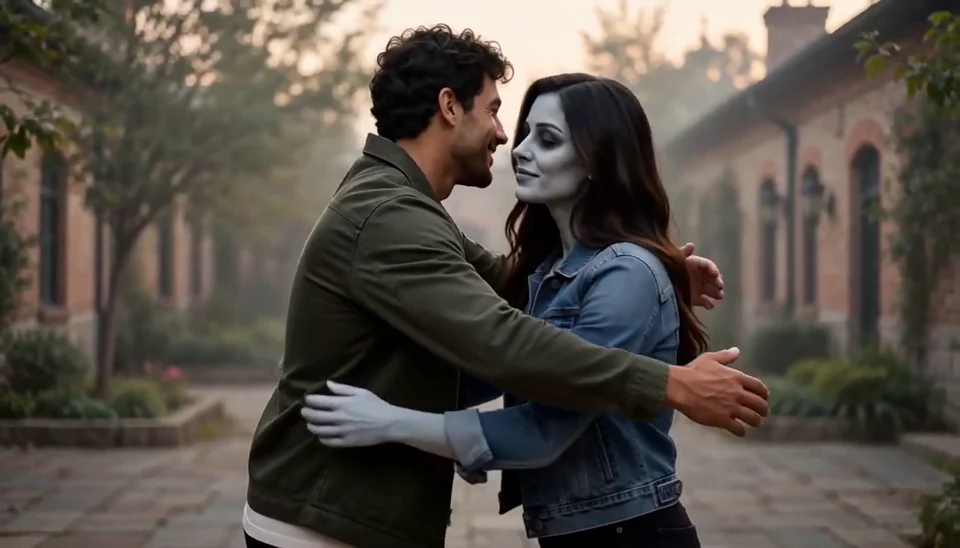
Bring two portraits into a tender fictional reunion: a human survivor recognizes their zombie partner, embraces them and remembers a warmer moment together.
AI Zombie Love Story Generator
Saved AI-generated example using fictional subjects. Your result will vary.
- Two Photos, Two Clear Roles
- Recognition Before the Embrace
- A Warm Memory of the Same Pair
Three Steps
How to Create
Review the credit quote before generating.
Upload the Two Portraits in Order
Place the human survivor first and the zombie partner second. Use clear adult faces with visible shoulders.
Review the Reunion Setup
The story and character roles are prepared for you. Check the two photos, shown duration and credit quote.
Generate and Watch Both Scenes
Check the initial recognition, separate faces, natural arms and the warmer ending before downloading.
What You Can Create
A focused effect with a clear visual direction and practical review points.
Two Photos, Two Clear Roles
The first uploaded person stays human; the second becomes the zombie partner. Keep each person alone in their source photo so the two identities are easier to distinguish.
Recognition Before the Embrace
A quiet courtyard encounter moves into a natural hug. The scene uses restrained theatrical makeup and a romantic mood without graphic injury.
A Warm Memory of the Same Pair
A gentle transition returns the same two people to a healthy appearance in warm light. Review both faces and their contact through the transition.
Ideas for Your Next Project
Use the finished image or clip in your own creative work.
A Halloween Love Scene
Create a romantic seasonal scene starring two chosen adults.
A Couple Story Concept
Explore an affectionate reunion for a personal short or creative pitch.
Start with a Clear Photo
A useful reference makes identity, framing and motion easier to assess.
Works best
- One clearly visible adult per photo.
- Two distinct portraits with visible shoulders.
- Simple clothing and natural facial lighting.
Avoid
- Reversing the two upload roles.
- Group shots or heavily hidden faces.
- Expecting perfectly identical faces in every frame.
More AI Video Templates Like AI Zombie Love Story Generator
Try another trending effect with the same photos.
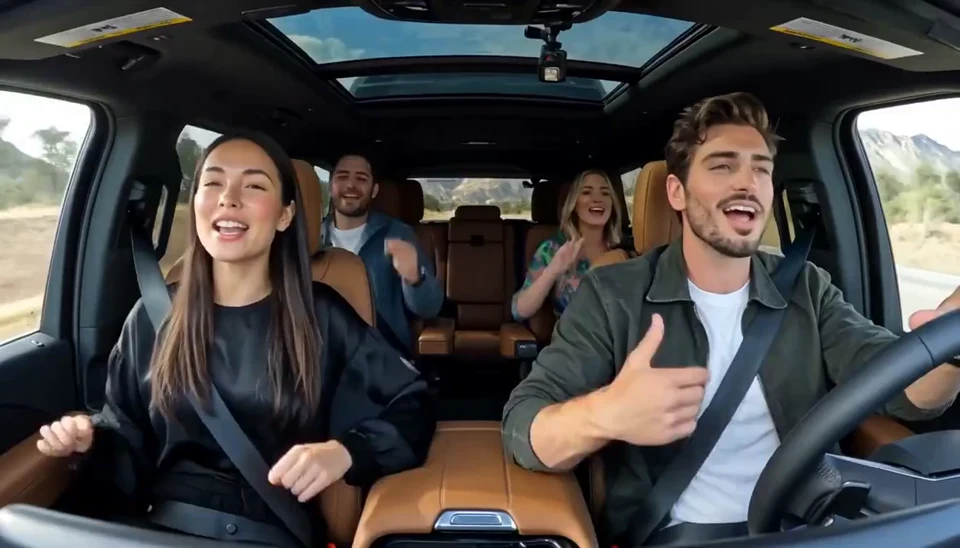
AI Carpool Karaoke Video
Two photos become one lively dashboard singalong.
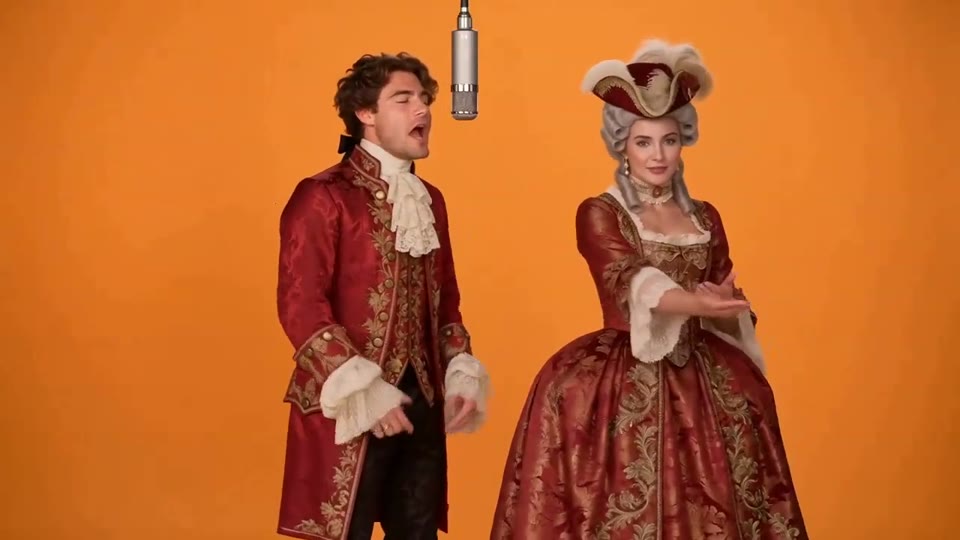
Hotel Lobby AI Video
Two photos become a baroque rap duet on an orange stage.
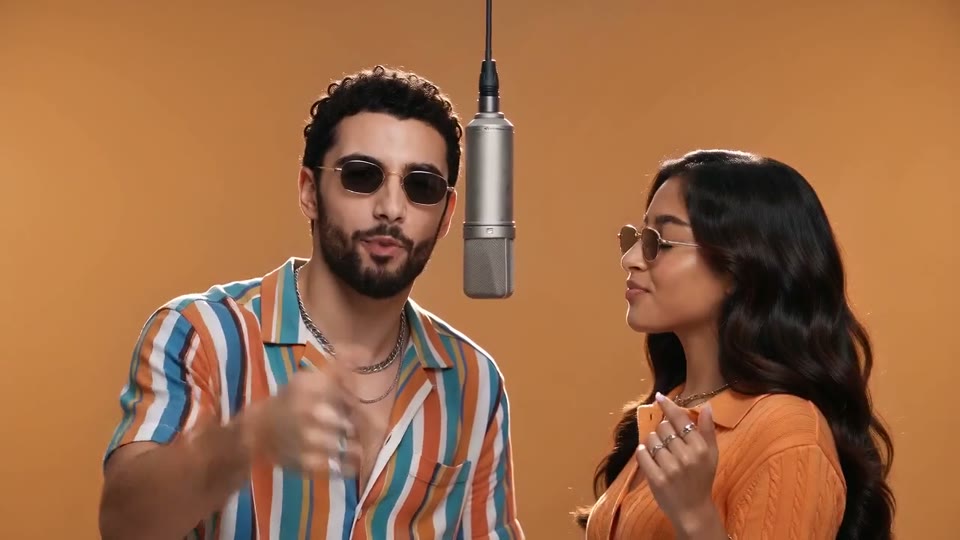
AI Rap Duo Video
You and a friend trade verses in bold streetwear.
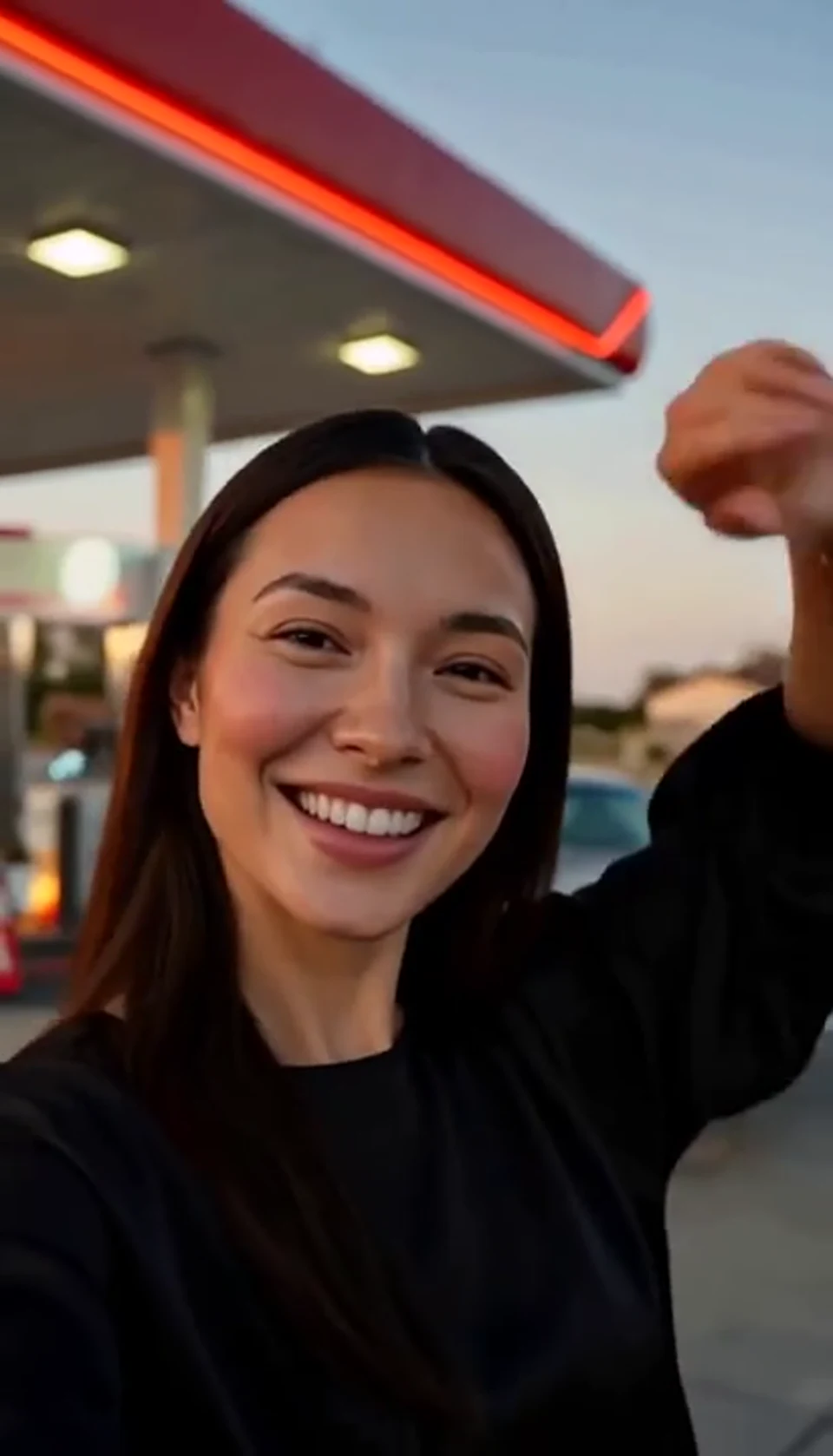
AI Gas Station Dance Video
A sunset dance, a selfie and a cinematic car exit.
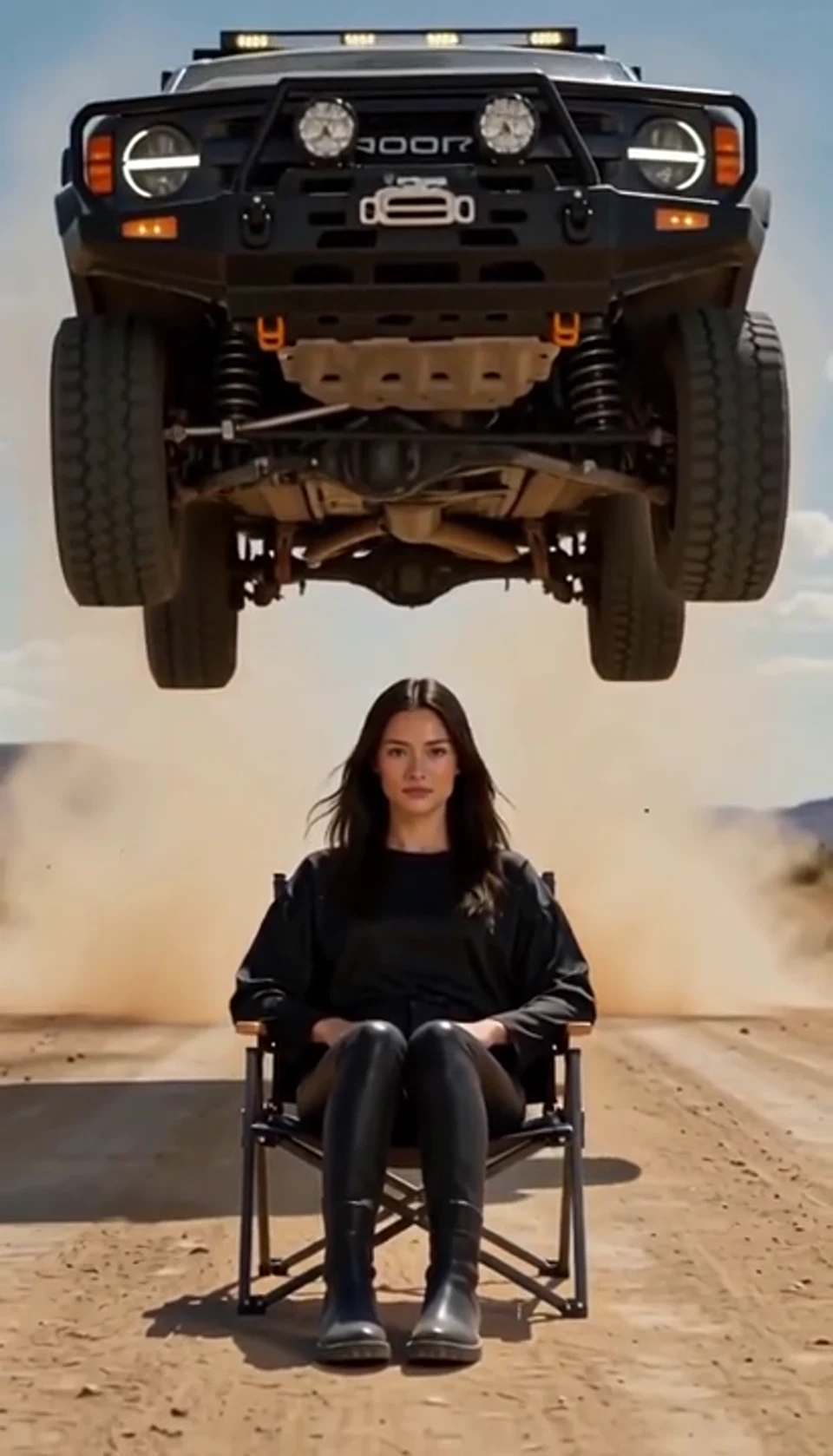
AI Car Jump Video
A calm portrait becomes a dramatic desert stunt.
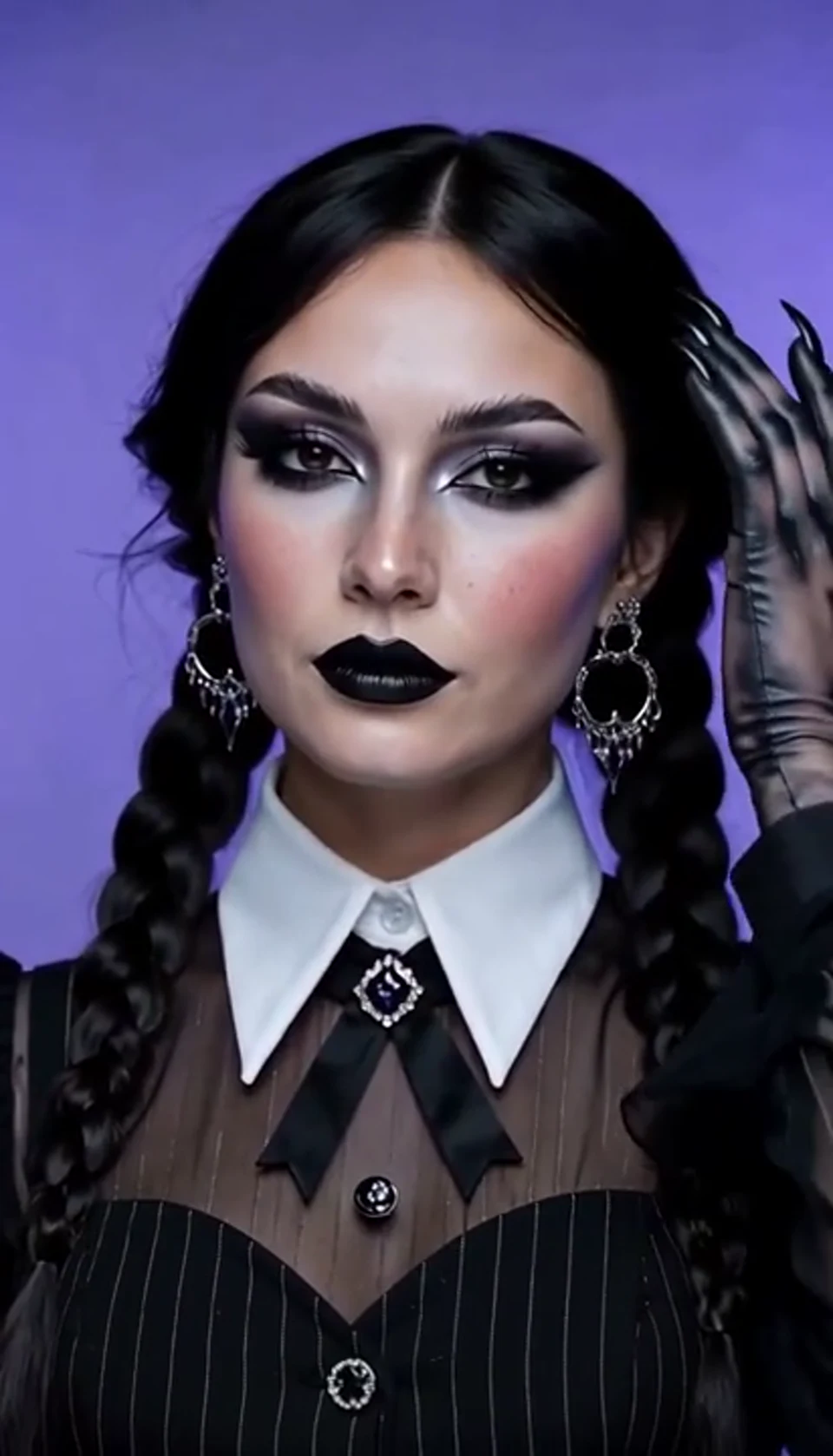
AI Halloween Video Effect
A theatrical hand swipe reveals a gothic costume.
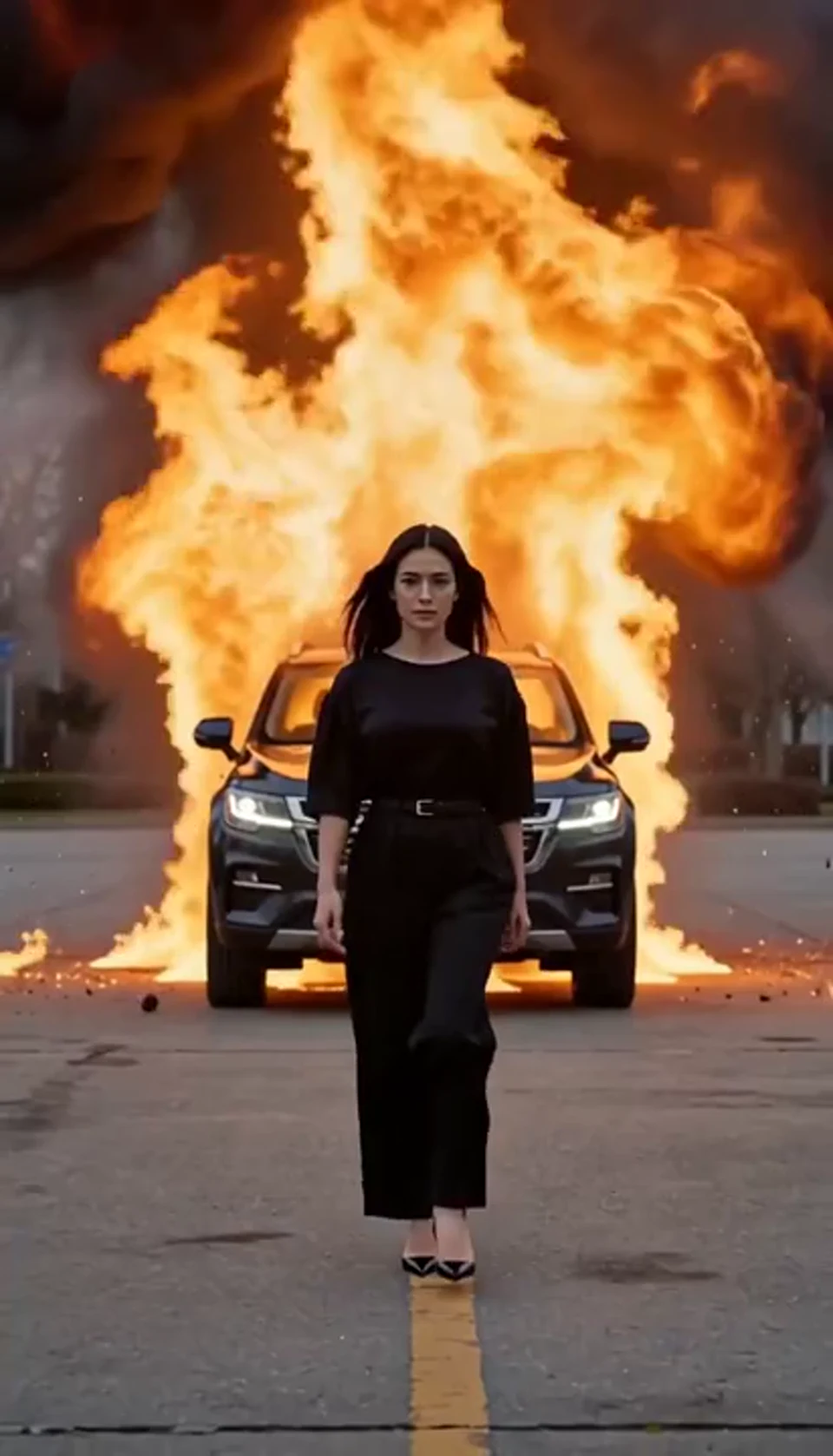
AI Car Explosion Video
Walk toward the camera as the SUV erupts behind you.
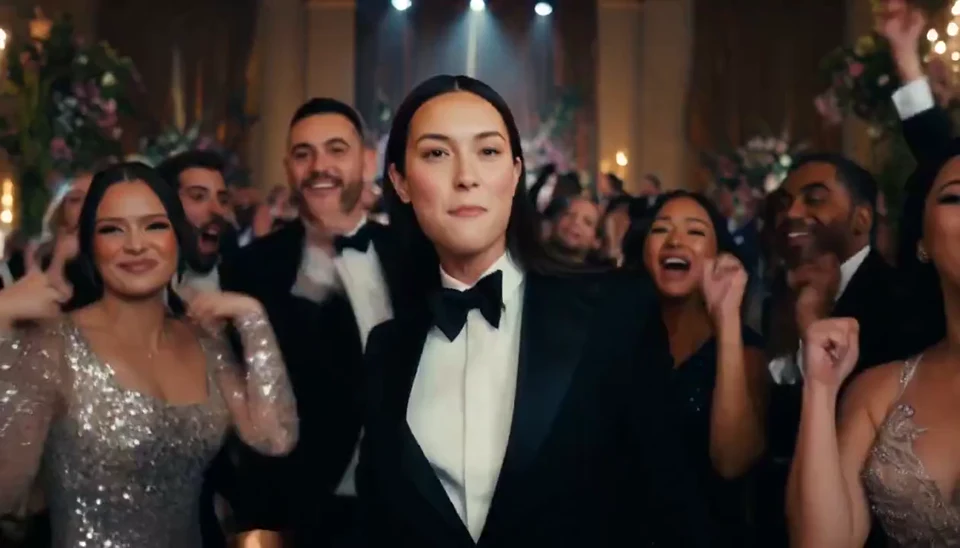
AI Burning Bridges Party Video
A portrait joins a lively ballroom party.
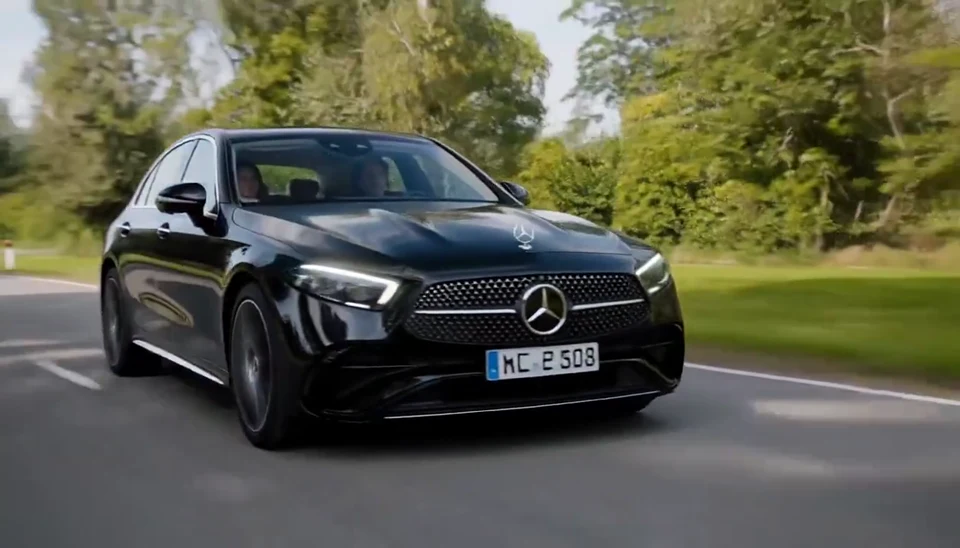
AI Mercedes Car Video
Your car photo becomes a cinematic driving shot.
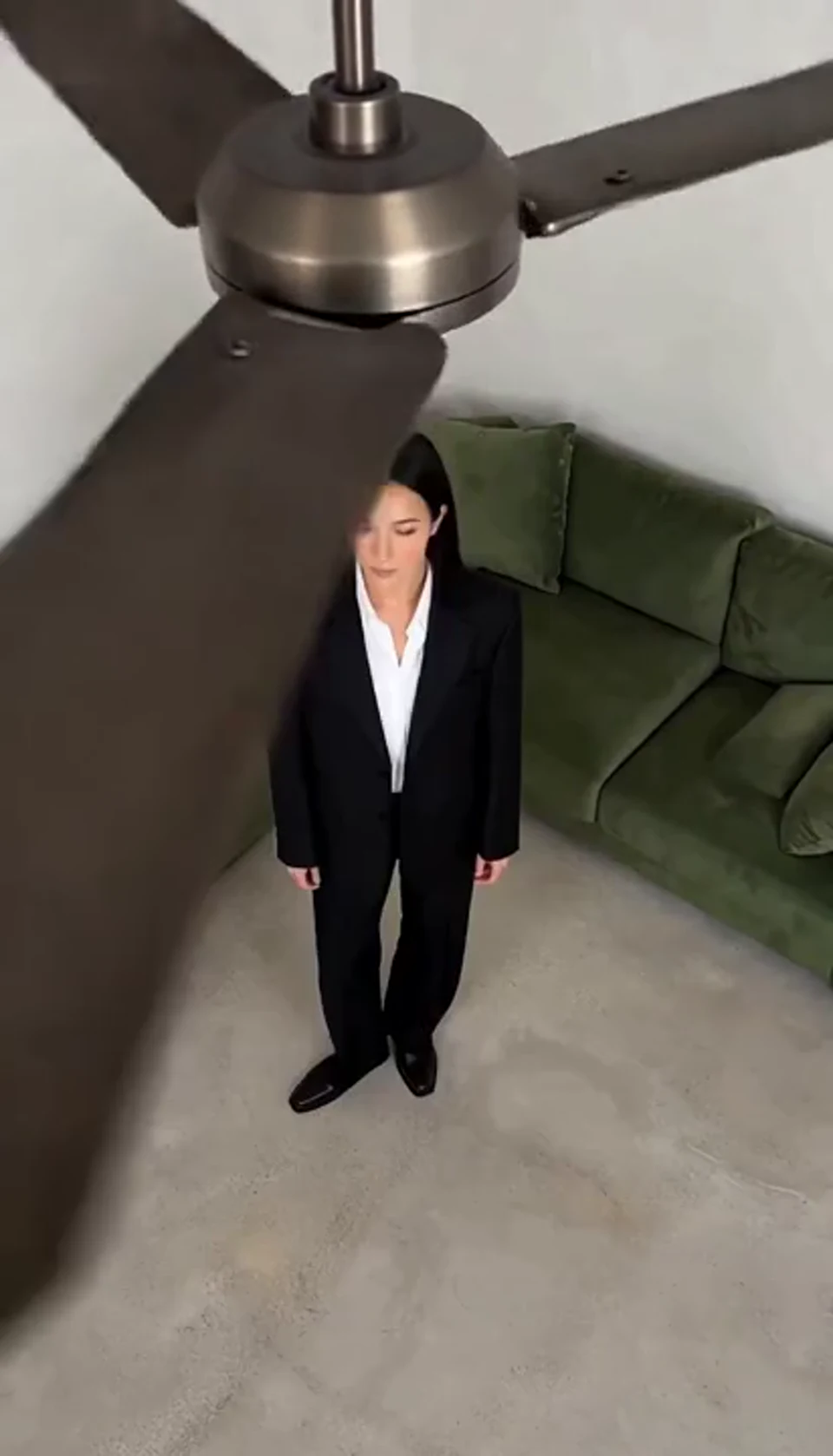
AI Ceiling Fan Transition Video
One fan-blade wipe reveals your next outfit.
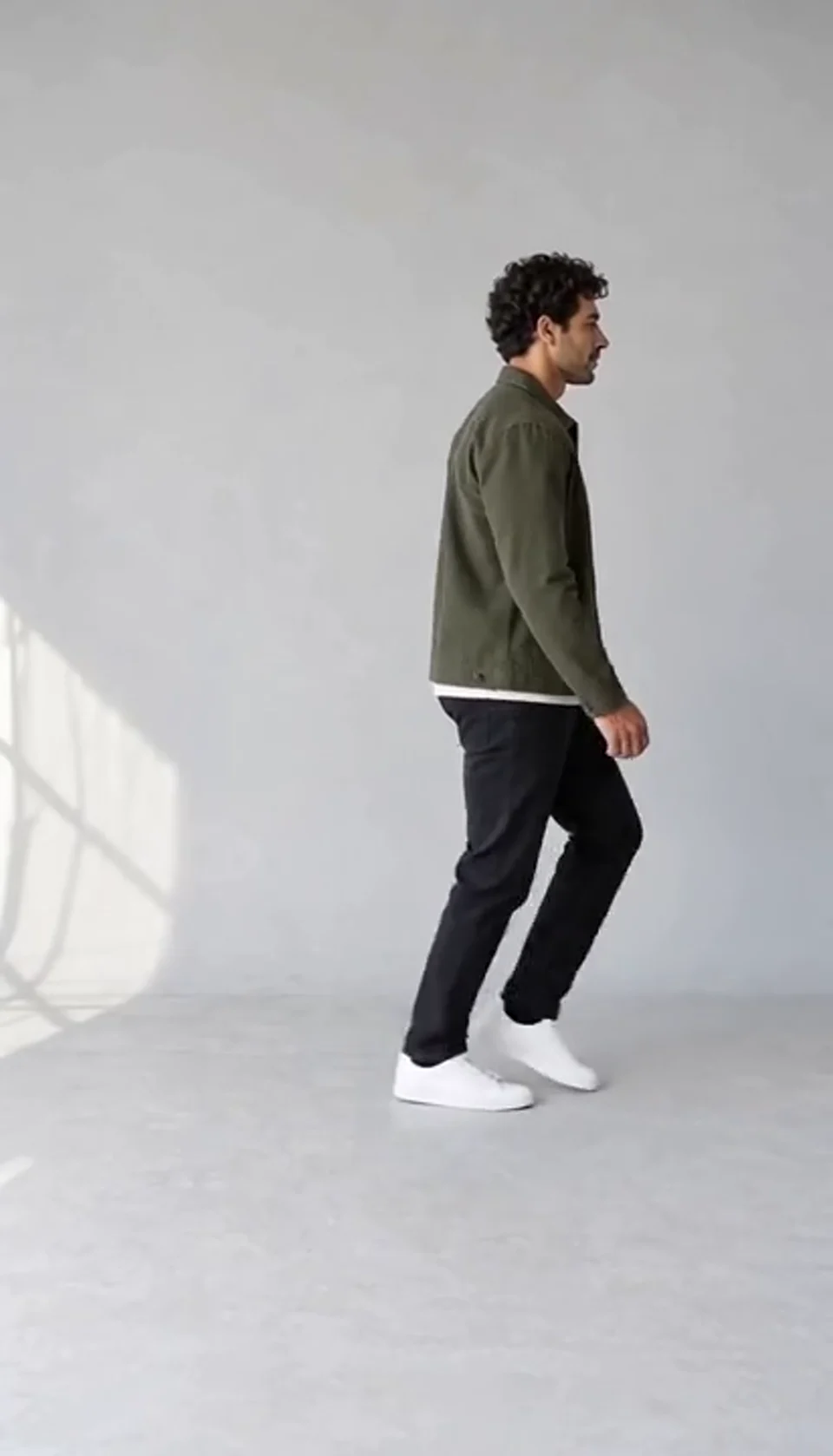
AI Moonwalk Dance Generator
Turn one full-body photo into a short moonwalk dance. A steady side view keeps the sliding steps and your recognizable outfit in focus.
Deep Sea AI Video Effect
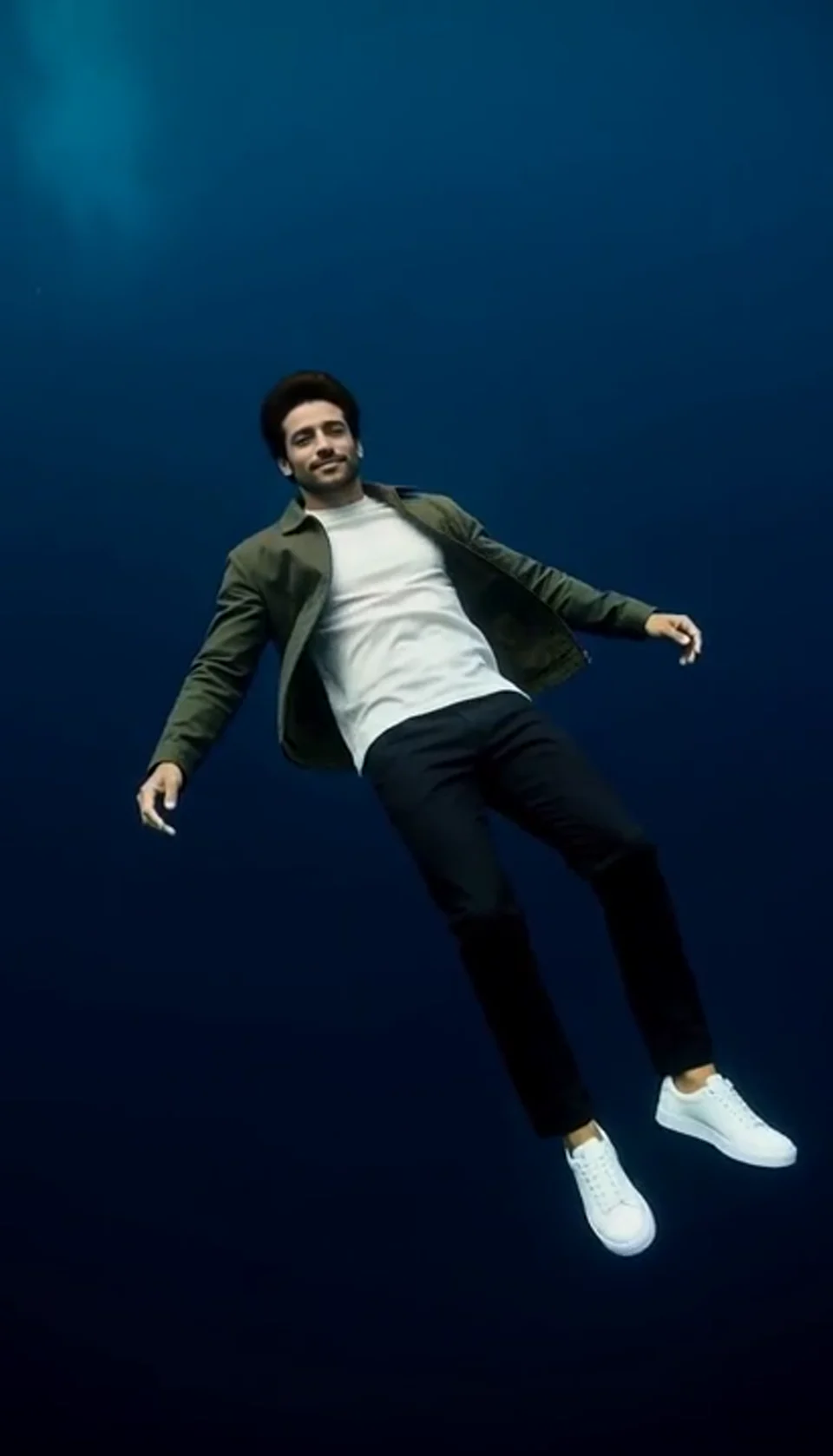
Turn one portrait into a dreamlike underwater scene. Drift through dark blue water with gently moving clothing, soft light and one calm camera move.
STORM II AI Video
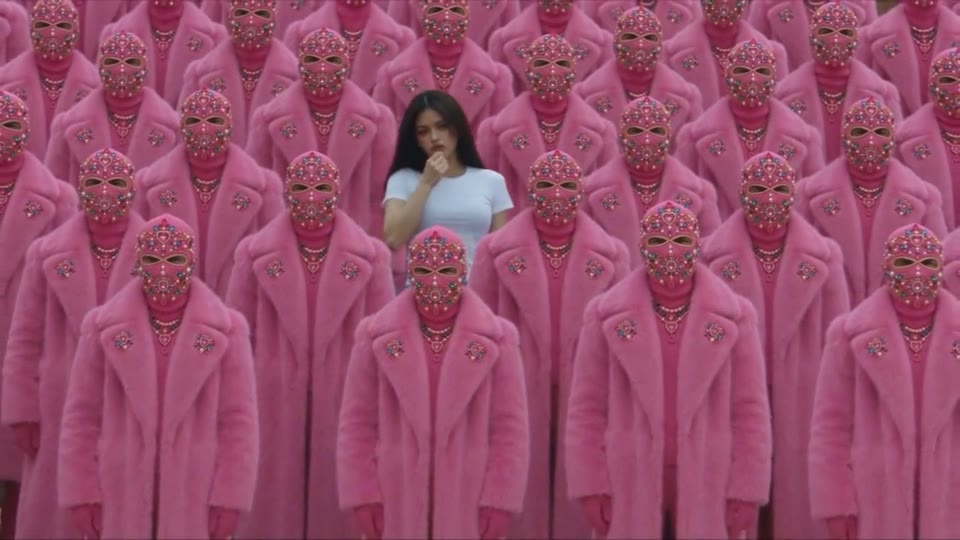
Your character leads a surreal pink-crowd dance.
AI Face Dance Generator
A portrait comes alive with a playful face-and-hands dance.
Bullet Time Video
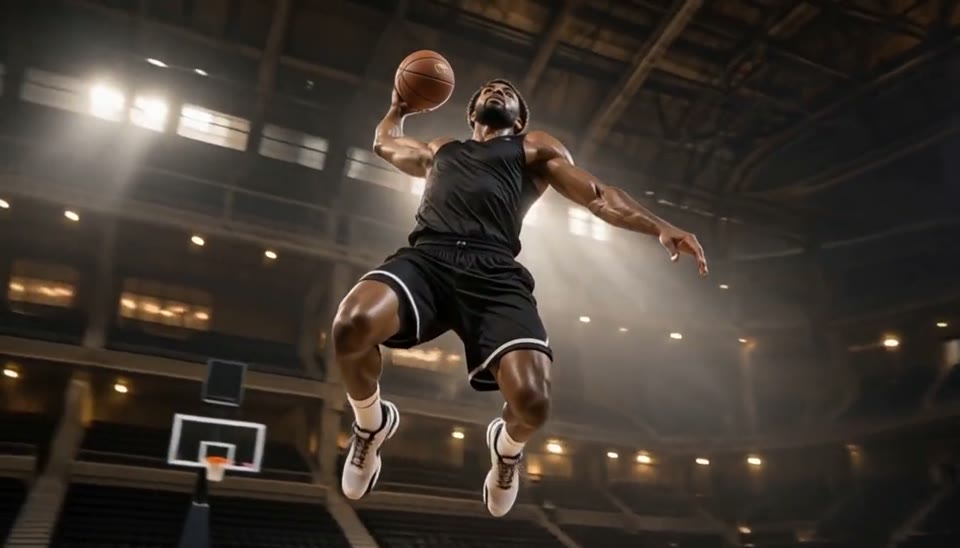
Freeze an action pose while the camera orbits around it.
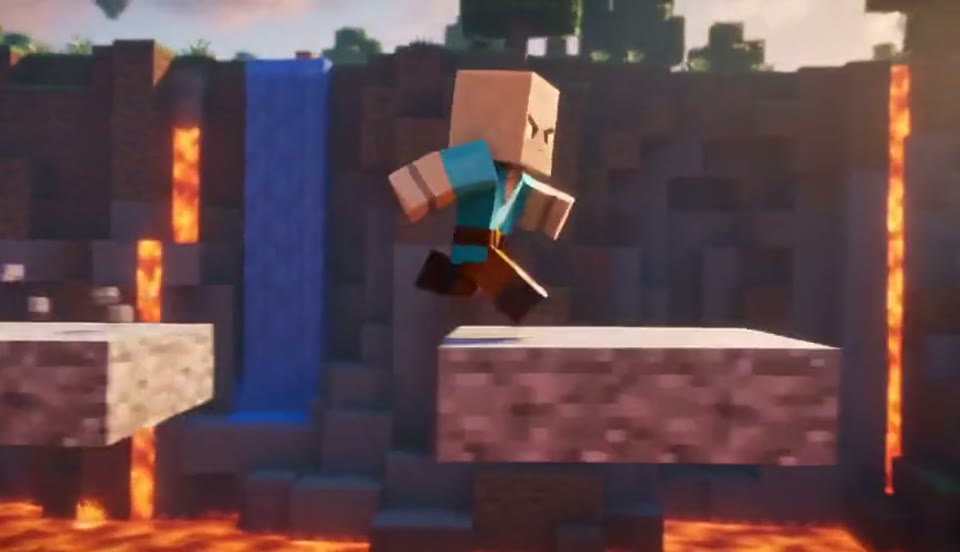
AI Minecraft Video Maker
Create a Minecraft-style AI video from one photo. Make voxel characters, block-world parkour and adventure clips with original sound on EveryGen.
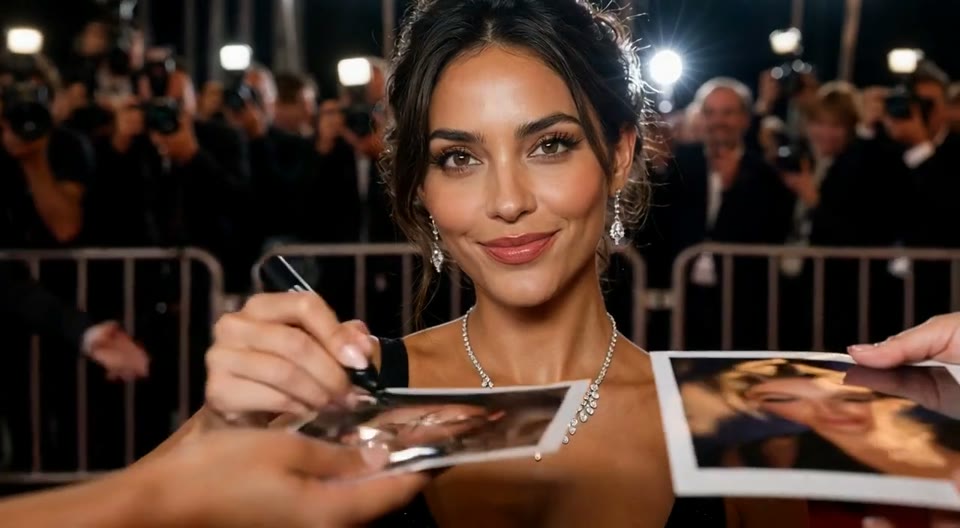
AI Red Carpet Video
Create an AI red carpet video from one portrait. Add elegant eveningwear, paparazzi flashes and a gala entrance with the EveryGen video template.
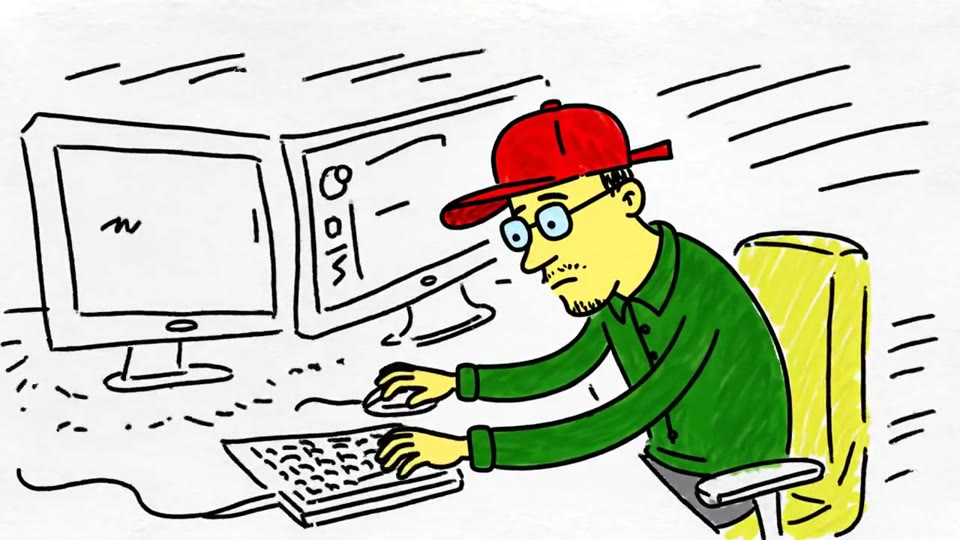
Sketch to Video AI
Turn a sketch, drawing or line-art image into an animated video with EveryGen. Preserve the composition and art style with gentle motion and original sound.
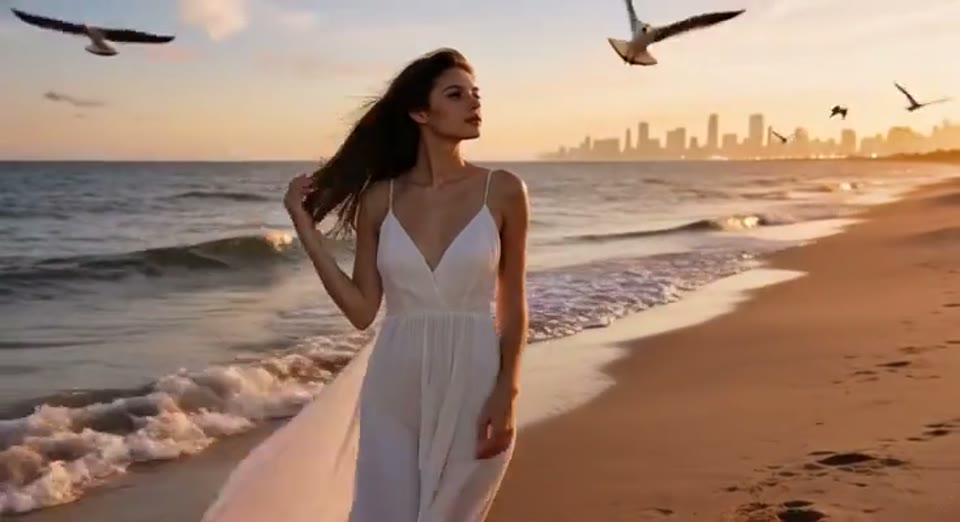
Day to Night Effect
Create a day to night effect video from one photo on EveryGen. Animate golden hour, sunset and night lights while keeping the scene and framing consistent.
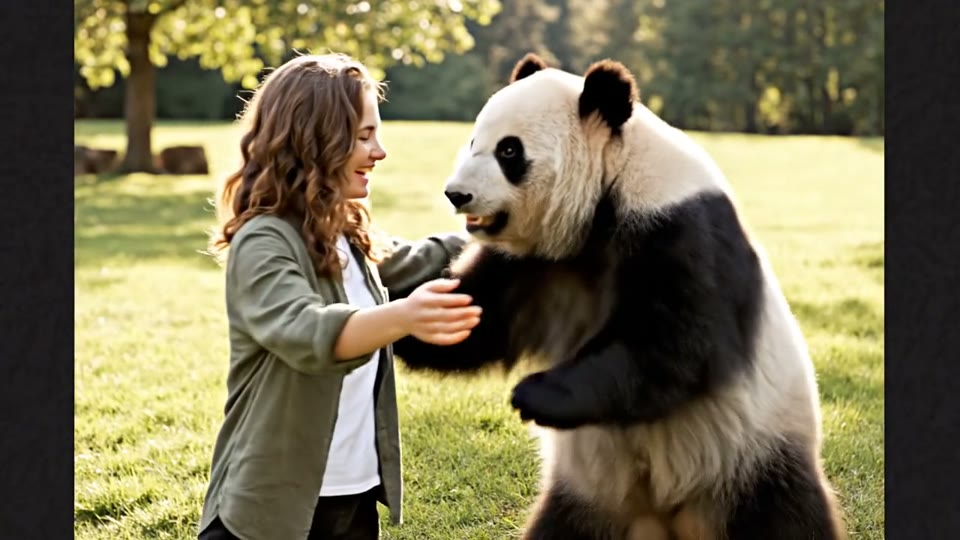
AI Panda Hug Video
Create a heartwarming AI panda hug video from one photo on EveryGen. Add a gentle panda embrace, bamboo scenery and original sound in your chosen format.
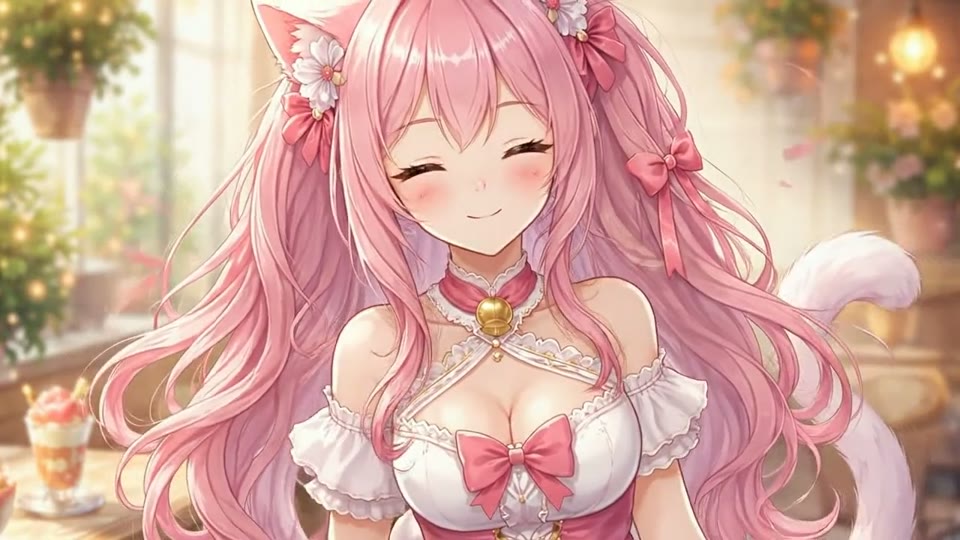
Live 2D Animations
Create Live 2D-style animation from a portrait or character image with EveryGen. Add blinking, breathing and gentle head motion while preserving the visual style.
Frequently Asked Questions
Check the input requirements and review the details that matter.
Which person becomes the zombie?
The second uploaded person receives subtle theatrical zombie makeup. The first remains human. The final warm memory is directed to show the same two people with healthy complexions.
How is this different from the Halloween effect?
This is a two-person romantic short with an encounter, embrace and memory. The Halloween effect is a different single-person costume transformation.
What should I inspect before sharing?
Watch the whole clip and compare both faces with the source portraits. Check that roles stay consistent, hands and arms remain natural, and the warm ending shows the same pair.
Do I need to upload a motion reference?
No. The template supplies its own scene and movement direction. Upload the required portrait photos; the public sample is a demonstration rather than an extra input you need to provide.
Can I freely change the effect direction?
This page creates the prepared effect. For a different scene or movement, use the general video editor or choose another template. Switching templates does not start a generation.
Which output settings are available?
Use the duration and frame shape shown in this template workbench. Available settings depend on the effect. Review the selected photos and current credit quote before generating.
Can I download the finished clip?
When generation succeeds, preview the full clip and use the result download action to save the video. A queued or processing task does not yet represent a finished clip.
Are the sample videos made from my photos?
The samples are saved AI-generated demonstrations using fictional subjects. Upload your own photos and generate to create a personal result. Watching a sample does not create or charge for a video.
Create Your Own Version
Choose your source photo and review the quote to make a new result.
Create Now