
AI Face Dance Generator
Only upload photos of yourself or of people who agreed to take part.
An AI photo dance generator that needs just one selfie.
AI Face Dance Generator: Make Your Portrait Dance
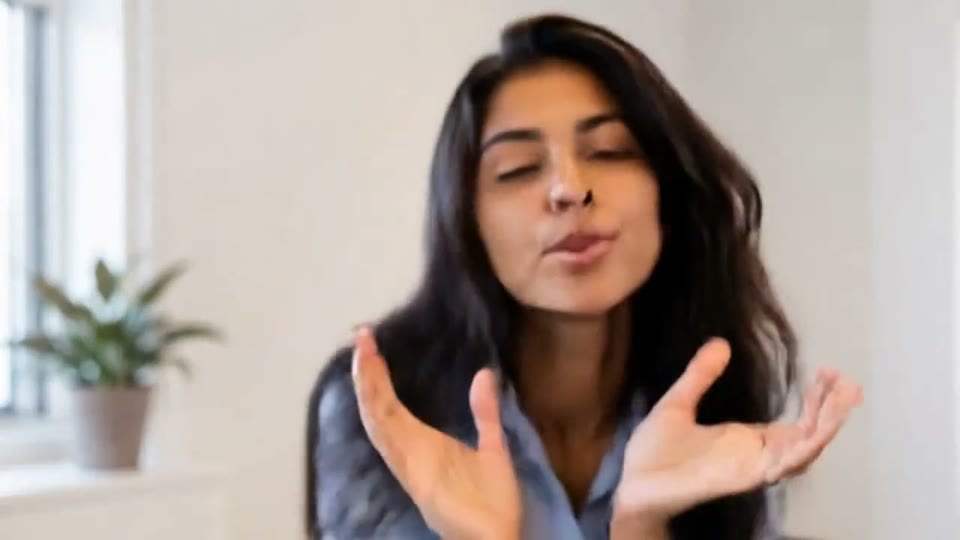
The EveryGen AI face dance generator turns one clear portrait into a front-camera dance clip. Eyebrows bounce, a wink lands on the beat, and hands pop in with pointing fingers, finger waves and small claps. Your photo becomes the first frame, so face, hairstyle, outfit and background stay as they were. To make a photo dance with AI without learning a routine, let the template handle the choreography.
No prompt needed. The template has its routine and an original pop track built in, and renders picture and sound together as one MP4. Choose 480p or 720p and 5, 10 or 15 seconds, and the template usually delivers your AI dance video from photo input in one to three minutes. Portrait-animation clips start from 19 credits.
- One portrait, no prompt
- Winks and finger moves
- Your photo as the first frame
- Original pop soundtrack
How to Make a Photo Dance with AI
The template needs one photo and two quick choices, since this template has the moves and music built in.
Upload one clear portrait
Add a sharp photo with face and shoulders visible and some room around the head. The template uses that room for the hand moves, so a relaxed crop beats a tight close-up.
Pick resolution and length
Choose 480p or 720p (the default) and 5, 10 or 15 seconds (10 is preselected). The template keeps your photo's shape, so frame it vertically for Reels. The cost updates as you choose.
Generate the dance
Click Generate and the template animates expressions and hand moves to an original pop beat. Picture and audio are made together in one pass, and most clips are ready in one to three minutes.
Review and download
Watch the whole portrait animation clip, check face and fingers, then save the MP4. For another take, run the template again; each run is new and uses credits again. Label it as an AI remix when sharing.
AI Photo Dance Generator: Expressions, Gestures and Music
A face dance only works if it still looks like you. The template is built around that.
An AI Dance Video From Photo, Not a New Scene
This portrait animation treats your upload as the first frame, not as loose inspiration. Face, hairstyle, clothing, lighting and background carry through, and the clip keeps the shape of the original photo because there is no aspect-ratio setting. The camera never zooms, cuts or jumps to a new place. Motion stays on the face and hands, with small shoulder grooves and a light handheld sway, so the template output feels like a front-camera recording. You get an AI dance video from photo material that still looks like the moment you captured, which is why the template suits portraits where continuity matters.
Built-In Choreography in the AI Face Dance Generator
Nothing to type, no mood or style to pick. The template ships with one routine modeled on the front-camera trend: eyebrows bounce, a wink lands on the beat, cheeky smiles and pursed lips alternate with head tilts, and hands pop in for pointing fingers, finger waves and small claps. The body stays mostly in place, so the template performance reads clearly on a phone. Every run follows the same choreography, so you know what to expect from the template, and your only job is choosing a good photo. To make a photo dance with AI without rehearsing, the template is the shortest route.
An AI Photo Dance Generator With Its Own Soundtrack
Each new clip comes with music made for it. The template creates picture and audio together, so eyebrow bounces and finger claps land on a catchy pop beat generated in the same pass. The track is original: the template never reuses an existing song, lyrics or a real artist's voice. Each download is a single MP4 with the sound already attached, ready for TikTok, Instagram Reels or YouTube Shorts. Because music and movement come from one run, the template hands you a finished clip, not a silent animation you still need to score.
Turn Photo Into Dance Video Clips of Avatars and Characters
Selfies are the obvious starting point, but the template also accepts avatars, illustrated characters and mascot art, as long as the face is easy to read and there is room for a pair of hands. Stylized sources vary more than photos do, especially around the eyes and fingers, so treat the first run as a test. If details drift, give the template a cleaner version of the artwork with more space around the head. Illustrators can use the template to preview how a character emotes, and brand teams can use the template to see whether a mascot has personality on camera.
Photo Animation for Greetings, Reels and Profile Clips
Where the template shines, and how people use the template to turn photo into dance video clips.
AI Face Dance Generator Hooks for Social Posts
A profile photo that winks at the viewer makes a strong opening for a Reel or TikTok. Creators can use the template to start a trend post or answer a comment. Upload a vertical photo, since the clip keeps its shape, and keep the template run short.
Make a Photo Dance With AI for Greetings
Instead of a sticker, send a portrait-animation template clip of yourself grooving to a birthday wish or a thank-you. One selfie is enough to make a photo dance with AI, and the template adds the beat, so it feels personal. Use your own photo, or a friend's with their permission.
AI Dance Video From Photo Art and Characters
Illustrators can run a character portrait through the template to see how it emotes before rigging it. An AI dance video from photo art shows whether eyes, brows and mouth read well in motion. Results vary more than with photos, so give the template a clean drawing.
AI Photo Dance Generator Tests for Brand Mascots
Campaign teams can give a mascot, or a colleague who agreed to appear, a playful moment and check whether it holds attention before a shoot. The template returns a test clip in minutes, and because the template repeats one routine, source images are easy to compare.
Photo Dance Ideas for Your Next Social Post
Each portrait animation idea below pairs a photo with a caption, so your AI photo dance generator clip is ready to post.
An AI Face Dance Generator Birthday Wish
Upload a smiling party selfie to the template and pick 10 seconds. Send the clip to a friend on their birthday with their name added as on-screen text in any editor, or post it captioned "Birthday week energy".
Still Photo vs. AI Dance Video From Photo
Show the original portrait for one second, then cut to the template version. The contrast sells the effect in a Reel. Caption it "Same photo, very different energy" and tag it as an AI remix.
A Profile Intro From the AI Photo Dance Generator
Use your current profile picture so followers recognize you, then pin the template clip as a channel intro. A 5-second run of the template makes a short, loopable intro.
Turn Photo Into Dance Video Character Tests
Run the same character through the template a few times (each run uses credits) and keep the best expressions. Post them as a compilation captioned "How my character reacts to a beat" for followers to vote on.
Comment Replies With Face Dance AI
Got a funny comment? Reply with a portrait-animation template clip of yourself. Show the comment on screen and let the winks and finger points answer it. The template has it ready in minutes.
Make a Photo Dance With AI for a Team Roll Call
Collect a portrait from each teammate who wants to join, run each through the template and stitch the clips together in any editor. Include only people who said yes, and label the video as an AI remix.
Photo Tips for Clear Faces, Hands and Expressions
Your portrait decides how the whole portrait animation clip looks.
Works best
- Face and shoulders in frame, facing the camera
- Room around the head for hand moves
- Soft light and a sharp face
- Vertical framing for Reels
Avoid
- Crops that cut off the chin or forehead
- Sunglasses, masks or hair over the eyes
- Group shots with several faces
- Photos of people who have not agreed to take part
What Creators Say About EveryGen’s AI Video Workflow
Feedback from the existing EveryGen image-to-video workflow behind photo-based creative effects.
We now produce campaign videos from existing image assets in a fraction of the time.
Sophie L., Content Marketer
Sophie L.
Content Marketer
Image-to-video helped us upgrade product pages without expensive shoots.
Ryan T., E-commerce Operator
Ryan T.
E-commerce Operator
The prompt controls are practical and outputs are strong for rapid iteration.
Mia W., Creative Producer
Mia W.
Creative Producer
More AI Video Templates Like AI Face Dance Generator
Try another trending effect with the same photos.
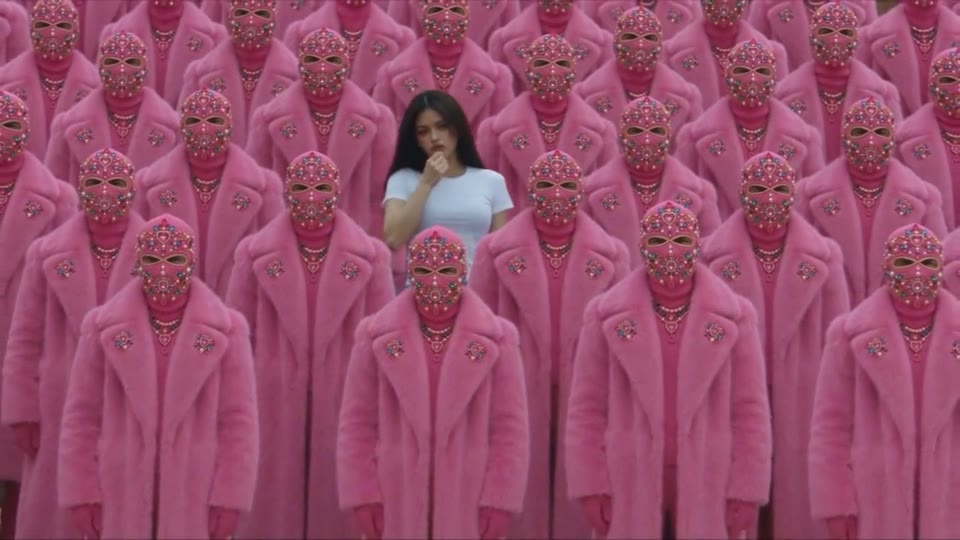
STORM II AI Video
Your character leads a surreal pink-crowd dance.
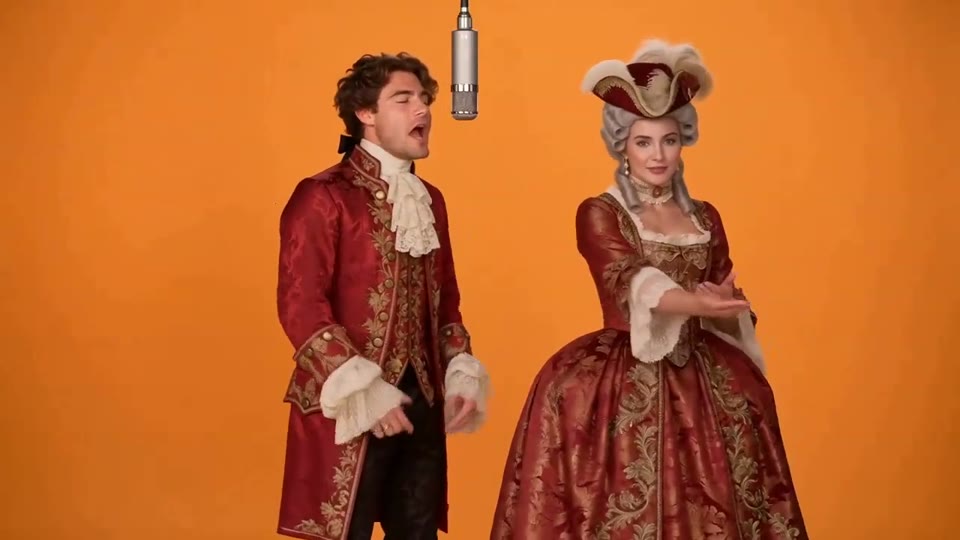
Hotel Lobby AI Video
Two photos become a baroque rap duet on an orange stage.
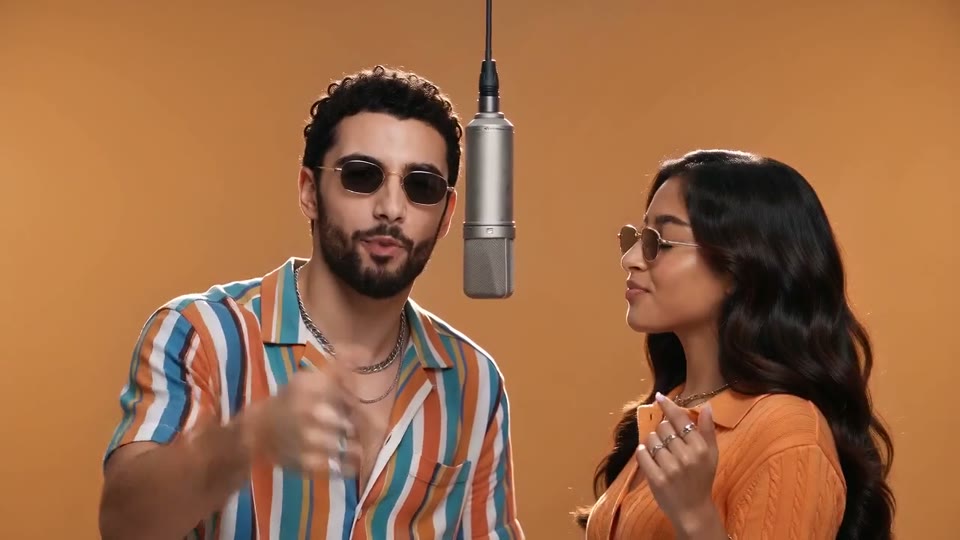
AI Rap Duo Video
You and a friend trade verses in bold streetwear.
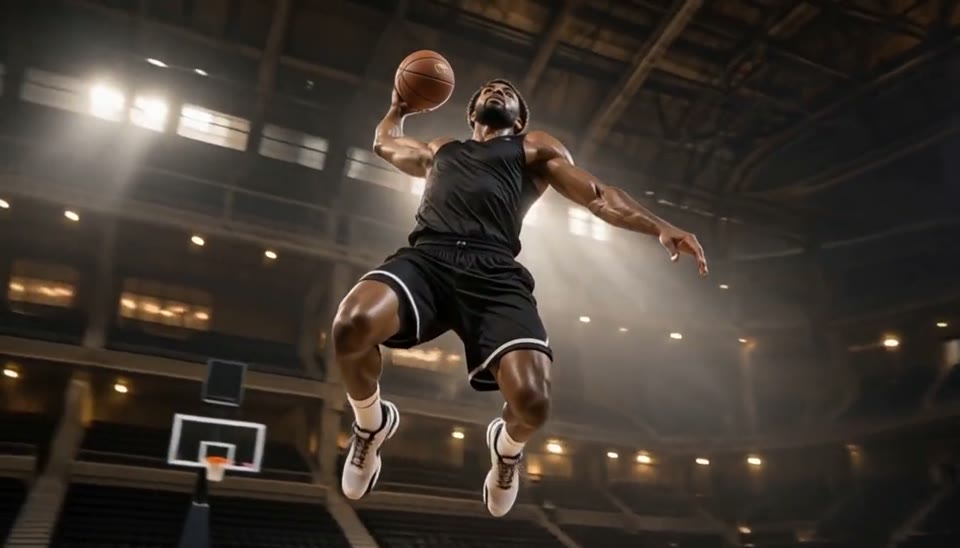
Bullet Time Video
Freeze an action pose while the camera orbits around it.
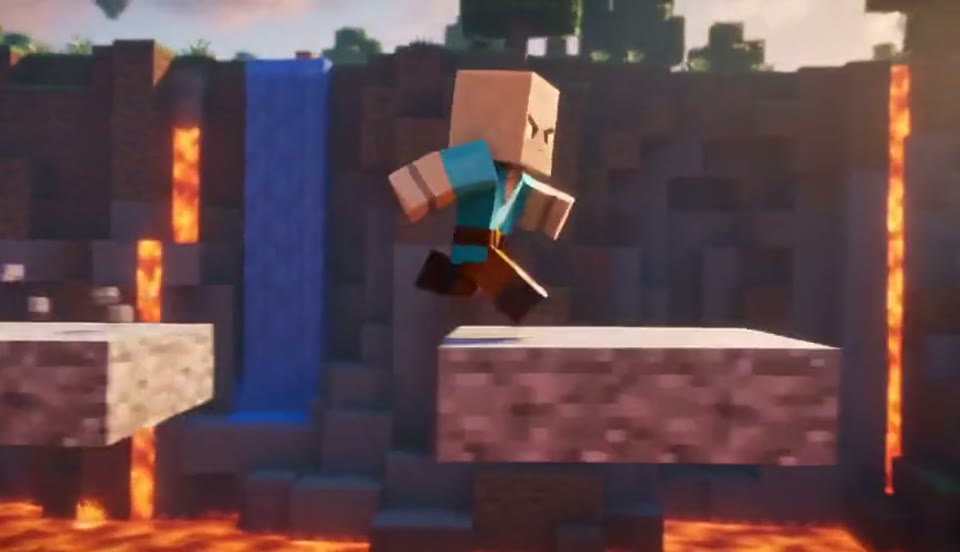
AI Minecraft Video Maker
Create a Minecraft-style AI video from one photo. Make voxel characters, block-world parkour and adventure clips with original sound on EveryGen.
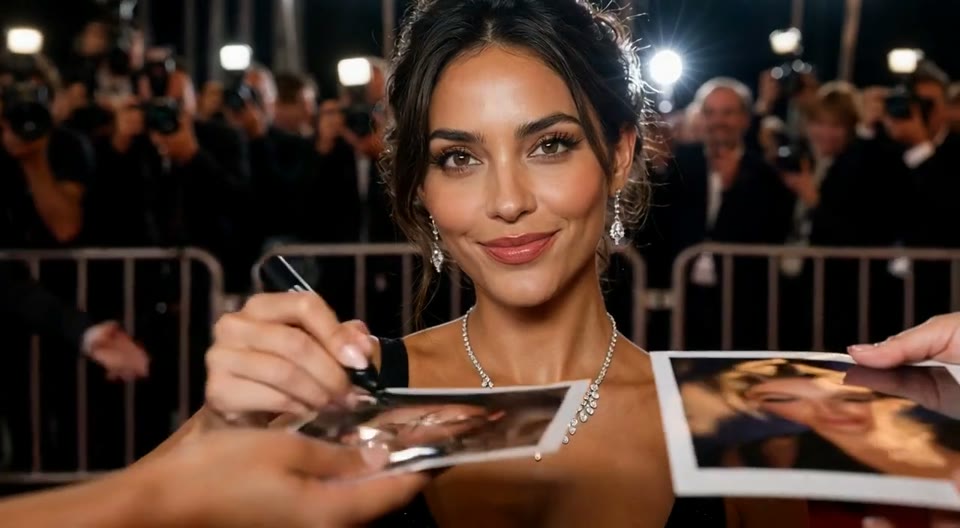
AI Red Carpet Video
Create an AI red carpet video from one portrait. Add elegant eveningwear, paparazzi flashes and a gala entrance with the EveryGen video template.
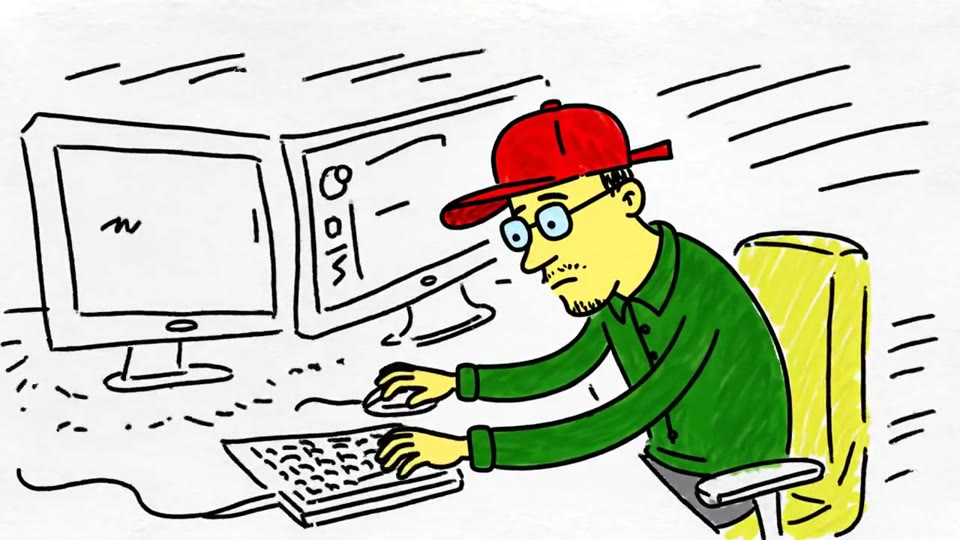
Sketch to Video AI
Turn a sketch, drawing or line-art image into an animated video with EveryGen. Preserve the composition and art style with gentle motion and original sound.
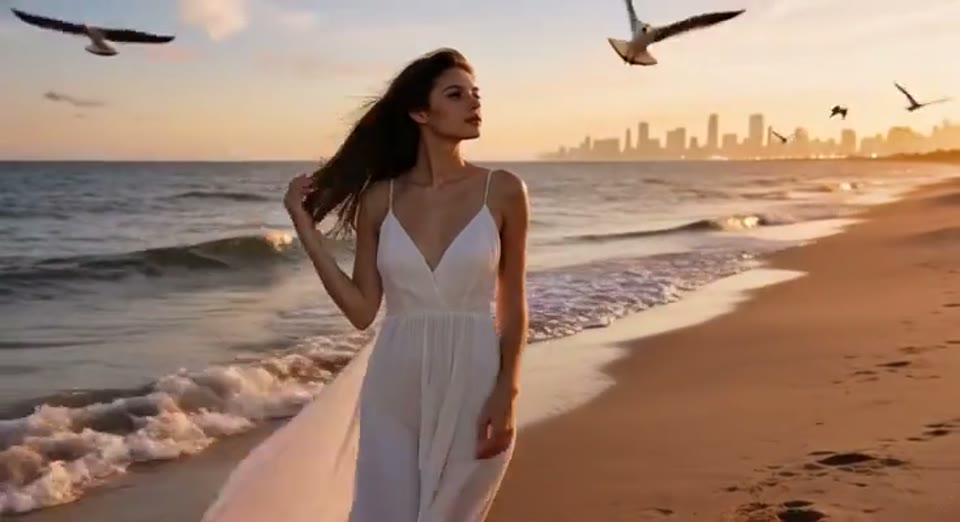
Day to Night Effect
Create a day to night effect video from one photo on EveryGen. Animate golden hour, sunset and night lights while keeping the scene and framing consistent.
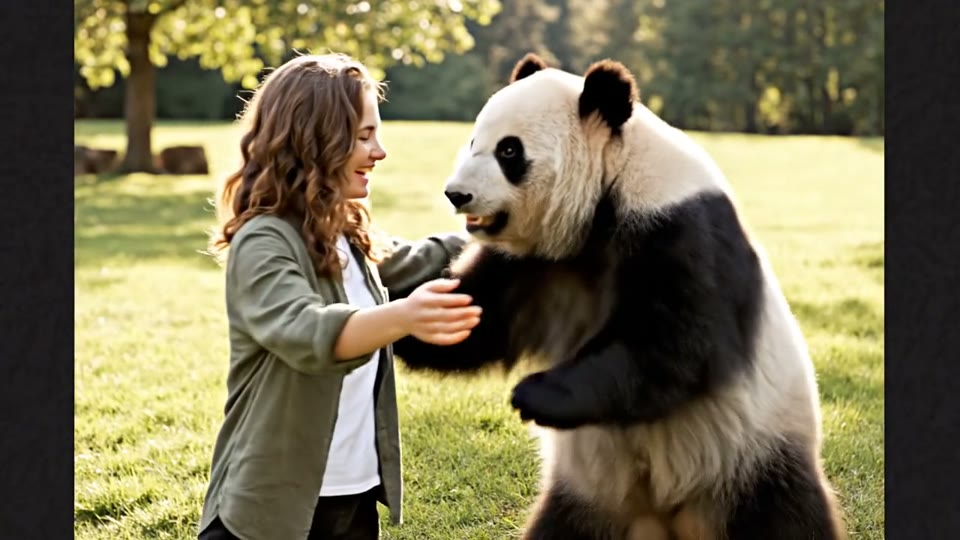
AI Panda Hug Video
Create a heartwarming AI panda hug video from one photo on EveryGen. Add a gentle panda embrace, bamboo scenery and original sound in your chosen format.
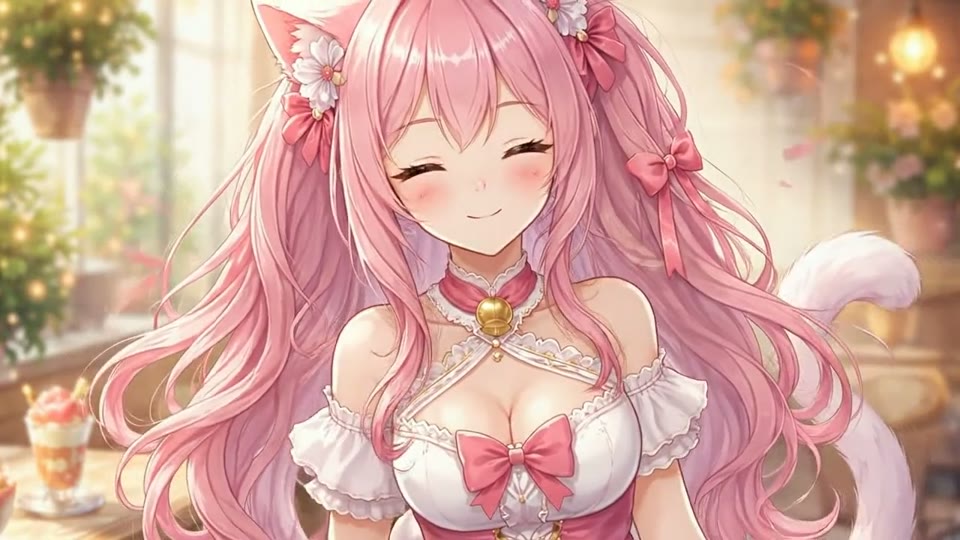
Live 2D Animations
Create Live 2D-style animation from a portrait or character image with EveryGen. Add blinking, breathing and gentle head motion while preserving the visual style.
AI Face Dance Generator: Questions Answered
What the template does and what an AI dance video from photo costs.
Start Dancing With the AI Face Dance Generator
Upload a sharp portrait, preview the routine and choose the resolution and duration. The workbench shows the credit cost before you make a photo dance video.
Upload a portrait