EveryGen AI
    Features
EveryGen AI

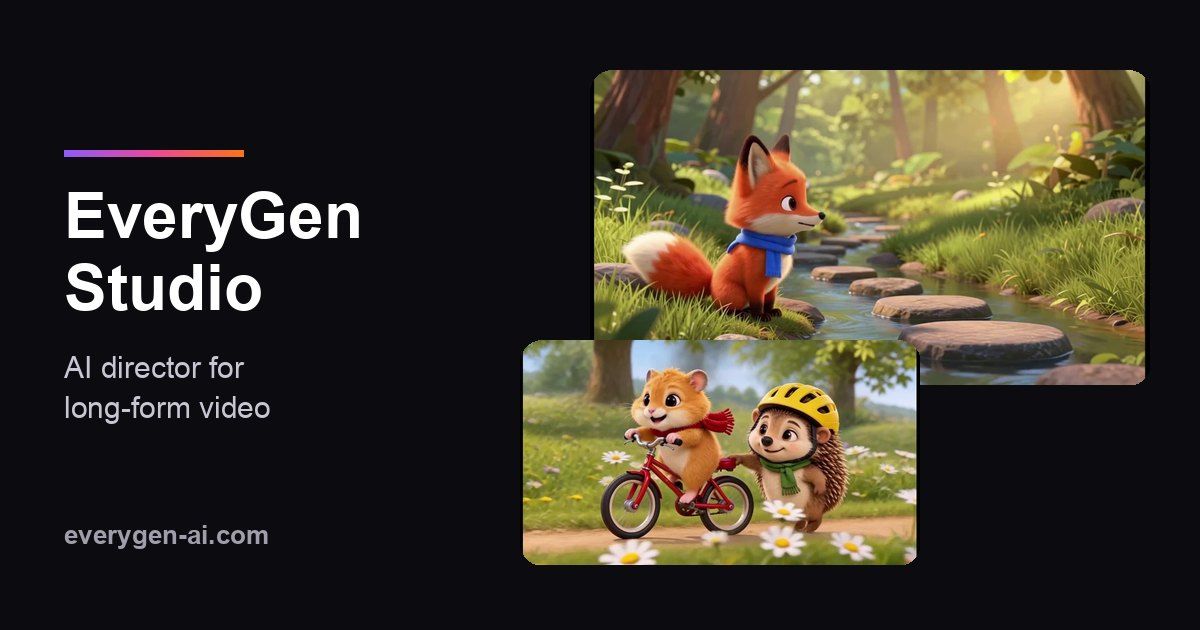
EveryGen AI is operated by Xutang Li as an individual. Create complete multi-scene videos in EveryGen Studio and use dedicated image and video tools for everyday creative work.

Ask AI about EveryGen AI

ChatGPTPerplexityClaudeGeminiGrok
Add as a preferred
source on Google

Product

  • EveryGen Studio
  • AI Ads
  • Shorts Studio
  • Viral Remix
  • Long Video to Shorts
  • Short Clone
  • AI Motion Graphics
  • EveryGen MCP Server
  • Image to Video
  • AI Video Templates
  • AI Video Editor
  • AI Image Generator
  • Pricing

Models

  • Nano Banana 2.1
  • Gemini Omni
  • Seedance 2
  • Seed Audio 1.0
  • Seedance 2.5
  • MiniMax H3
  • Kling 4.0

AI Tools

  • AI Character Builder
  • AI Music Generator
  • Flashlight AI Photo
  • AI Product Background Changer
  • AI Girl Generator
  • AI Face Editor
  • Text to Speech
  • Photo to Sticker
  • Remove Object from Image
  • AI Portrait Generator

Free Tools

  • Video to GIF
  • GIF to MP4
  • Video Converter
  • MOV to MP4
  • WebM to MP4
  • MKV to MP4
  • Video Compressor
  • Video to MP3
  • Reverse Video
  • Merge Videos
  • Aspect Ratio Calculator

Viral Templates

  • Hotel Lobby AI Video
  • Tesla Roadster & Flying Car AI Video Generator
  • AI Rap Duo Video
  • STORM II AI Video
  • AI Gas Station Dance Video
  • AI Carpool Karaoke Video
  • AI Red Carpet Video
  • Bullet Time Video

Company

  • About Us
  • Contact
  • Creation Guides
  • Reviews

Legal

  • Terms of Service
  • Privacy Policy
  • Refund Policy
  • Cookie Policy
  • Acceptable Use Policy

© 2026 Xutang Li. All rights reserved.

Independent platform, not affiliated with Everygen.ai or Viewmax LLC.

Features
Home
Blog
EveryGen AI team
Back to Blog
EveryGen AI team

EveryGen AI team

Editorial & Video Production Team2 articles

Practical guides from the EveryGen AI product and video engineering team. We cover multi-scene planning, model comparisons, motion graphics, and production workflows for creators and marketing teams.

Add as a preferred
source on Google
How to Brief an AI Motion Graphics Video
Motion Graphics8 min read

How to Brief an AI Motion Graphics Video

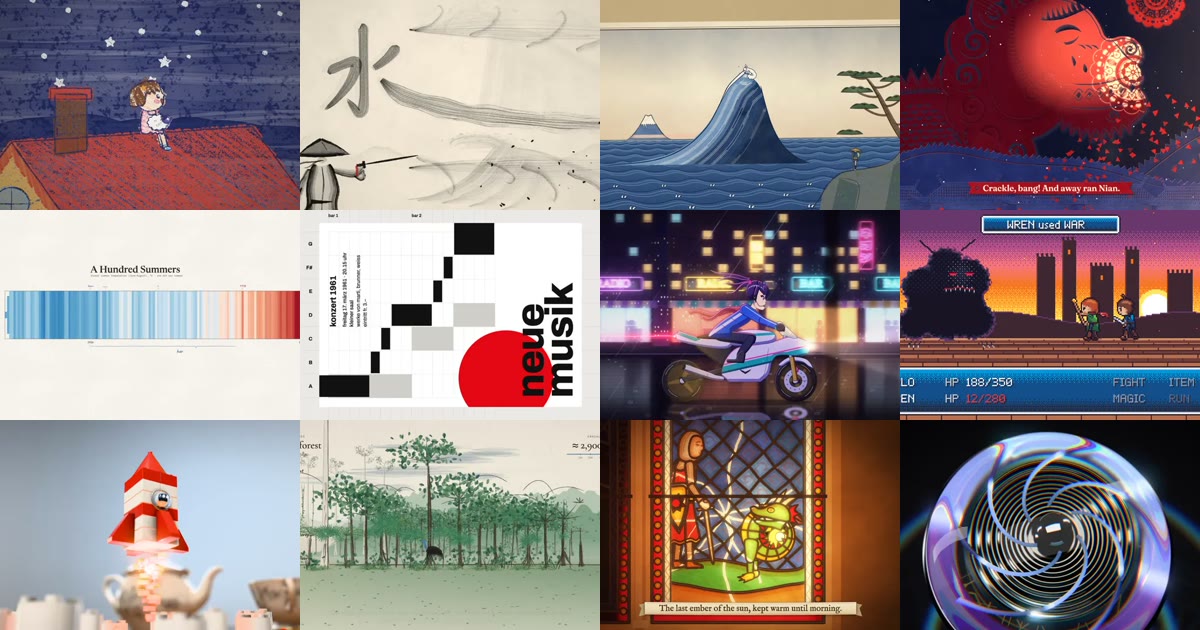
Choose a style and a target length in EveryGen's AI Motion Graphics, write a short brief, and review the rendered film before you publish it.

EveryGen AI teamEveryGen AI teamSep 28, 2026
How to Brief and Revise One AI Video Shot
AI Video Workflows5 min read

How to Brief and Revise One AI Video Shot

Write one shot brief, generate it in EveryGen from the material you already have, and change a single variable on the next pass.

EveryGen AI teamEveryGen AI teamMay 16, 2026

Make AI videos just by chatting.

Turn briefs, storyboards, and references into finished clips inside EveryGen Studio.

Start creating