

Frames Sampled in Your Browser
Eight evenly spaced frames are taken from your video on your device, so the model sees the opening, middle and ending.
- Covers the whole clip
- Fast uploads of small frames
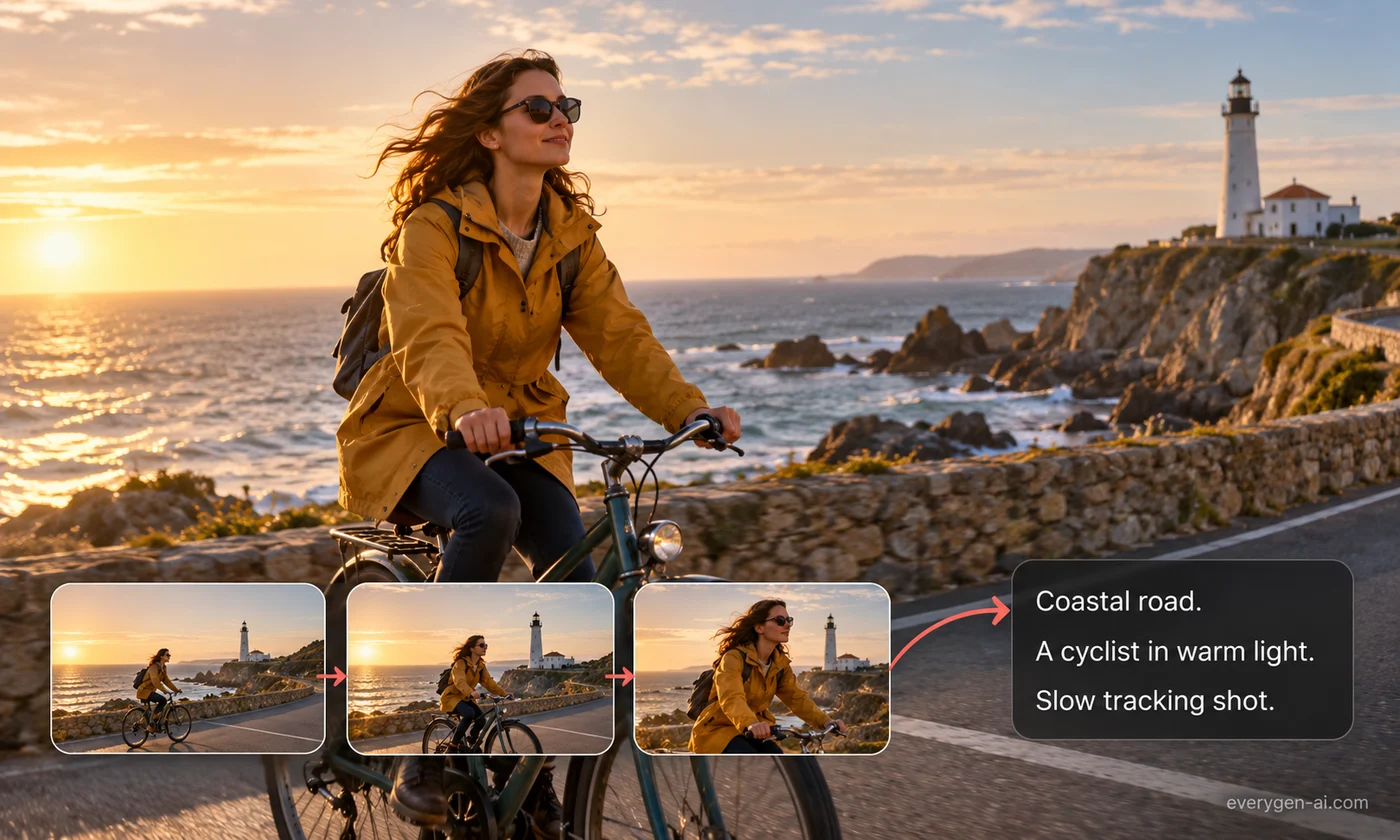
Describe a reference clip’s subject, camera and style in one reusable prompt.
Inputs, options and results.
Eight evenly spaced frames are taken from your video on your device, so the model sees the opening, middle and ending.
The result describes subject, setting, framing, camera motion, lighting, palette and mood as one prompt you can paste into any text-to-video model.
Open the prompt in the video generator with one click and create an original clip with leading video models.
Choose your settings, then review the result.
Add a short video whose look and motion you want to learn from.
Pick a detailed or concise prompt and its language.
Copy the prompt or open it in the EveryGen video generator.
Ways to use a prompt drawn from a reference.
See how camera, lighting and style are described.
Use a reference mood board clip as the starting point for original footage.
Keep the same style across several AI-generated clips.
Formats, credits and practical limits.
2 credits per prompt, refunded automatically if the request fails.
It analyzes eight frames sampled evenly across the clip, which captures the scene, framing and motion direction. Fast cuts between frames may be missed.
It describes what is visible so you can create something original. Do not use it to imitate real people or recreate protected content you have no rights to.
Any MP4, MOV or WebM video your browser can play, up to 25 MB.
Yes. The prompt is plain text and works with most text-to-video models.
Upload a clip and generate an original video from its prompt.