

Complete Shot List
Every shot lists duration, shot size, camera movement, on-screen action, dialogue or narration and sound.
- Choose 4 to 12 shots
- Timing per shot
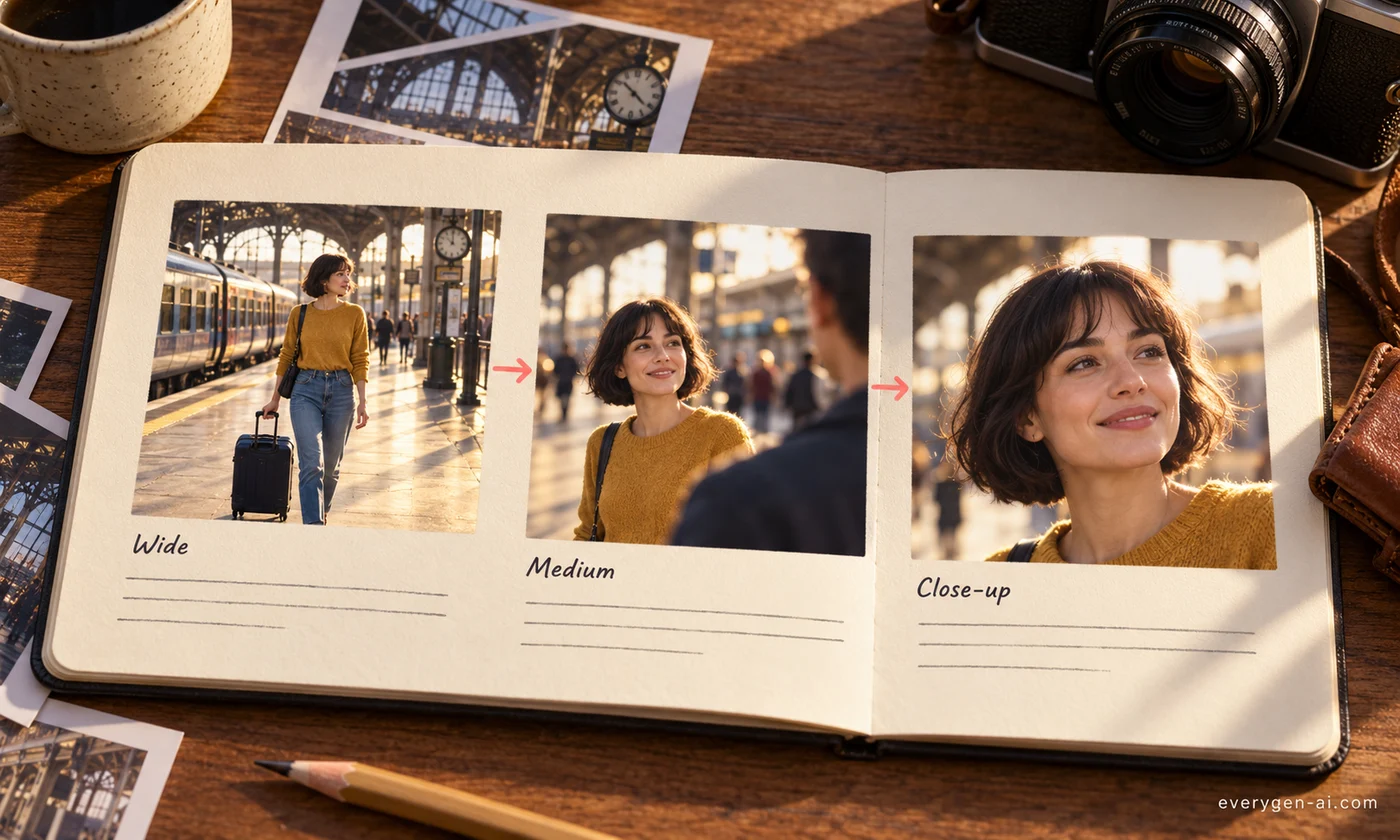
Plan 4–12 shots with timing, camera direction and a prompt for each scene.
Inputs, options and results.
Every shot lists duration, shot size, camera movement, on-screen action, dialogue or narration and sound.
Each shot ends with a text-to-video prompt that keeps characters, wardrobe and setting consistent.
Choose one shot’s prompt, edit it and open it in the video generator. Keep the full plan as a reference.
Choose your settings, then review the result.
Write the story, product or message, plus any characters and setting.
Choose the number of shots, aspect ratio, visual style and language.
Review the plan, then choose one shot’s prompt for the video generator.
Plan before you spend credits on video.
Break a story into shots before generating it.
Plan hook, demo and call to action shot by shot.
Sequence steps visually for a clear explanation.
Formats, credits and practical limits.
2 credits per storyboard, refunded automatically if the request fails.
It writes the storyboard and a prompt for each shot. Generate images or video for each shot in EveryGen when you are ready.
Choose 4, 6, 8, 10 or 12 shots.
Yes. Describe them in your brief and the storyboard keeps them consistent across shots.
Choose from twelve output languages, including English, Chinese, German, Japanese and Arabic.
Plan your shots, then choose one prompt to continue.