

Choose Source and Target Languages
Select the spoken source language or use automatic detection. Choose a target language from the available options to guide the dubbing process.
- Set the source language
- Choose a target audience
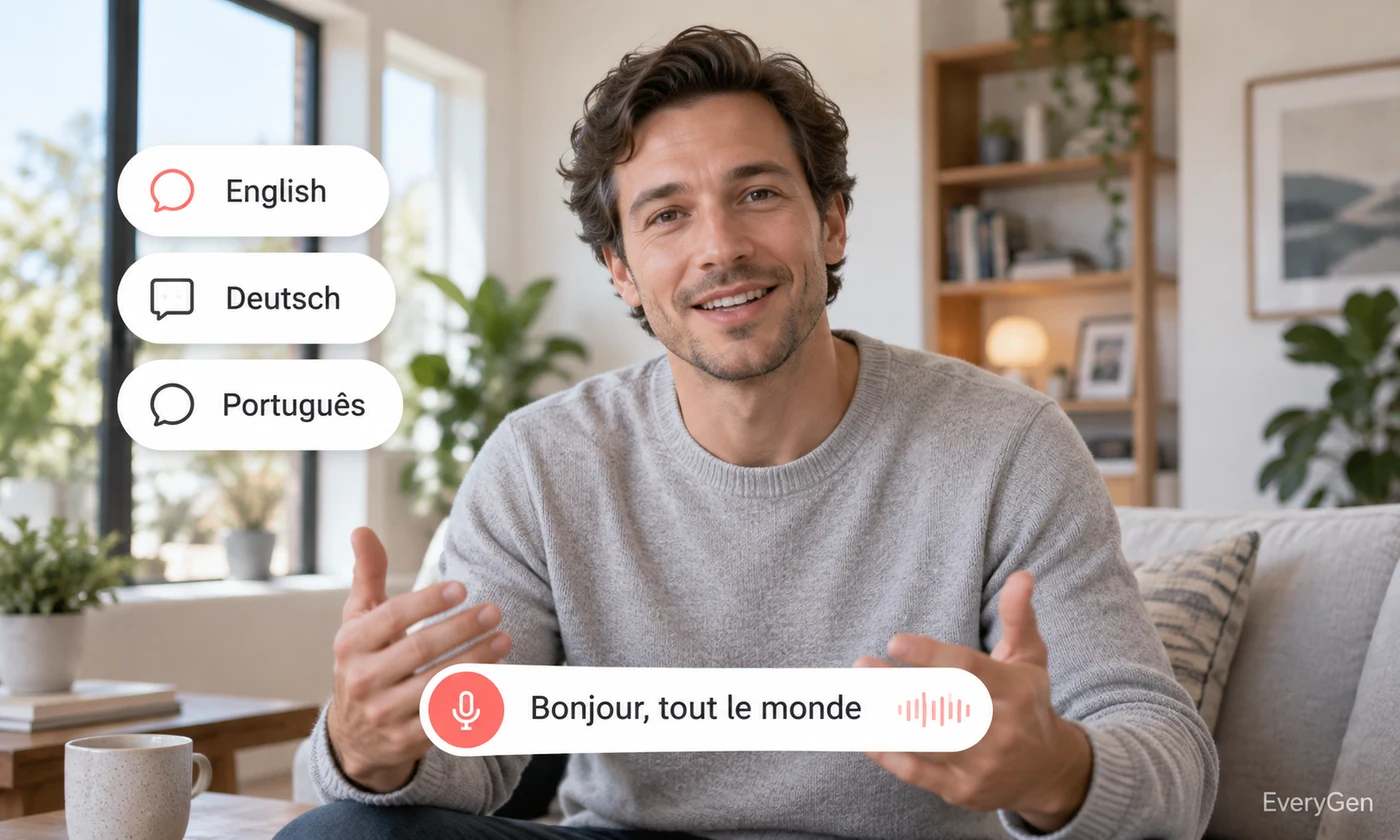
Make spoken video accessible in another language with an AI video translator. Select a target language to create a dubbed audio result, then review it before returning it to your video edit.

See what the tool changes and how to get a useful result.
Select the spoken source language or use automatic detection. Choose a target language from the available options to guide the dubbing process.

The workflow returns dubbed audio based on the source speech. It does not deliver a finished subtitled or lip-synced video from this page.
Listen for names, numbers and tone in the translated track. Have a speaker of the target language review important material before combining it with the video.
Work through these three steps in the editor above.
Upload a video with understandable speech.
Set source and target languages.
Generate and review the dubbed audio.
Choose a starting point that matches the work you want to finish.
Prepare another spoken language version of a product explanation.
Create a translated audio draft for a recorded lesson.
Adapt a prepared video message for a different language audience.
Practical answers about inputs, results and limitations.
This workflow returns dubbed audio; combine it with the source video in your editor.
No. Use AI lip sync as a separate step when mouth synchronization is required.
Yes. Choose automatic detection or select the source language yourself.
No. The result is dubbed audio; subtitles require a separate transcription and translation workflow.
Yes. Check meaning, names, numbers and delivery with a suitable target-language reviewer.
Bring your own source and review the result in the editor above.