

Bring Spoken Words Forward
The tool focuses on isolating a voice from background sound. It is a useful starting point when noise competes with dialogue or narration.
- Focus on speech
- Reduce competing background sound
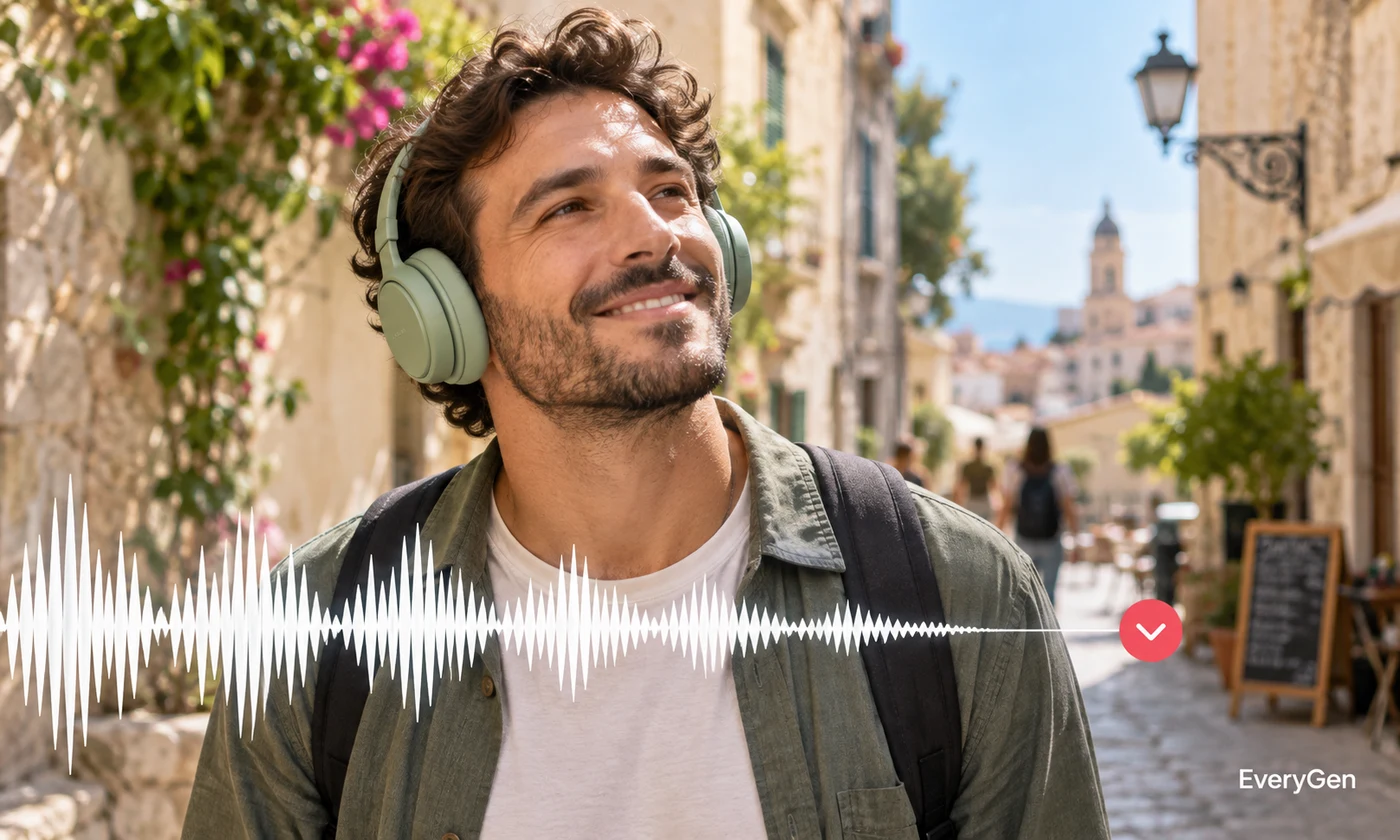
Make spoken recordings easier to follow with an AI audio noise reducer. Upload your recording, isolate the voice and listen for both improved clarity and any processing artifacts.

See what the tool changes and how to get a useful result.
The tool focuses on isolating a voice from background sound. It is a useful starting point when noise competes with dialogue or narration.

Clean a recording before creating subtitles or changing the voice. A clearer source can make it easier to review words and delivery throughout your workflow.
Compare quiet syllables and the ends of words with your source. Heavy noise, music or overlapping speakers can affect how much useful speech survives.
Work through these three steps in the editor above.
Upload a speech recording.
Run voice isolation.
Listen to the cleaned audio and save it.
Choose a starting point that matches the work you want to finish.
Make a recorded conversation easier to review.
Reduce distracting sound around an instructor's speech.
Prepare spoken material before another audio editing step.
Practical answers about inputs, results and limitations.
No. Results depend on the noise, recording quality and overlap with speech.
It cannot reliably recover audio detail lost to severe distortion or clipping.
No. Use Vocal remover to separate singing and instrumental material.
Not always. Listen carefully to soft speech and words beneath loud noises.
It can help when noise obscures speech, but always review the transcript for errors.
Bring your own source and review the result in the editor above.