

Animate a Portrait from One Image
Choose a clear portrait with an unobstructed face. A simple composition keeps attention on the expression and makes mouth movement easier to judge.
- Use a clear face image
- Avoid covered mouths
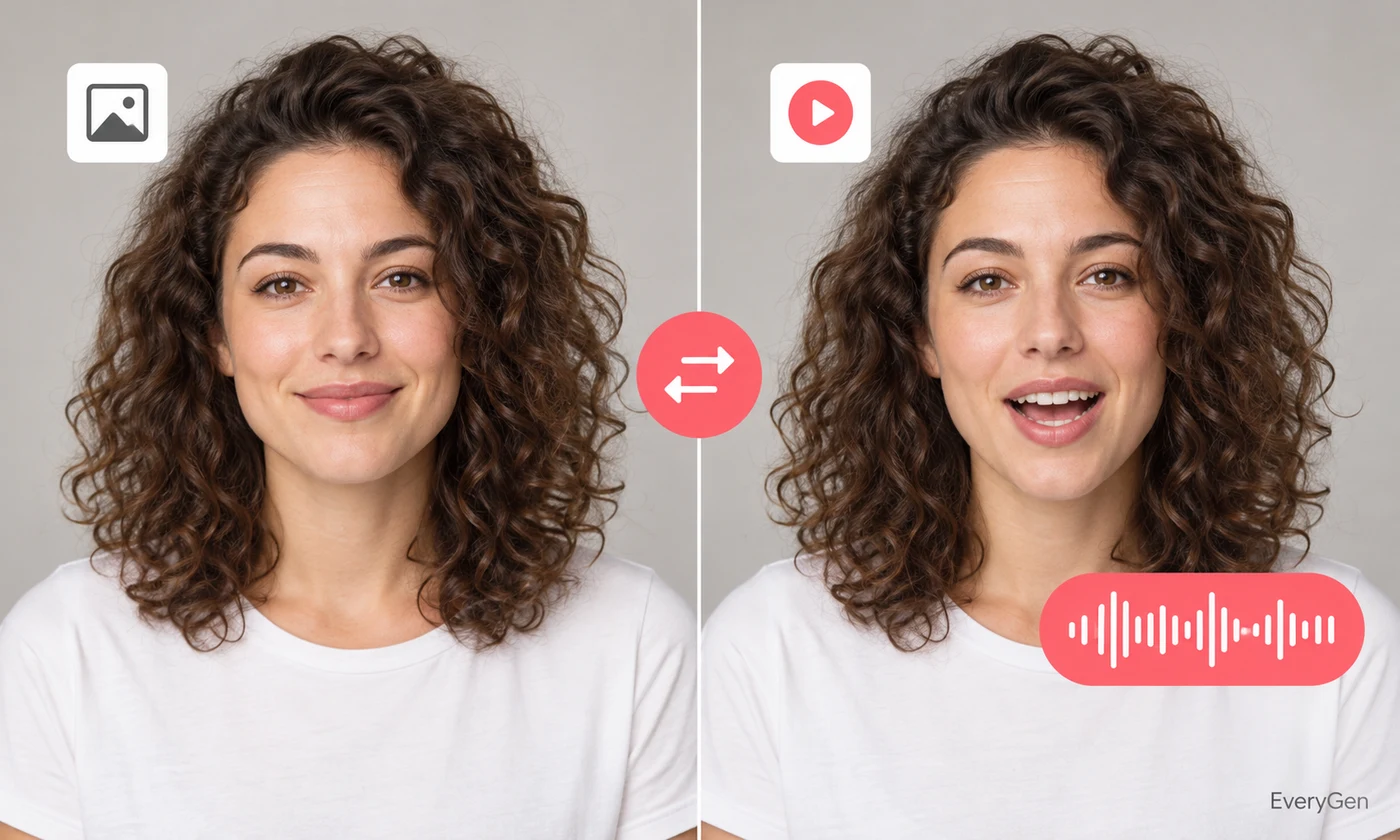
Turn a still portrait into a speaking video with an AI talking photo maker. Pair the image with an uploaded recording and review how the mouth movement follows the speech.

See what the tool changes and how to get a useful result.
Choose a clear portrait with an unobstructed face. A simple composition keeps attention on the expression and makes mouth movement easier to judge.

Upload the performance you want the image to deliver. Clean speech with deliberate pauses gives you a better starting point for a coherent speaking clip.
Preview the video with sound before placing it in a project. Check facial movement around pauses and difficult syllables, where artifacts may appear.
Work through these three steps in the editor above.
Upload a portrait you have permission to use.
Add a clear speech recording.
Generate and review the animated video.
Choose a starting point that matches the work you want to finish.
Create a short speaking introduction from a suitable portrait.
Test dialogue for a character illustration or concept.
Give a prepared learning script a visual speaker.
Practical answers about inputs, results and limitations.
This editor requires an image and an uploaded audio recording.
Use AI lip sync with image mode for a text-to-speech option.
No. Face visibility, pose and image quality influence the result.
Use a single clear subject; this page does not offer separate controls for several speakers.
Animation can alter small facial details. Inspect the output before sharing it.
Bring your own source and review the result in the editor above.