

Select a Specific Time Range
Enter the beginning and end of the passage you want to keep. You control the selection, so the clip follows your editorial decision.
- Set the start time
- Set the end time
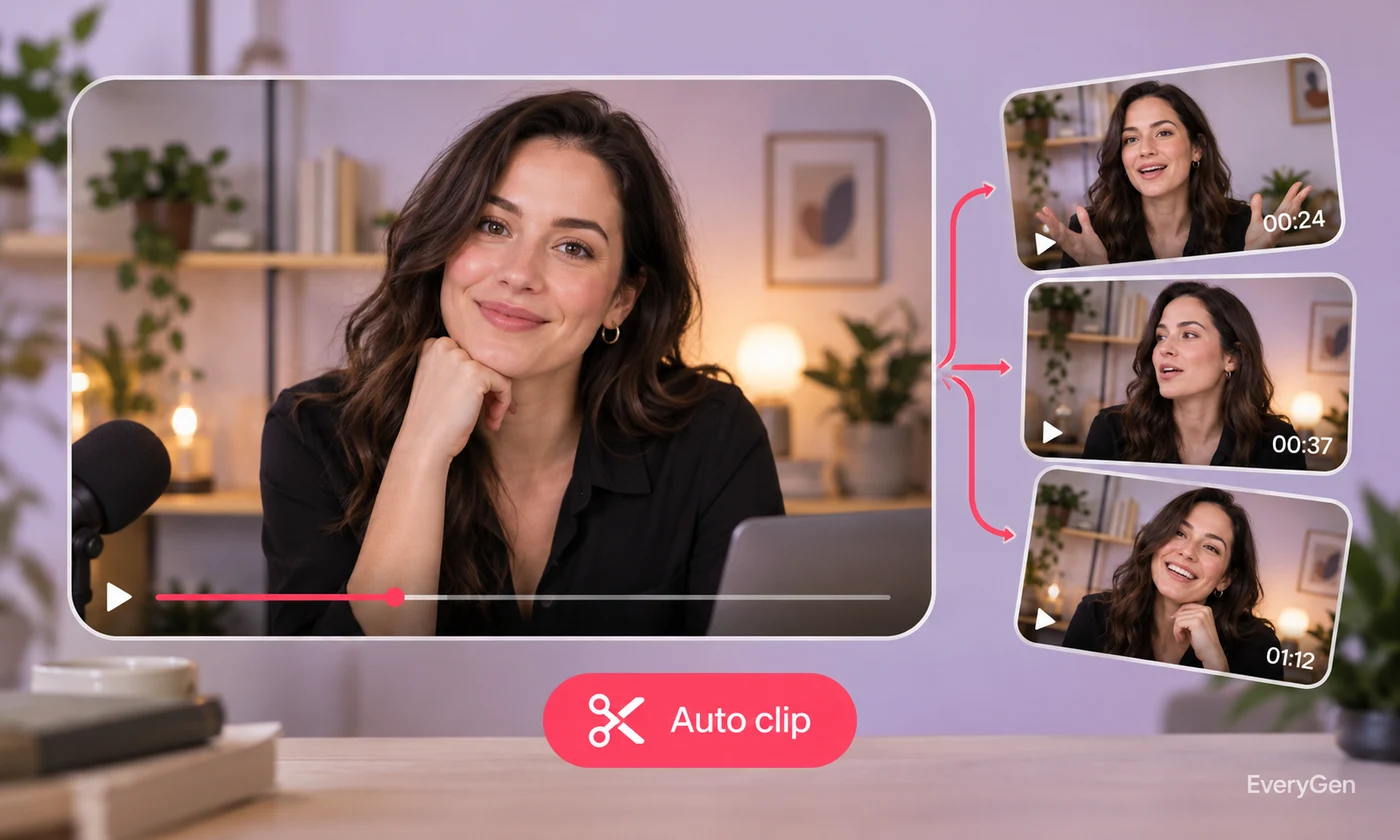
Turn a longer video into one focused excerpt with this video clip maker. Choose the start and end yourself to keep the exact passage your audience needs.

See what the tool changes and how to get a useful result.
Enter the beginning and end of the passage you want to keep. You control the selection, so the clip follows your editorial decision.

The tool keeps the selected passage as a single clip. It suits quotes and demonstrations where the order of events should remain easy to follow.
Create a shorter version for a specific conversation or project. Review the first and last moments so speech and actions do not end abruptly.
Work through these three steps in the editor above.
Upload the longer source video.
Set start and end times within the source.
Create the clip and check both boundaries.
Choose a starting point that matches the work you want to finish.
Keep a complete answer without including the full recording.
Extract the action that explains one feature or benefit.
Share a focused passage from a longer lesson.
Practical answers about inputs, results and limitations.
No. This tool extracts the start and end range you choose.
Each run creates one continuous selected range.
Choose times within your actual video and keep the end after the start.
No. Use the video resizer after clipping for a different frame shape.
Auto montage combines three spaced sections; Auto clip keeps one selected passage.
Bring your own source and review the result in the editor above.