EveryGen
AccueilTarifs-58%
Créer
Vidéo IA
Image IA
Audio IA
Personnages
Studio
AI DirectorPublicités IAShorts StudioViral RemixDécoupe en ShortsShort CloneAI Motion Graphics
Médias
Effets IA
Outils IA
Plus d’outilsNouveau
Téléchargeur de vidéosÉditeur vidéoÉditeur d’imagesImage en vidéoVidéo en vidéoOutils pour développeurs
MCPGitHub
  1. Viral Remix
Mettre à niveau

Viral Remix

Viral Remix
Motion control
Upload

Up to 1 images, 1 videos and 0 audio clips (2 references total). Images: 10 MB each; videos: 100 MB each; audio: 15 MB each.

0/7000
Required Credits20
  1. Accueil
  2. Vidéo IA
  3. Viral Remix

Viral Remix: Reinterpret a Reference Video with Your Own Direction

Create a new version of a reference clip with EveryGen Viral Remix. Add your subject or creative direction and compare the generated sequence before sharing.

  • Start from a reference clip
  • Explain your original change
  • Inspect the full clip
Open the video editor
Illustration: a coffee-pouring reference mechanism reinterpreted as an original matcha sequence.

Reference Video Remixing with Your Own Subject

Use the source and controls that match the shot you want to create.

Illustration: a photographic reference folio highlighting one useful composition and movement mechanism.

Choose a Reference Worth Studying

Use the creative gallery or add your own reference clip. Identify the composition, movement or pacing that makes it useful for your idea.

  • Start from a reference clip
  • Identify one useful mechanism
Open the video editor
Illustration: an original green-bottle reference and brief guiding a new outdoor product scene.

Bring Your Own Subject and Brief

Describe the new direction and add reference imagery when supported. Make the intended change clear rather than relying on the source alone.

  • Explain your original change
  • Use supported subject references
Open the video editor
Illustration: two honey-jar creative directions compared for a project-specific choice.

Review a New Creative Version

Compare the result with your intended idea and check the full sequence. Keep the visual decisions that work for your audience and project.

  • Inspect the full clip
  • Choose a relevant variation
Open the video editor

How to Use Viral Remix

Prepare a focused brief, generate a version and review the complete clip.

  1. 1

    Prepare the Source

    Choose a gallery reference or upload a clip you have permission to use.

  2. 2

    Describe the Direction

    Add your subject reference where supported and describe the changes you want.

  3. 3

    Review the Video

    Generate and review a new version, then download a result that fits your project.

Viral Remix for Short Creative Projects

Start with one clear purpose for the finished clip.

Short-Form Concept Variations

Explore alternatives to one reference-led video idea.

Product-Led Creative Drafts

Adapt a useful shot structure to your own product or subject.

Style and Pacing Experiments

Study a reference mechanism while developing your own visual direction.

Viral Remix: Questions and Answers

Practical answers about inputs, model settings and generated results.

What does Viral Remix do?

Create a new version of a reference clip with EveryGen Viral Remix. Add your subject or creative direction and compare the generated sequence before sharing.

What should I prepare before generating?

Choose a gallery reference or upload a clip you have permission to use.

Does using Viral Remix guarantee a viral result?

No. The tool helps create a new reference-guided video version; audience response depends on the idea, relevance and how the finished video is shared.

Which duration, ratio and resolution can I use?

Available controls depend on the selected model and mode. Choose from the options shown in the editor; some reference modes inherit properties from the source.

How can I check the credit cost?

Review the credit estimate shown in the editor before generating. The selected model, media inputs and output settings can change the required credits.

How do I save a finished video?

Wait for the task to finish, play the result and use its download action. Review the whole clip before sharing or using it in a larger project.

Continue Your Video Workflow

Move between creation, reference preparation and finishing tools.

  • Video to video AI
  • AI Image Editor
  • AI music from text

Viral Remix: Create Your Next Shot

Bring your own idea or source to the editor above and review a new version.
Open the video editor
EveryGen AI

EveryGen AI est édité par EveryGen LLC, société immatriculée aux États-Unis. Réalisez des vidéos complètes de plusieurs scènes dans EveryGen Studio et profitez d’outils image et vidéo dédiés pour vos créations du quotidien.

Produit

  • EveryGen Studio
  • Publicités IA
  • Shorts Studio
  • Viral Remix
  • Vidéos longues en Shorts
  • Short Clone
  • AI Motion Graphics
  • Serveur MCP EveryGen
  • Image en vidéo
  • Modèles de vidéos IA
  • Éditeur vidéo IA
  • Générateur d’images IA
  • Tarifs

Modèles d’IA

  • Nano Banana 2.1
  • Gemini Omni
  • Seedance 2
  • Seed Audio 1.0
  • Seedance 2.5
  • MiniMax H3
  • Kling 4.0

Outils IA

  • Créateur de personnages IA
  • Générateur de musique IA
  • Photo IA effet lampe torche
  • Changer le fond d’un produit
  • Générateur de portraits féminins IA
  • Retouche de visage IA
  • Synthèse vocale
  • Photo en sticker
  • Supprimer un objet d’une image
  • Générateur de portraits IA

Outils gratuits

  • Vidéo en GIF
  • GIF en MP4
  • Convertisseur vidéo
  • MOV en MP4
  • WebM en MP4
  • MKV en MP4
  • Compresseur vidéo
  • Vidéo en MP3
  • Inverser une vidéo
  • Fusionner des vidéos
  • Calculateur de format d’image

Modèles viraux

  • Vidéo IA dans un hall d’hôtel
  • Vidéo IA Tesla Roadster et voiture volante
  • Vidéo IA de duo de rap
  • Vidéo IA STORM II
  • Vidéo IA de danse à la station-service
  • Vidéo IA de karaoké en voiture
  • Vidéo IA sur le tapis rouge
  • Vidéo bullet time

Entreprise

  • À propos d’EveryGen LLC
  • Contact
  • Guides de création
  • Comparatifs

Informations légales

  • Conditions d’utilisation
  • Politique de confidentialité
  • Politique de remboursement
  • Politique relative aux cookies
  • Politique d’utilisation acceptable

© 2026 EveryGen LLC. Tous droits réservés.

Plateforme indépendante, sans lien avec Everygen.ai ni Viewmax LLC.

AI DirectorPublicités IAShort CloneCréations

Creative

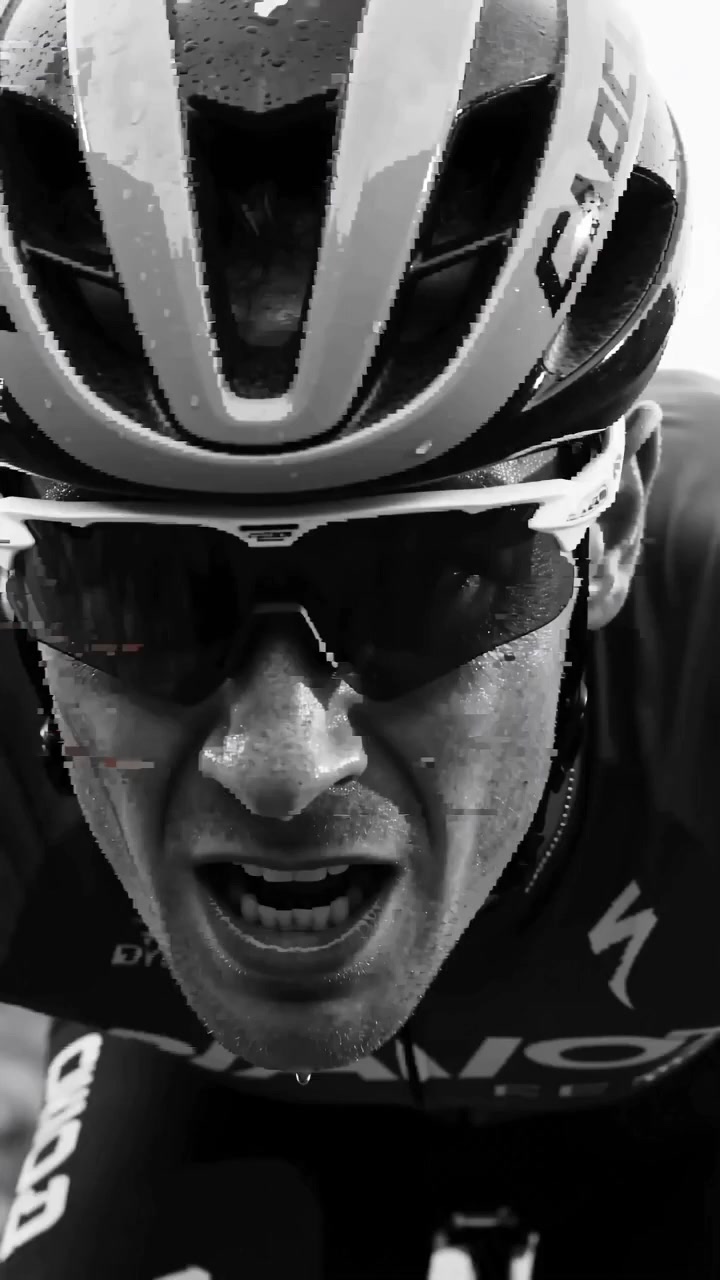
bike-cindy poster
EveryGen AI

bike-cindy

Reference video
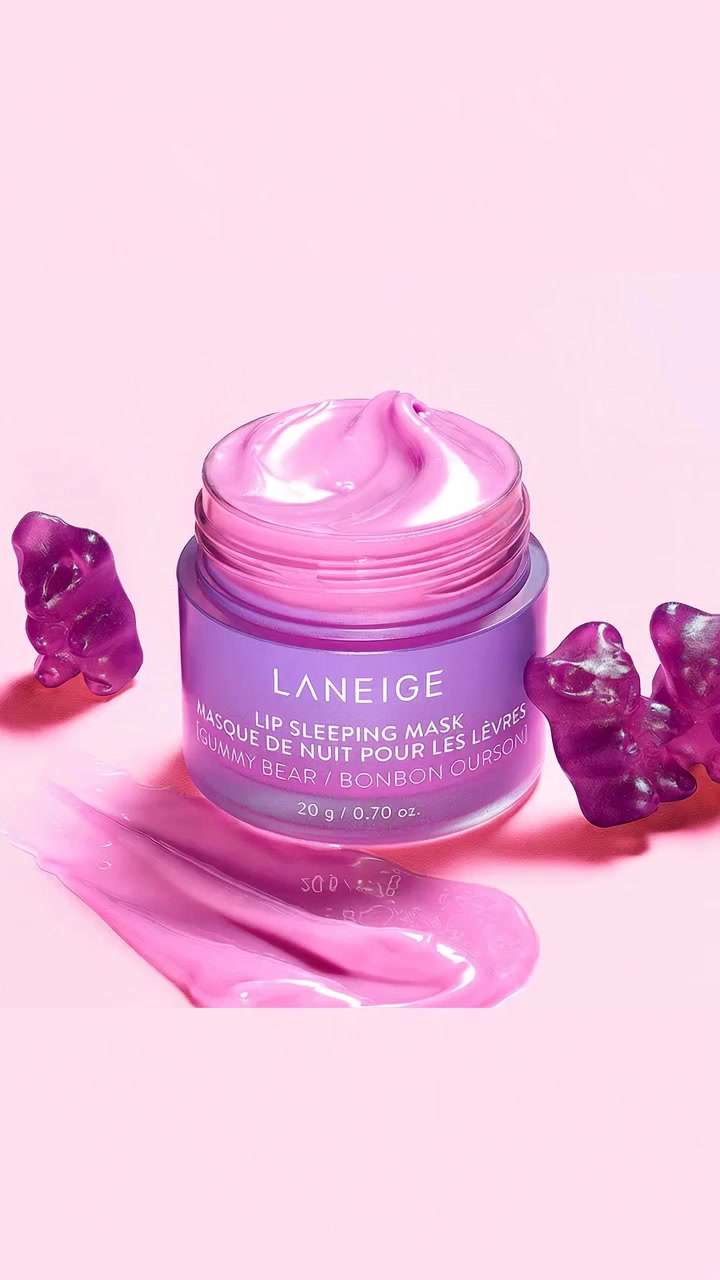
skincare- Cindy poster
EveryGen AI

skincare- Cindy

Reference video
perfume- Cindy poster
EveryGen AI

perfume- Cindy

Reference video
耳饰广告-xp poster
EveryGen AI

耳饰广告-xp

Reference video