EveryGen
AccueilTarifs-58%
Créer
Vidéo IA
Image IA
Audio IA
Personnages
Studio
AI DirectorPublicités IAShorts StudioViral RemixDécoupe en ShortsShort CloneAI Motion Graphics
Médias
Effets IA
Outils IA
Plus d’outilsNouveau
Téléchargeur de vidéosÉditeur vidéoÉditeur d’imagesImage en vidéoVidéo en vidéoOutils pour développeurs
MCPGitHub
EveryGen AI

EveryGen AI est édité par EveryGen LLC, société immatriculée aux États-Unis. Réalisez des vidéos complètes de plusieurs scènes dans EveryGen Studio et profitez d’outils image et vidéo dédiés pour vos créations du quotidien.

Produit

  • EveryGen Studio
  • Publicités IA
  • Shorts Studio
  • Viral Remix
  • Vidéos longues en Shorts
  • Short Clone
  • AI Motion Graphics
  • Serveur MCP EveryGen
  • Image en vidéo
  • Modèles de vidéos IA
  • Éditeur vidéo IA
  • Générateur d’images IA
  • Tarifs

Modèles d’IA

  • Nano Banana 2.1
  • Gemini Omni
  • Seedance 2
  • Seed Audio 1.0
  • Seedance 2.5
  • MiniMax H3
  • Kling 4.0

Outils IA

  • Créateur de personnages IA
  • Générateur de musique IA
  • Photo IA effet lampe torche
  • Changer le fond d’un produit
  • Générateur de portraits féminins IA
  • Retouche de visage IA
  • Synthèse vocale
  • Photo en sticker
  • Supprimer un objet d’une image
  • Générateur de portraits IA

Outils gratuits

  • Vidéo en GIF
  • GIF en MP4
  • Convertisseur vidéo
  • MOV en MP4
  • WebM en MP4
  • MKV en MP4
  • Compresseur vidéo
  • Vidéo en MP3
  • Inverser une vidéo
  • Fusionner des vidéos
  • Calculateur de format d’image

Modèles viraux

  • Vidéo IA dans un hall d’hôtel
  • Vidéo IA Tesla Roadster et voiture volante
  • Vidéo IA de duo de rap
  • Vidéo IA STORM II
  • Vidéo IA de danse à la station-service
  • Vidéo IA de karaoké en voiture
  • Vidéo IA sur le tapis rouge
  • Vidéo bullet time

Entreprise

  • À propos d’EveryGen LLC
  • Contact
  • Guides de création
  • Comparatifs

Informations légales

  • Conditions d’utilisation
  • Politique de confidentialité
  • Politique de remboursement
  • Politique relative aux cookies
  • Politique d’utilisation acceptable

© 2026 EveryGen LLC. Tous droits réservés.

Plateforme indépendante, sans lien avec Everygen.ai ni Viewmax LLC.

  1. Templates
  2. Deep Sea AI Video Effect
Mettre à niveau

Deep Sea AI Video Effect

Deep Sea AI Video Effect
Portrait Photo

Only upload photos of yourself or of people who agreed to take part.

Required CreditsCalculating...
Sample Video
Sample

Turn one portrait into a dreamlike underwater scene. Drift through dark blue water with gently moving clothing, soft light and one calm camera move.

Deep Sea AI Video Effect from Your Portrait

Upload one clear adult portrait to create a deep sea AI video effect. The prepared scene places your subject in dark open water with gentle upward drift, moving hair and clothing, and a slow camera push-in. No underwater prompt or motion reference is needed; review the face and movement before downloading.

Saved AI-generated example using fictional subjects. Your result will vary.

  • A Quiet Floating Portrait
  • Hair and Fabric in One Current
  • A Slow Cinematic Camera
Create Now

Three Steps

How to Create a Deep Sea AI Video from a Portrait

Review the credit quote before generating.

  1. 1

    Choose a Clear Portrait

    Use one adult with an unobscured face and recognizable clothing. Leave room around the subject for the surrounding water.

  2. 2

    Review the Underwater Effect

    The scene, gentle motion and camera direction are prepared. Check your photo, shown duration and credit quote.

  3. 3

    Generate and Review the Drift

    Watch the complete video and inspect the face, hands, clothing and water movement before downloading.

Underwater Portrait Motion, Light and Camera

A focused effect with a clear visual direction and practical review points.

A Quiet Floating Portrait

Your subject is directed to float in open blue water. Restrained movement lets the portrait and the atmosphere carry the scene.

Create Now

Hair and Fabric in One Current

The prepared direction gives the hair and loose clothing a shared gentle drift. Review their movement together so the underwater scene feels coherent.

Create Now

A Slow Cinematic Camera

One subtle push-in keeps the face readable. The effect avoids a busy action sequence and leaves room for music or your own edit.

Create Now

Deep Sea Portrait Videos for Art and Music Edits

Use the finished image or clip in your own creative work.

Surreal Portrait Art

Give an everyday portrait a quiet cinematic setting.

A Music Visual

Use the atmospheric clip as a short visual in a music or mood edit.

Portrait Tips for a Clear Underwater Scene

A useful reference makes identity, framing and motion easier to assess.

Works best

  • One adult with an evenly lit face.
  • Loose sleeves or hair that can show gentle movement.
  • A simple pose with distinct arms and legs.

Avoid

  • Faces covered by objects or heavy filters.
  • Crowded group shots.
  • Expecting a physically exact underwater simulation.

More AI Video Templates Like Deep Sea AI Video Effect

Try another trending effect with the same photos.
View all templates
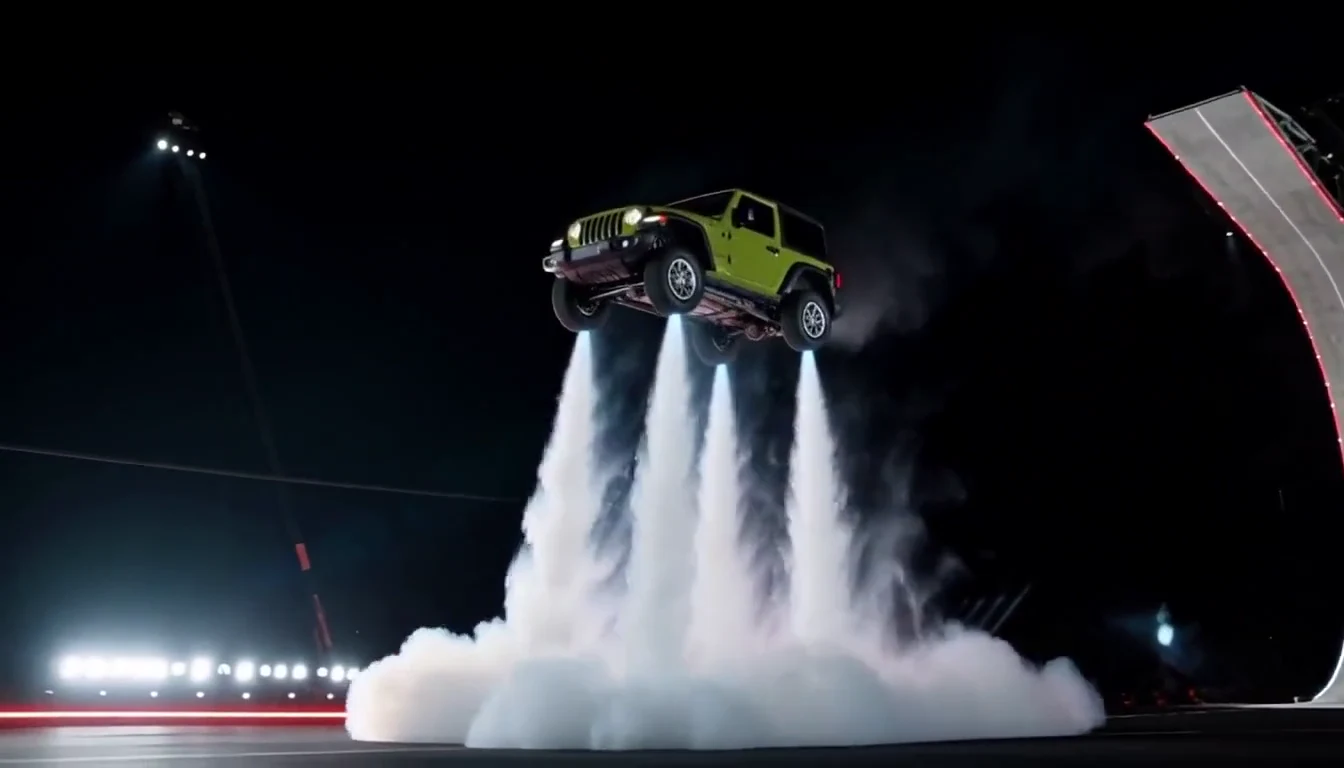
Tesla Roadster & Flying Car AI Video Generator

Tesla Roadster & Flying Car AI Video Generator

Turn your car photo into a Tesla Roadster-inspired ramp launch, kickflip or thruster landing. Explore nine flying car scenes, including traffic escape and tunnel walls.
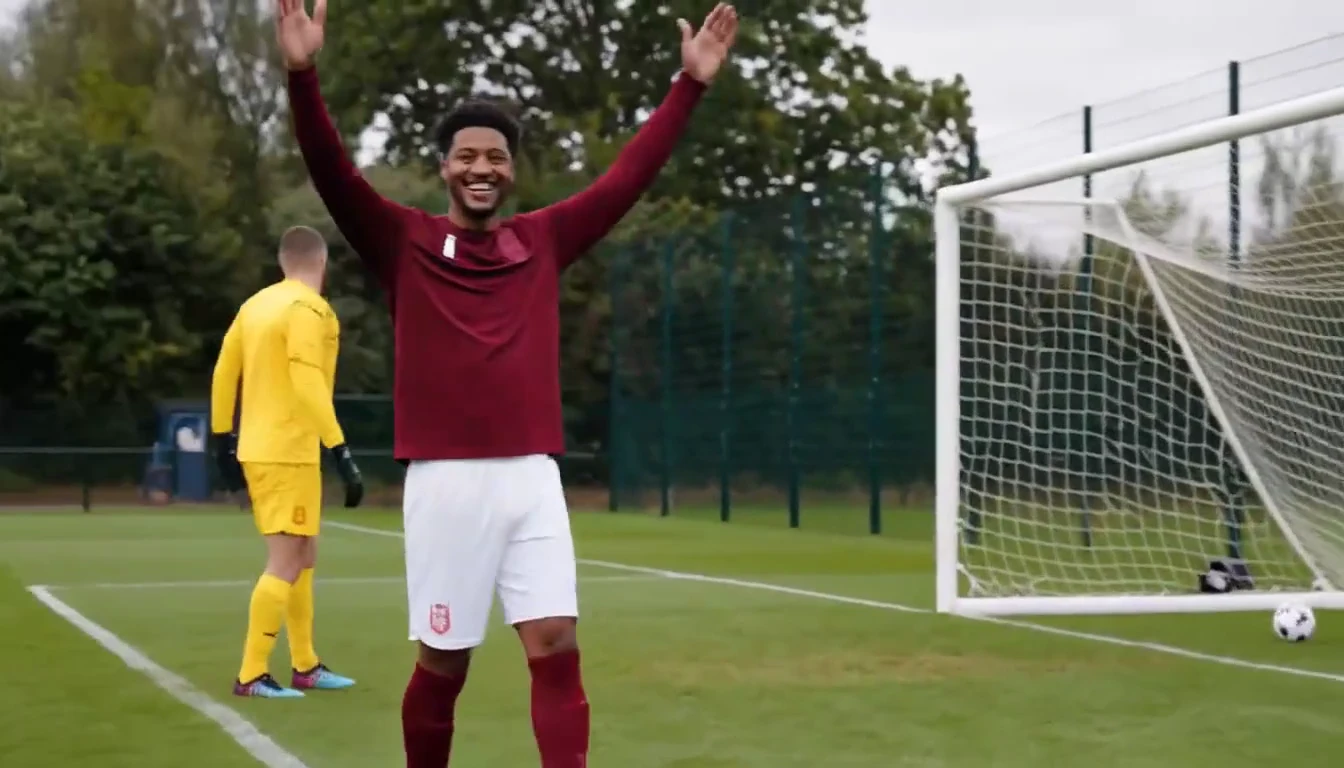
Ozil Goal AI Video Generator

Ozil Goal AI Video Generator

Put a new hero into a chip, dribble and empty-goal finish.
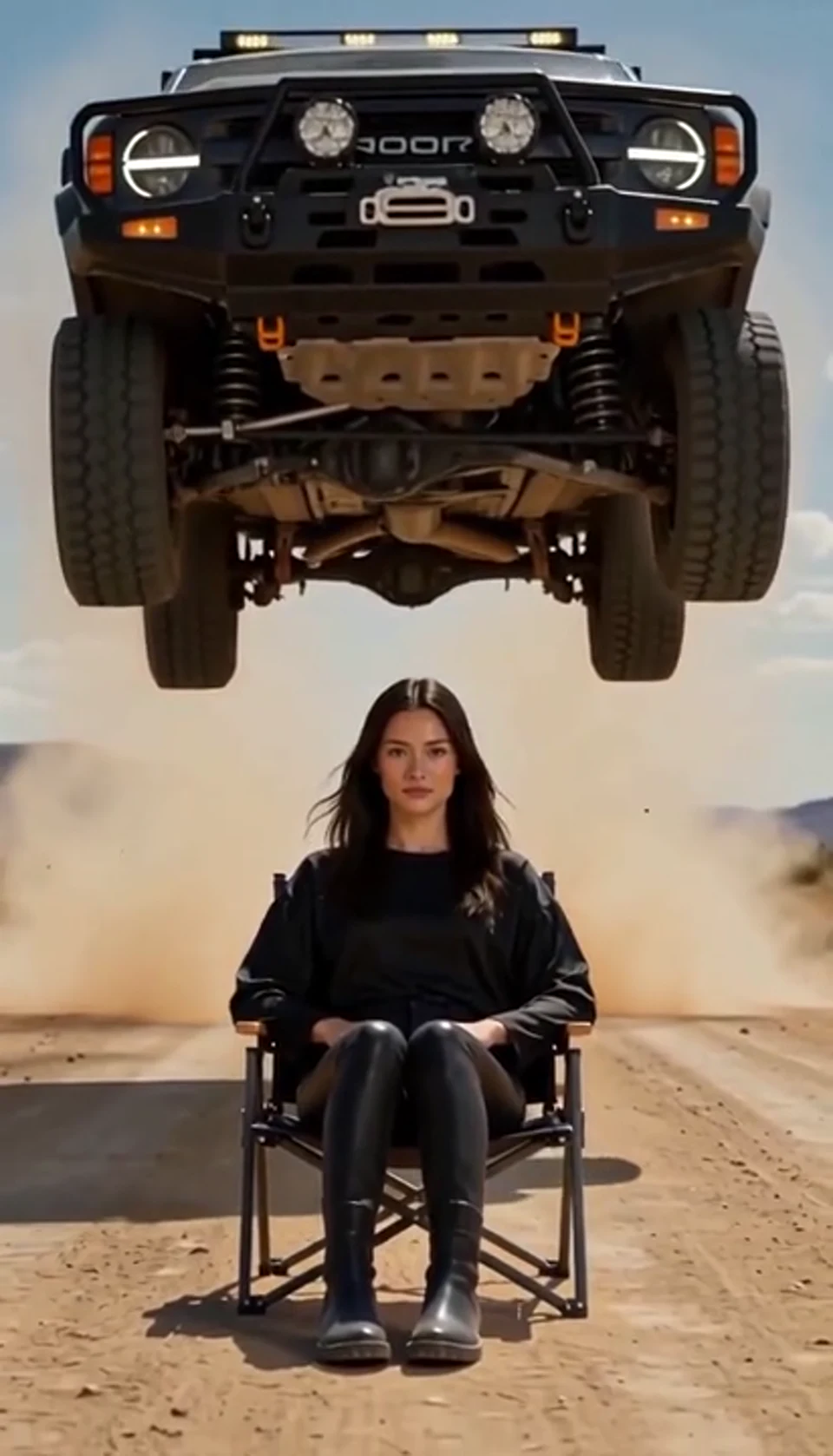
AI Car Jump Video

AI Car Jump Video

A calm portrait becomes a dramatic desert stunt.
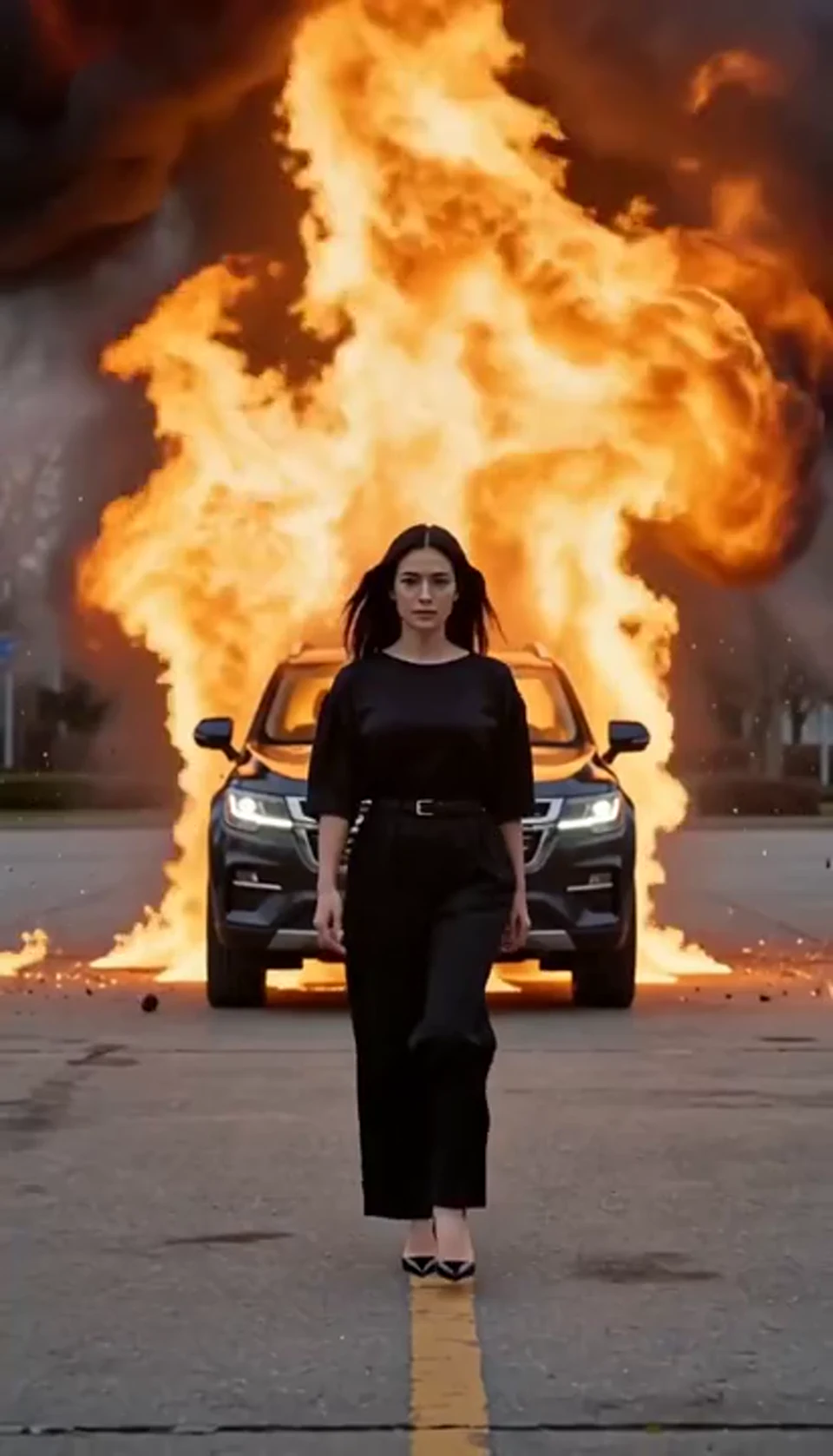
AI Car Explosion Video

AI Car Explosion Video

Walk toward the camera as the SUV erupts behind you.
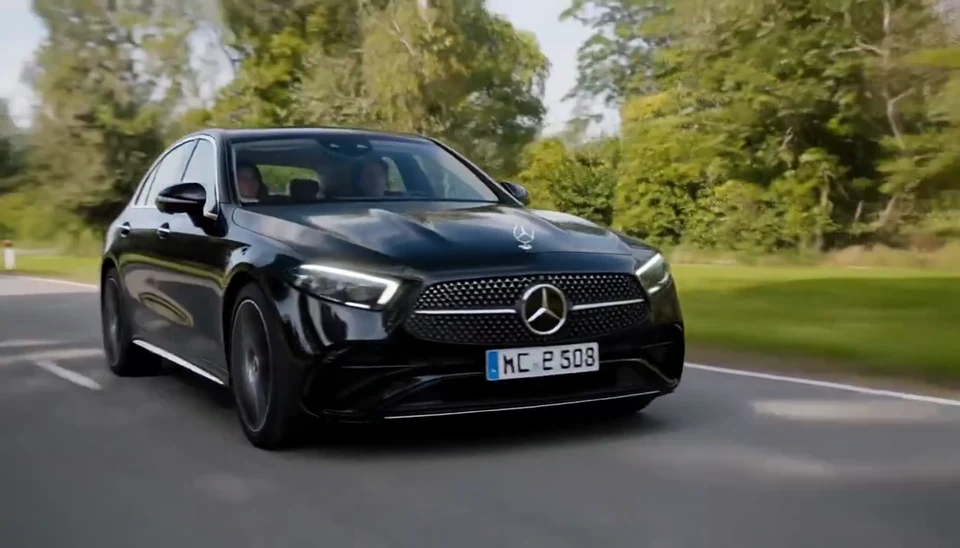
AI Mercedes Car Video

AI Mercedes Car Video

Your car photo becomes a cinematic driving shot.
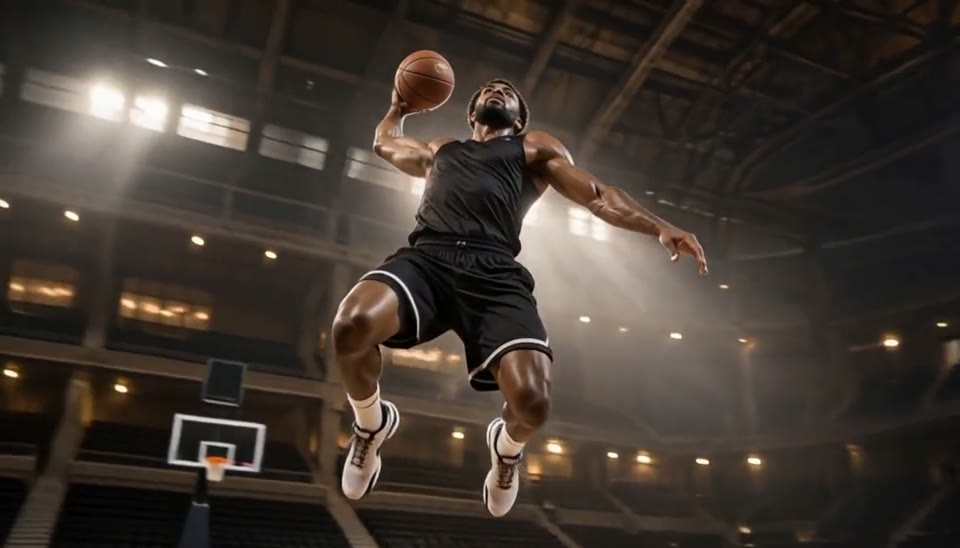
Bullet Time Video

Bullet Time Video

Freeze an action pose while the camera orbits around it.
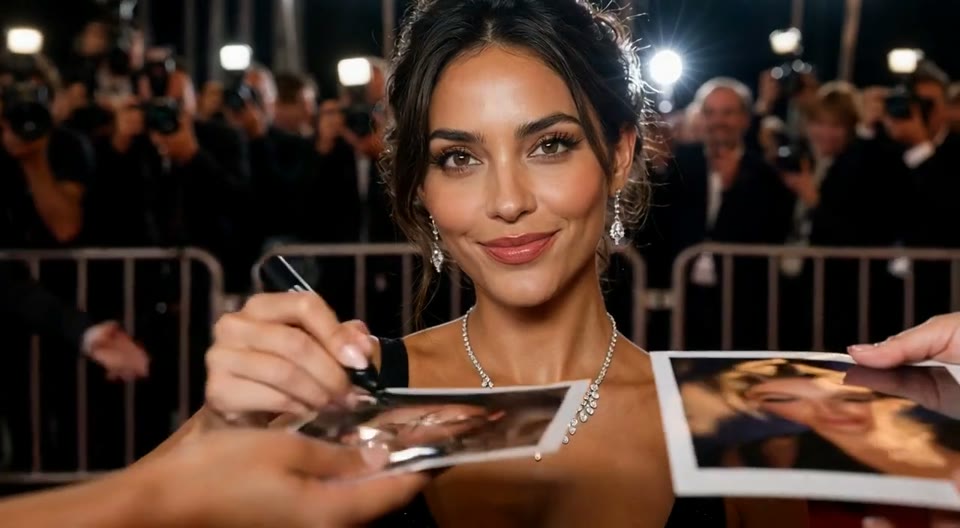
AI Red Carpet Video

AI Red Carpet Video

Create an AI red carpet video from one portrait. Add elegant eveningwear, paparazzi flashes and a gala entrance with the EveryGen video template.
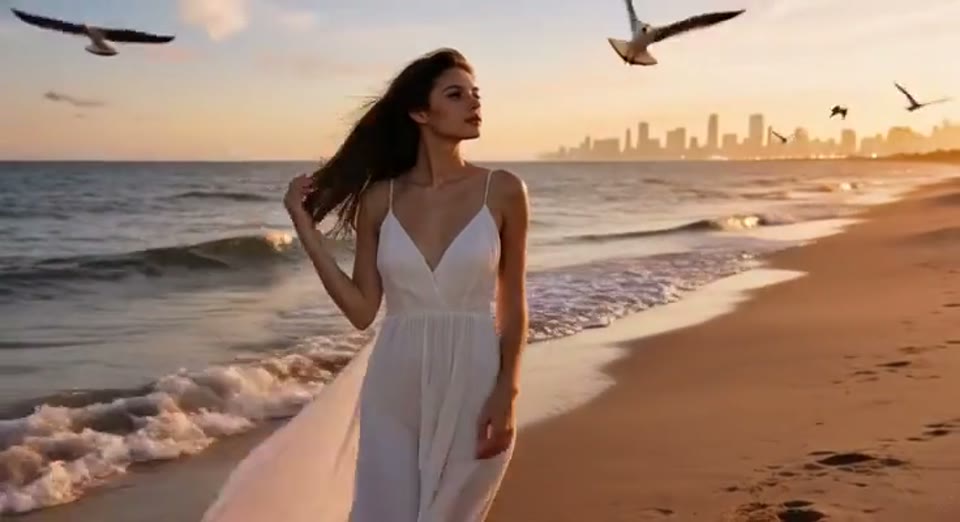
Day to Night Effect

Day to Night Effect

Create a day to night effect video from one photo on EveryGen. Animate golden hour, sunset and night lights while keeping the scene and framing consistent.
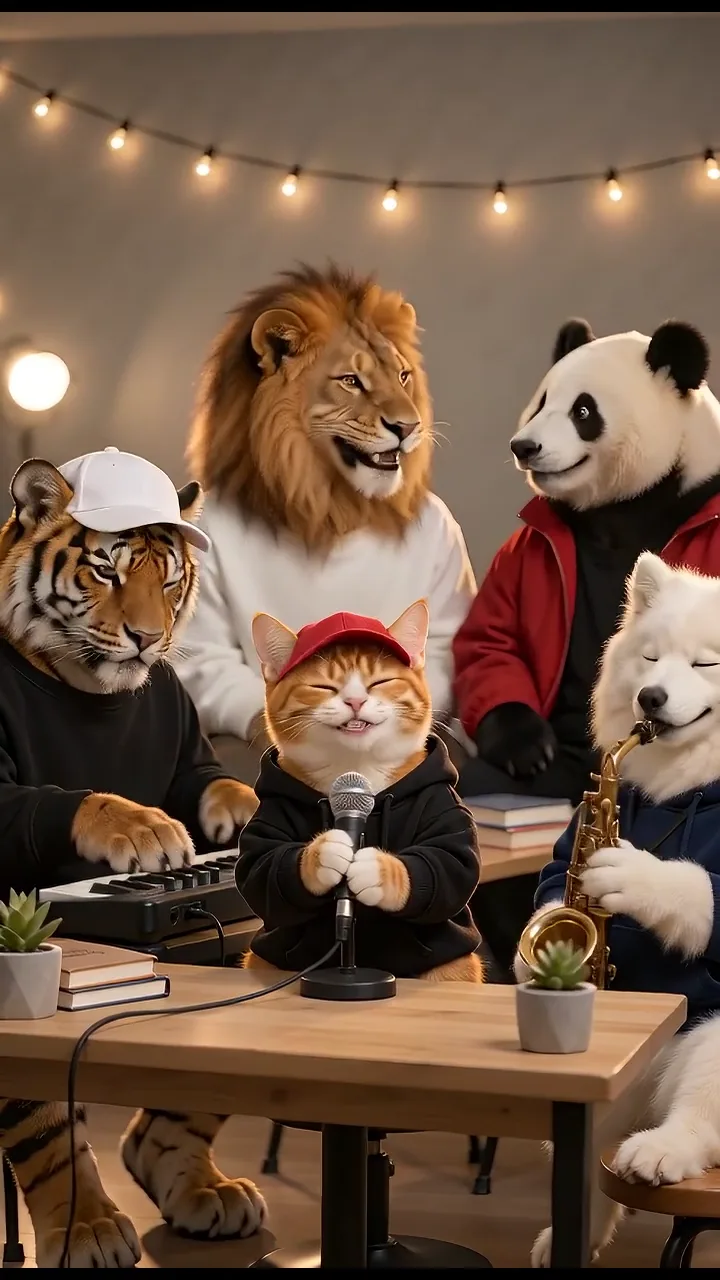
Tiny Desk AI Trend

Tiny Desk AI Trend

Turn your photos into a 15-second band performance. Choose a style, add a short chorus and create your video with music.
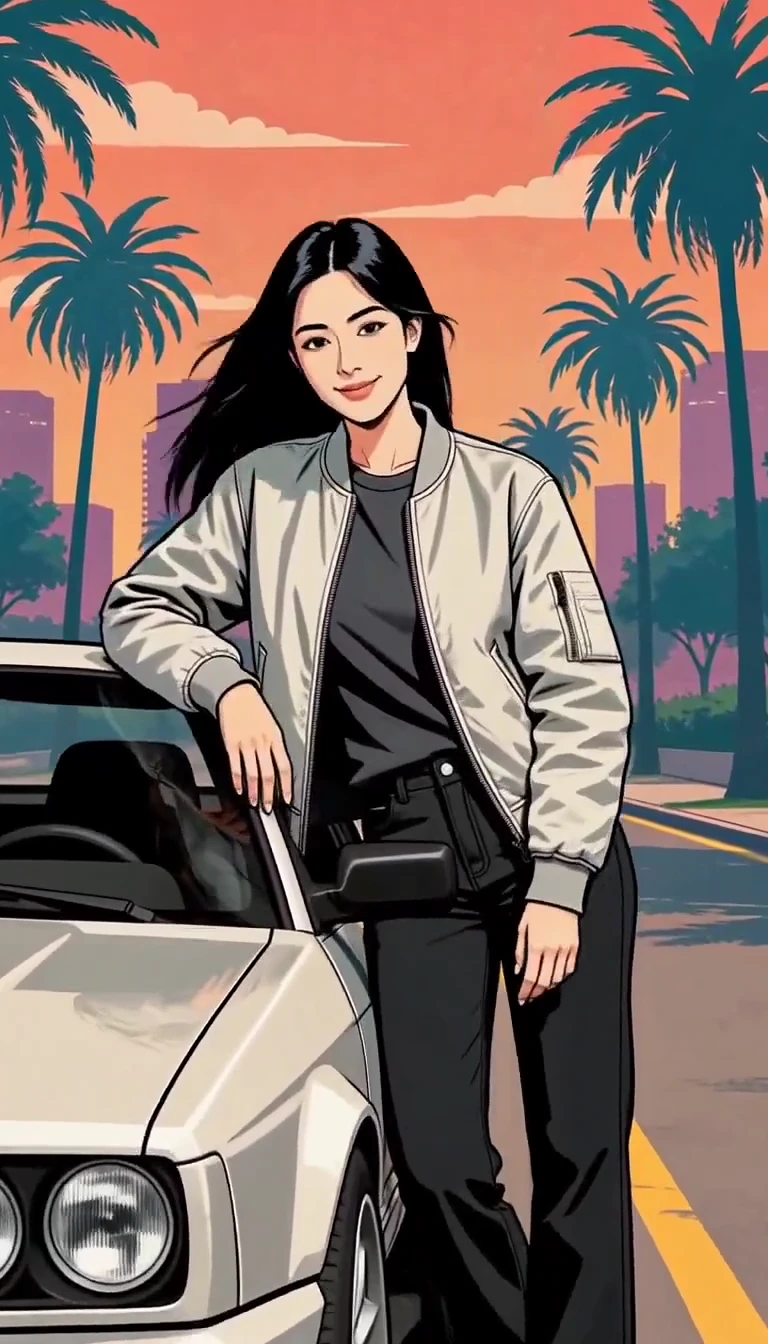
GTA Style AI Generator

GTA Style AI Generator

Turn one photo into an illustrated city character reveal.
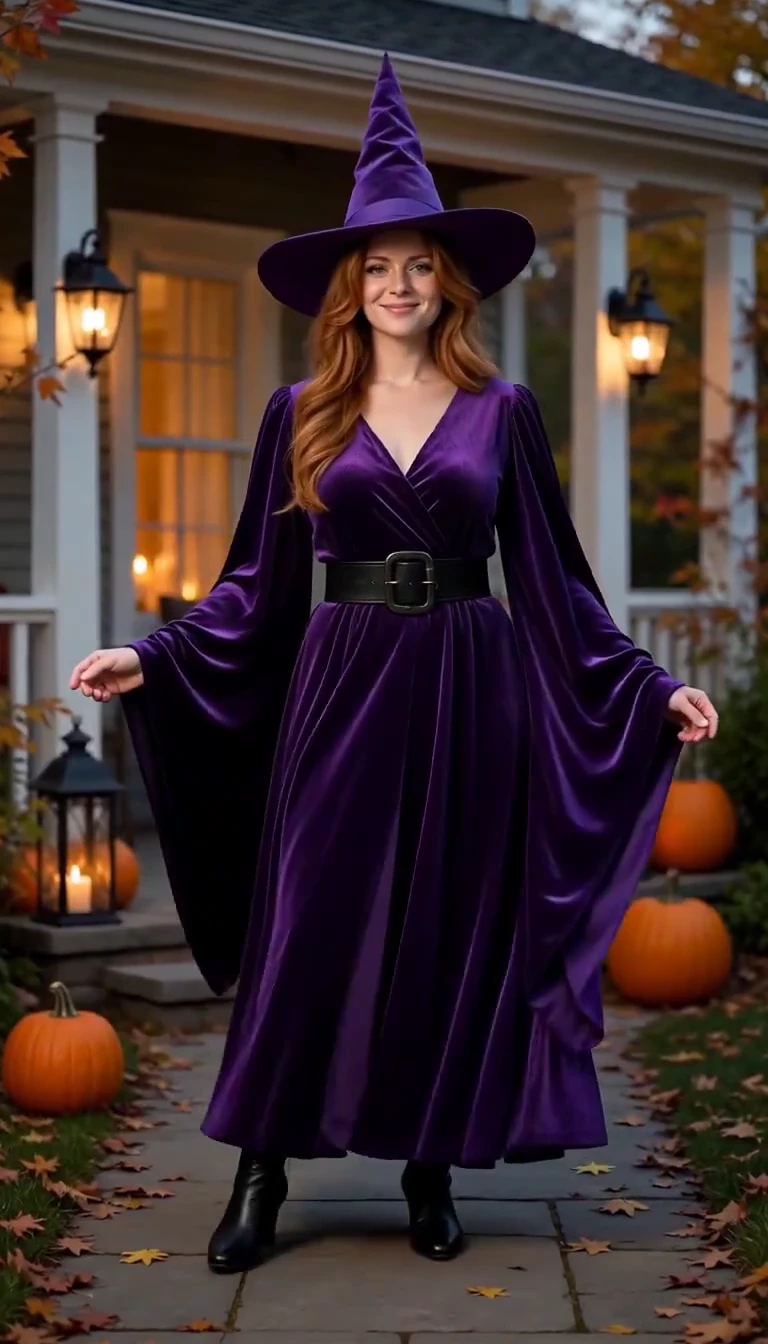
AI Halloween Costume Transformation

AI Halloween Costume Transformation

Reveal a witch costume with a turn, violet smoke and a final pose.
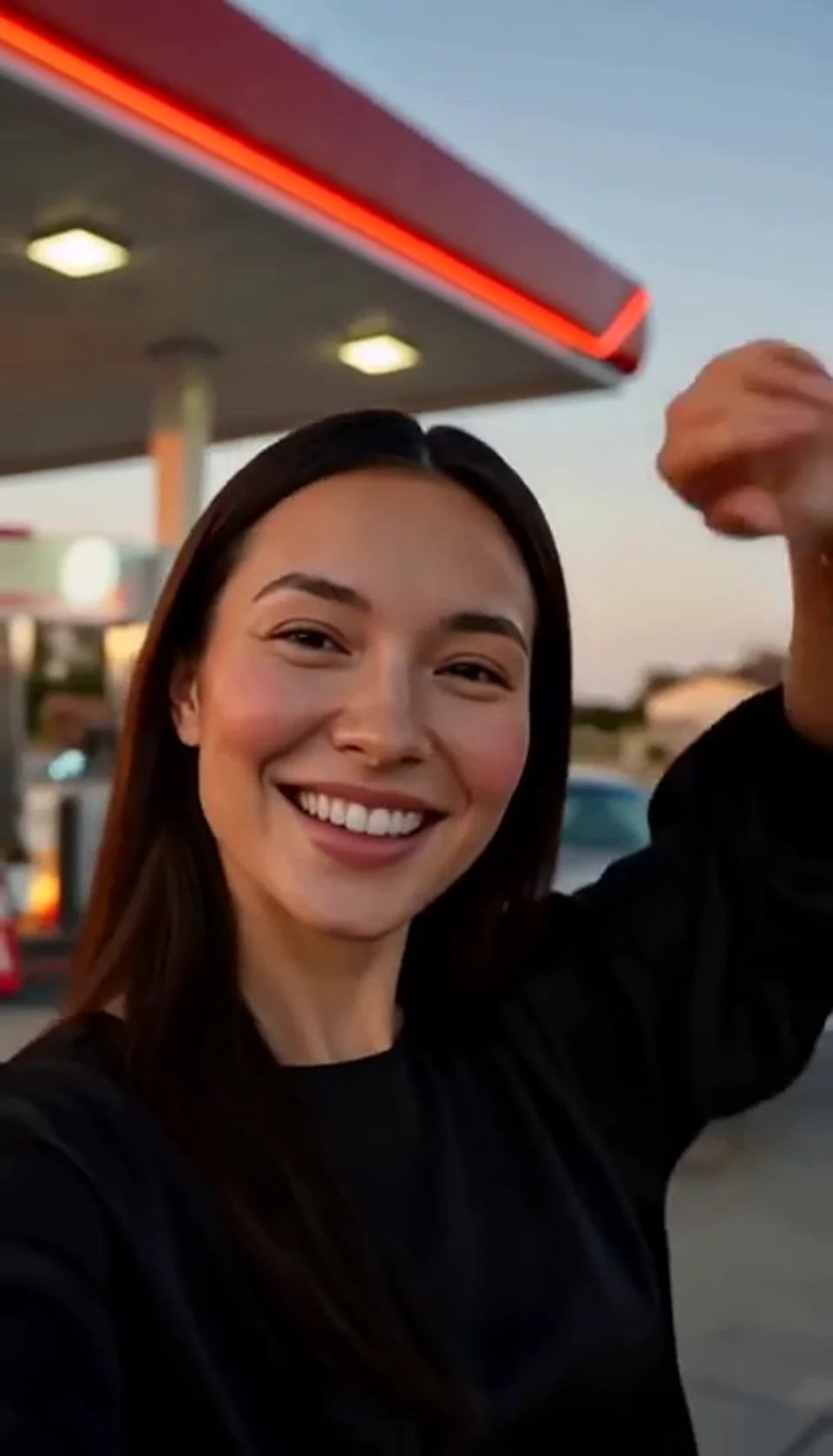
AI Gas Station Dance Video

AI Gas Station Dance Video

A sunset dance, a selfie and a cinematic car exit.
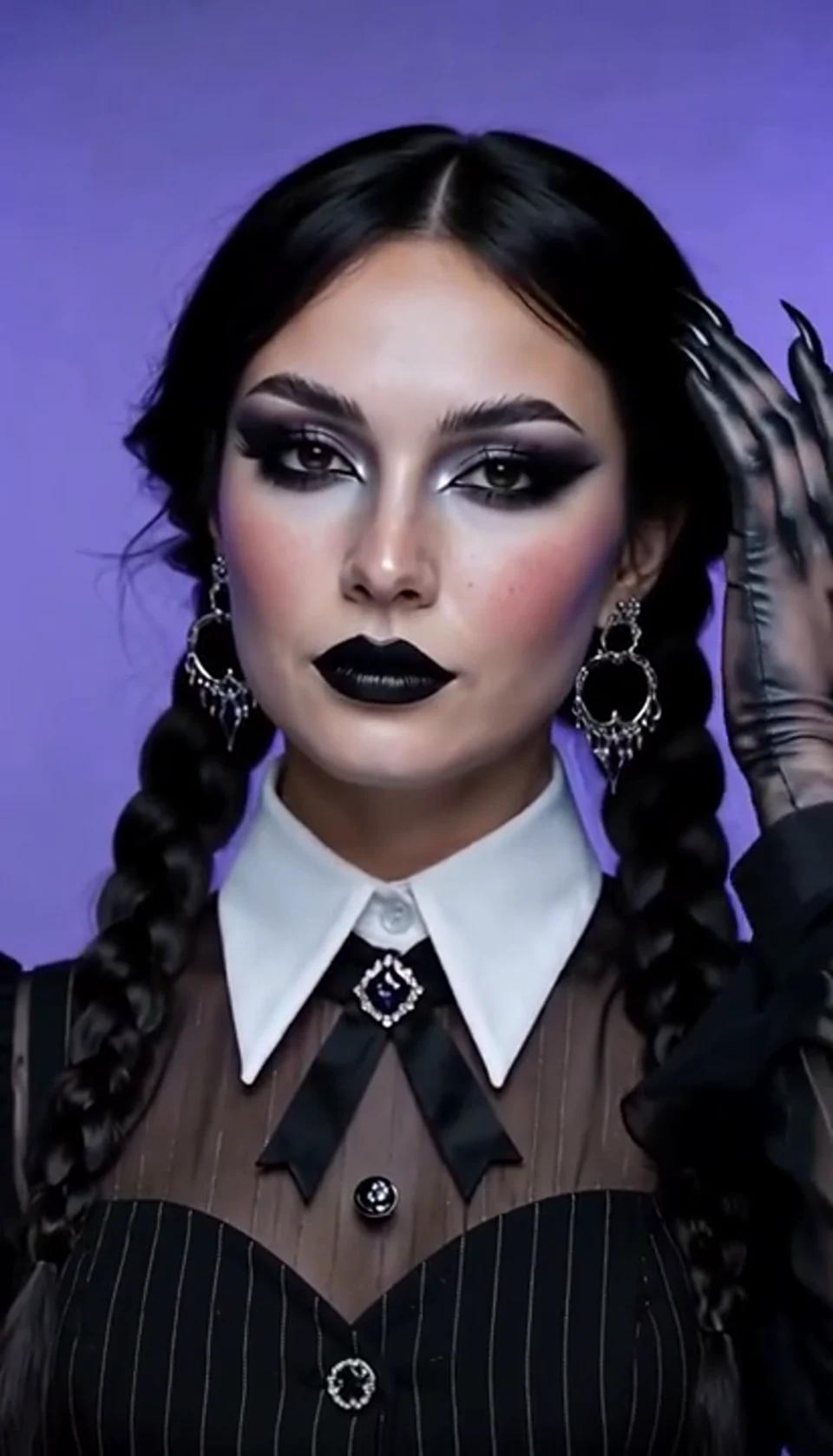
AI Halloween Video Effect

AI Halloween Video Effect

A theatrical hand swipe reveals a gothic costume.
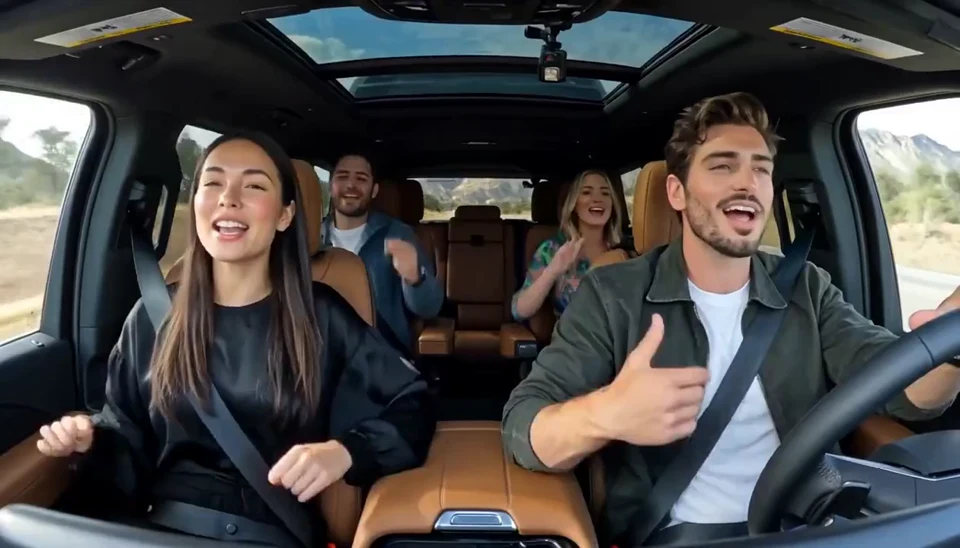
AI Carpool Karaoke Video

AI Carpool Karaoke Video

Two photos become one lively dashboard singalong.
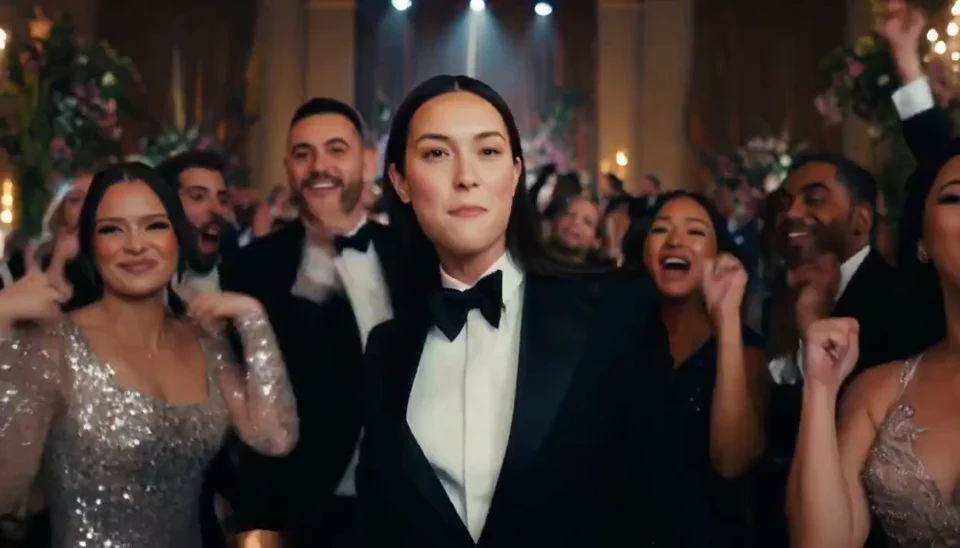
AI Burning Bridges Party Video

AI Burning Bridges Party Video

A portrait joins a lively ballroom party.
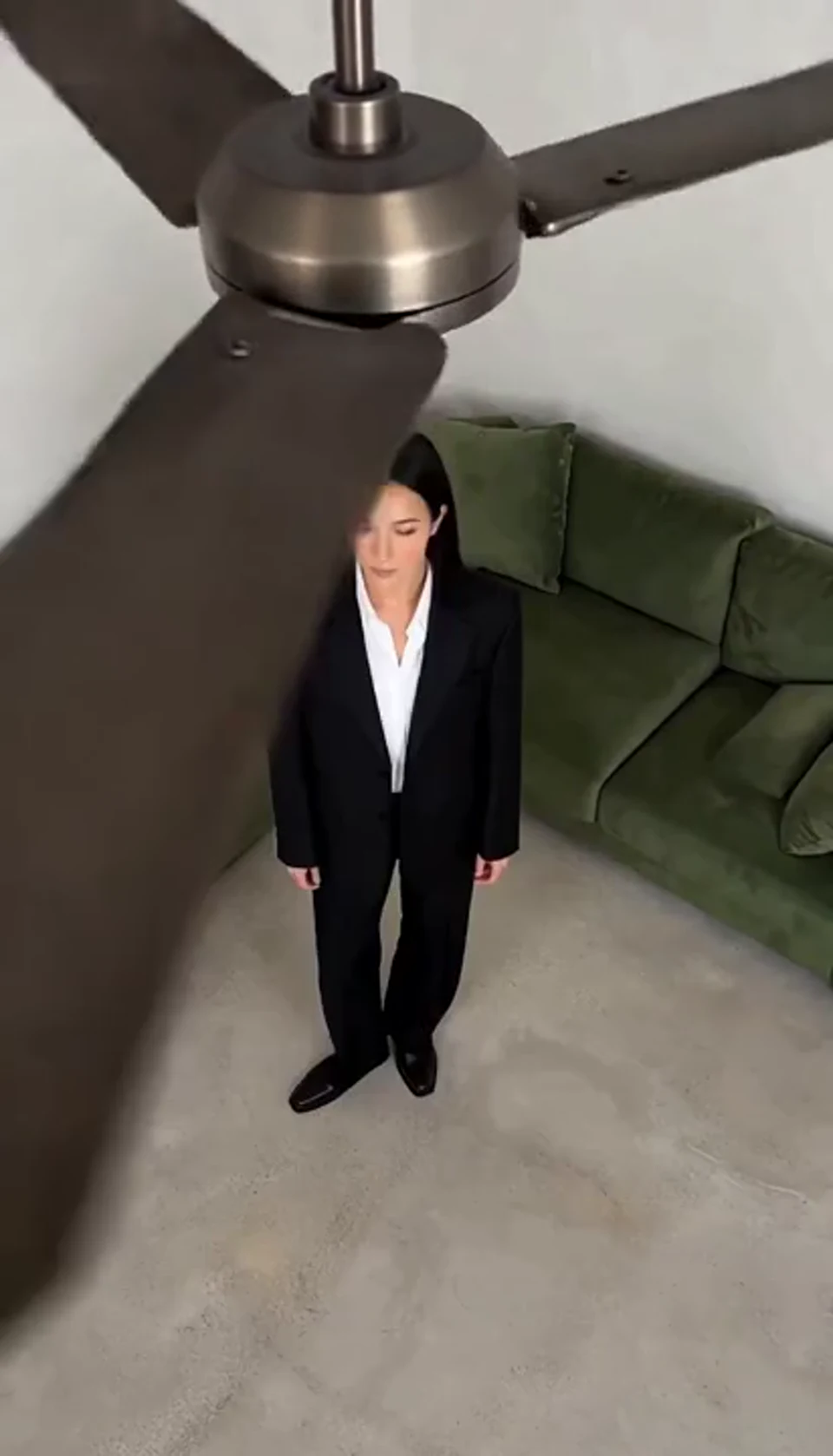
AI Ceiling Fan Transition Video

AI Ceiling Fan Transition Video

One fan-blade wipe reveals your next outfit.
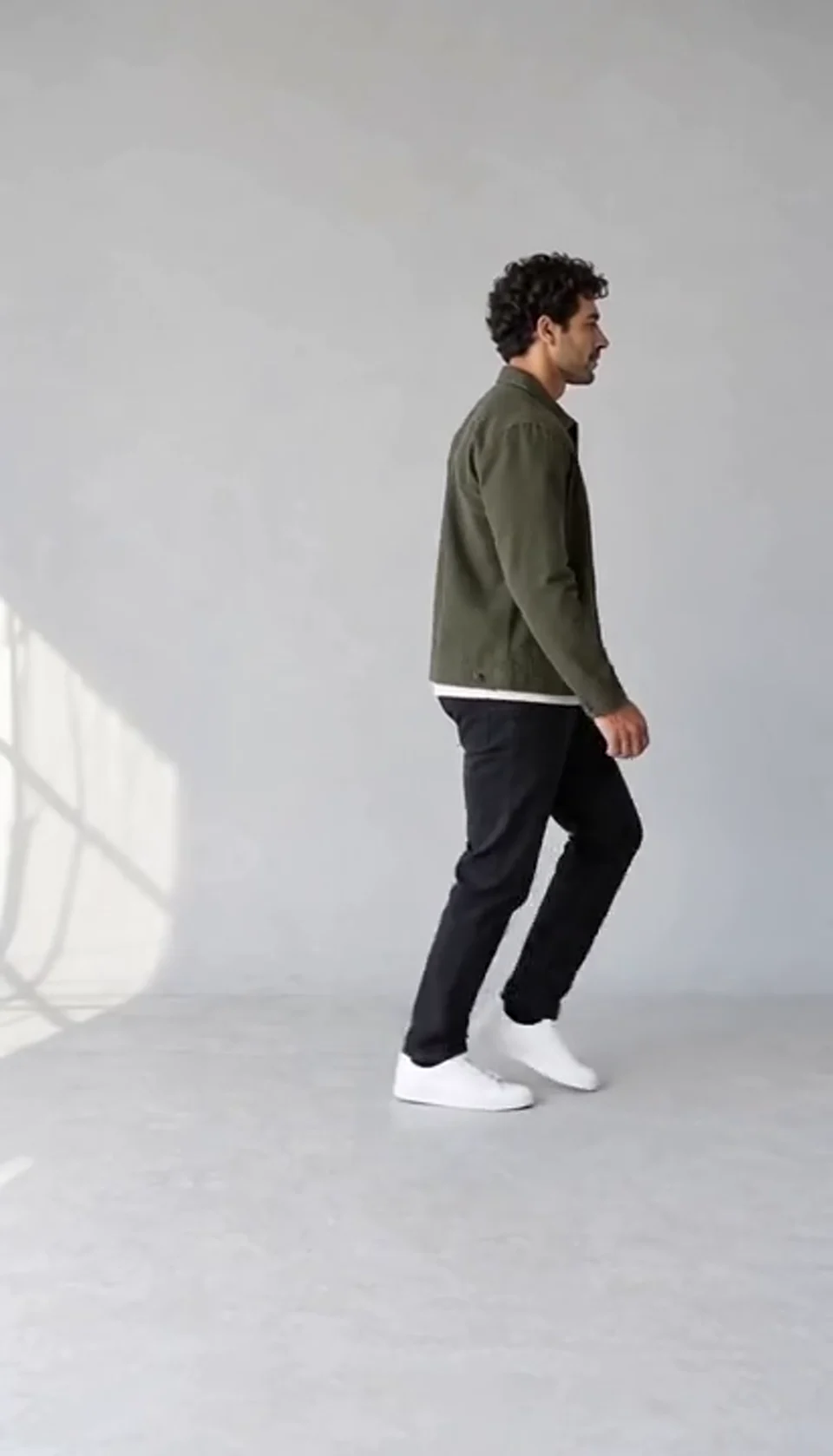
AI Moonwalk Dance Generator

AI Moonwalk Dance Generator

Turn one full-body photo into a short moonwalk dance. A steady side view keeps the sliding steps and your recognizable outfit in focus.
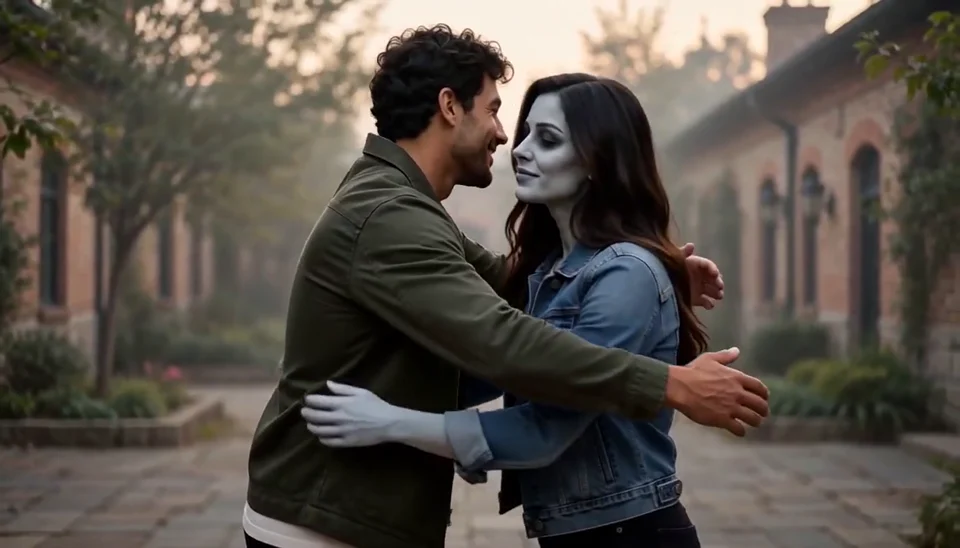
AI Zombie Love Story Generator

AI Zombie Love Story Generator

Bring two portraits into a tender fictional reunion: a human survivor recognizes their zombie partner, embraces them and remembers a warmer moment together.
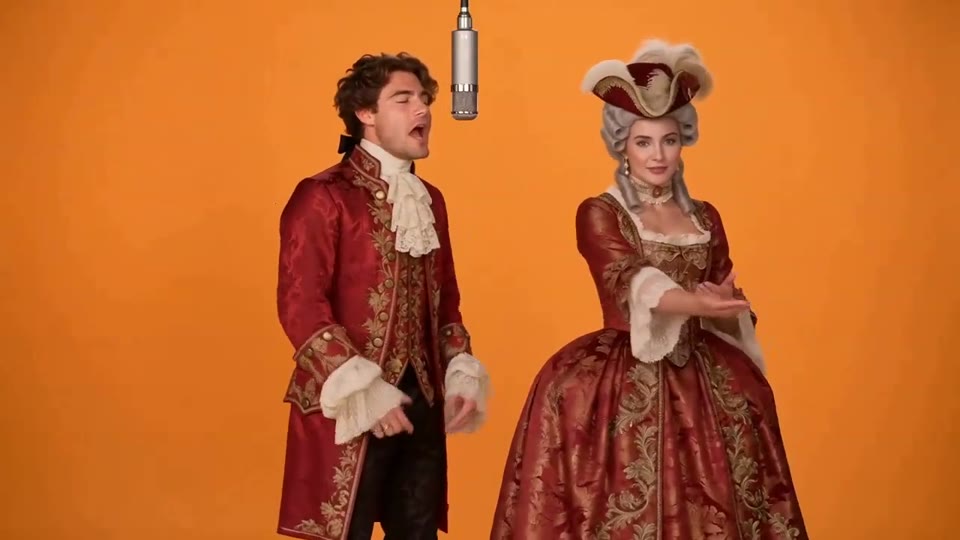
Hotel Lobby AI Video

Hotel Lobby AI Video

Two photos become a baroque rap duet on an orange stage.
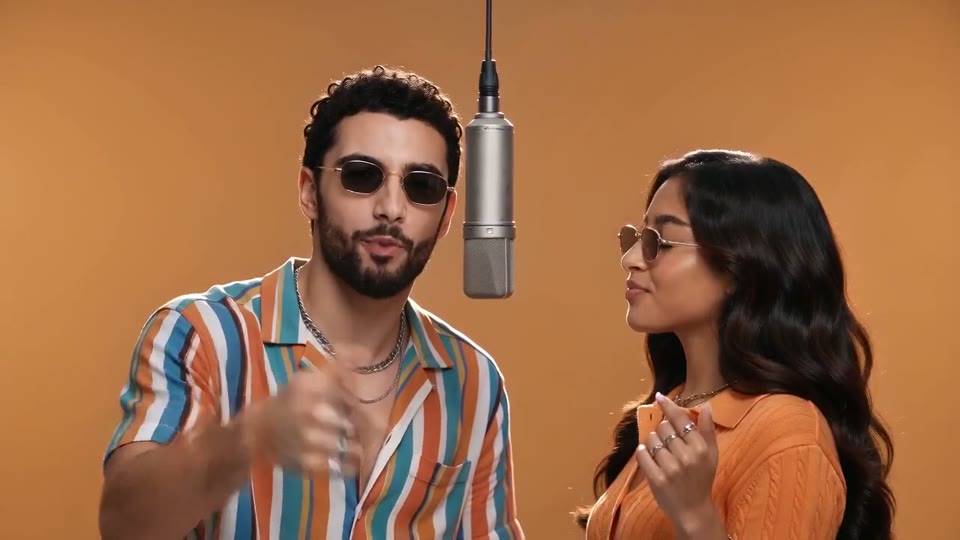
AI Rap Duo Video

AI Rap Duo Video

You and a friend trade verses in bold streetwear.
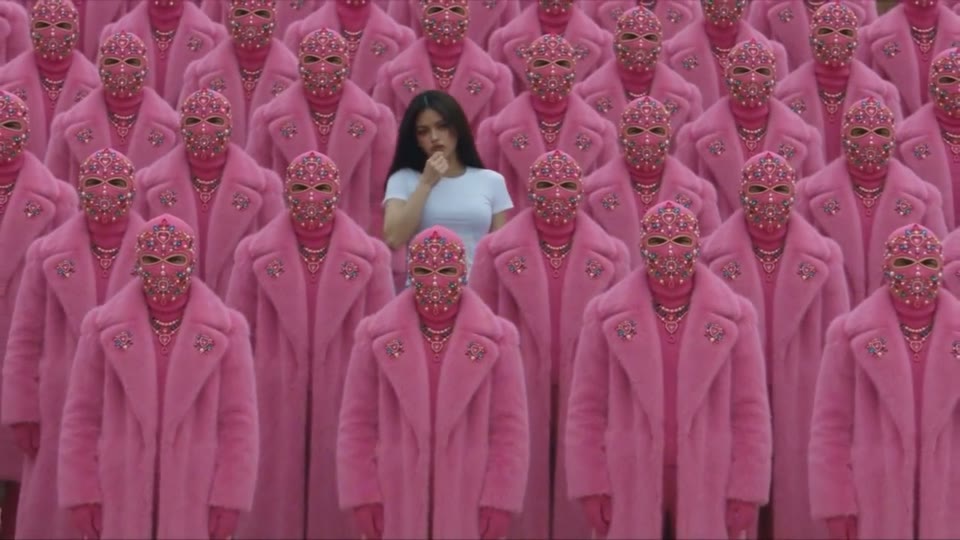
STORM II AI Video

STORM II AI Video

Your character leads a surreal pink-crowd dance.
AI Face Dance Generator

AI Face Dance Generator

A portrait comes alive with a playful face-and-hands dance.
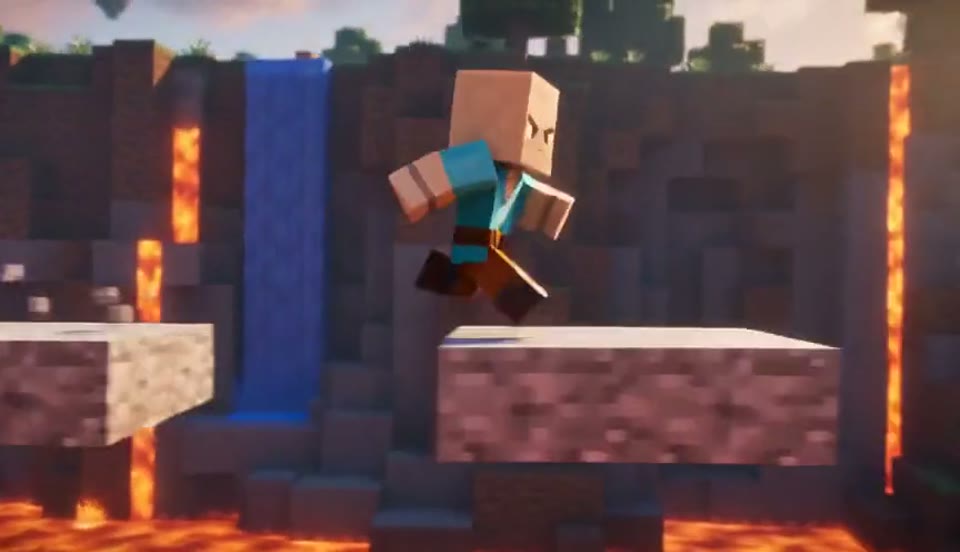
AI Minecraft Video Maker

AI Minecraft Video Maker

Create a Minecraft-style AI video from one photo. Make voxel characters, block-world parkour and adventure clips with original sound on EveryGen.
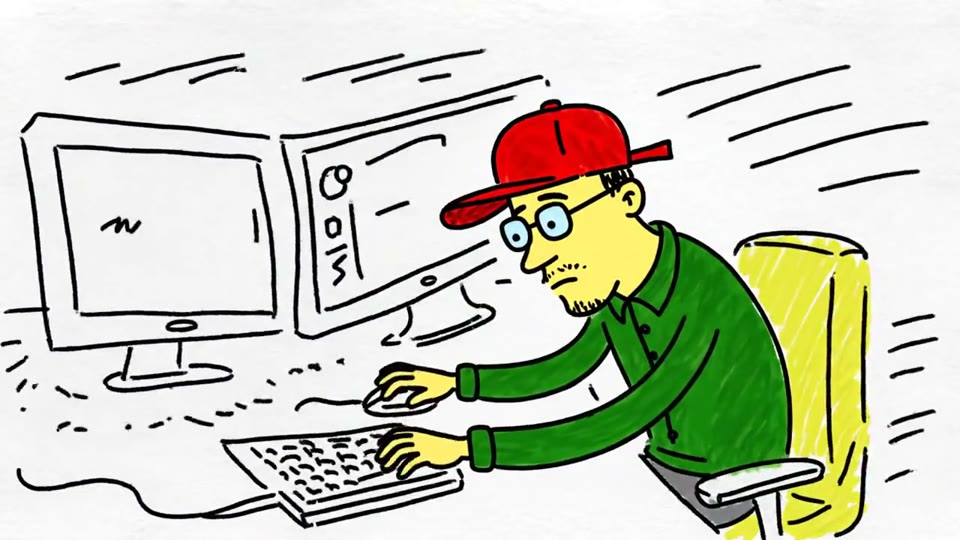
Sketch to Video AI

Sketch to Video AI

Turn a sketch, drawing or line-art image into an animated video with EveryGen. Preserve the composition and art style with gentle motion and original sound.
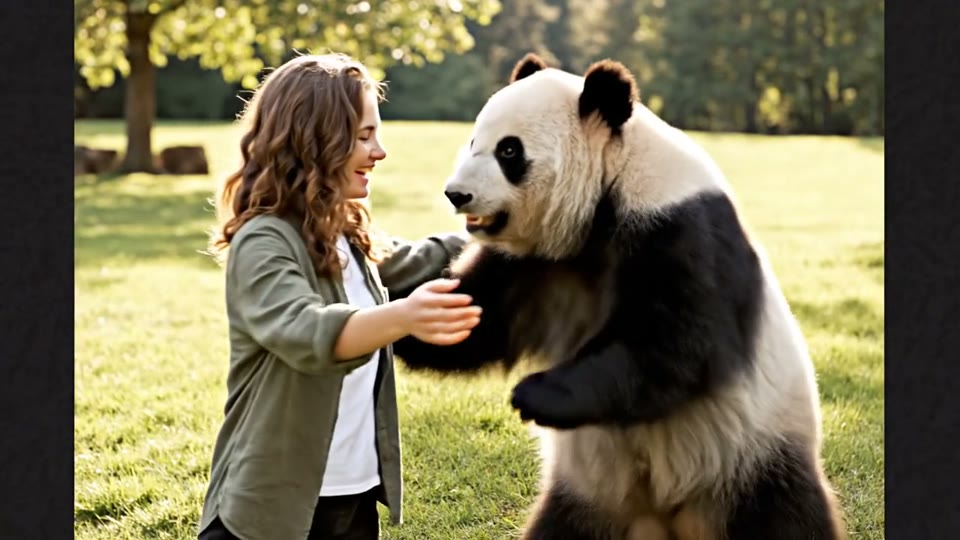
AI Panda Hug Video

AI Panda Hug Video

Create a heartwarming AI panda hug video from one photo on EveryGen. Add a gentle panda embrace, bamboo scenery and original sound in your chosen format.

Live 2D Animations

Live 2D Animations

Create Live 2D-style animation from a portrait or character image with EveryGen. Add blinking, breathing and gentle head motion while preserving the visual style.

Deep Sea AI Video Effect: Questions Answered

Check the input requirements and review the details that matter.

What does the deep sea effect create?

+

It creates a fictional portrait scene with dark blue water, suspended movement, soft light and a calm camera. It is a creative visual effect, not footage of a real underwater event.

Do I need to write an underwater prompt?

+

The template supplies the visual direction. Upload a clear reference, review the supported settings and credit quote, then generate.

What details should I check?

+

Compare facial resemblance, hands and outfit with the source. Check that hair and clothing move coherently, without an unintended walking motion or abrupt scene changes.

Do I need to upload a motion reference?

+

No. The template supplies its own scene and movement direction. Upload the required portrait photos; the public sample is a demonstration rather than an extra input you need to provide.

Can I freely change the effect direction?

+

This page creates the prepared effect. For a different scene or movement, use the general video editor or choose another template. Switching templates does not start a generation.

Which output settings are available?

+

Use the duration and frame shape shown in this template workbench. Available settings depend on the effect. Review the selected photos and current credit quote before generating.

Can I download the finished clip?

+

When generation succeeds, preview the full clip and use the result download action to save the video. A queued or processing task does not yet represent a finished clip.

Are the sample videos made from my photos?

+

The samples are saved AI-generated demonstrations using fictional subjects. Upload your own photos and generate to create a personal result. Watching a sample does not create or charge for a video.

Create Your Own Underwater Portrait Video

Choose your source photo and review the quote to make a new result.

Create Now