

Slow down an Action for Closer Viewing
Choose a slower playback rate to make an action take more time. The tool changes playback speed rather than promising newly interpolated motion frames.
- Extend visible actions
- Inspect movement more closely
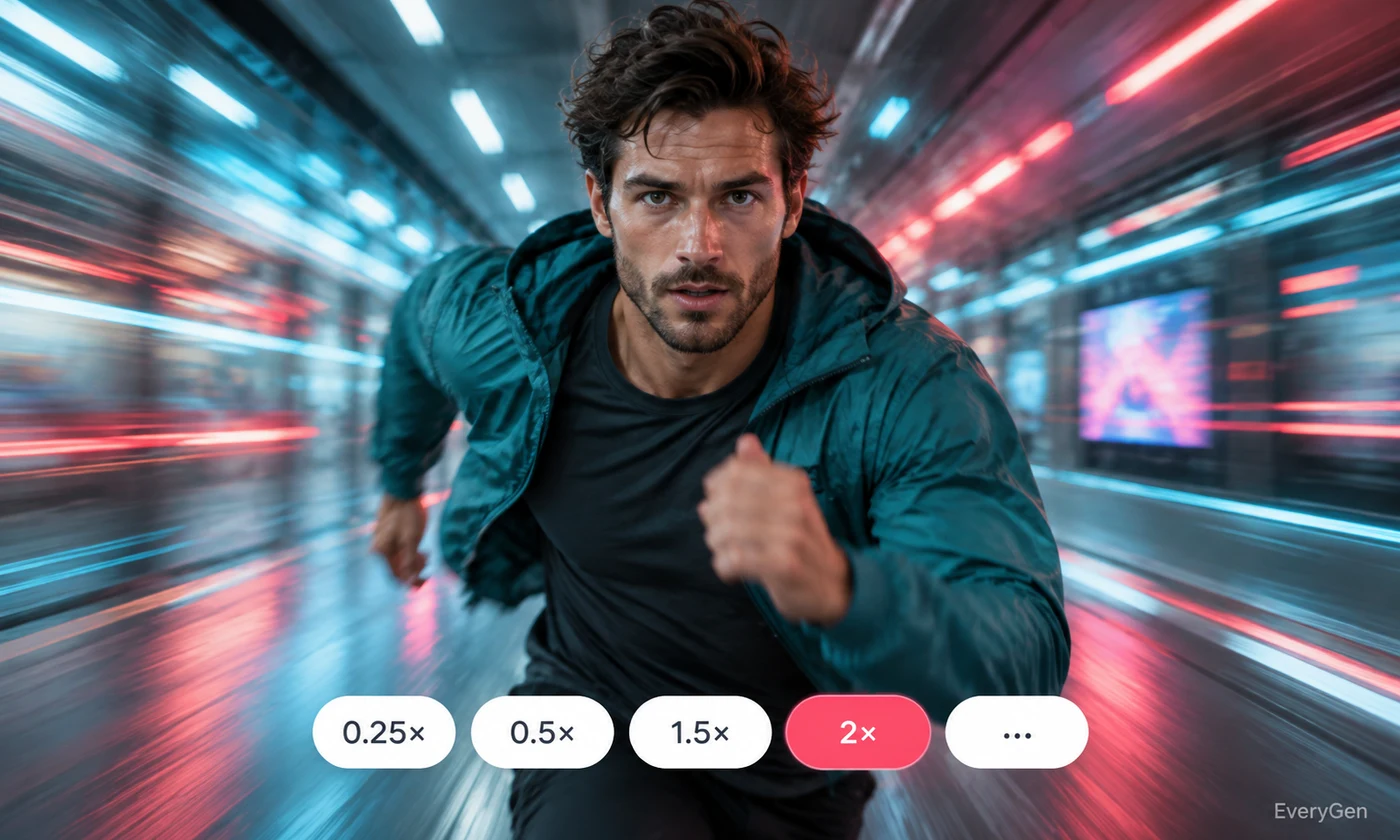
Give a clip a different pace with this video speed changer. Select a faster or slower rate and review how the change affects movement, speech and total duration.

See what the tool changes and how to get a useful result.
Choose a slower playback rate to make an action take more time. The tool changes playback speed rather than promising newly interpolated motion frames.

Use a faster rate when the process matters more than every second. Review the result to ensure viewers can still follow the main action.
The clip's audio follows the speed adjustment along with the picture. Listen to speech and sound after processing to decide whether the new pace remains useful.
Work through these three steps in the editor above.
Upload your video.
Choose an available speed from 0.5× to 2×.
Process and review both movement and sound.
Choose a starting point that matches the work you want to finish.
Slow a detailed action or condense repetitive setup.
Give routine processes a more compact presentation.
Explore a different pace before assembling an edit.
Practical answers about inputs, results and limitations.
The editor offers 0.5×, 0.75×, 1×, 1.25×, 1.5× and 2×.
Yes. The audio is processed alongside the video; listen to the result before publishing.
This workflow changes timing and does not offer a dedicated frame-interpolation setting.
The selected rate applies to the whole processed clip.
Its playback duration is approximately halved; check the final file after processing.
Bring your own source and review the result in the editor above.