Upgrade your plan and unlock more creative benefitsView plans
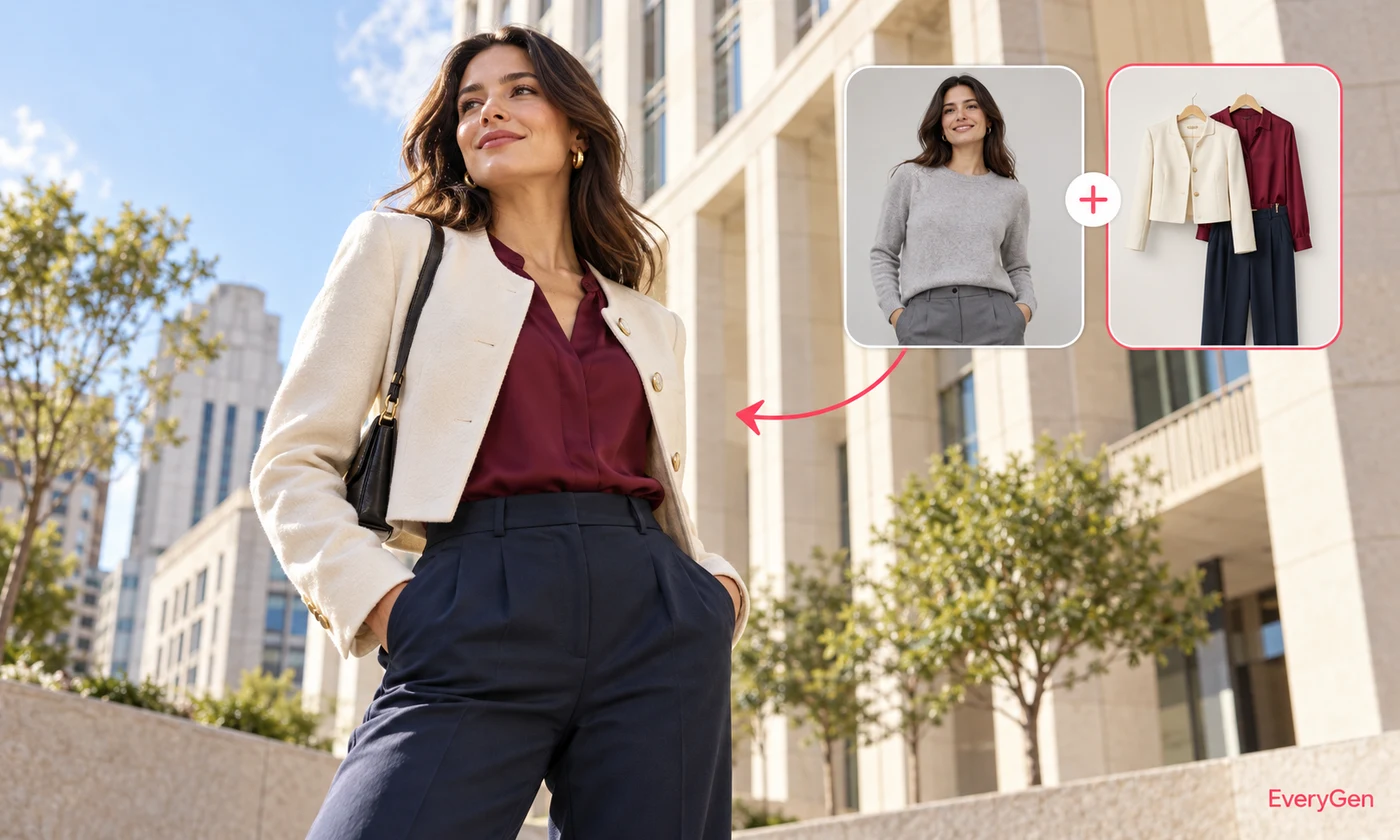
Try a new outfit while keeping the person and pose.
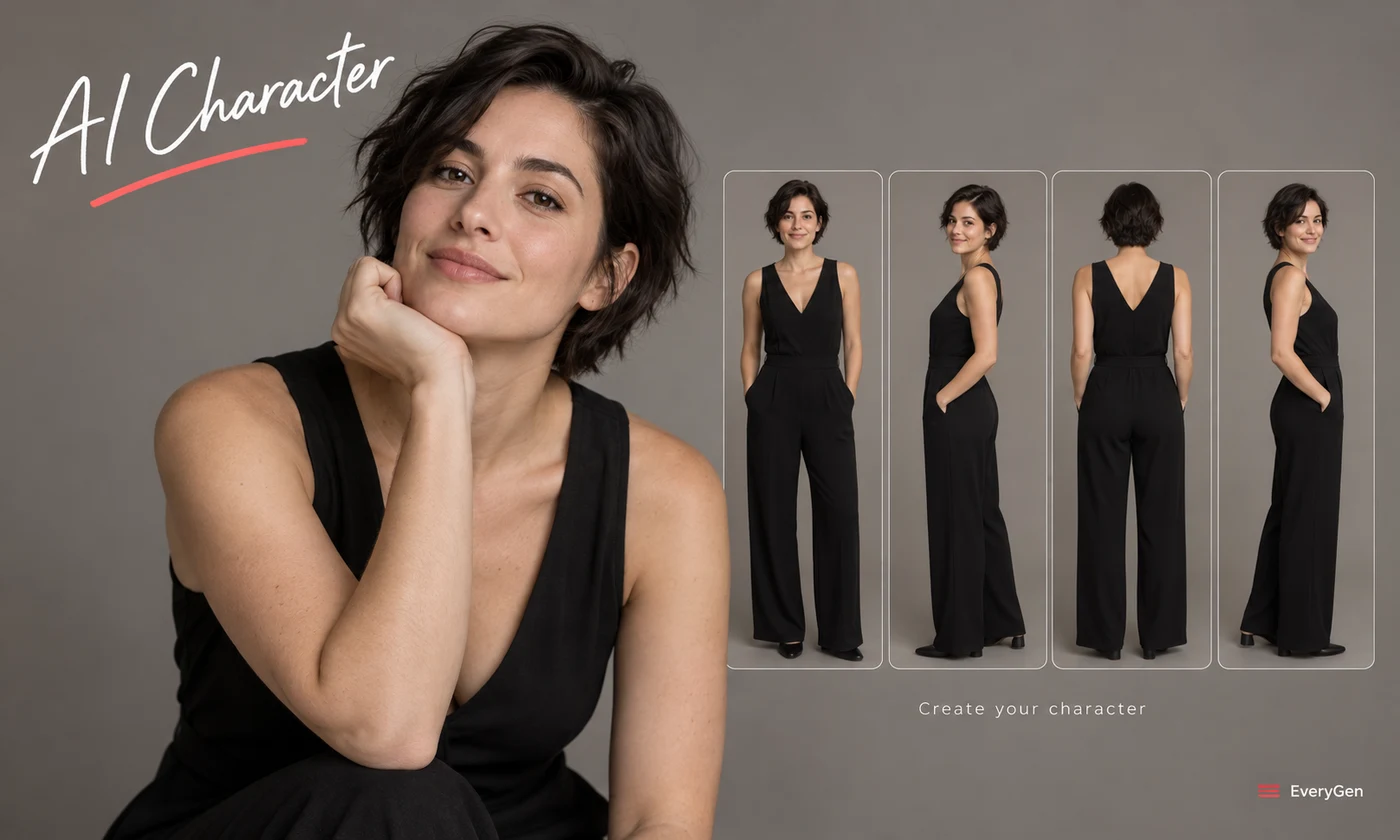
Create a consistent character for your next project.
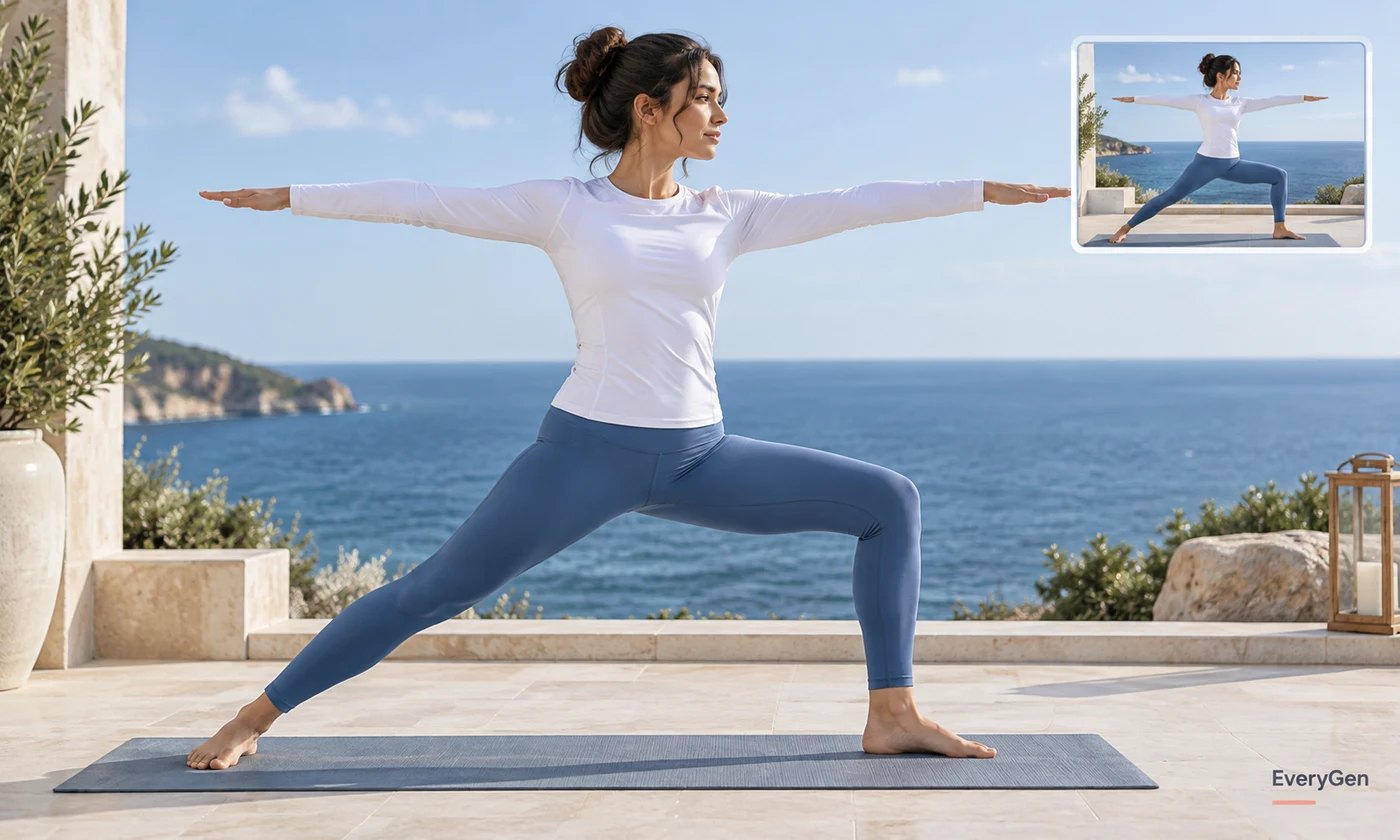
Adjust proportions naturally in a clothed adult portrait.
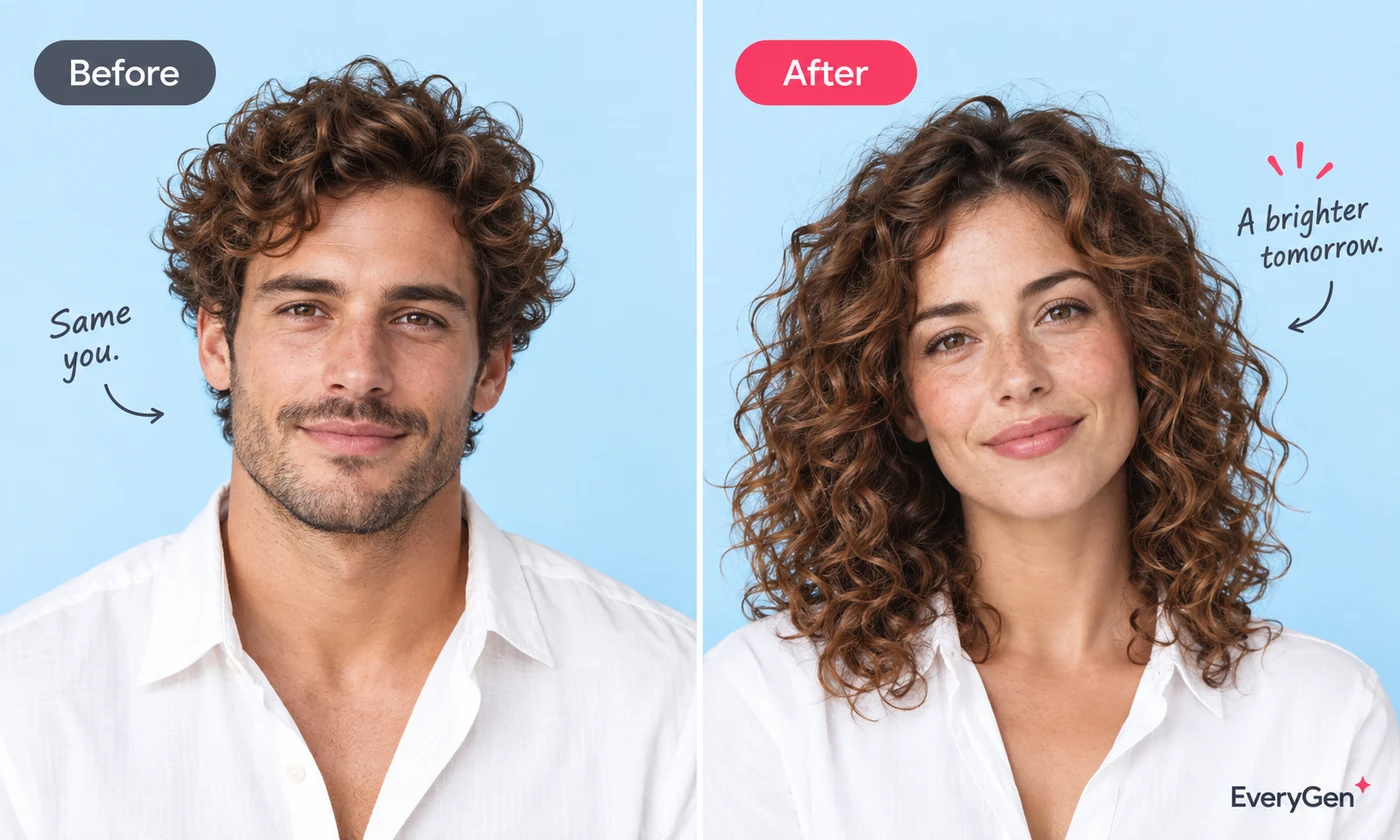
Explore a different portrait appearance.

Use a second portrait as the face reference.

Fine-tune expression, hairstyle and portrait style.
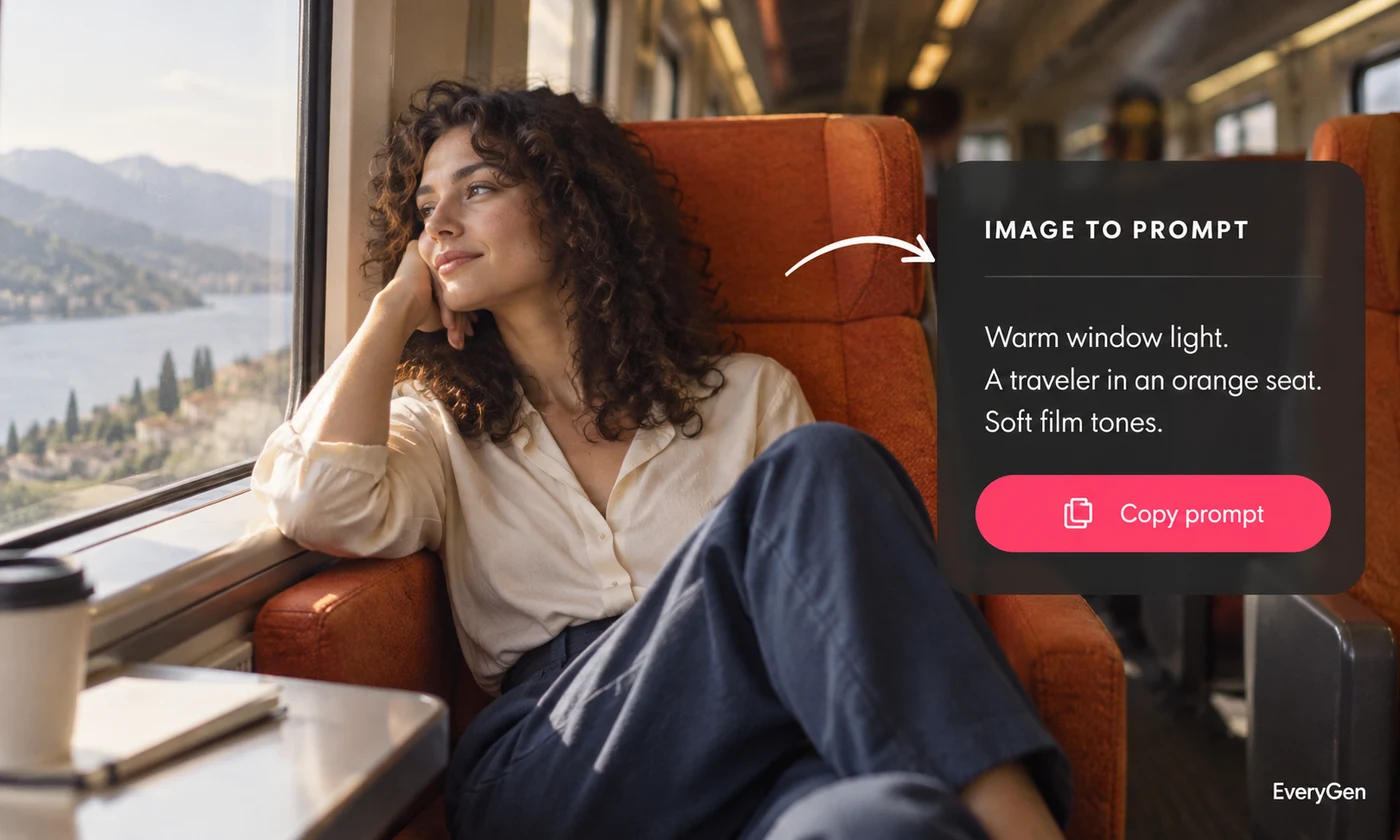
Turn an image into a detailed, reusable creative prompt.

Review visible logos and recognizable protected elements.

Create original, fully clothed adult character portraits.
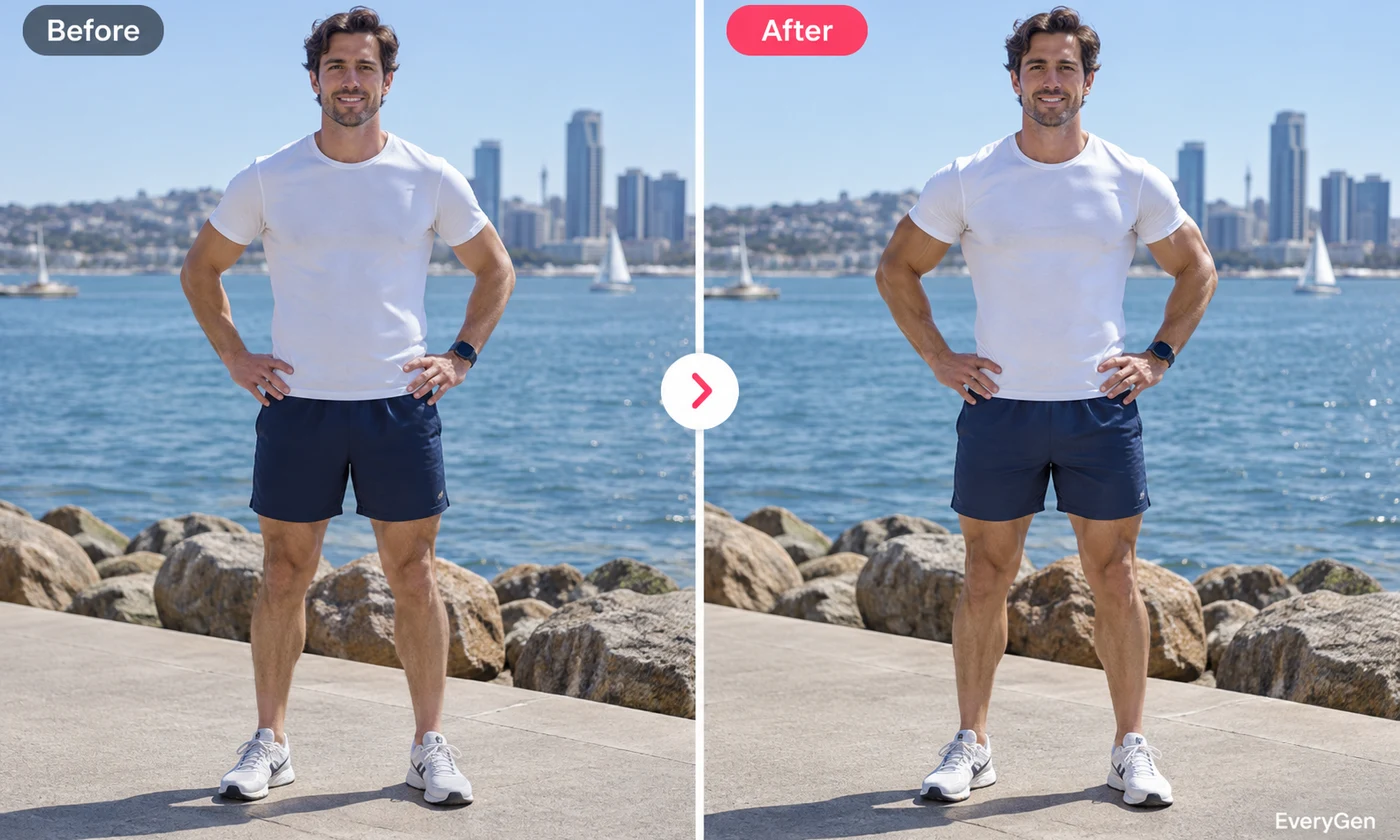
Preview a natural fitness transformation.
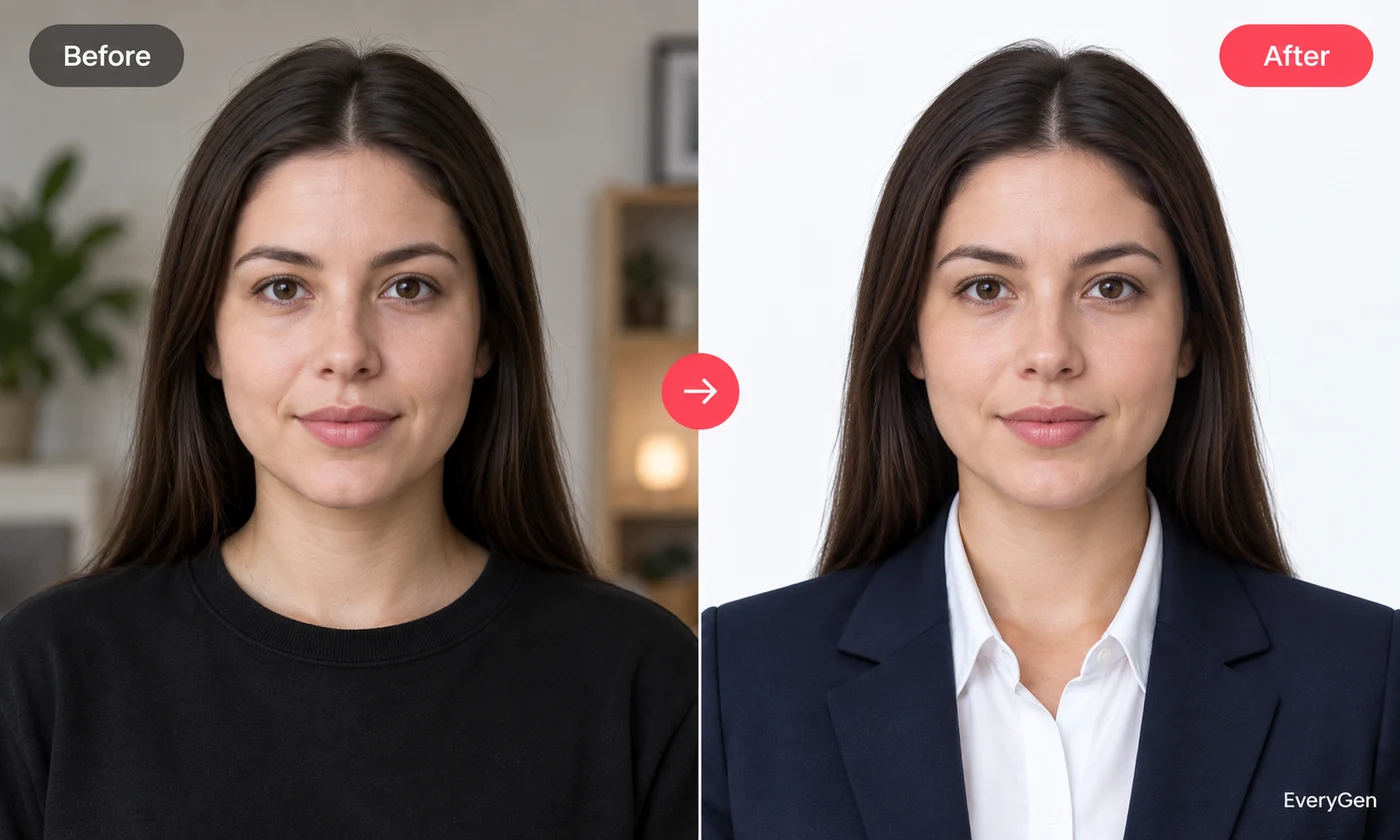
Make a clean portrait with a chosen background and crop.
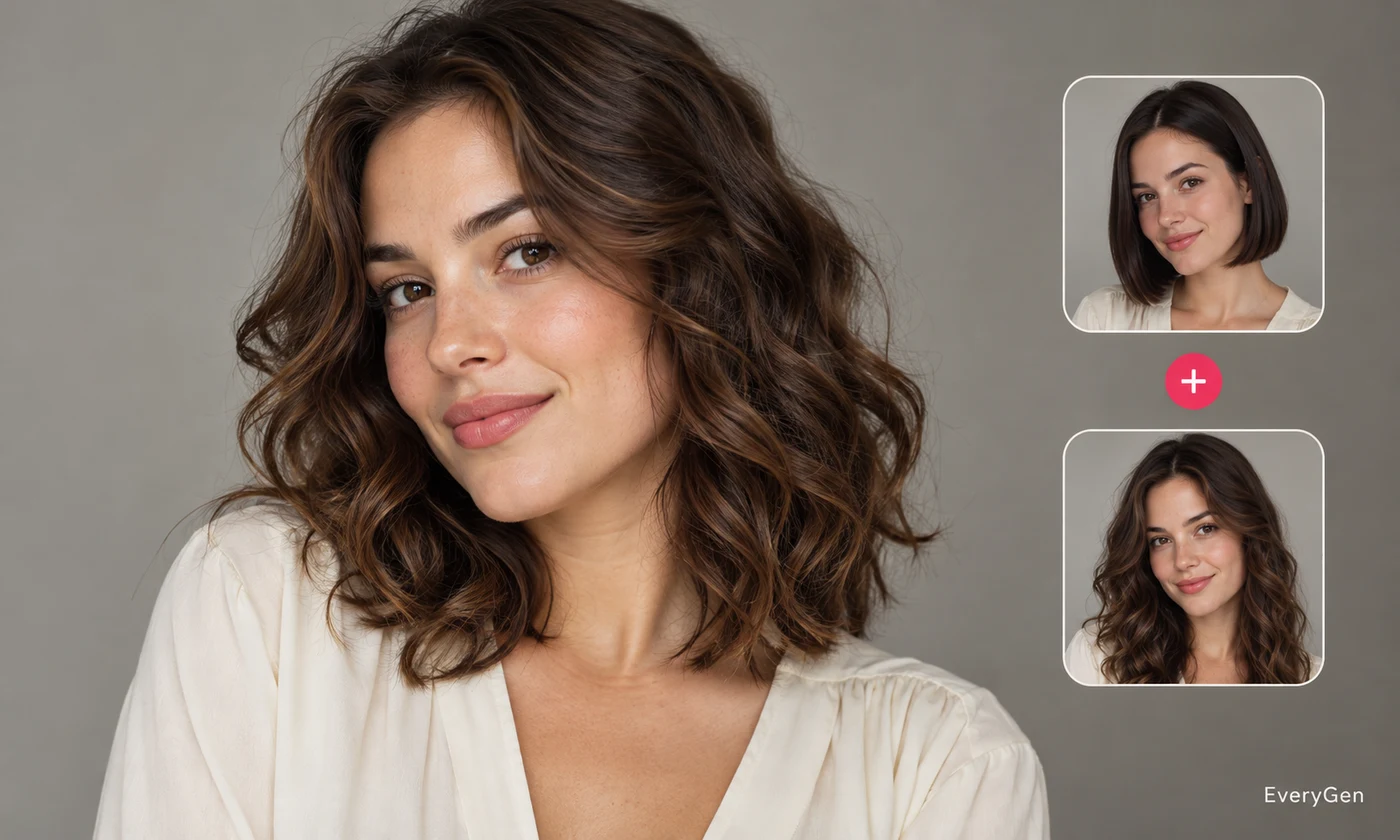
Try a hairstyle while keeping your face unchanged.
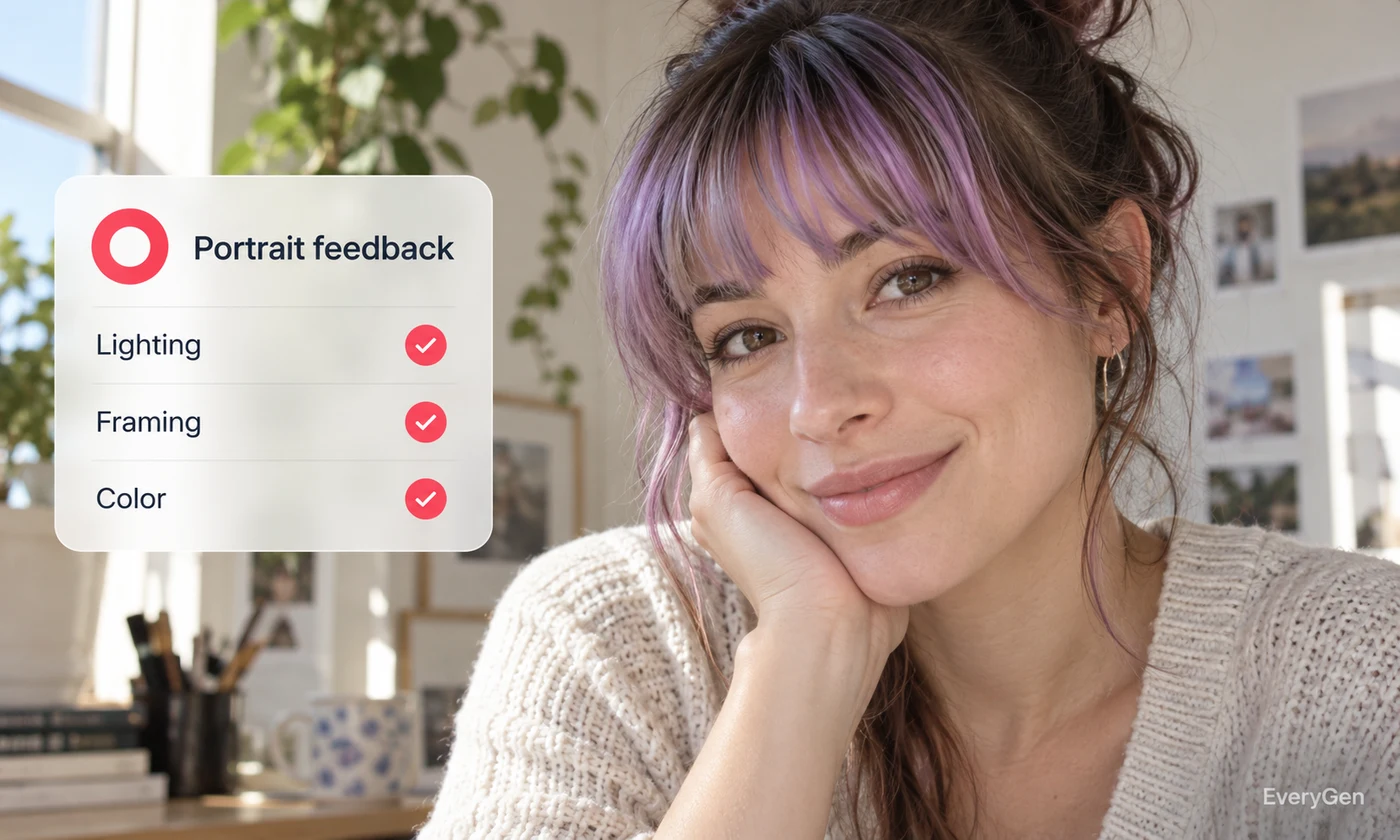
Get constructive feedback on lighting and composition.
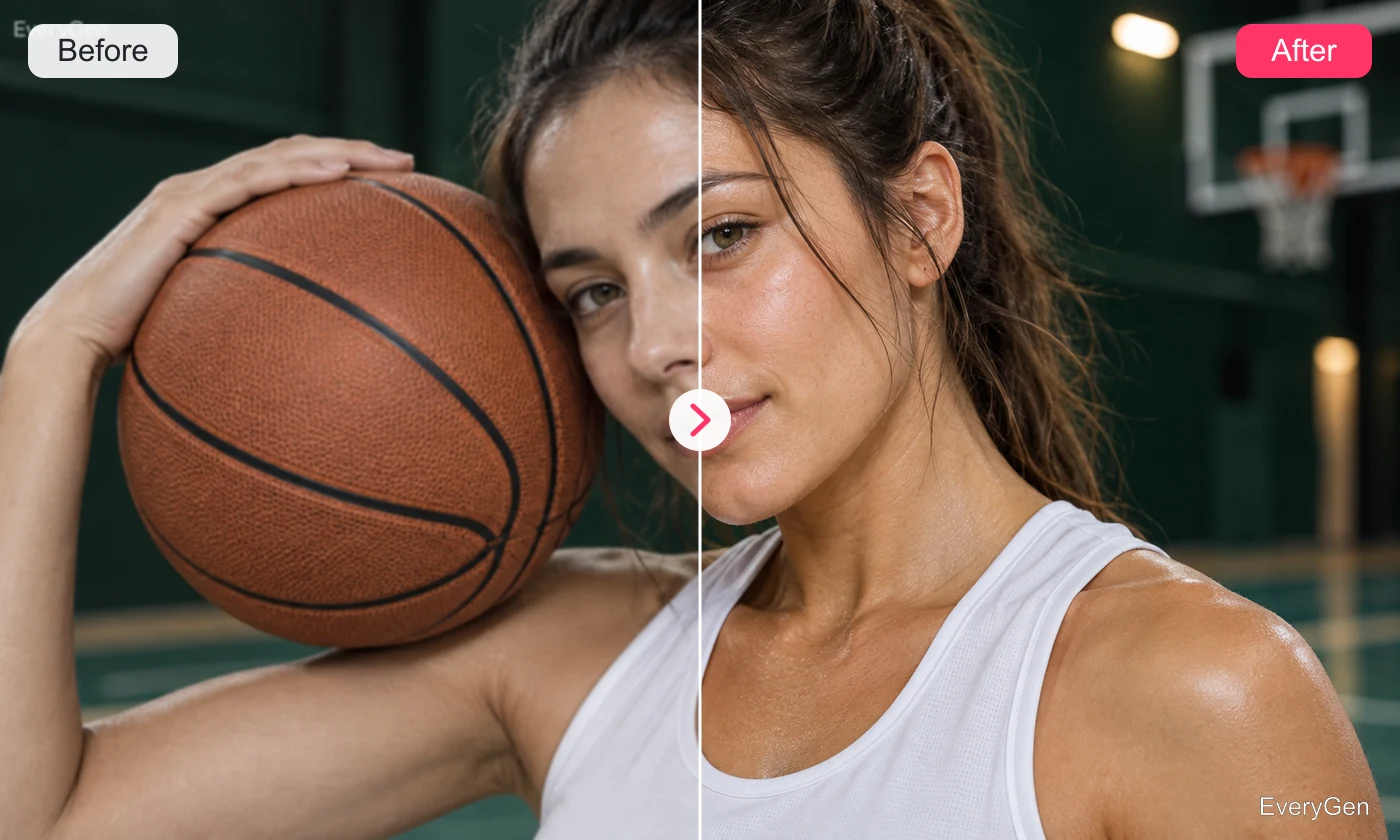
Recover portrait details with a natural finish.
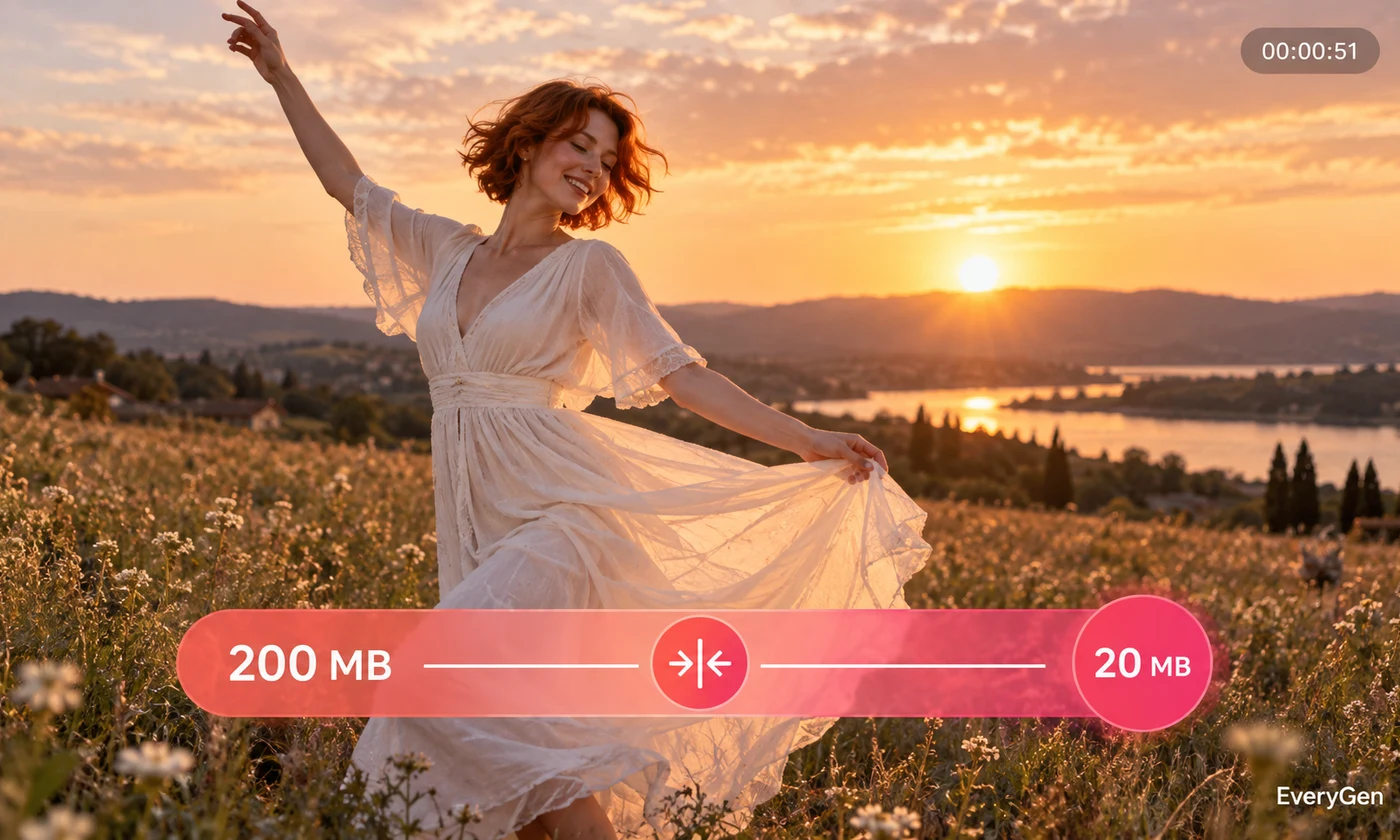
Reduce image, video or audio file size.

Convert media into a format that fits your workflow.
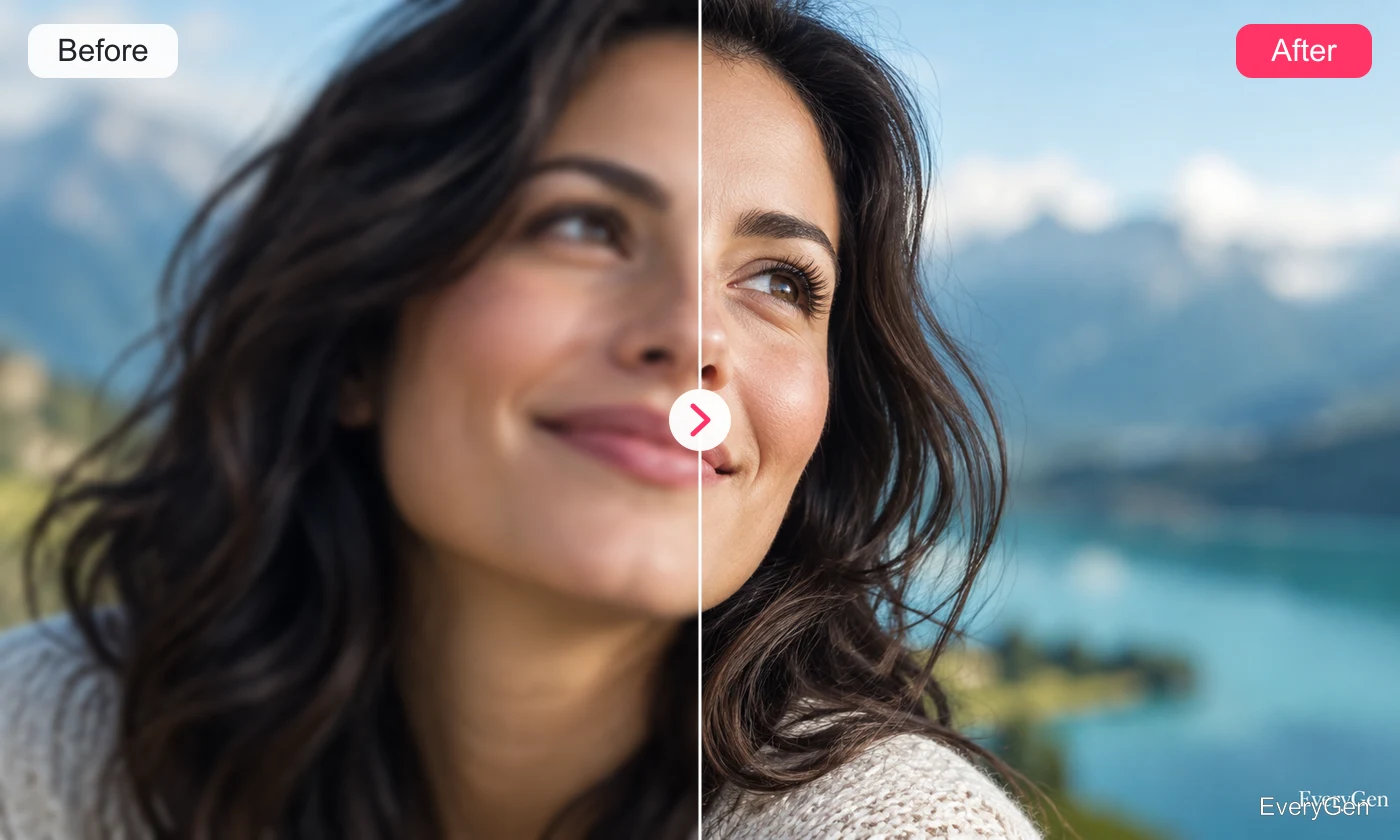
Restore natural clarity, lighting and fine detail.
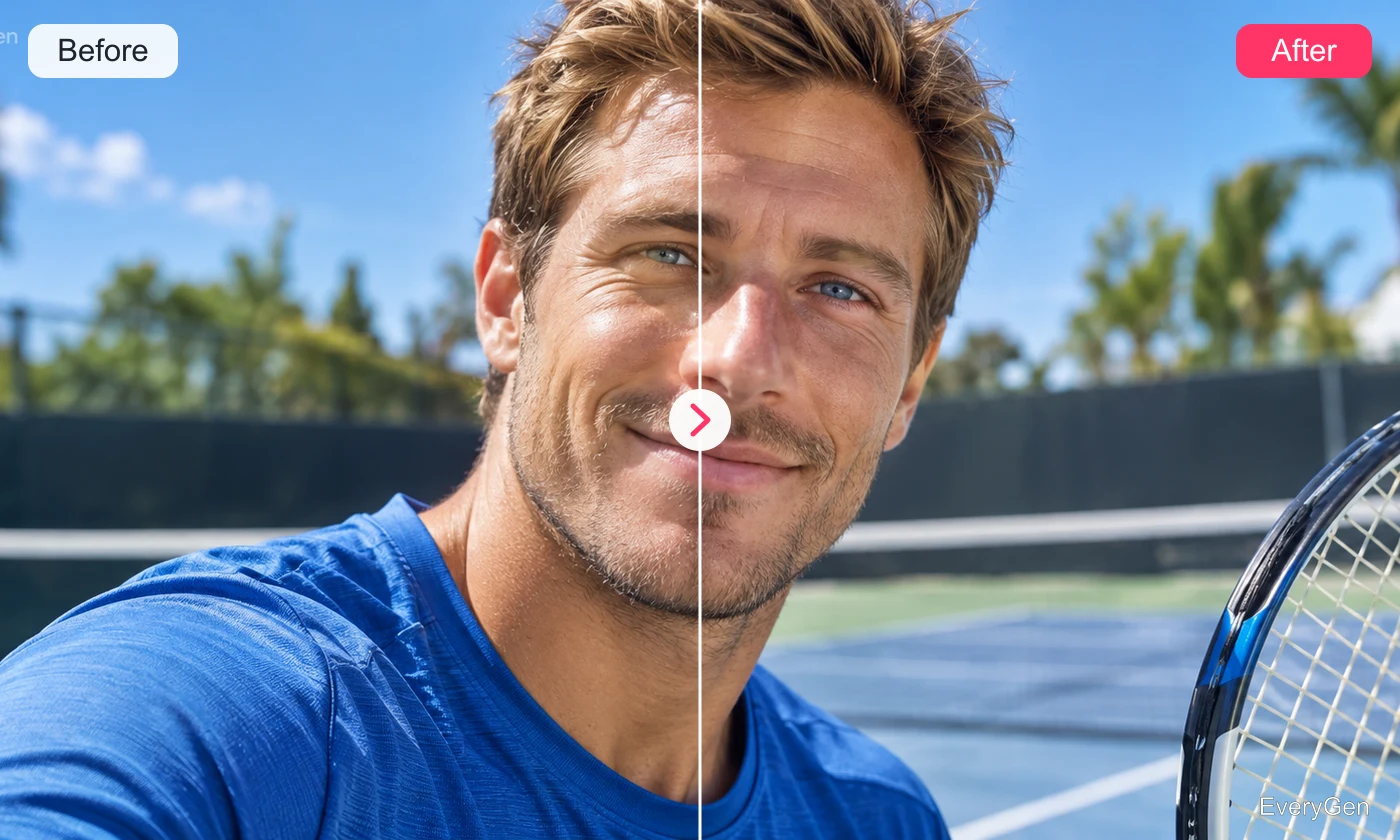
Enlarge images while preserving their details.
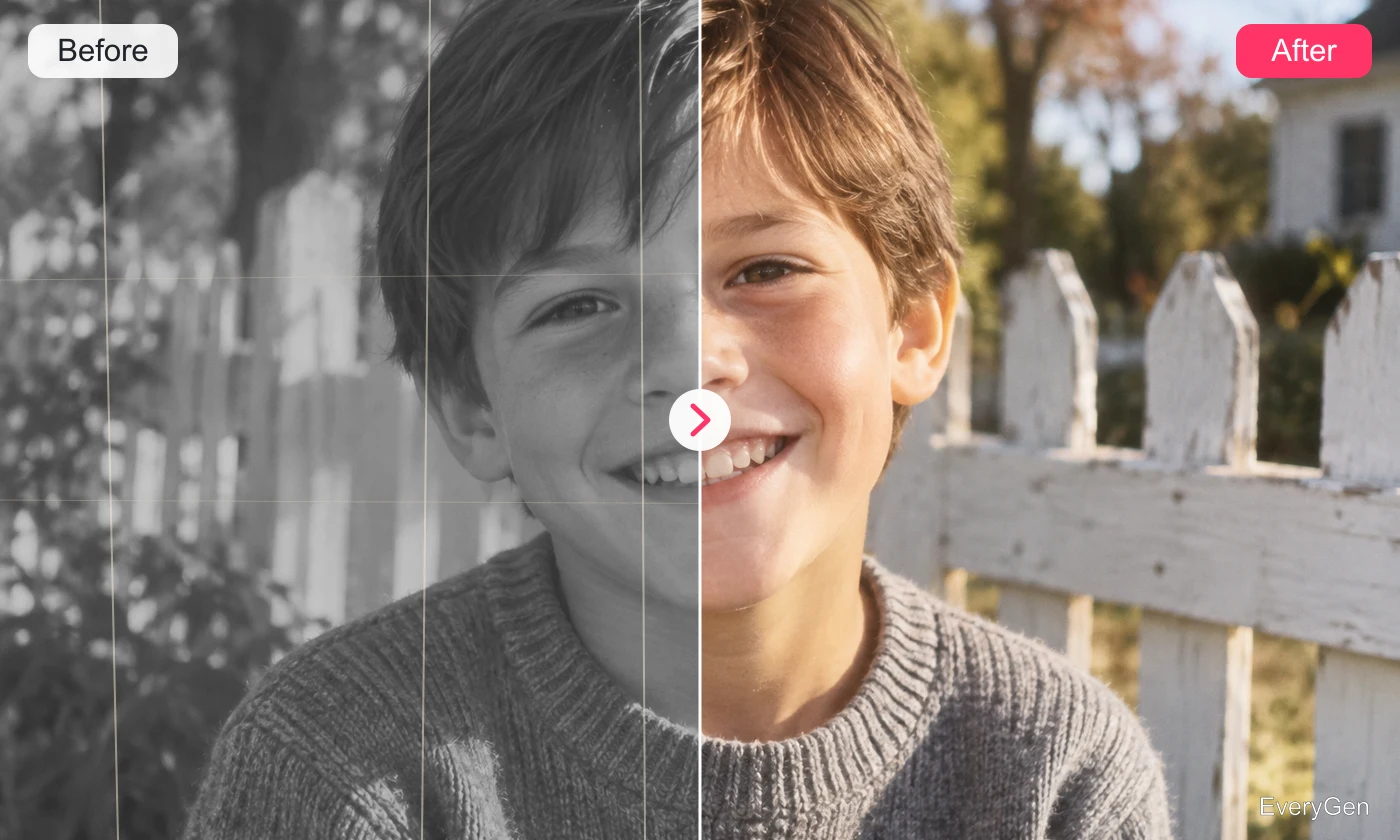
Restore faded photographs and repair visible scratches.
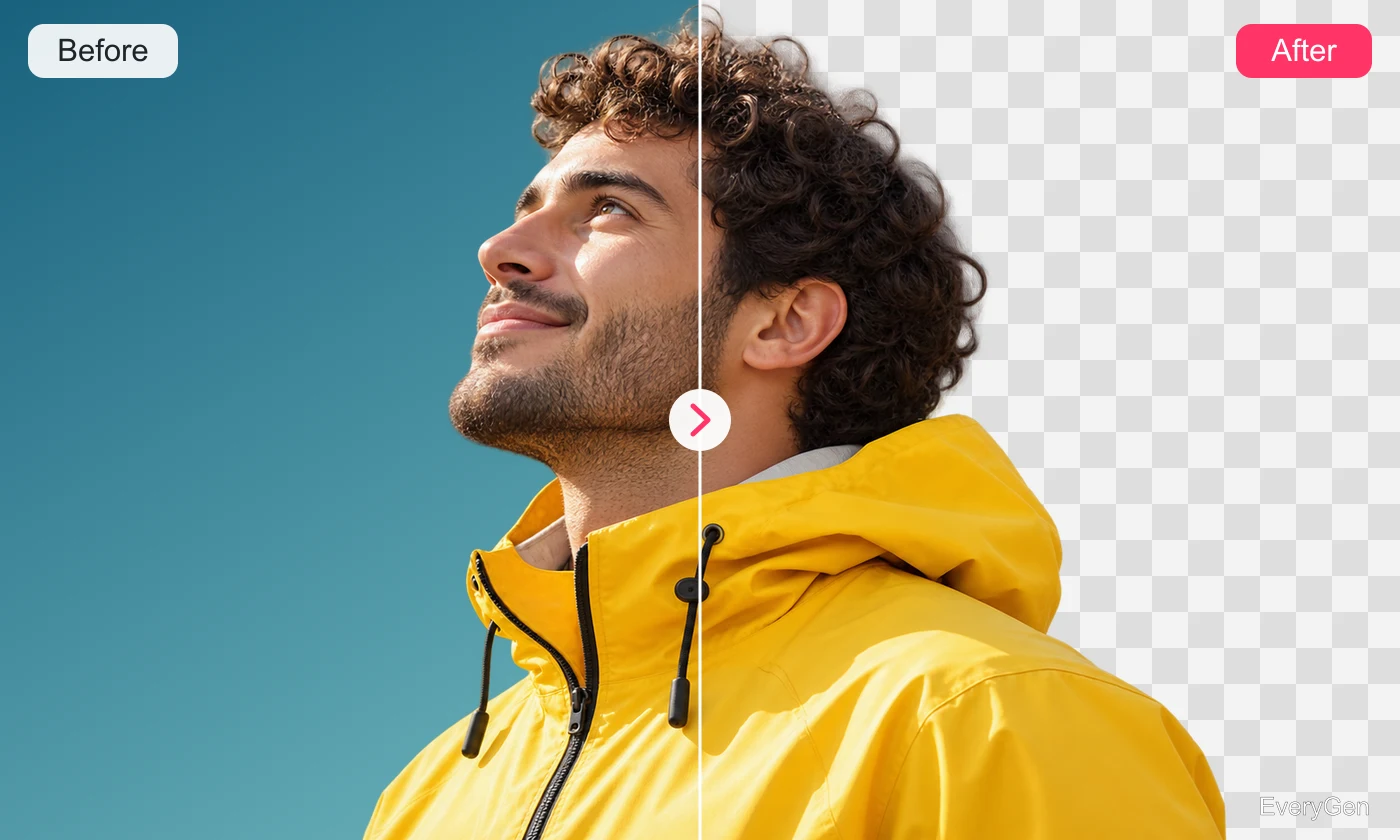
Remove a background with clean subject edges.
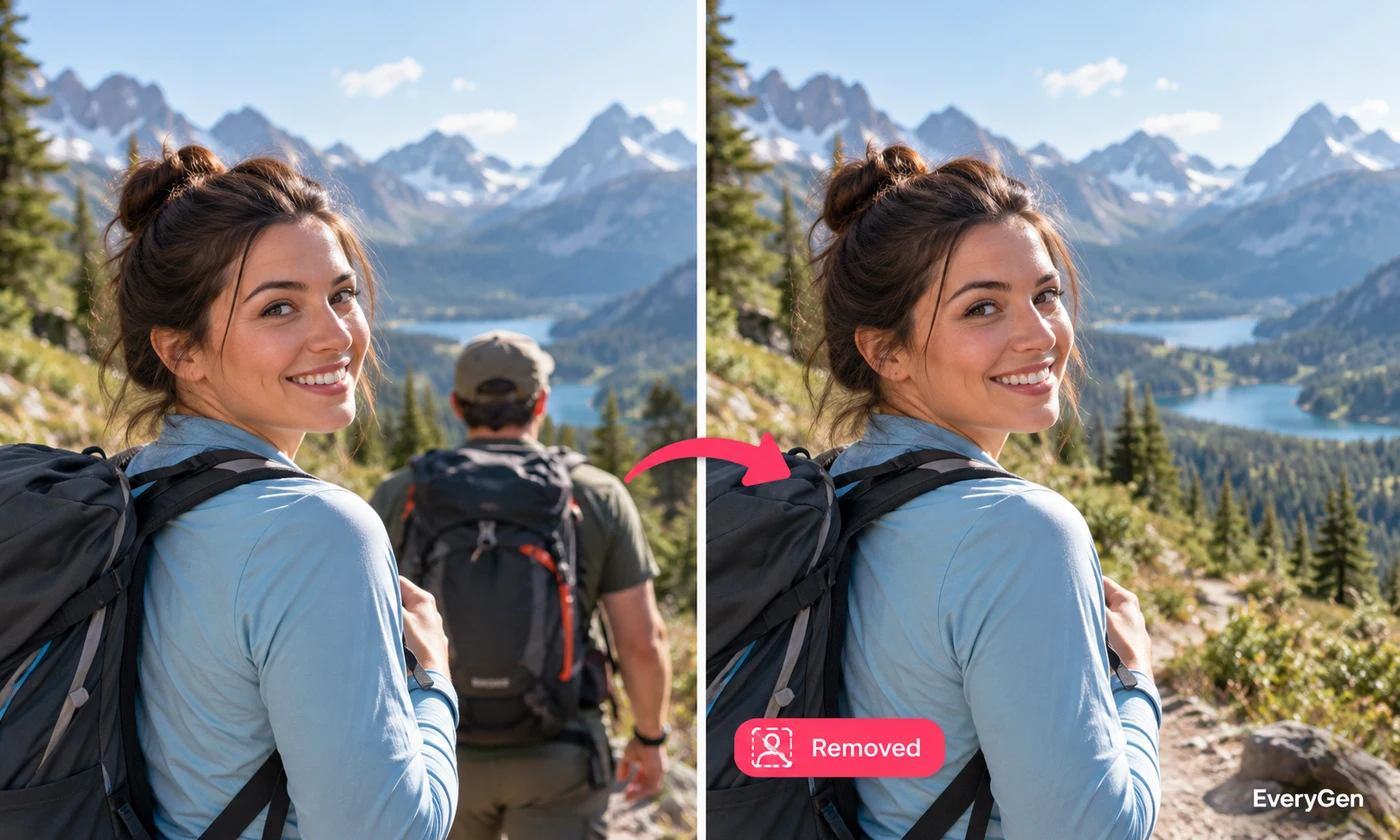
Brush over an object and rebuild the scene.
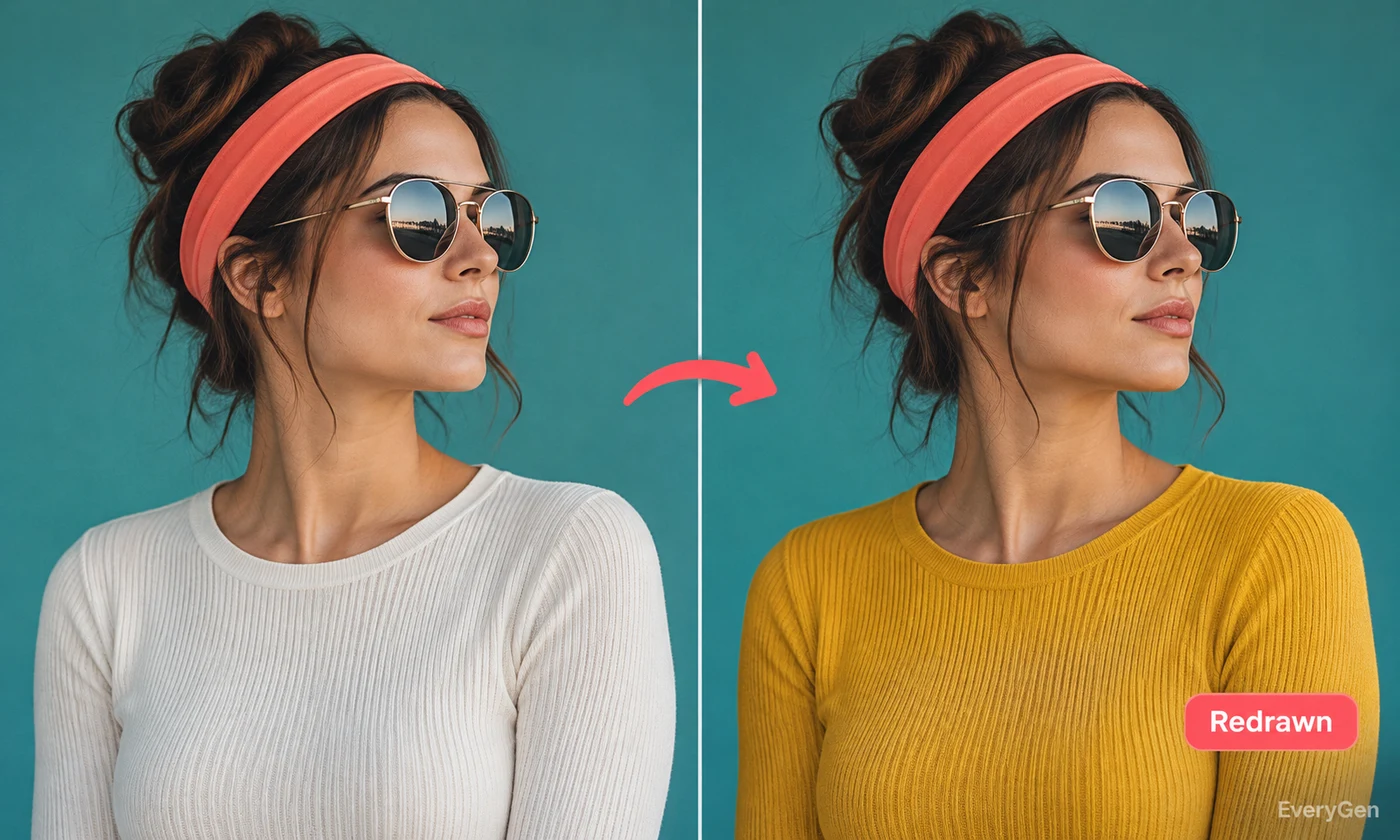
Paint a region and describe what should replace it.
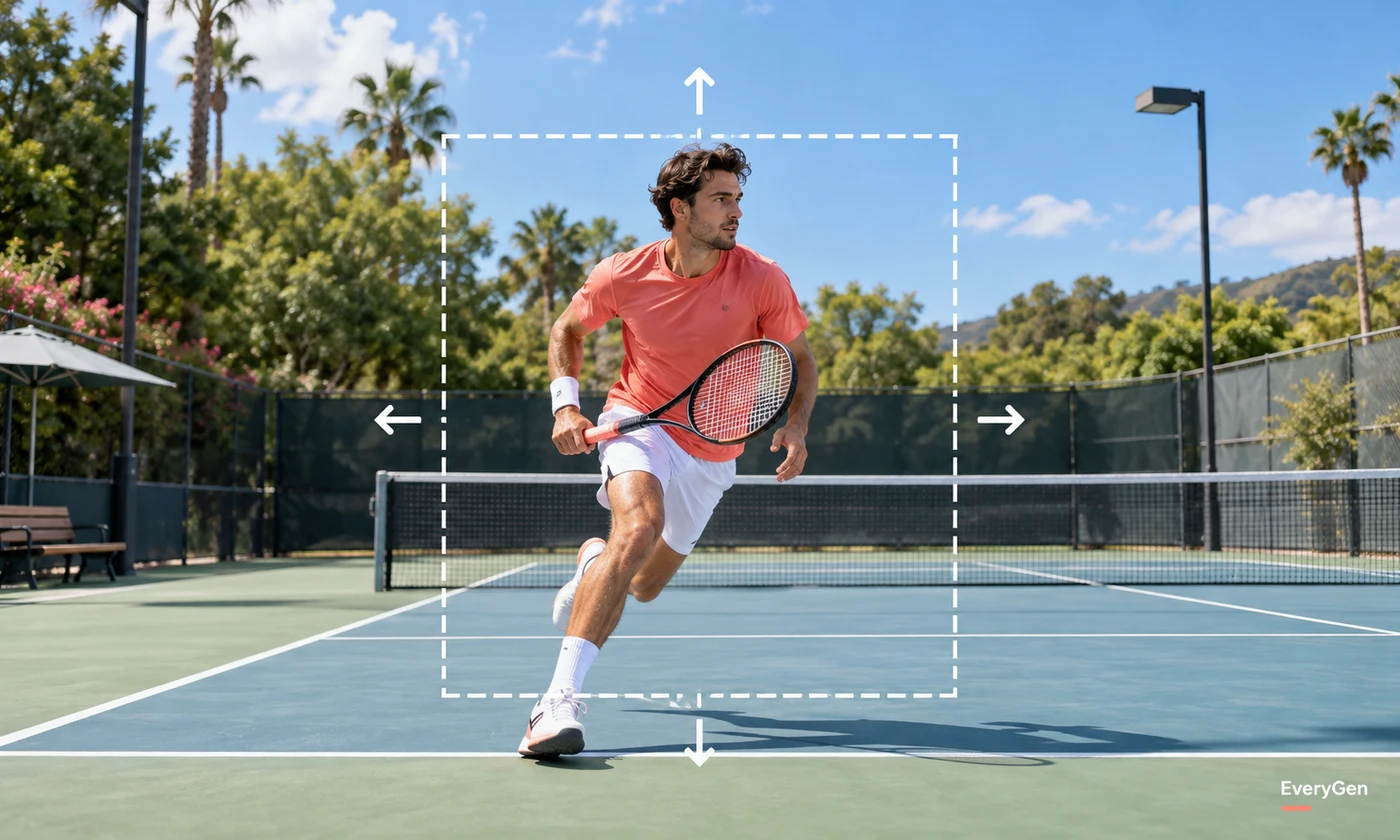
Expand the frame into a new aspect ratio.
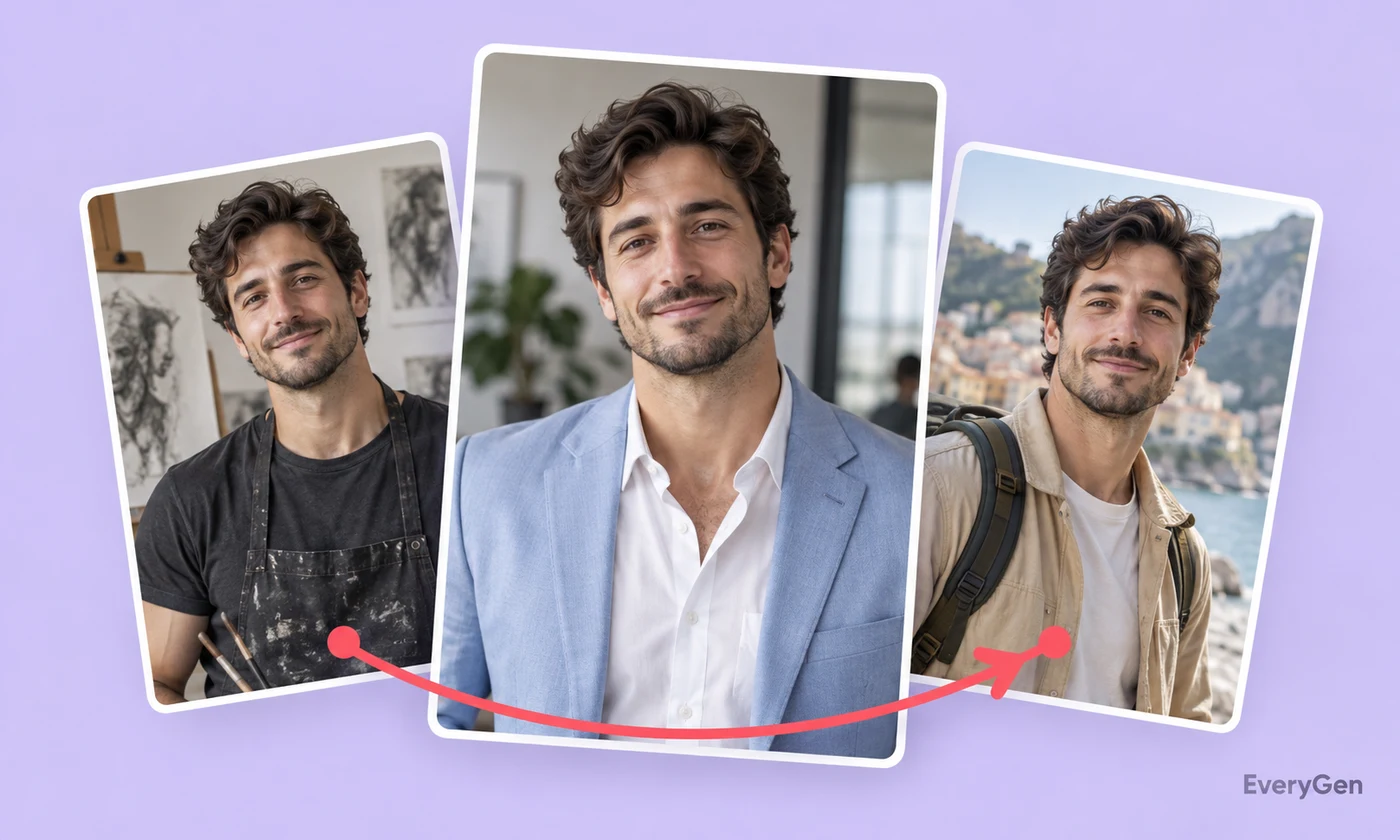
Create a new professional or creative portrait.
Translate the visible text while preserving the layout.
Preview another clothing color without changing its design.
Give a tightly framed image more breathing room by generating content beyond its edges. Keep the existing subject as the visual anchor of a wider composition.
Soften a busy setting while keeping the foreground as the point of attention. Give product shots and portraits a clearer separation from their surroundings.
Replace a distracting setting with a solid black backdrop. Emphasize lighter outlines, reflective surfaces and the shape of the foreground subject.
Replace the original setting with a plain white background to simplify a product or portrait image. Create a consistent starting point for catalogs, presentations and branded layouts.
Improve the appearance of a soft image by reconstructing clearer edges and textures. Use the original source when possible so the tool has more visual information to work with.
Increase the definition of visible edges and textures in a slightly soft image. Sharpening is useful when a photo needs a crisper finish without a new composition.
